










GDPR data requests
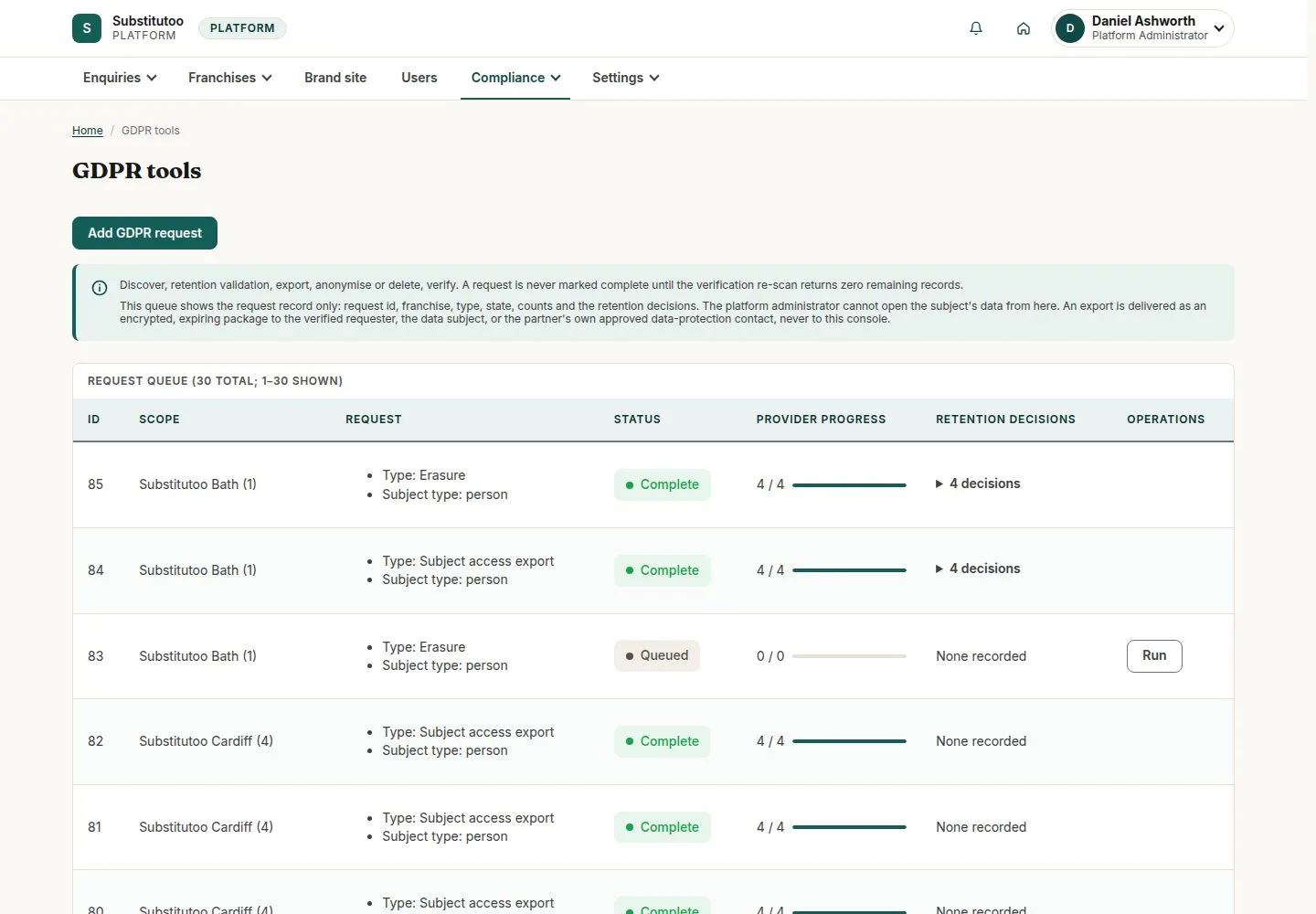
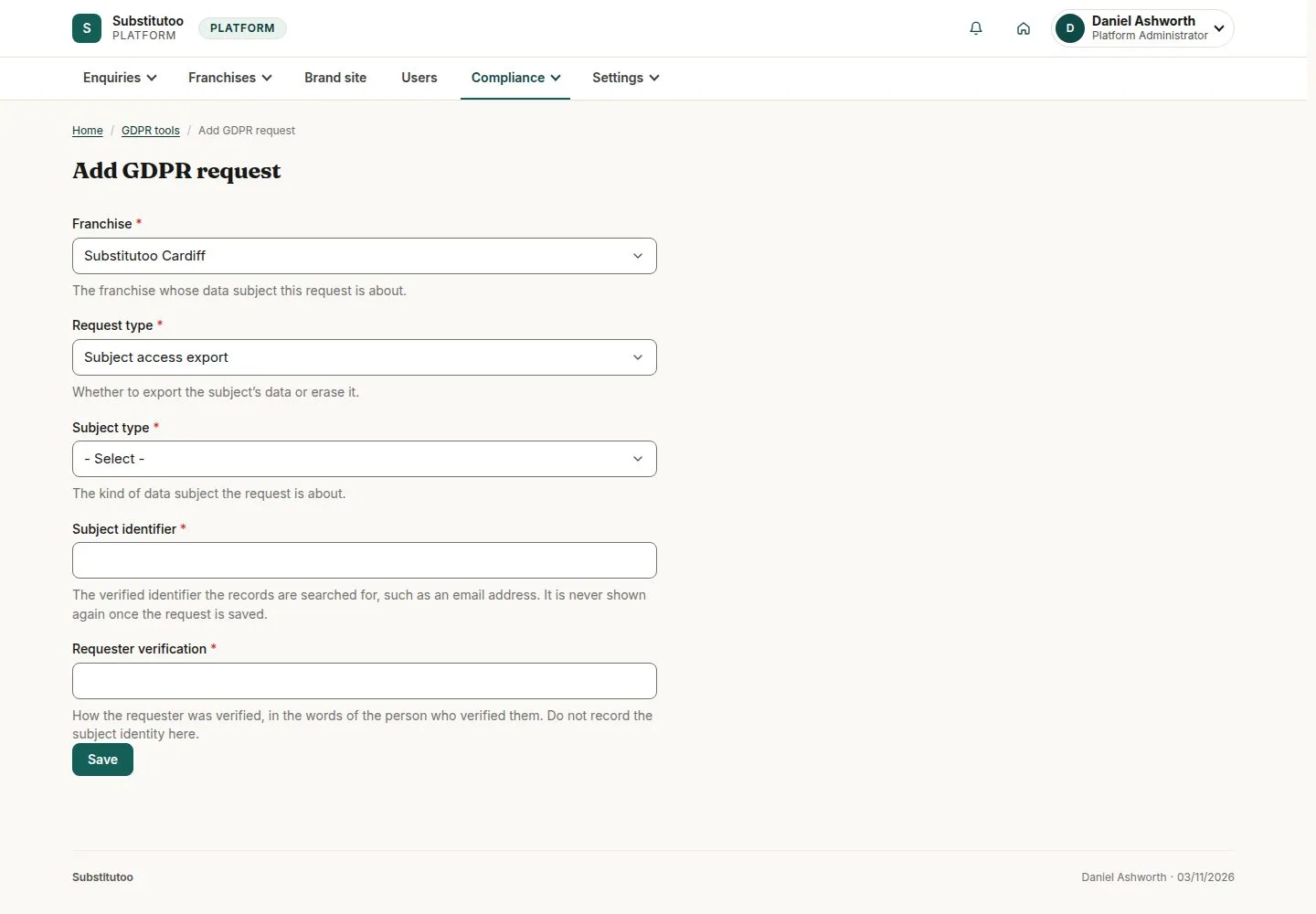
Workflow 27 · GDPR tools · Add request · Run · Complete
A person's request to see, correct or erase their data is logged and carried out from one place, franchise by franchise.
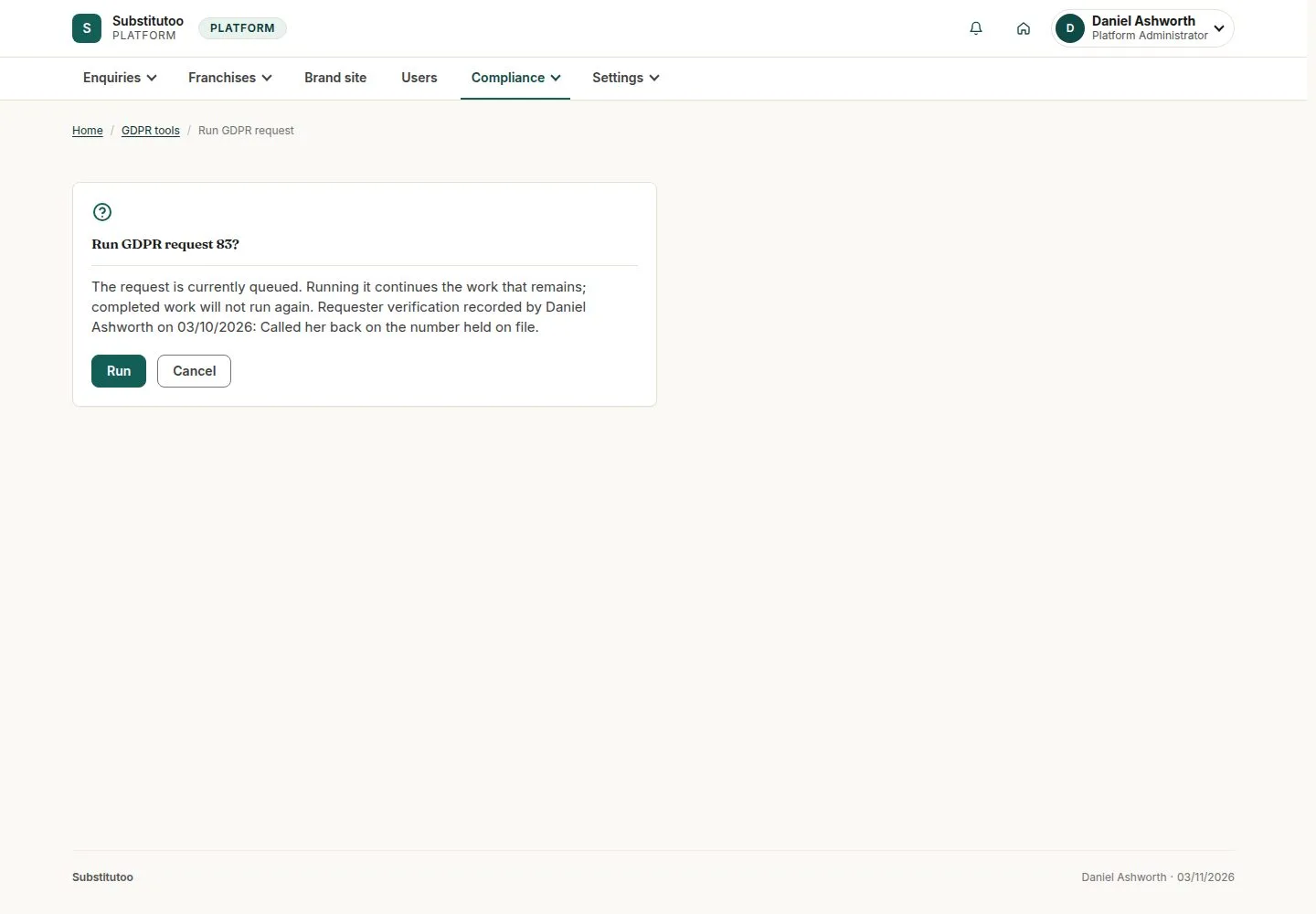
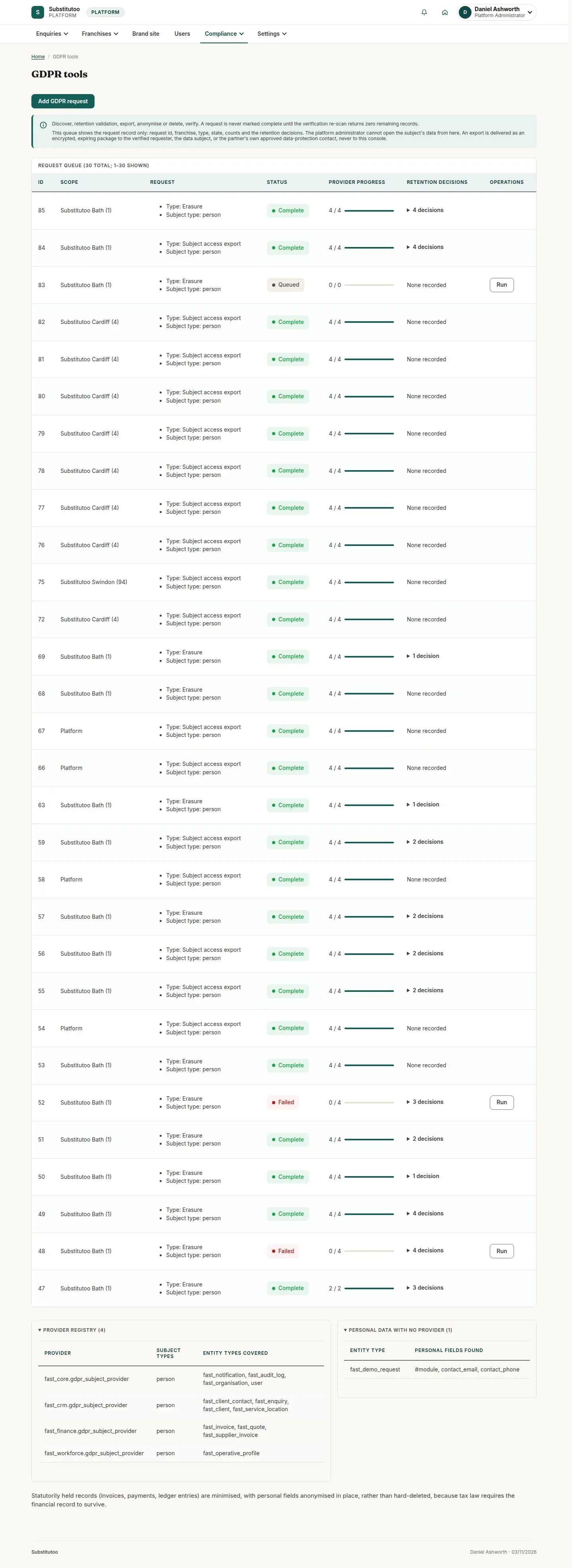
Running a request does the work across every record of that person and keeps proof that it was done.
- Head Office
Head Office
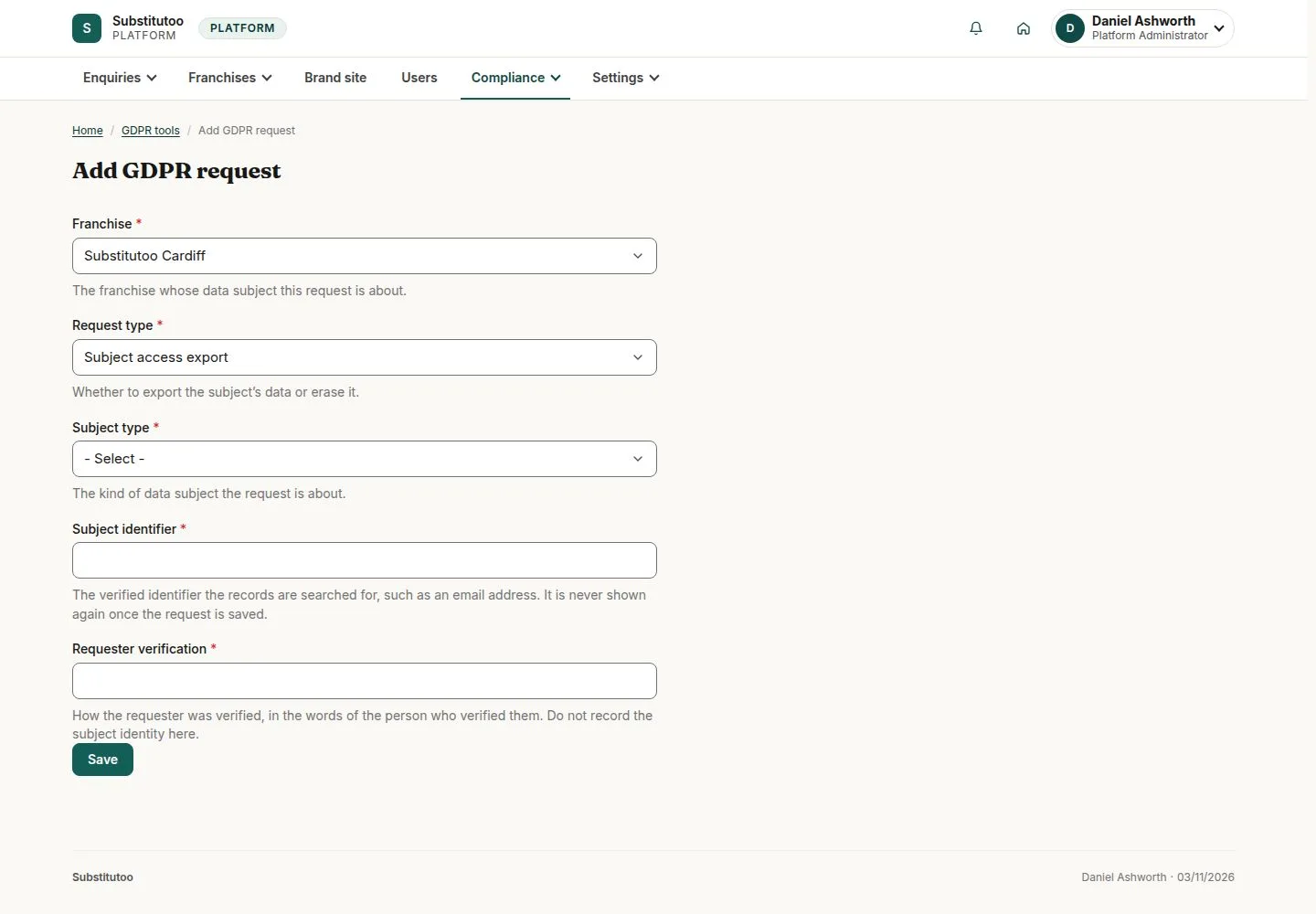
Run
Head Office
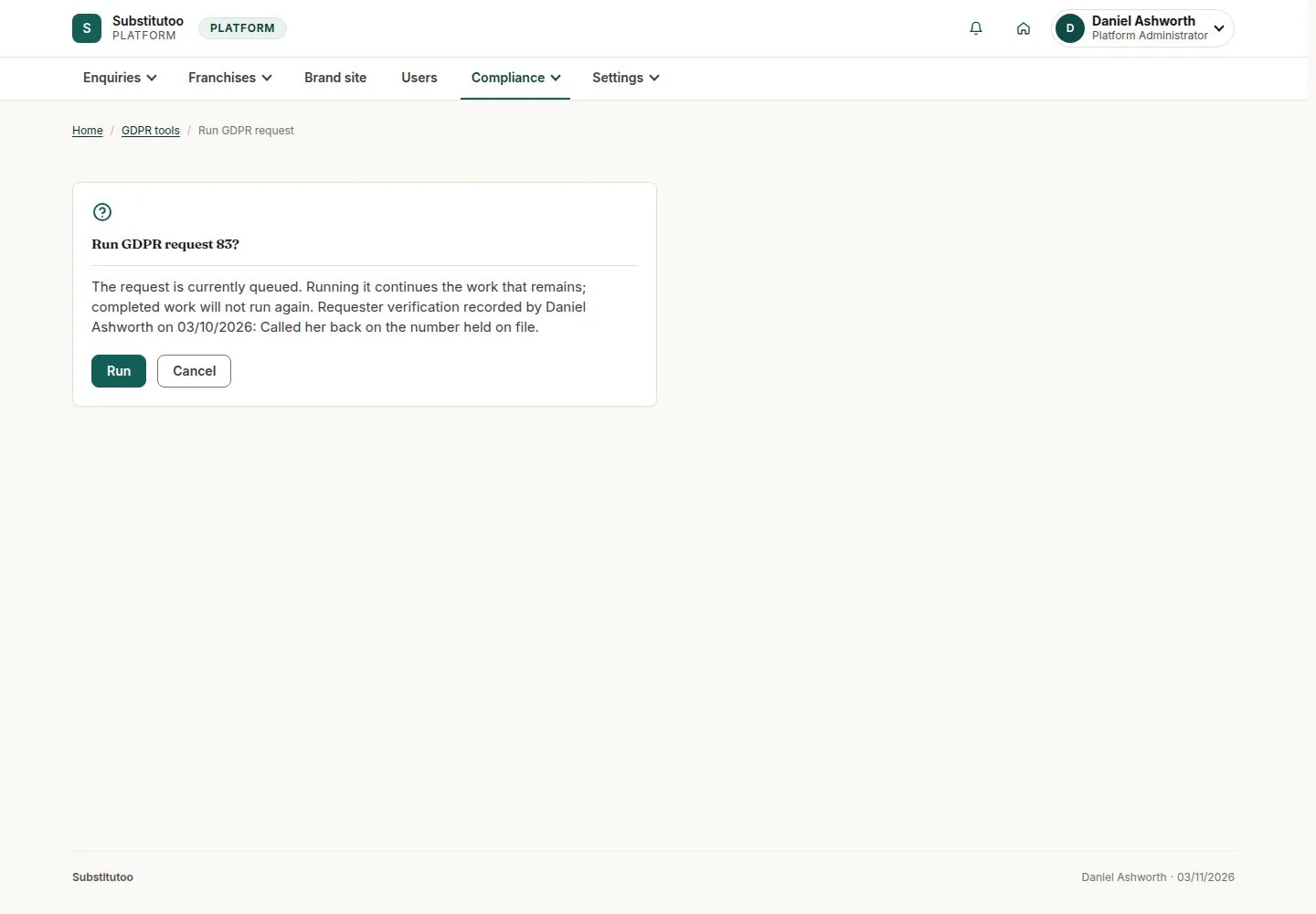
3Step 3 of 3 · workflow step 03
- Run
- Confirm
Enlarge, then scroll
Open illustrated screen ↗Full image ↗
The system does this
- Find every record of the person in that franchise; export, correct or erase as asked, and keep the evidence that it was done
Check
Request run to Complete; the evidence kept
1 / 4