Brand site pages

Workflow 24 · Brand site · Sections · Preview · Save

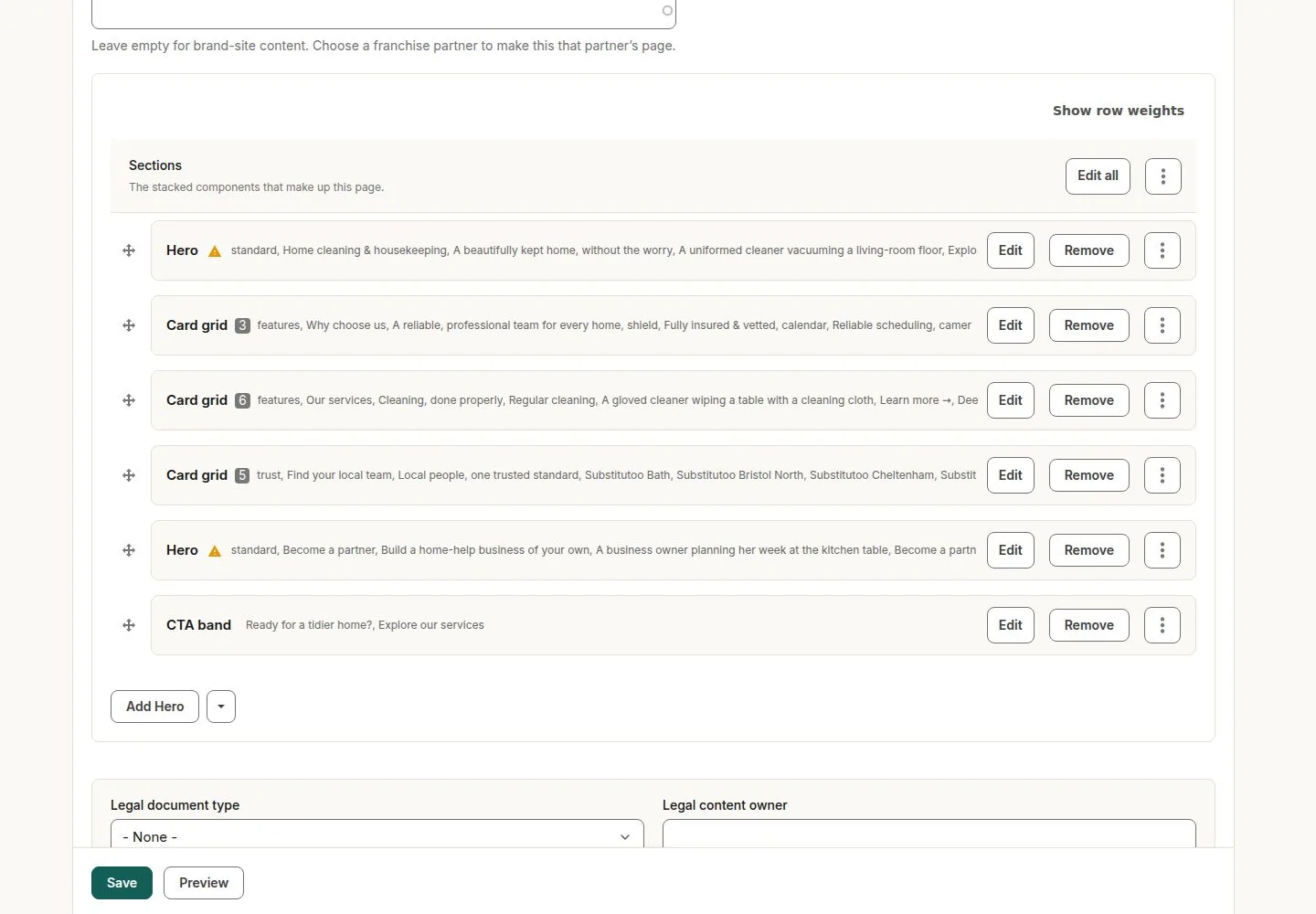
Head Office edits the brand site the same way franchises edit theirs: each page is a stack of sections.

  • Head Office
Head Office

Brand site

Head Office

Brand site

1Step 1 of 4 · workflow step 01

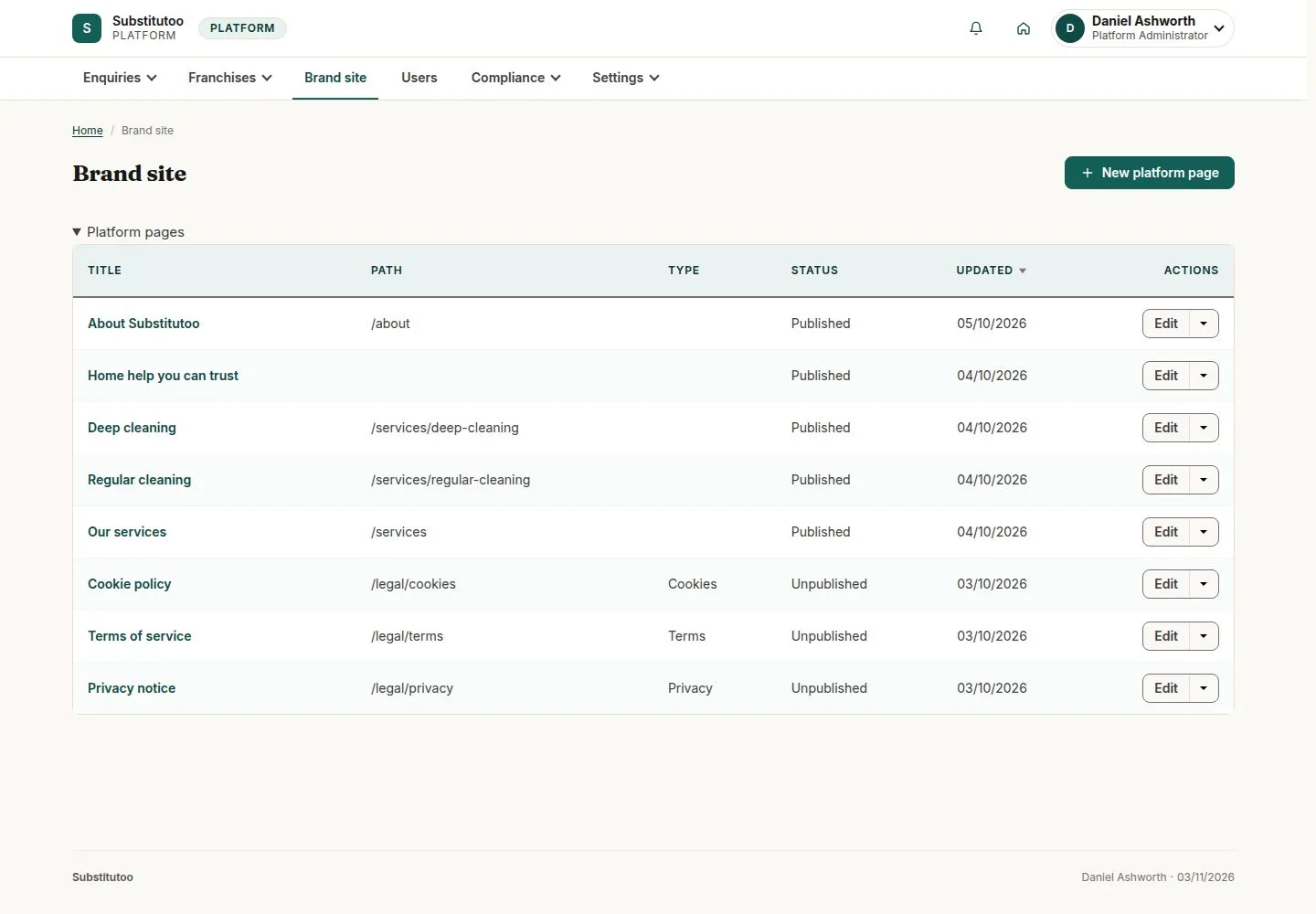
  1. Pages
  2. Edit
  3. Menus

Enlarge, then scroll

Open illustrated screen ↗Full image ↗

Head Office · Brand site pages01

A page is a stack of sections

Head Office

A page is a stack of sections

2Step 2 of 4 · workflow step 02

  1. Sections
  2. Add a section

Enlarge, then scroll

Open illustrated screen ↗Full image ↗

Head Office · Brand site pages02

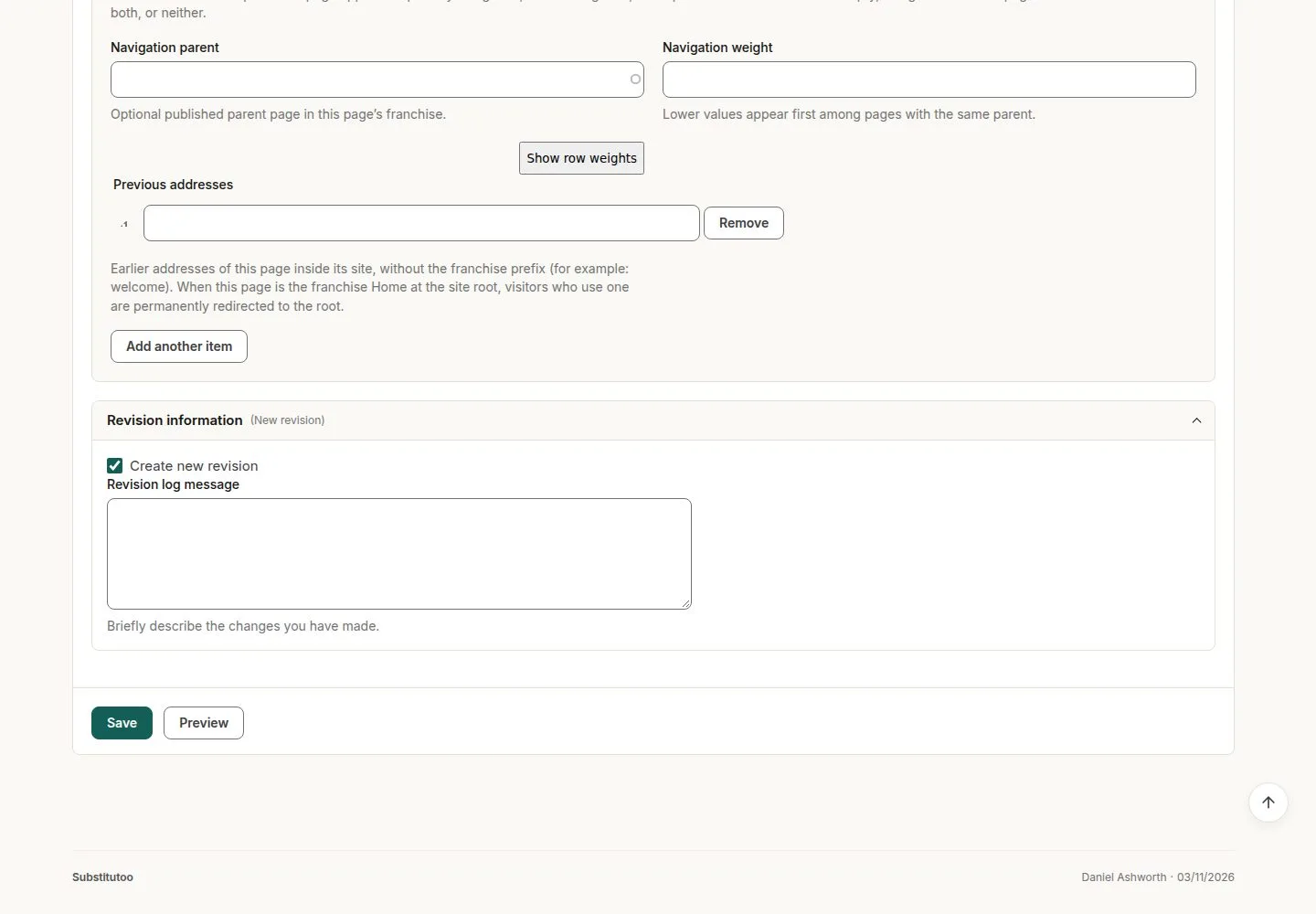
Preview, then Save

Head Office

Preview, then Save

3Step 3 of 4 · workflow step 03

  1. Preview
  2. New revision
  3. Save

Enlarge, then scroll

Open illustrated screen ↗Full image ↗

Head Office · Brand site pages03

The page on the brand site

Visitor

The page on the brand site

4Step 4 of 4 · workflow step 04

  1. Brand home page

Enlarge, then scroll

Open illustrated screen ↗Full image ↗

Check

The brand site's pages say what Head Office wants

Head Office · Brand site pages04
1 / 5
Privacy Terms