










Self-bill
Workflow 18 · Pay period · Issue · Send · Xero bill
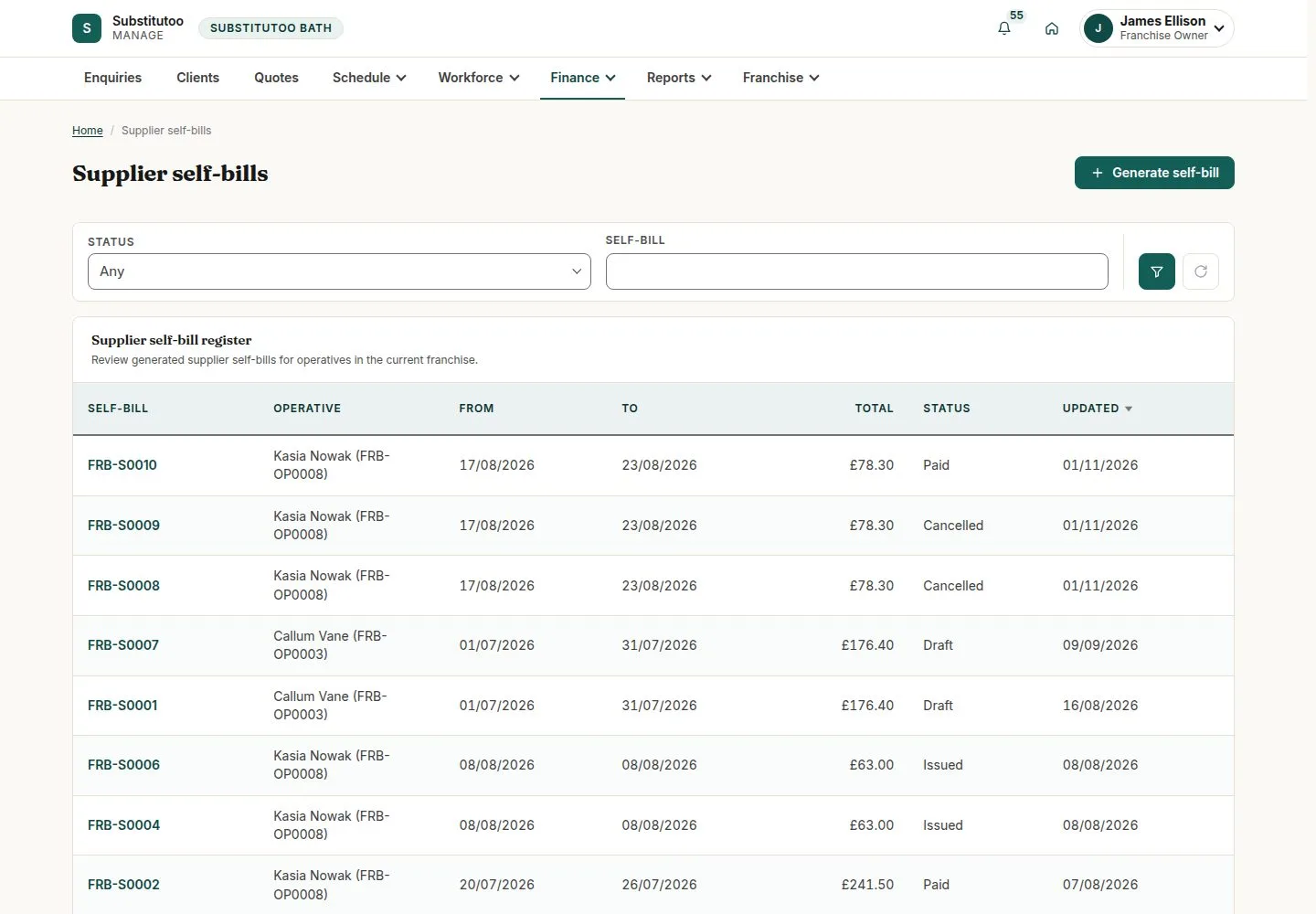
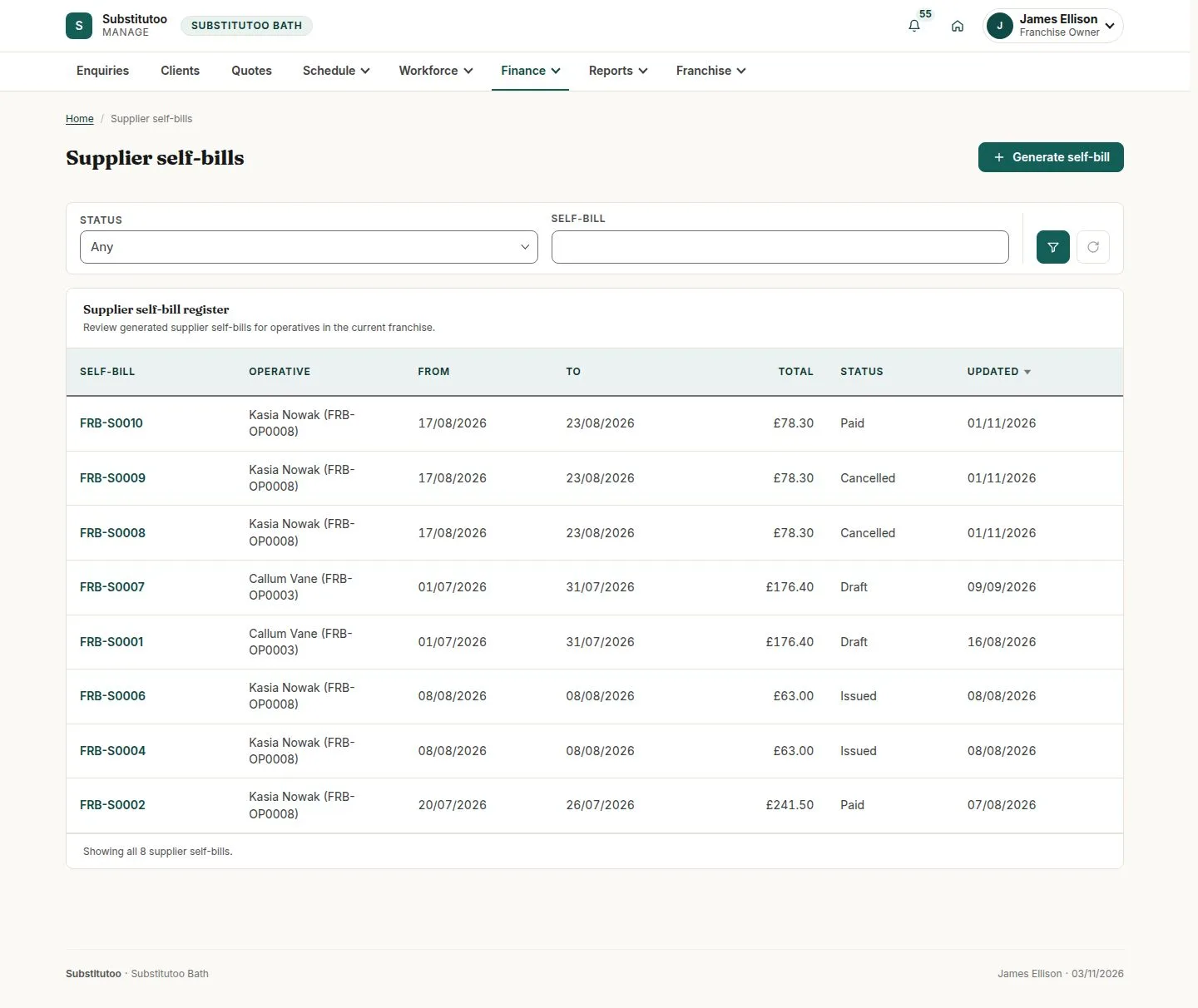
Self-employed operatives are paid by self-bill: the franchise writes the invoice on their behalf from the approved hours, so nobody has to type one.
Each approved timesheet goes on exactly one self-bill, and an issued self-bill is never changed, only voided.
- Franchise Owner
- Approved hours of a self-employed operative
Franchise Owner
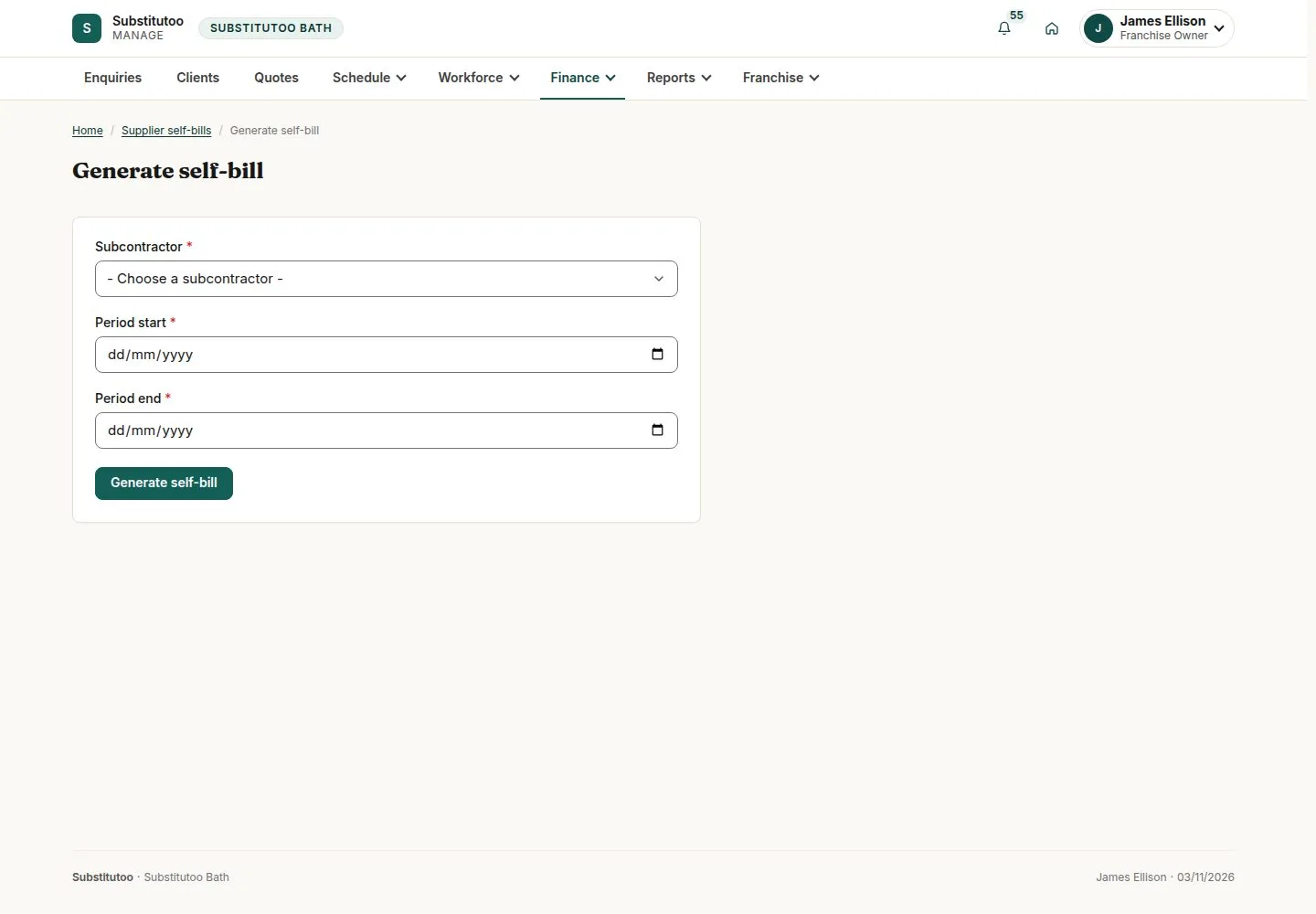
Generate self-bill
Franchise Owner
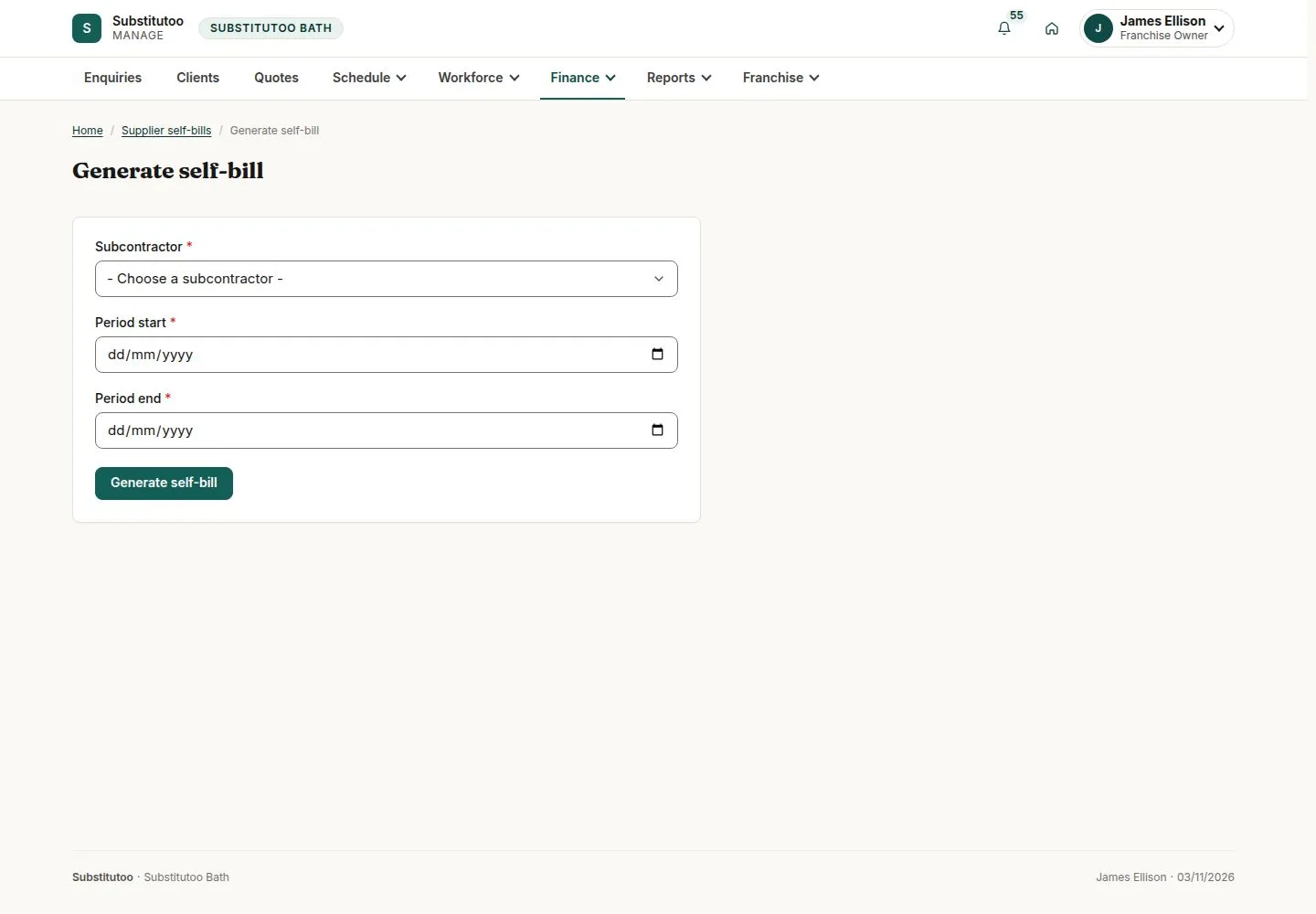
2Step 2 of 3 · workflow step 02
- Operative
- Pay period
- Approved hours only
Enlarge, then scroll
Open illustrated screen ↗Full image ↗
The system does this
- Take each approved timesheet of the period once, at the operative's cost rate, with VAT only when they are VAT registered
- On Issue: number it, freeze it, email the PDF to the operative and send the bill to Xero
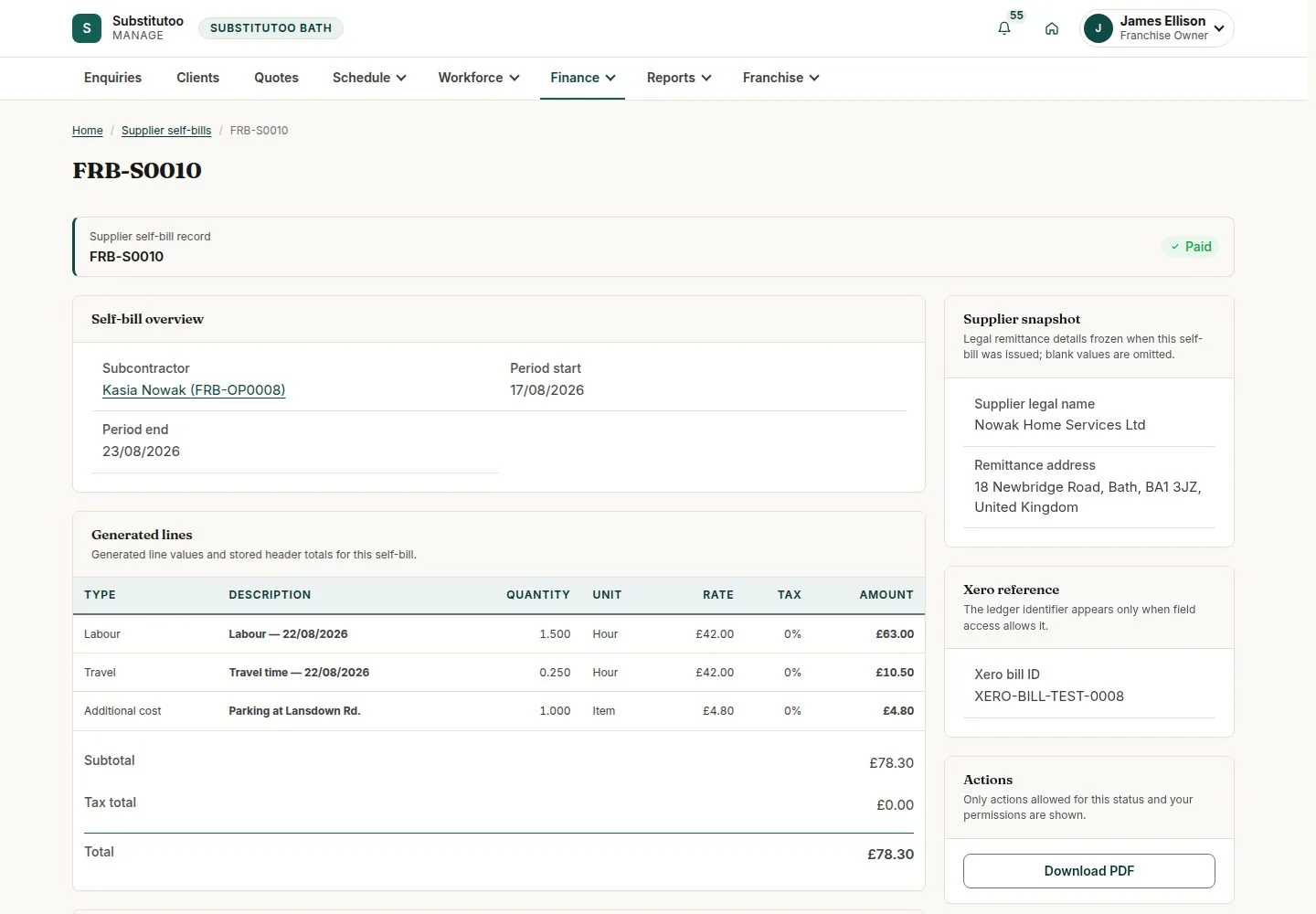
An issued self-bill
Franchise Owner
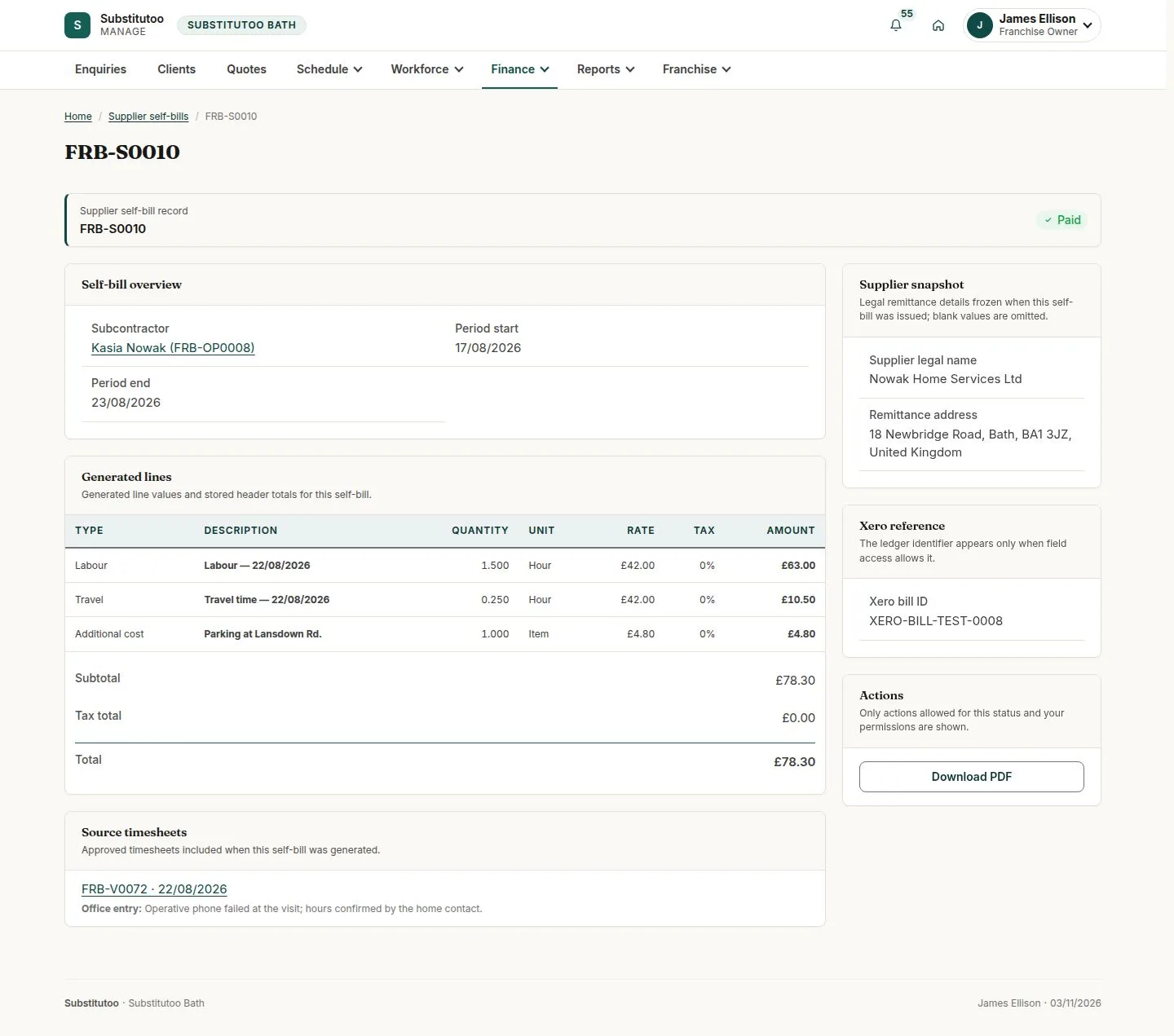
3Step 3 of 3 · workflow step 06
- Lines from approved hours
- Download PDF
- Void with a reason
Enlarge, then scroll
Open illustrated screen ↗Full image ↗
Check
Self-bill issued from approved hours and sent to the operative
1 / 4