










Franchise and team accounts
Workflow 22 · My franchise · Team accounts · Add · Deactivate
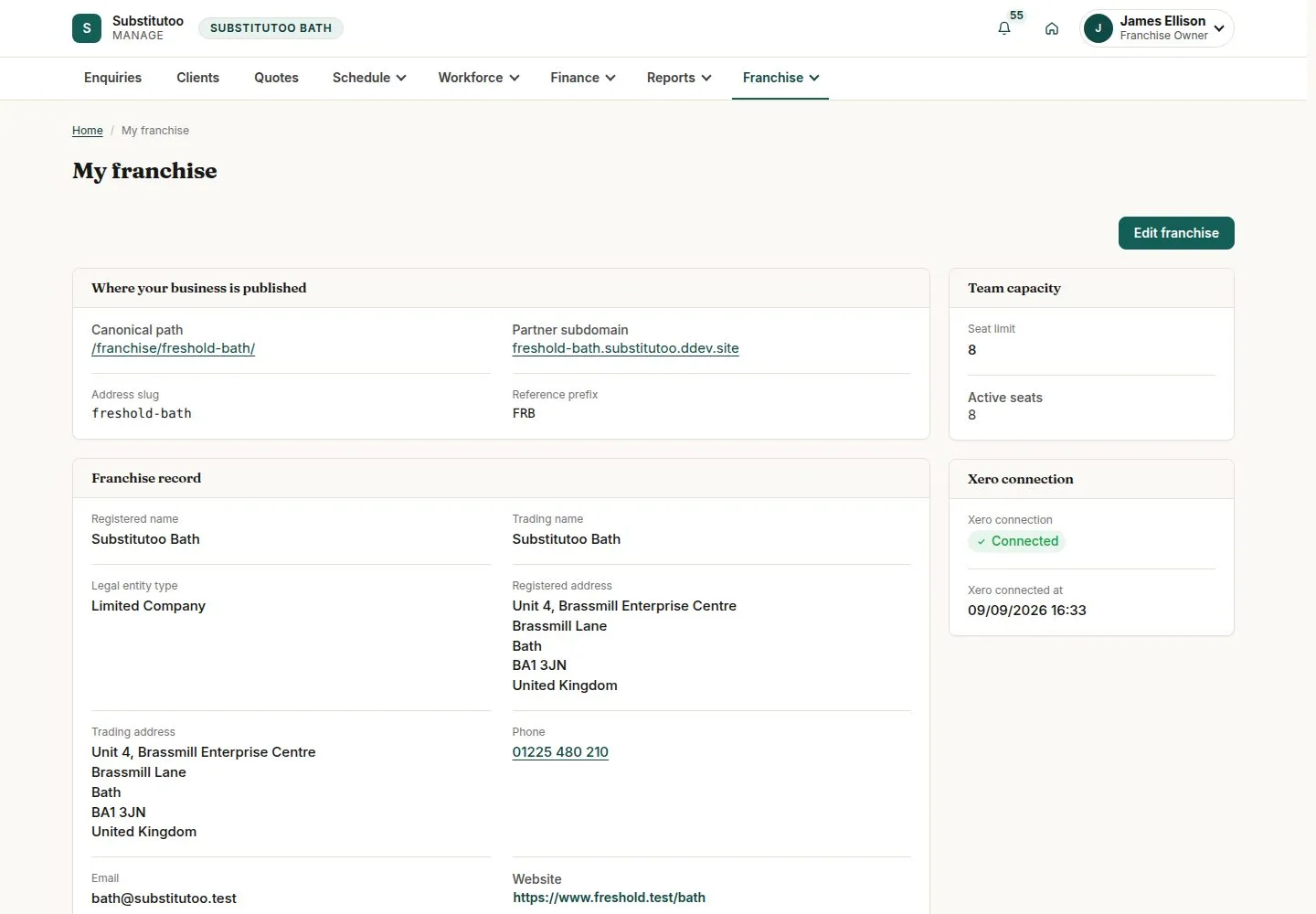
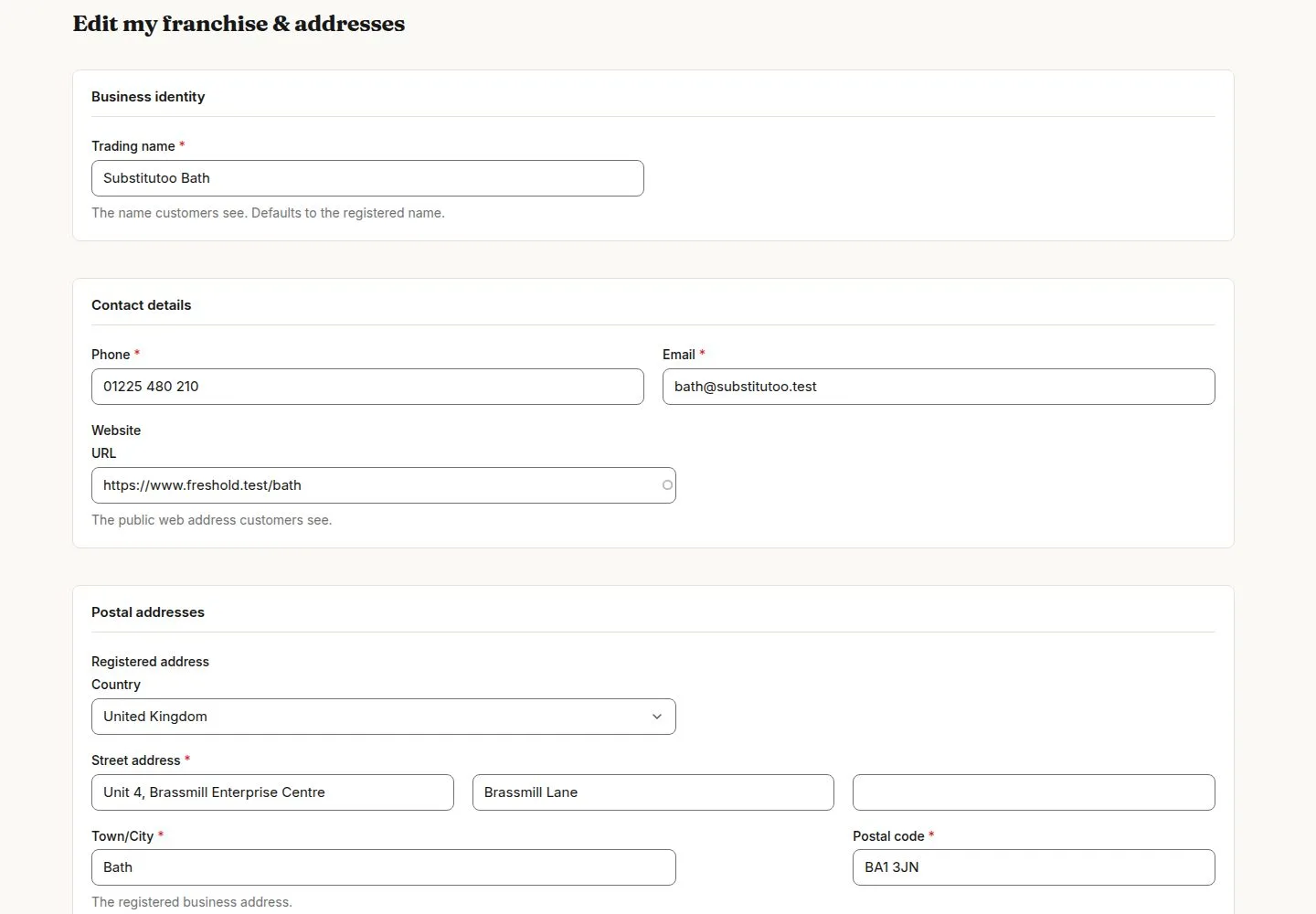
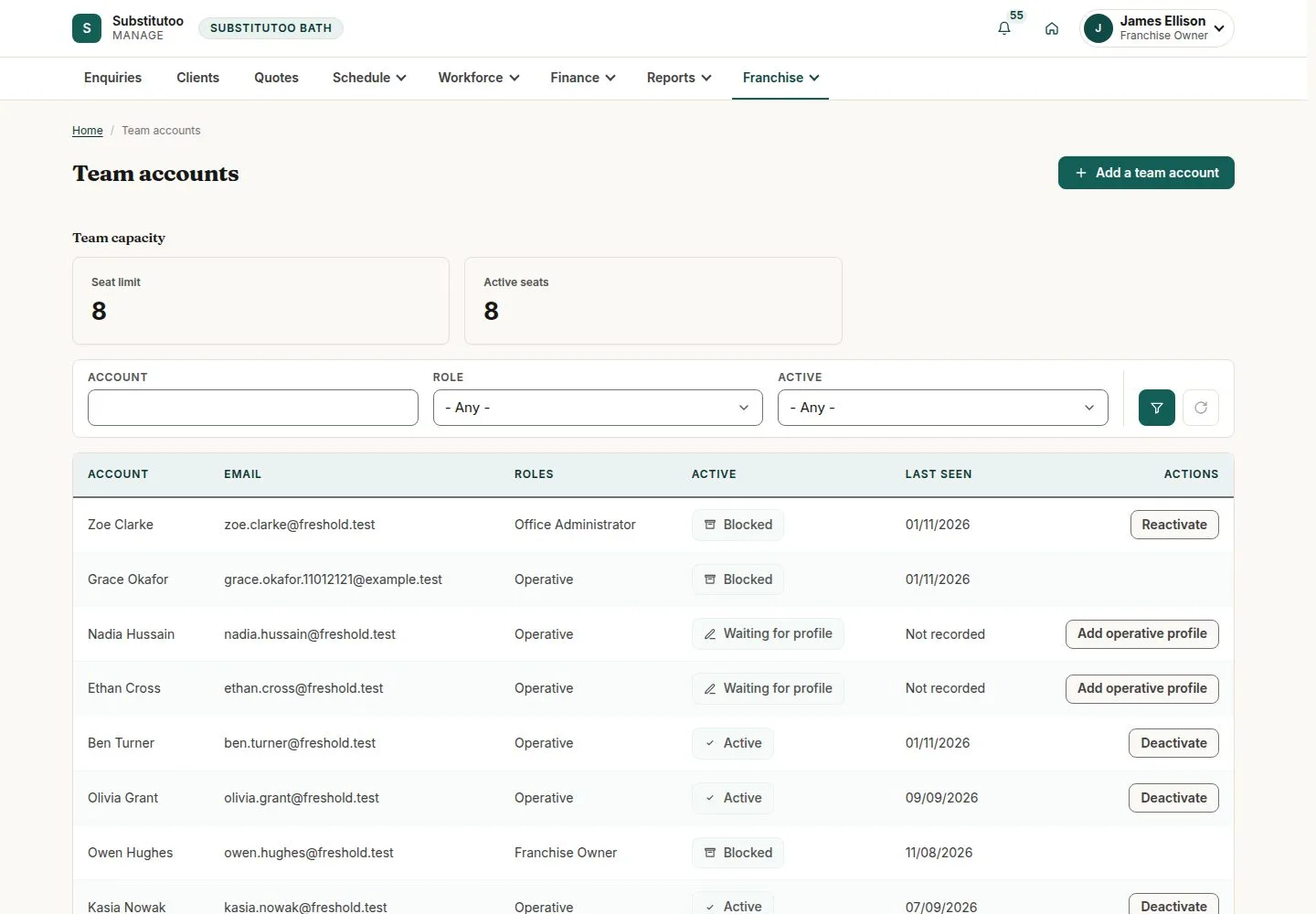
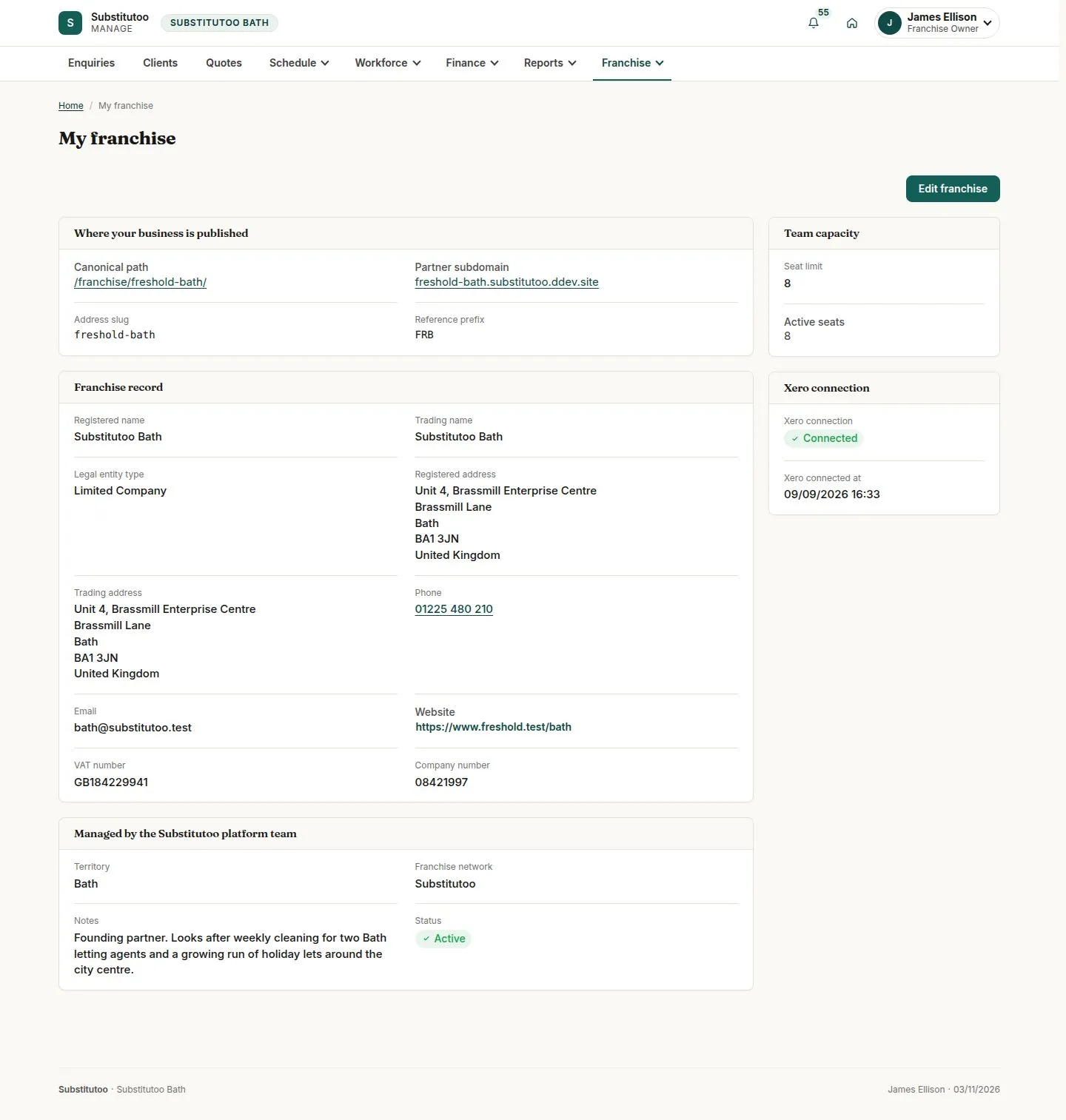
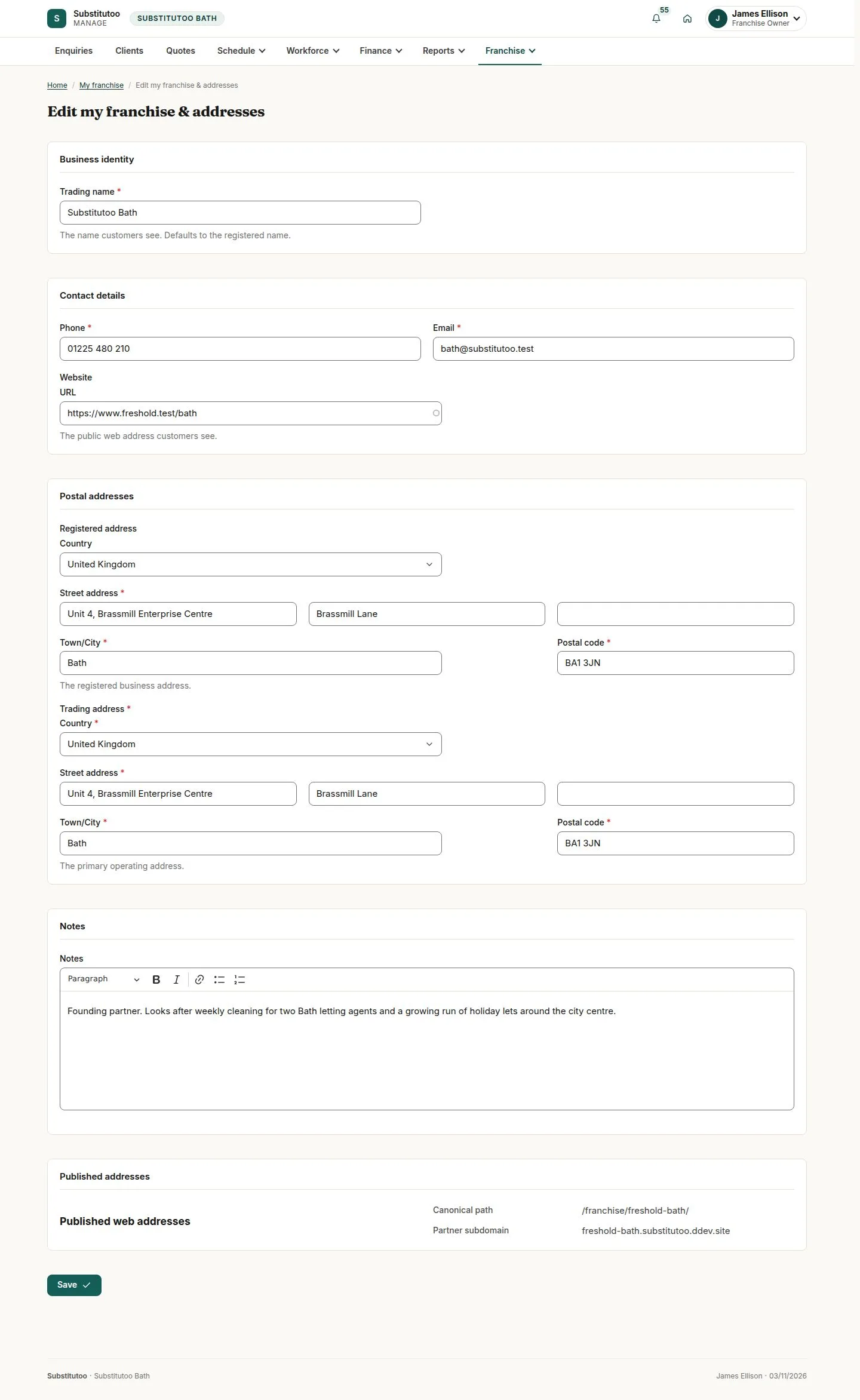
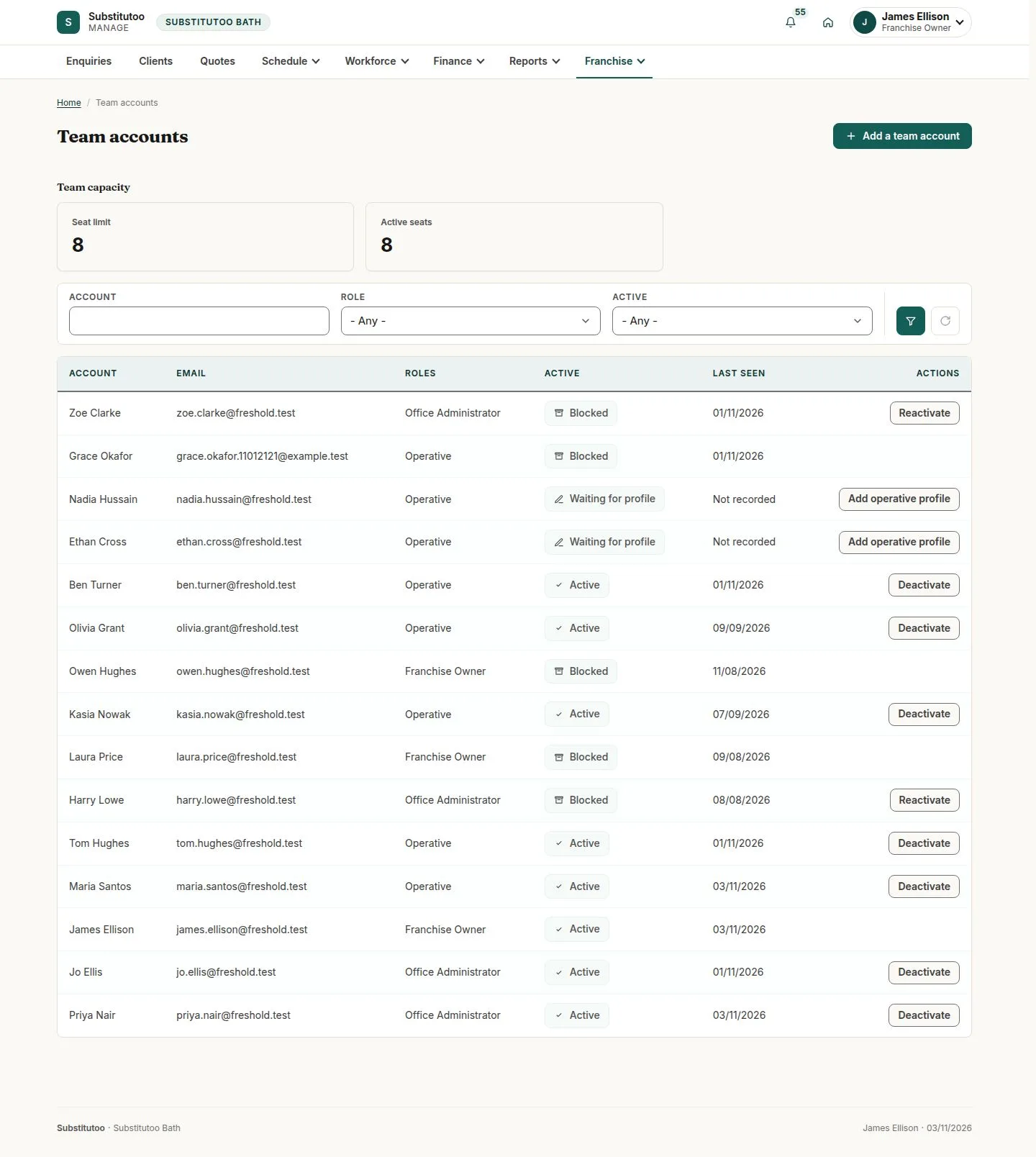
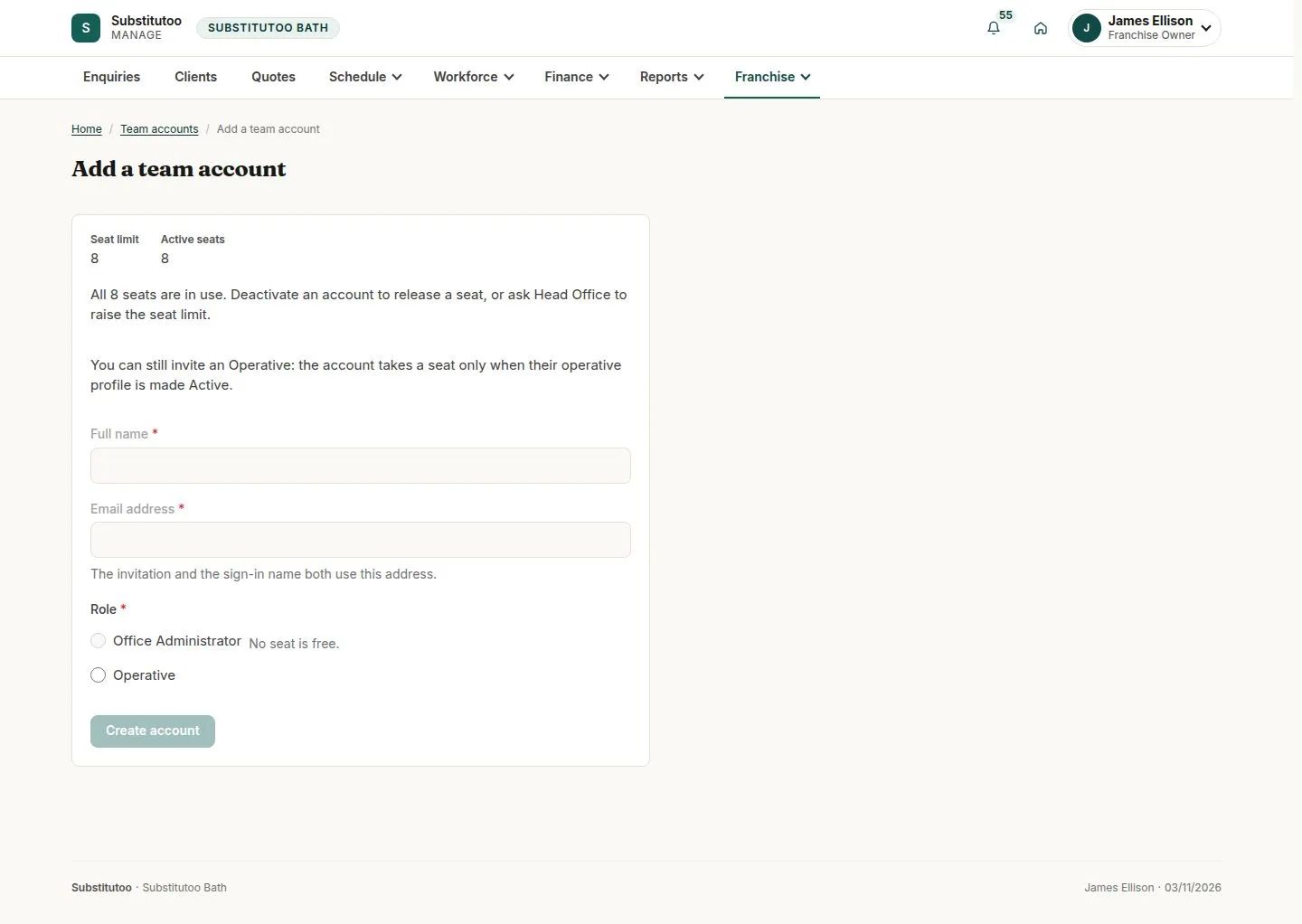
The Franchise Owner keeps the franchise's own details up to date and decides who in the team can sign in.
Head Office looks after the rest (territory, network, status and seat limit) and the owner sees it read-only.
- Franchise Owner
Franchise Owner
Deactivate
Franchise Owner
5Step 5 of 5 · workflow step 06
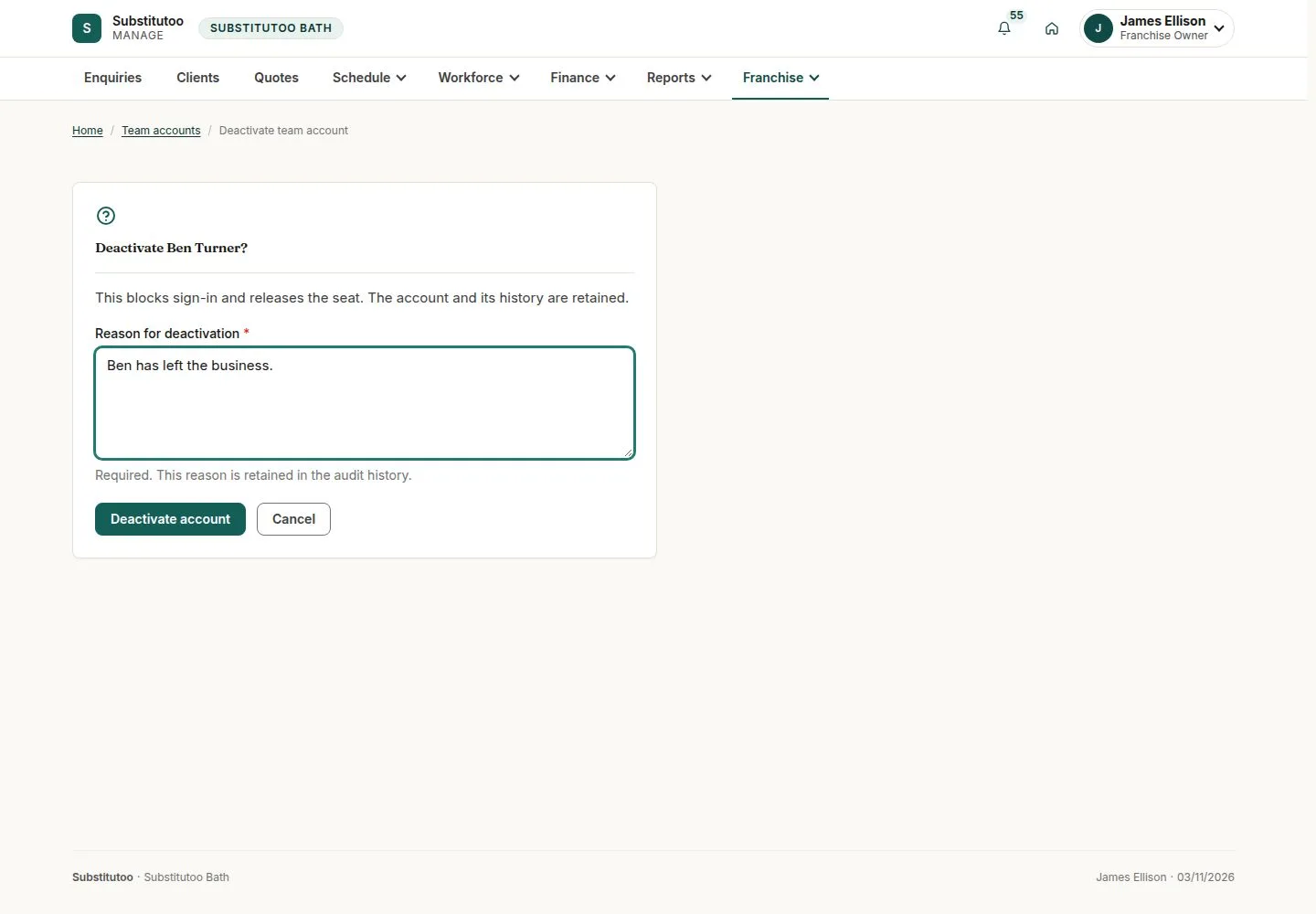
- Reason
- Seat freed
Reactivate later with a reason; history is kept.
Enlarge, then scroll
Open illustrated screen ↗Full image ↗
Check
Franchise details current; the team has the accounts it needs within the seat limit
1 / 6