










Scheduled jobs
Workflow 29 · Cron · Queues · System status
Some work runs on its own, on a schedule: expiring quotes, overdue invoices, regular visits, emails and Xero.
System status shows when the schedule last ran and warns when it has stopped.
- Administrator or Head Office
Administrator
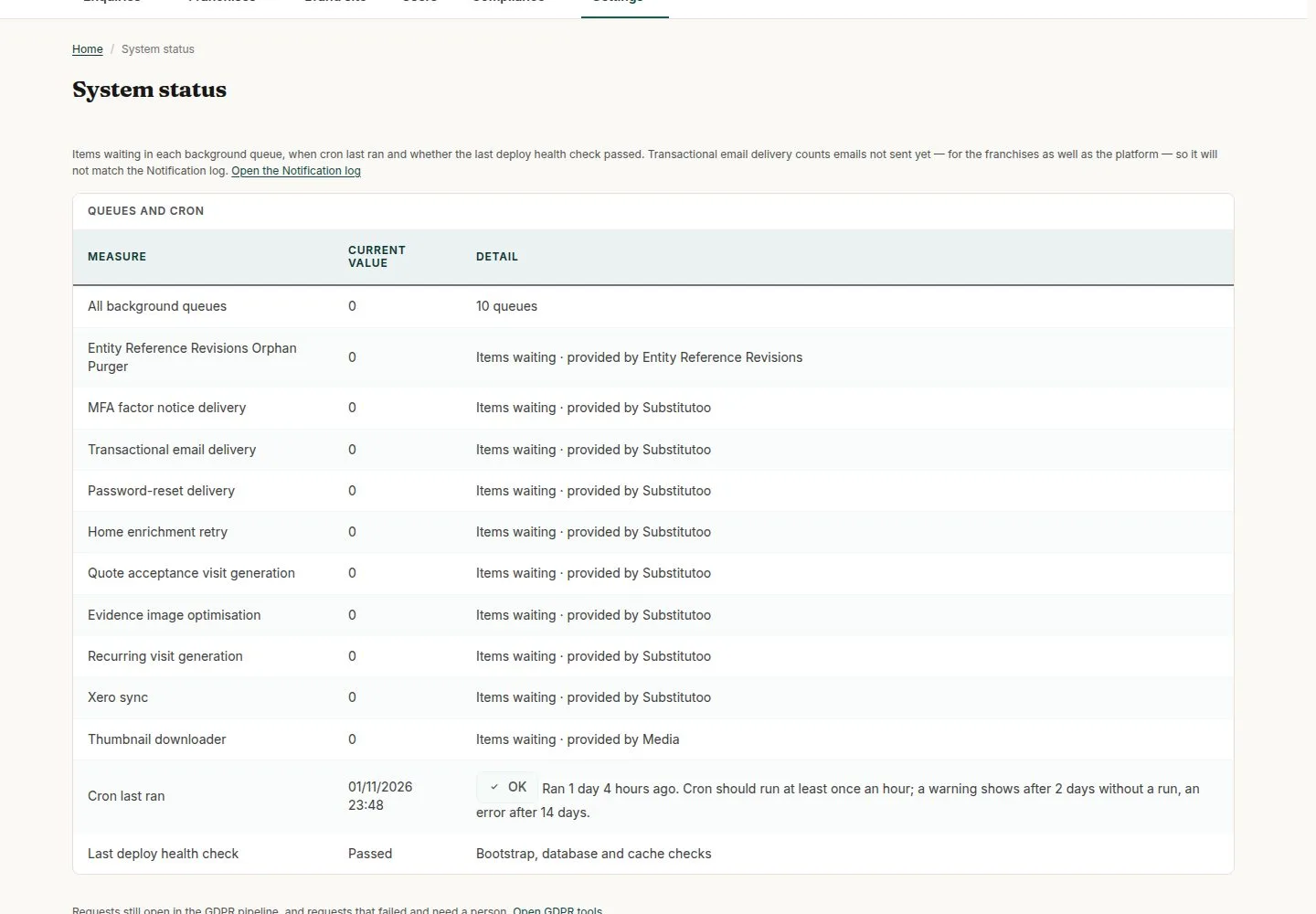
System status: Cron
Head Office

1Step 1 of 1 · workflow step 01
- Last run
- OK, Warning or Error
Enlarge, then scroll
Open illustrated screen ↗Full image ↗
The system does this
- Every few minutes: send queued emails, book the visits of regular schedules, create first visits for accepted quotes, check Xero
- Every day: expire quotes past their date, mark invoices overdue, tell the office once
Check
Cron runs regularly; System status reads OK
1 / 2