Void a line or reopen an order

Void order or line · Reason · Reopen closed order · Archive paid order

  • Signed in as a Manager
Manager

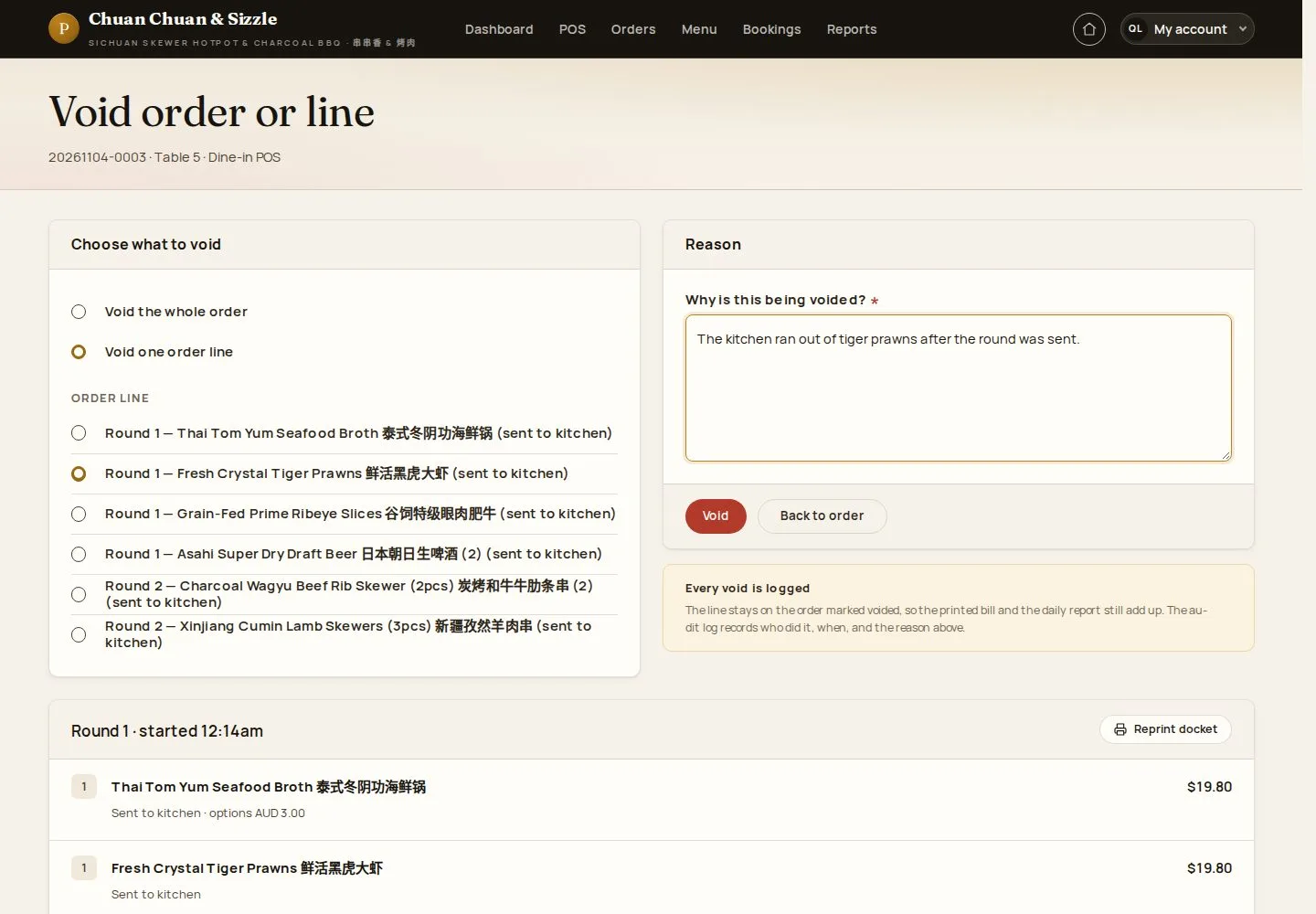
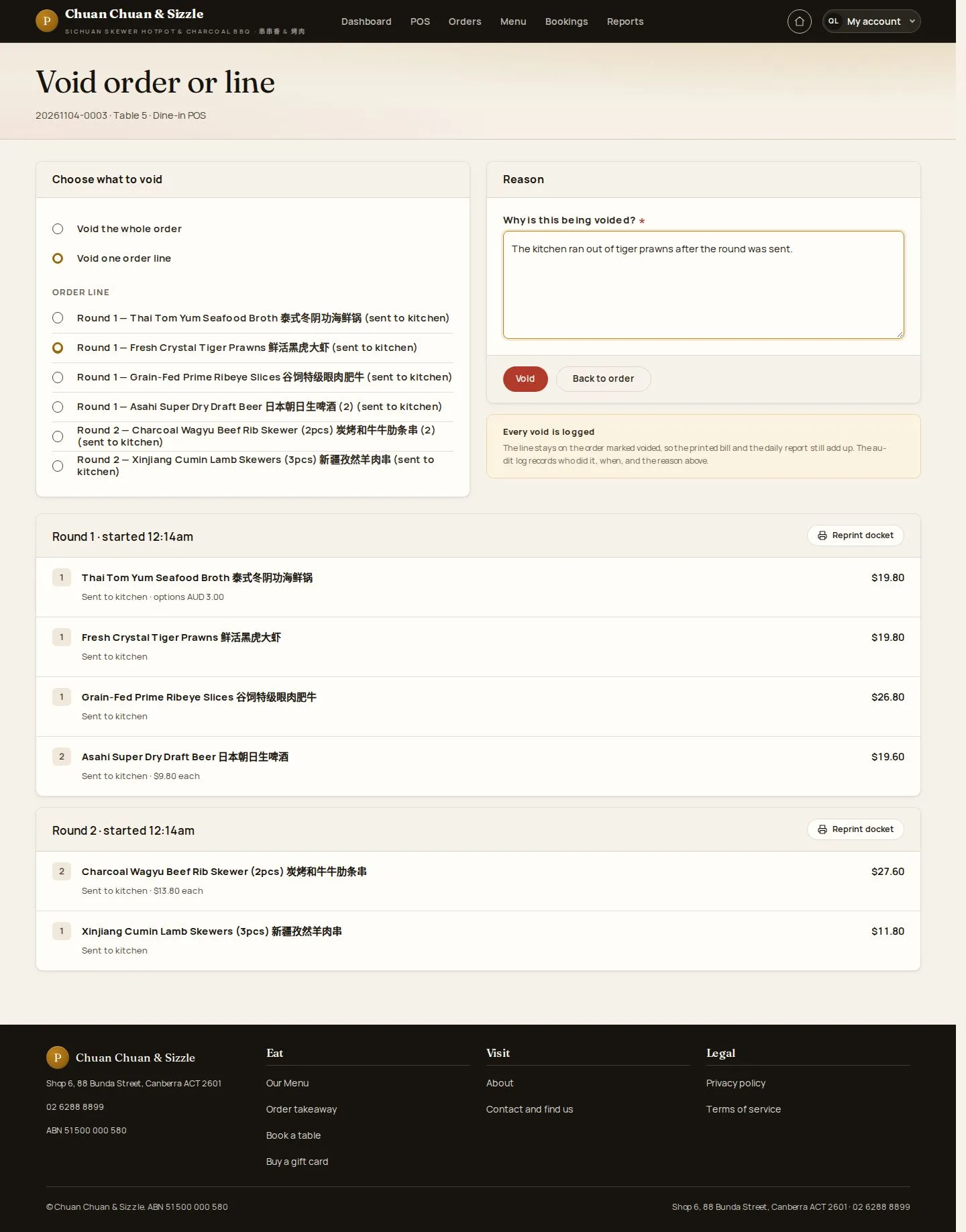
Void order or line

Manager

Void order or line

1Step 1 of 6

  1. Void one order line · Void the whole order
  2. Why is this being voided?
  3. Void

A waiter may void only lines not yet sent to the kitchen.

Enlarge, then scroll

Open illustrated screen ↗Full image ↗

Manager · Void a line or reopen an order01

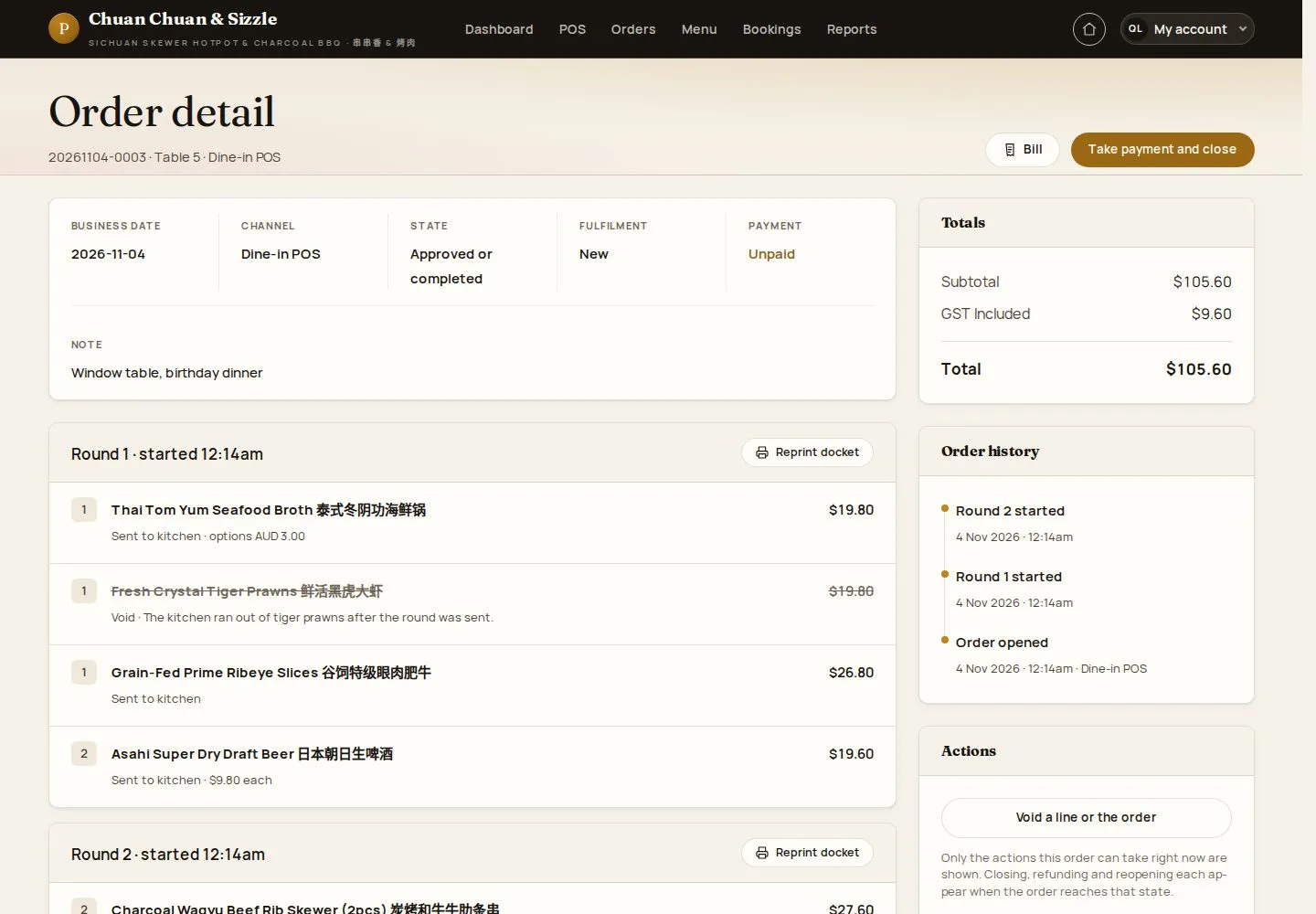
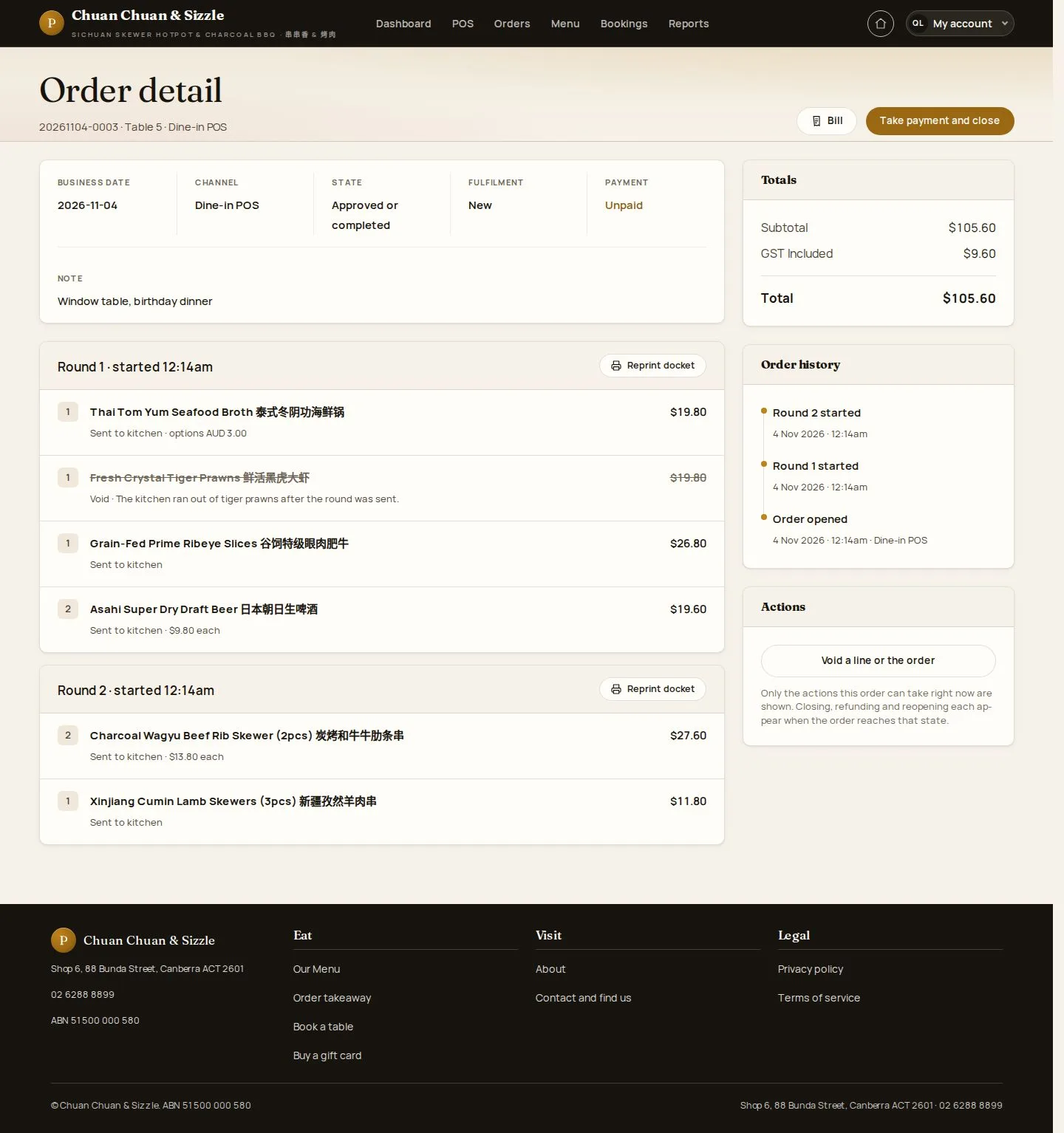
Line voided

Manager

Line voided

2Step 2 of 6

  1. The line stays, marked Void
  2. Totals recalculated

Enlarge, then scroll

Open illustrated screen ↗Full image ↗

Manager · Void a line or reopen an order02

A closed order

Manager

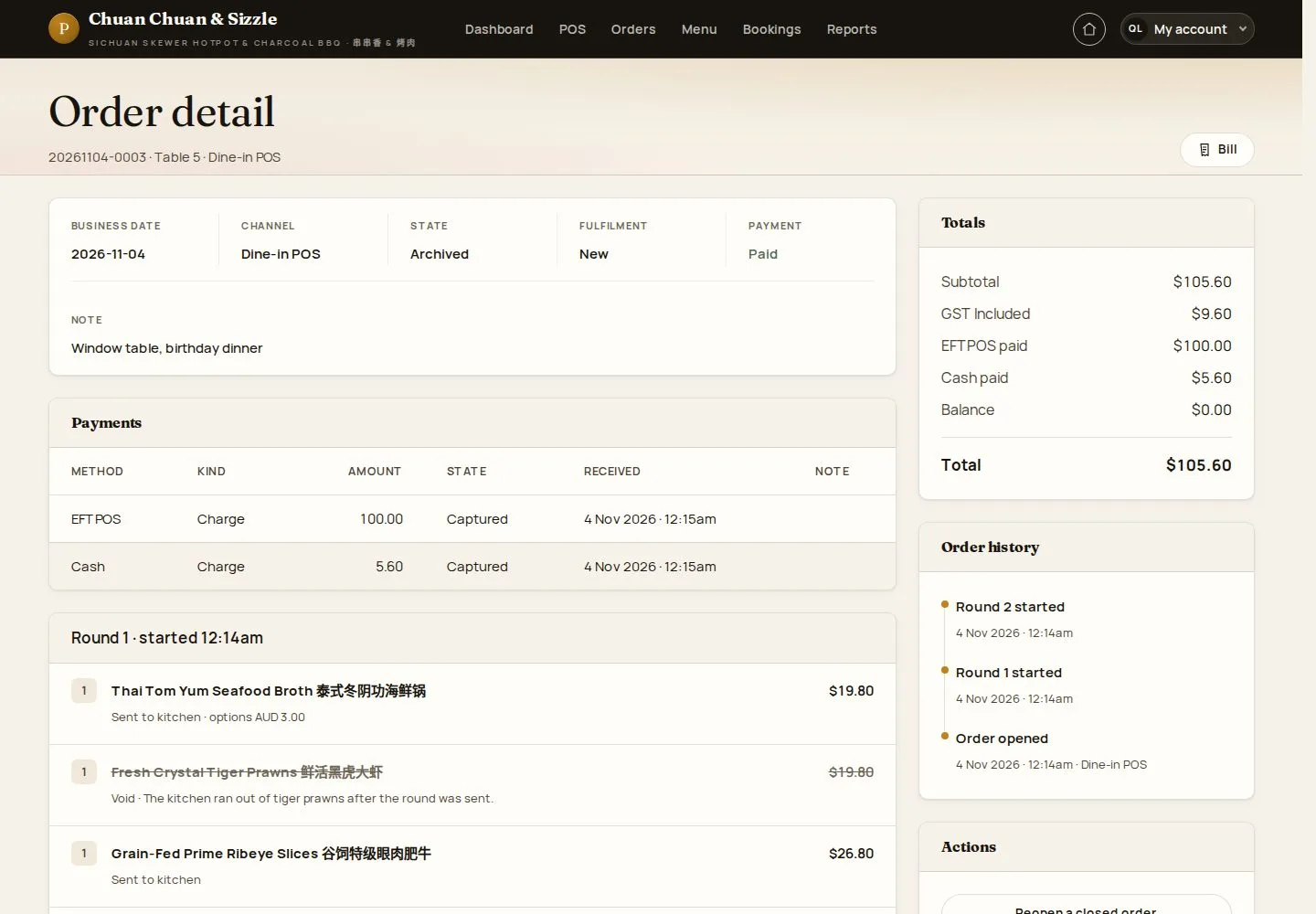
A closed order

3Step 3 of 6

  1. Order detail
  2. Reopen

Enlarge, then scroll

Open illustrated screen ↗Full image ↗

Manager · Void a line or reopen an order03

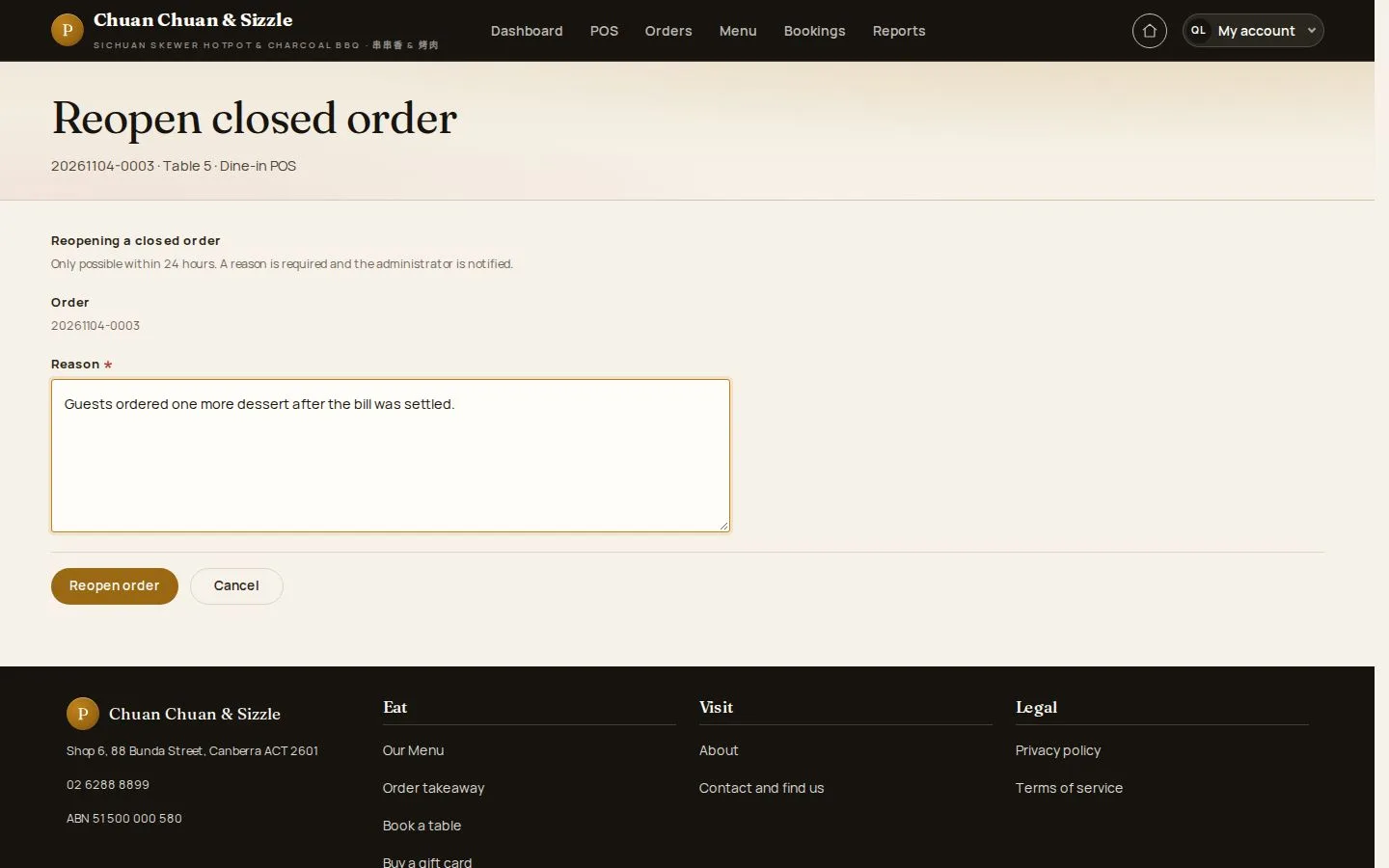
Reopen closed order

Manager

Reopen closed order

4Step 4 of 6

  1. Reason
  2. Reopen order

Possible within 24 hours of closing; a reason is required.

Open illustrated screen ↗Full image ↗

Manager · Void a line or reopen an order04

Reopened

Manager

Reopened

5Step 5 of 6

  1. Payments kept
  2. Balance

Enlarge, then scroll

Open illustrated screen ↗Full image ↗

Manager · Void a line or reopen an order05

Archive paid order

Manager

Archive paid order

6Step 6 of 6

  1. Nothing more is owed
  2. Archive

A website order paid by card also offers Refund online payment: it records the refund, and the money goes back through the card provider.

Open illustrated screen ↗Full image ↗

Check

The change is in the order history with its reason

Manager · Void a line or reopen an order06
1 / 7
Privacy Terms