Staff accounts

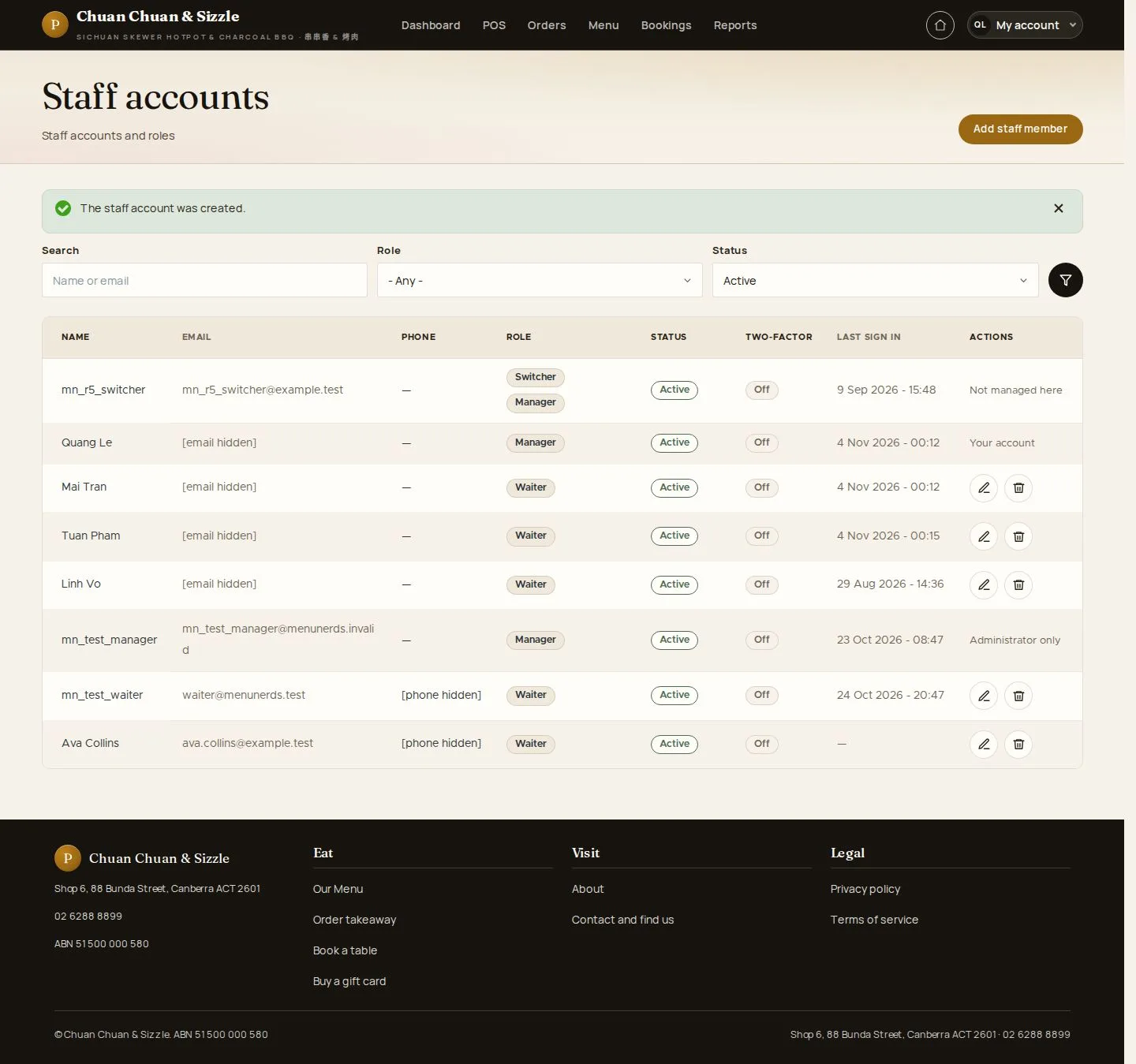
Staff accounts · Add staff member · Block · Reinstate

  • Signed in as a Manager
Manager
Staff accounts

Manager

Staff accounts

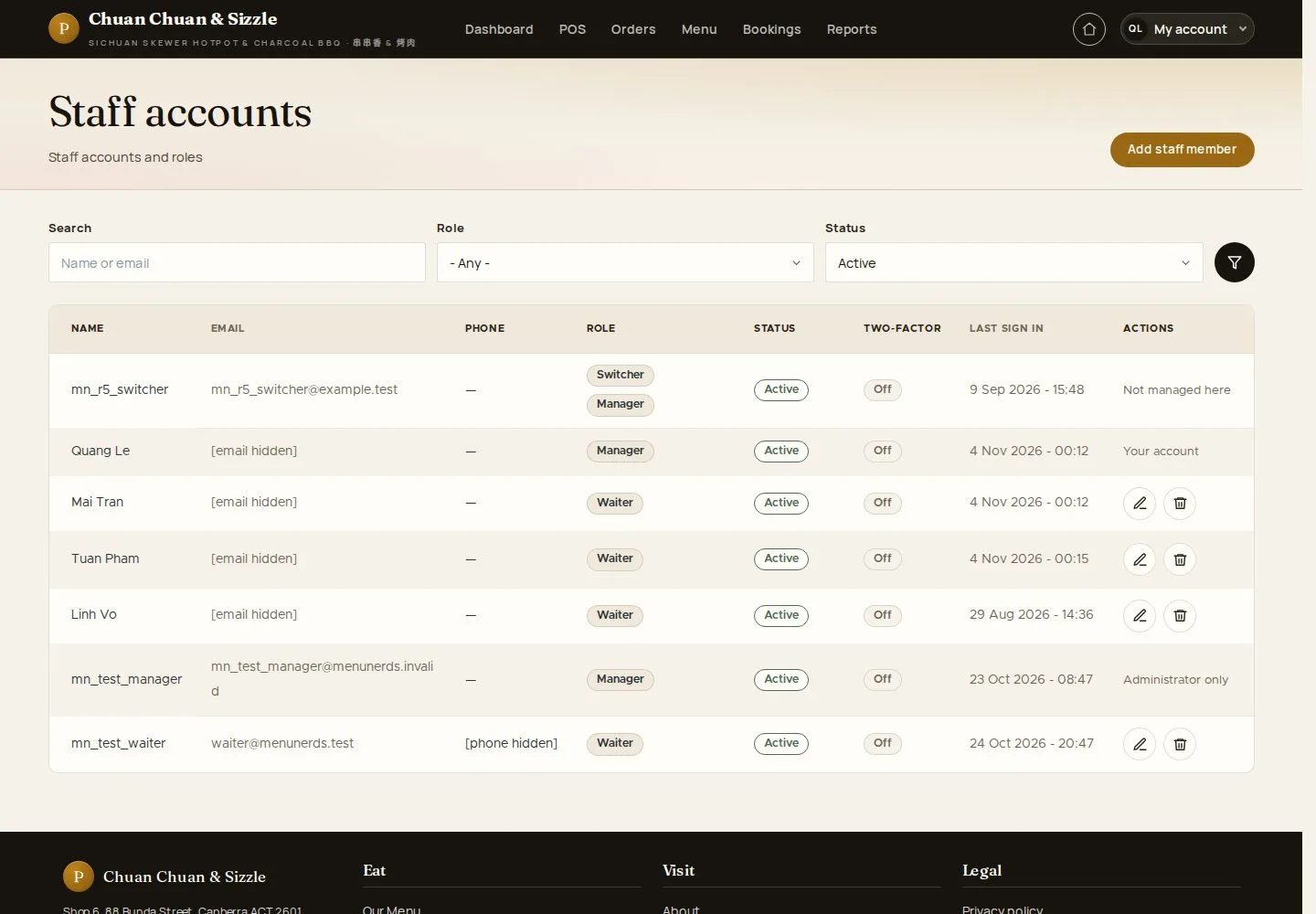
1Step 1 of 8

  1. Search · Role · Status
  2. Add staff member

Enlarge, then scroll

Open illustrated screen ↗Full image ↗

Manager · Staff accounts01

Add staff account

Manager

Add staff account

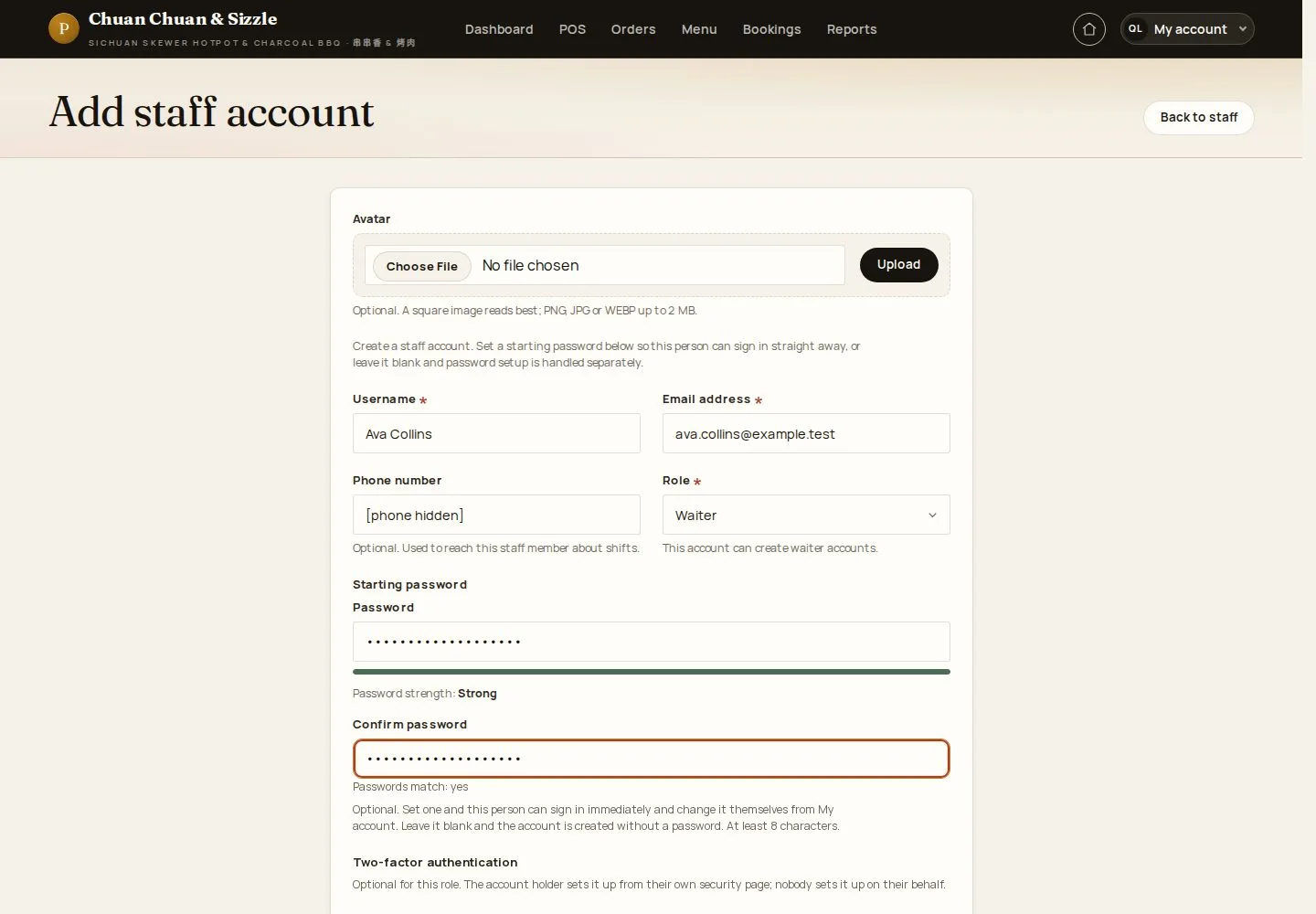
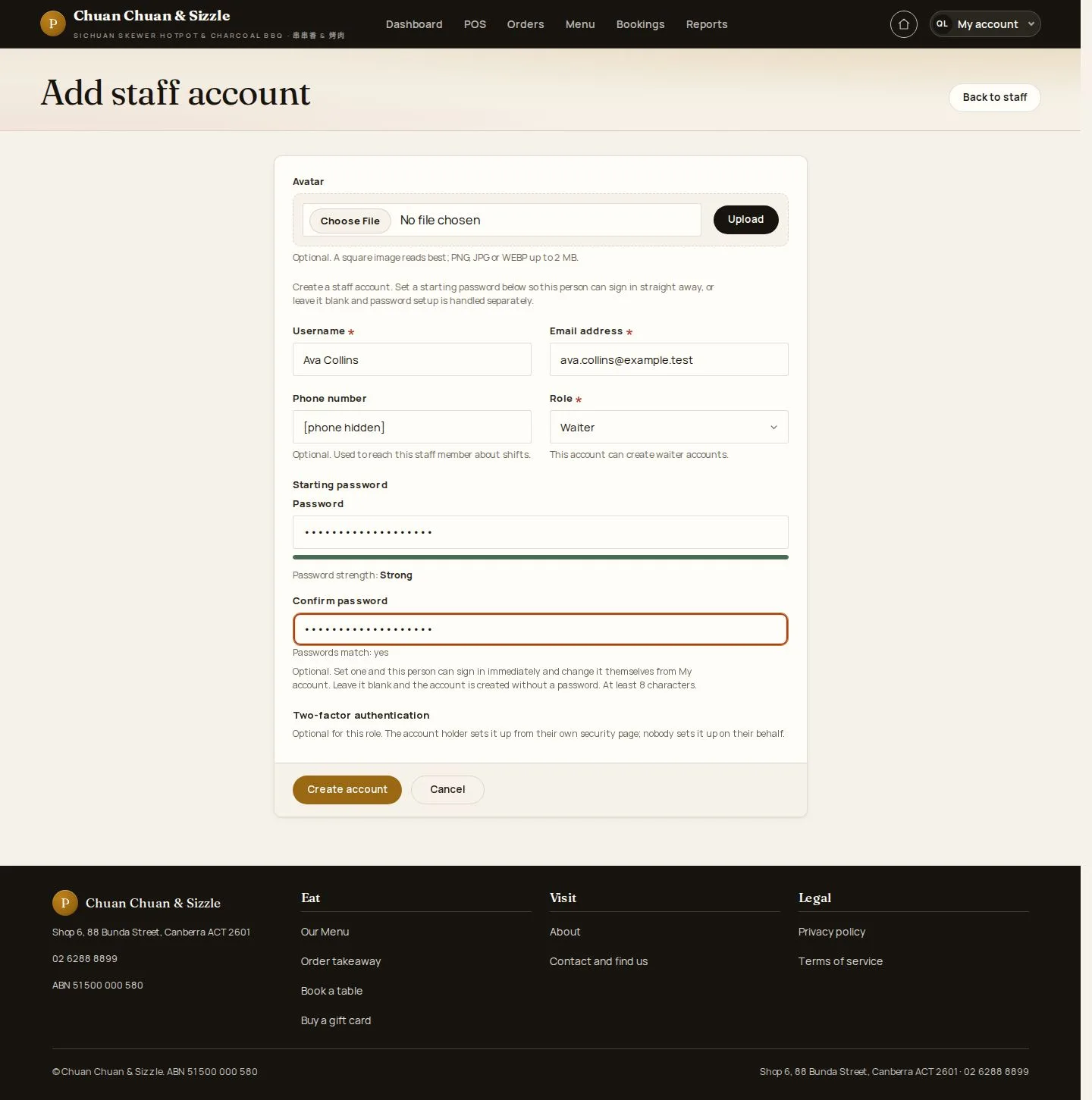
2Step 2 of 8

  1. Username · Email · Phone
  2. Role · Starting password

A Manager creates and edits Waiter accounts; without a starting password the person receives a set-up email.

Enlarge, then scroll

Open illustrated screen ↗Full image ↗

Manager · Staff accounts02

Created

Manager

Created

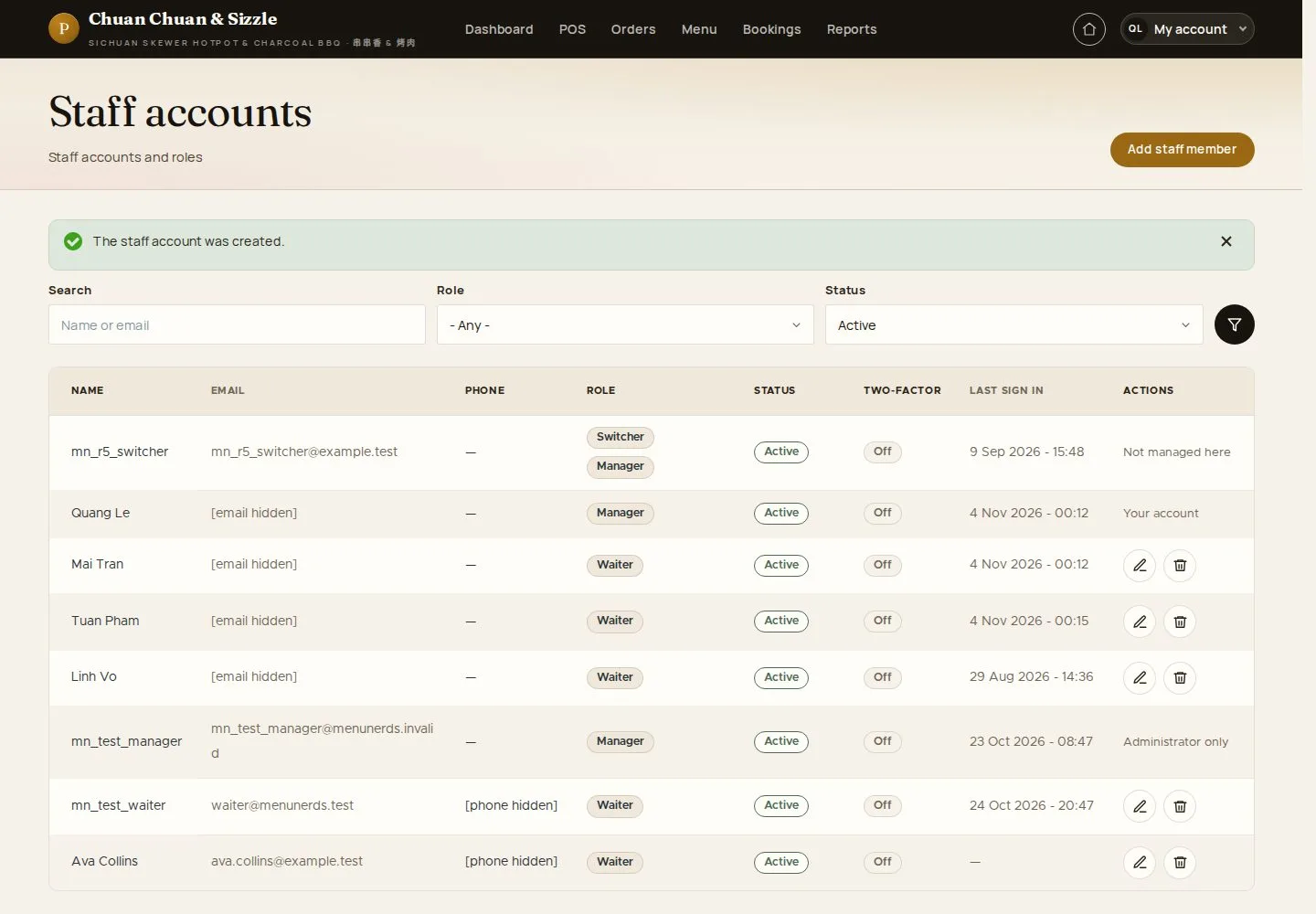
3Step 3 of 8

  1. The account is in the list

Enlarge, then scroll

Open illustrated screen ↗Full image ↗

Manager · Staff accounts03

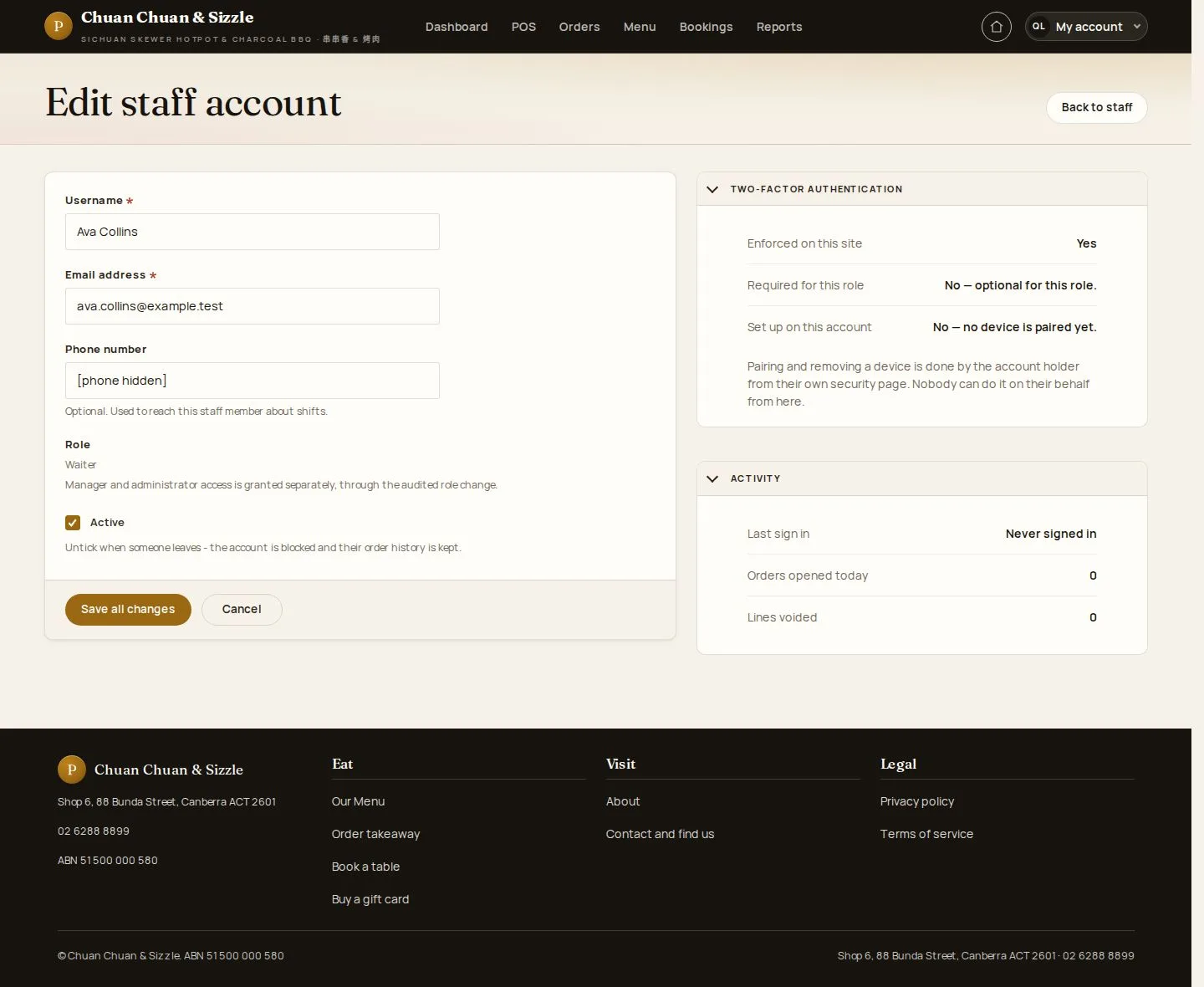
Edit staff account

Manager

Edit staff account

4Step 4 of 8

  1. Contact details · Status
  2. Save all changes

Enlarge, then scroll

Open illustrated screen ↗Full image ↗

Manager · Staff accounts04

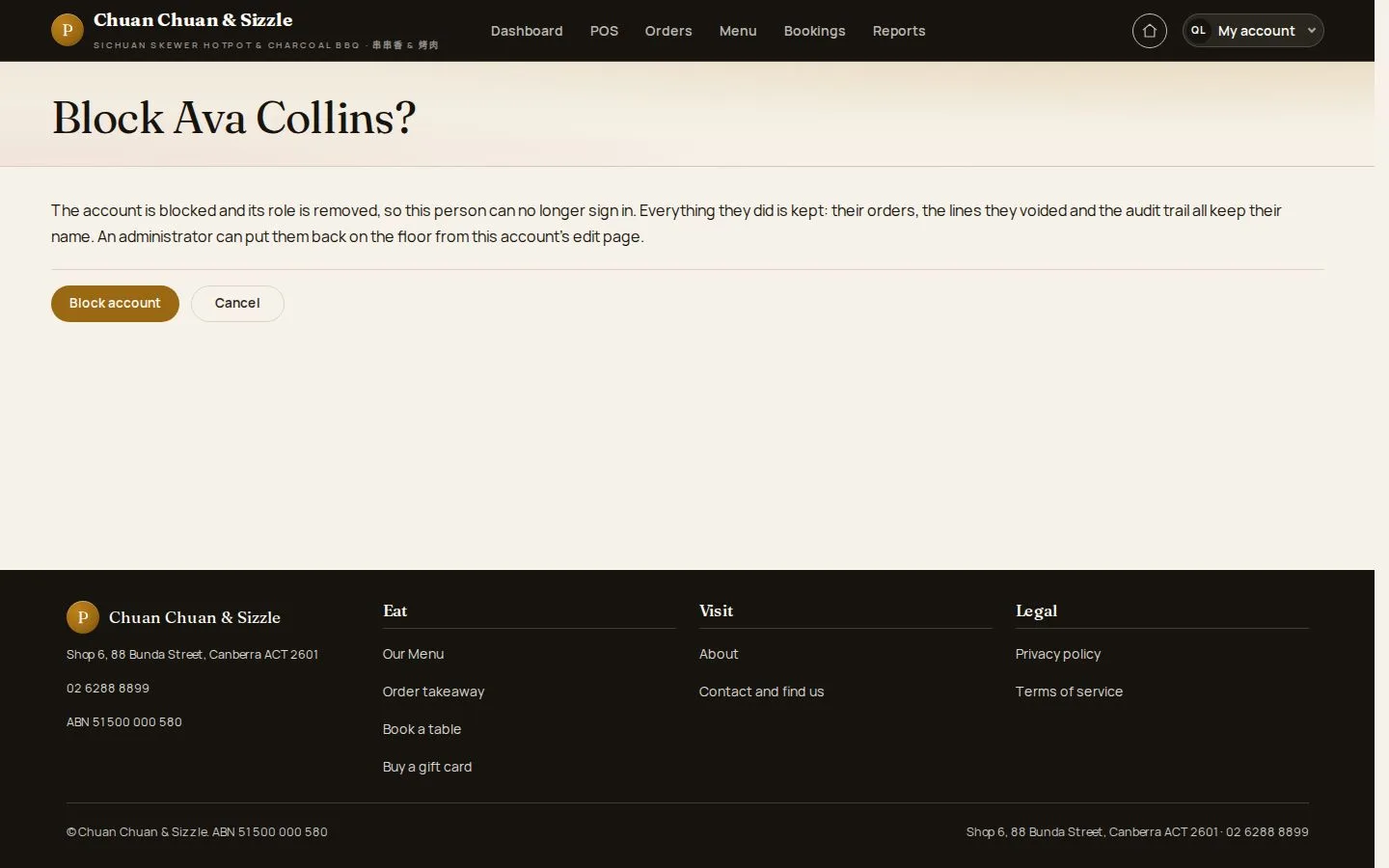
Block staff account

Manager

Manager · Staff accounts05

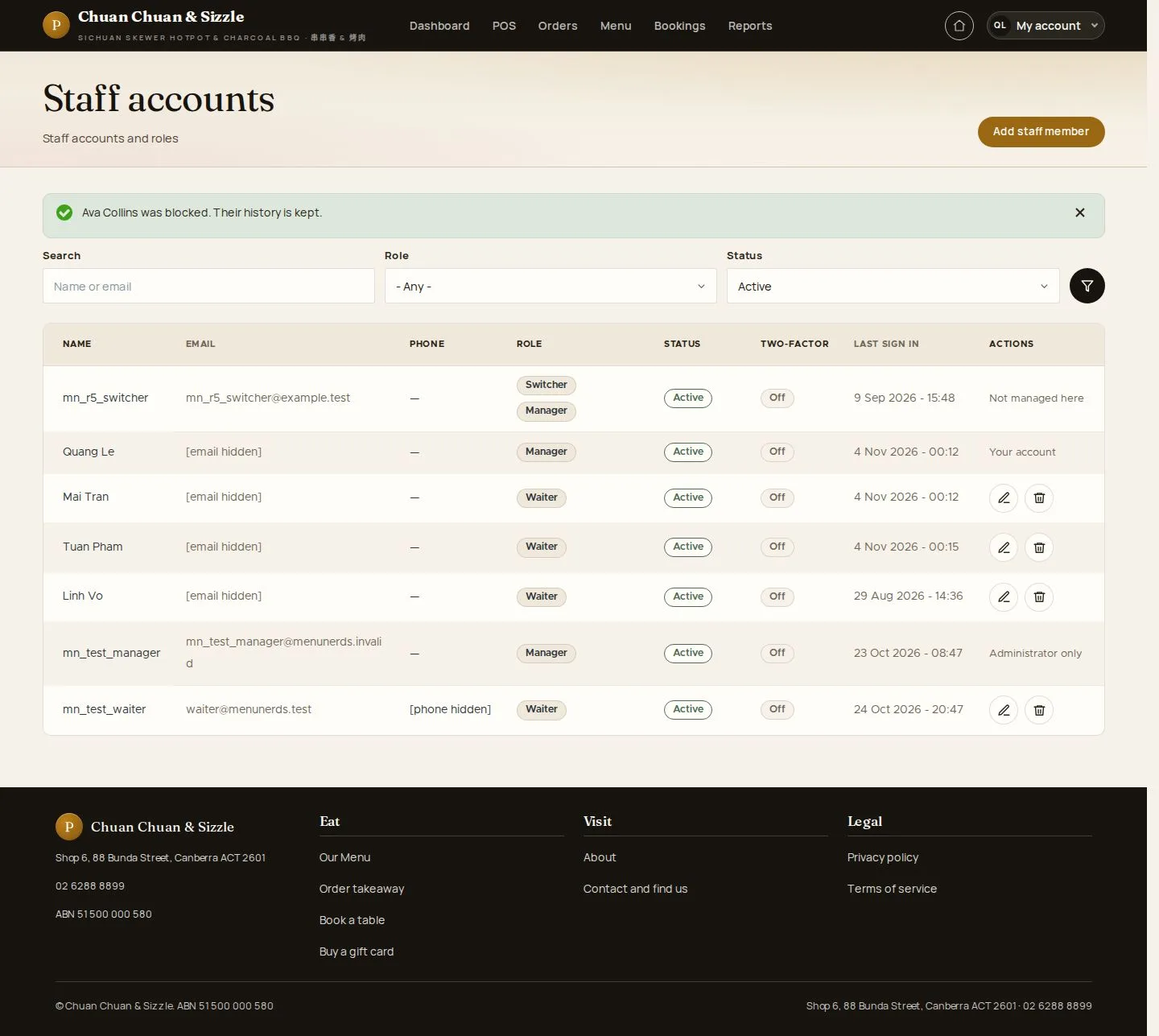
Blocked

Manager

Blocked

6Step 6 of 8

  1. Role removed
  2. History kept

Enlarge, then scroll

Open illustrated screen ↗Full image ↗

Manager · Staff accounts06

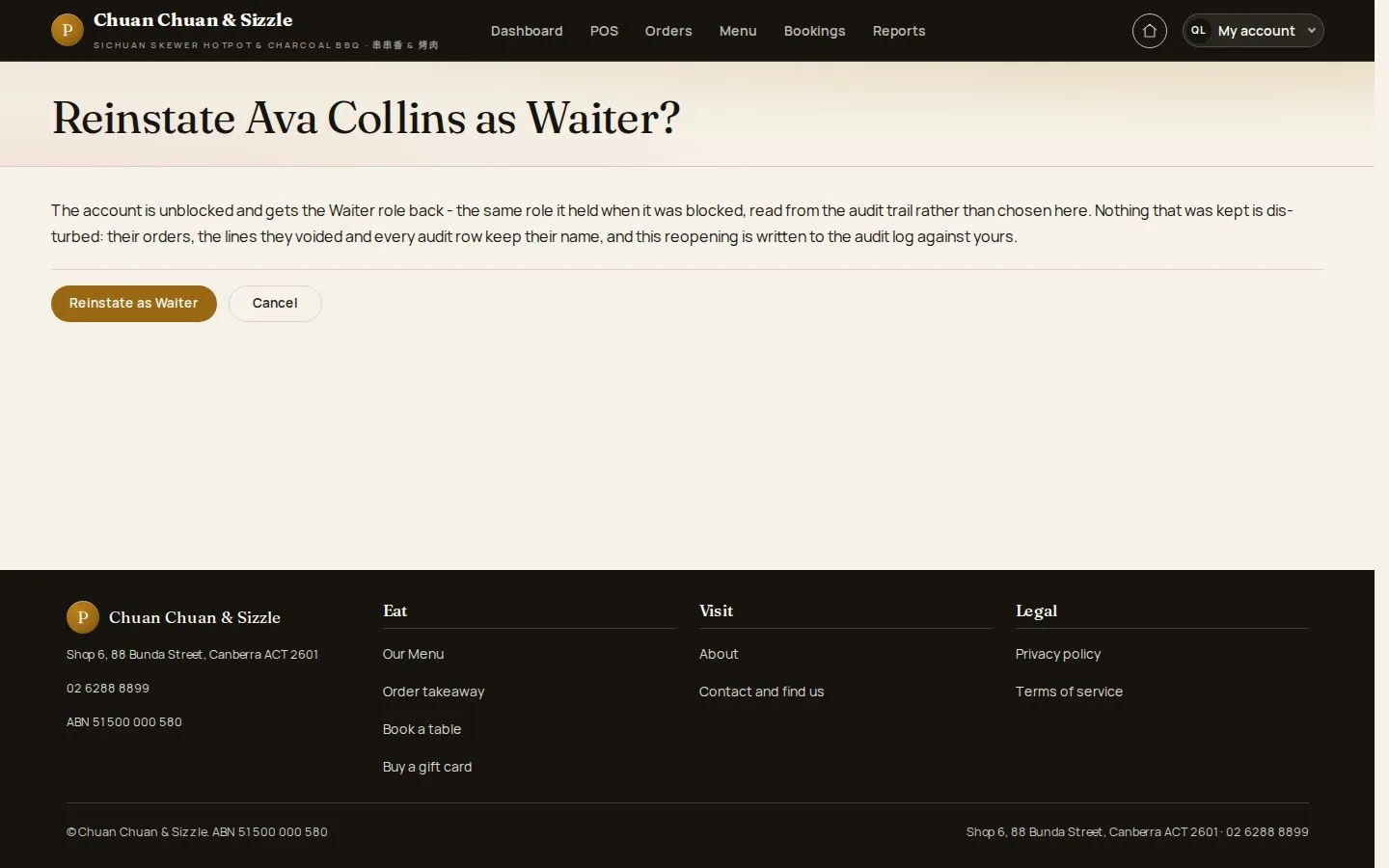
Reinstate

Manager

Reinstate

7Step 7 of 8

  1. The role held before

Open illustrated screen ↗Full image ↗

Manager · Staff accounts07

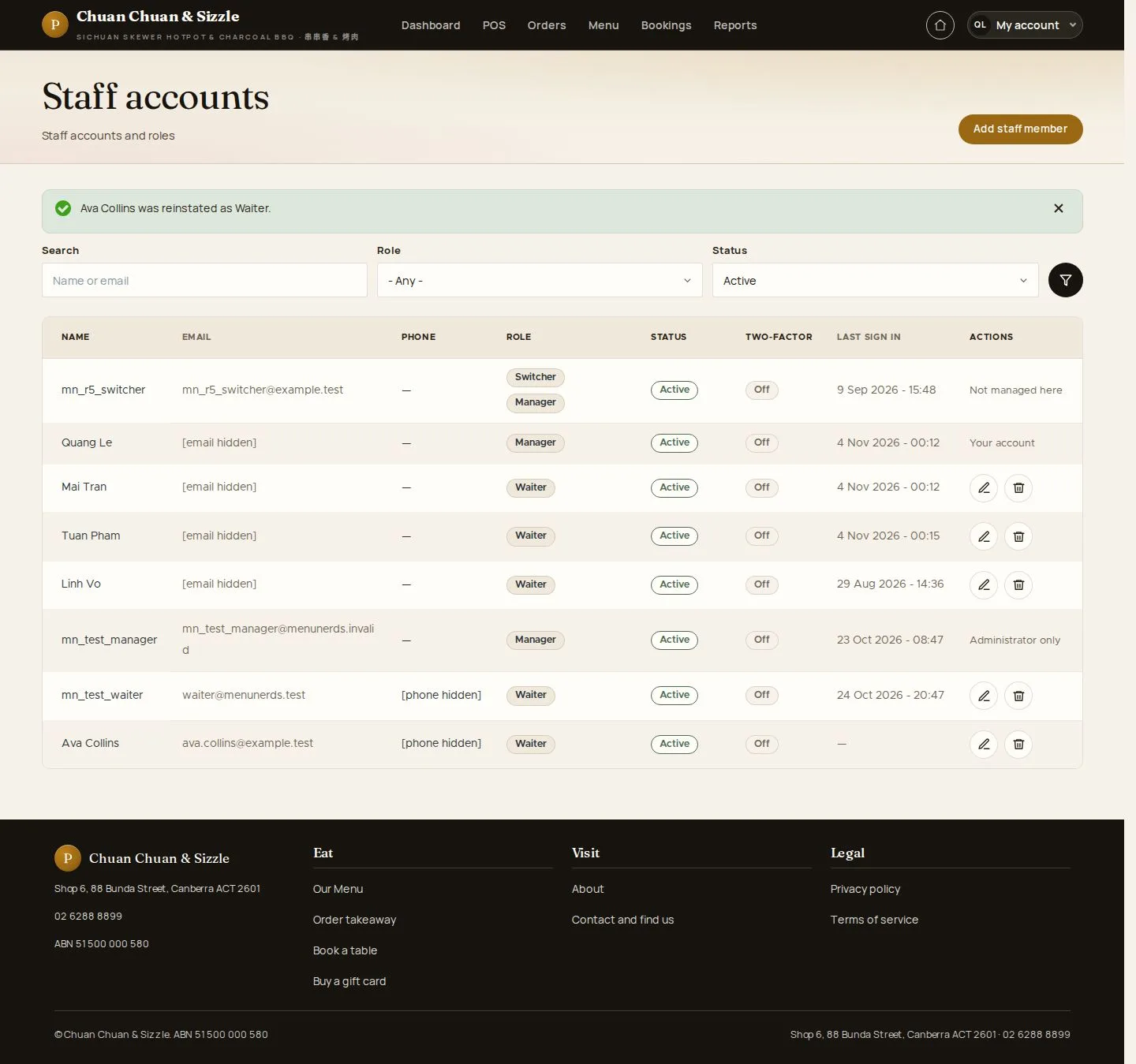
Reinstated

Manager

Reinstated

8Step 8 of 8

  1. Waiter again

Enlarge, then scroll

Open illustrated screen ↗Full image ↗

Check

The waiter account is ready; leavers are blocked with their history kept

Manager · Staff accounts08
1 / 9
Privacy Terms