Close the day

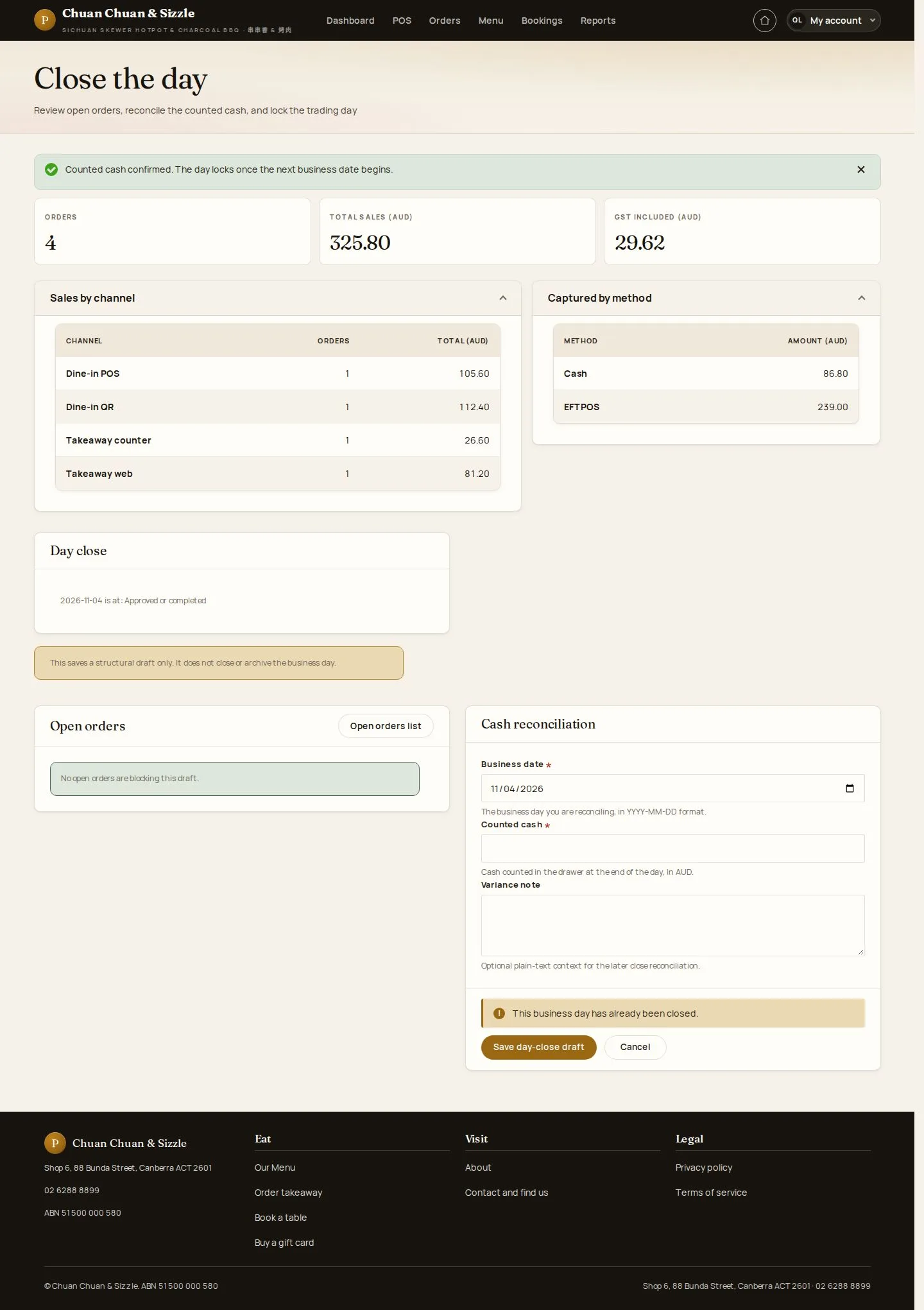
Close the day · Counted cash · Day-close draft · Confirm the counted cash

  • Signed in as a Manager
  • No open orders on that business day
Manager
Close the day

Manager

Close the day

1Step 1 of 7

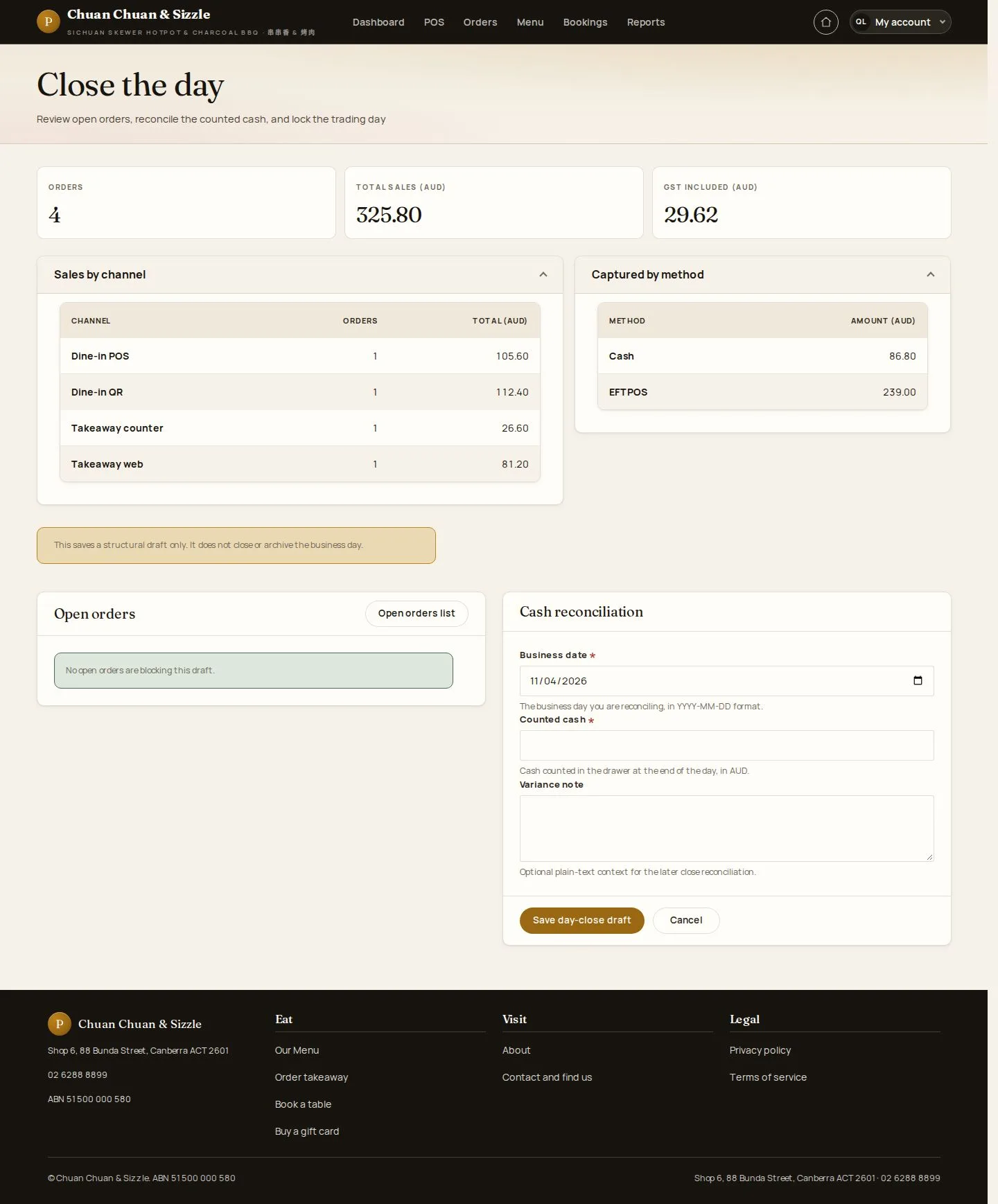
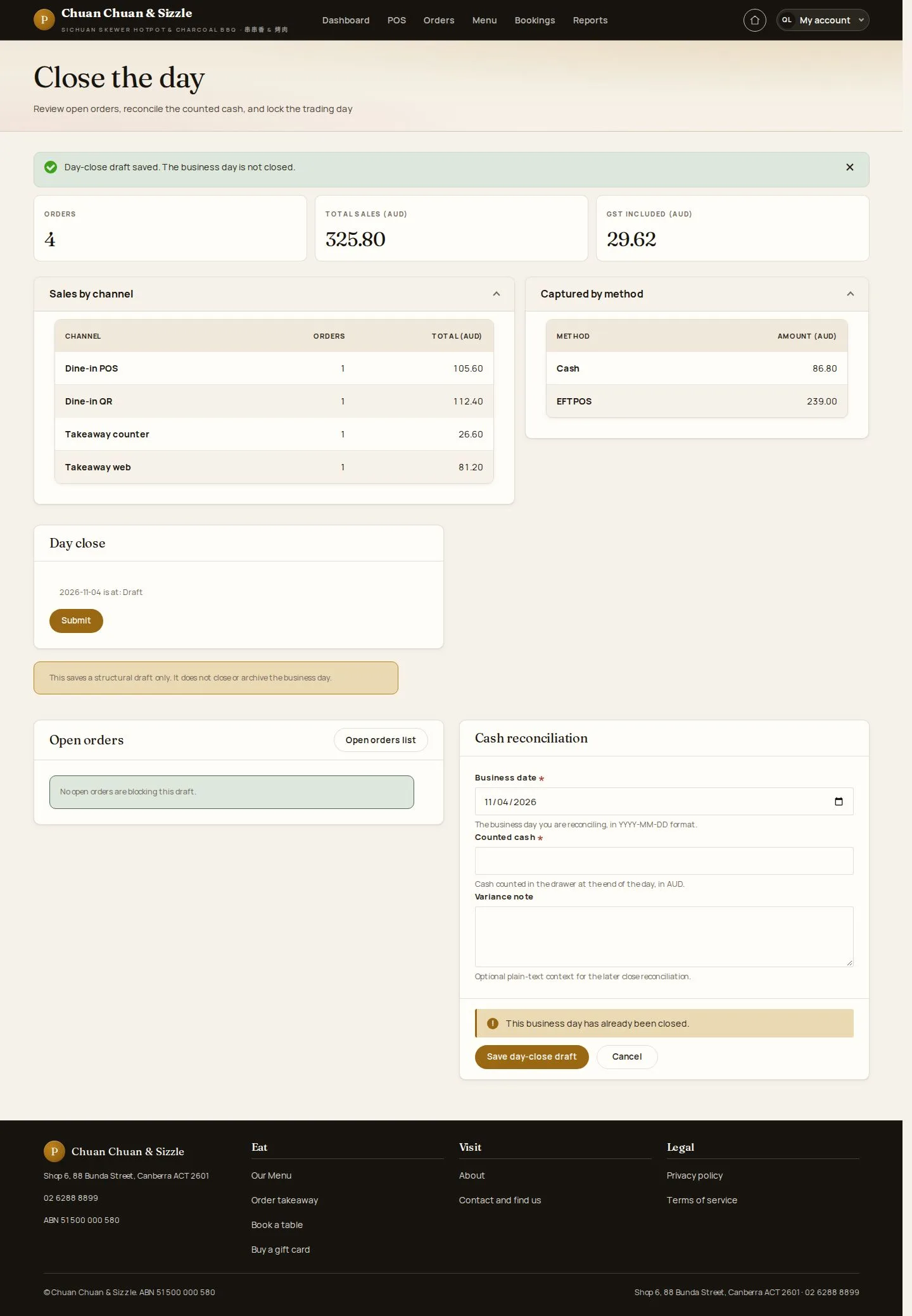
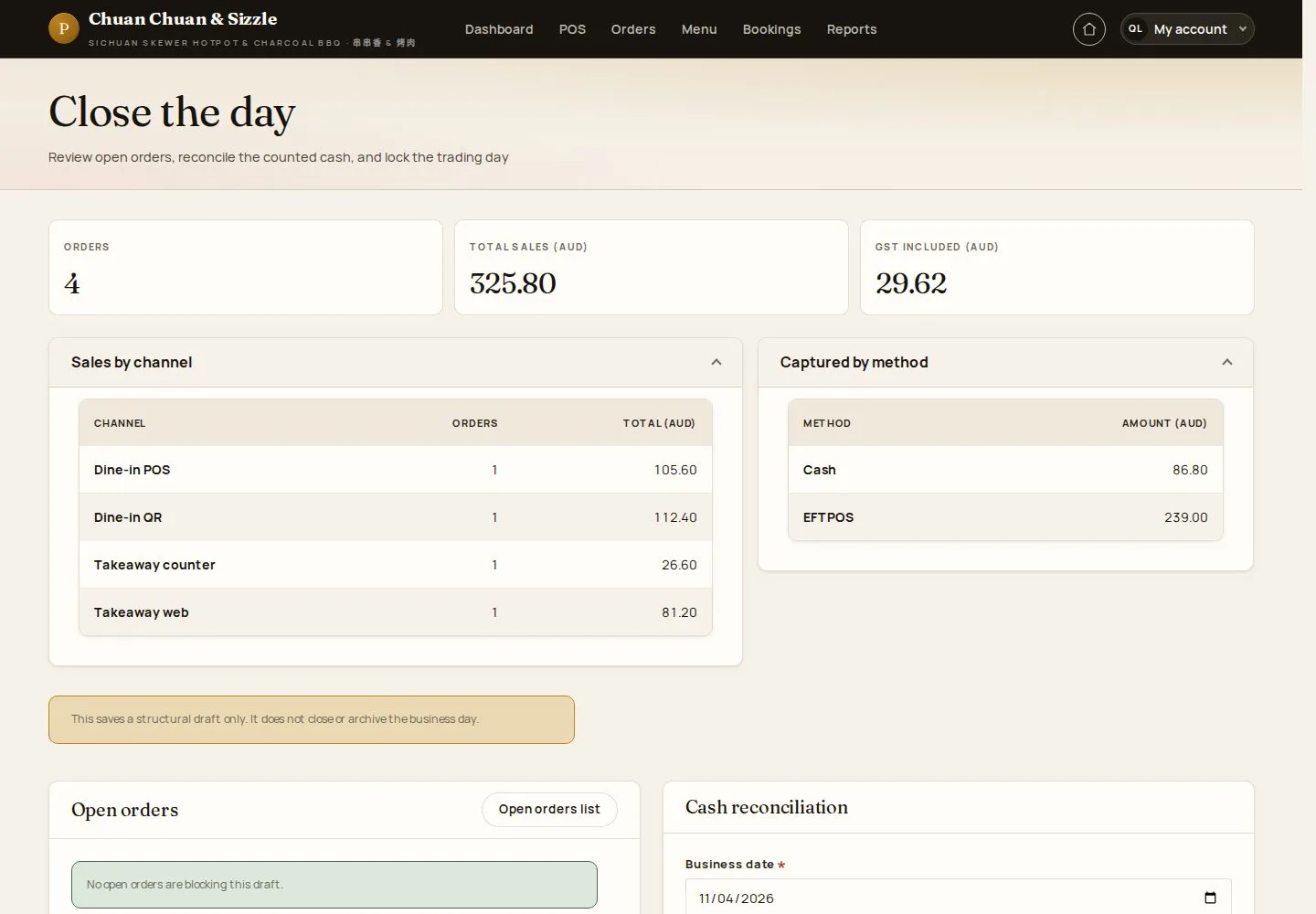
  1. Daily sales totals
  2. Open orders
  3. Cash reconciliation

A day with open orders cannot be closed; close or void them first.

Enlarge, then scroll

Open illustrated screen ↗Full image ↗

Manager · Close the day01

Counted cash

Manager

Counted cash

2Step 2 of 7

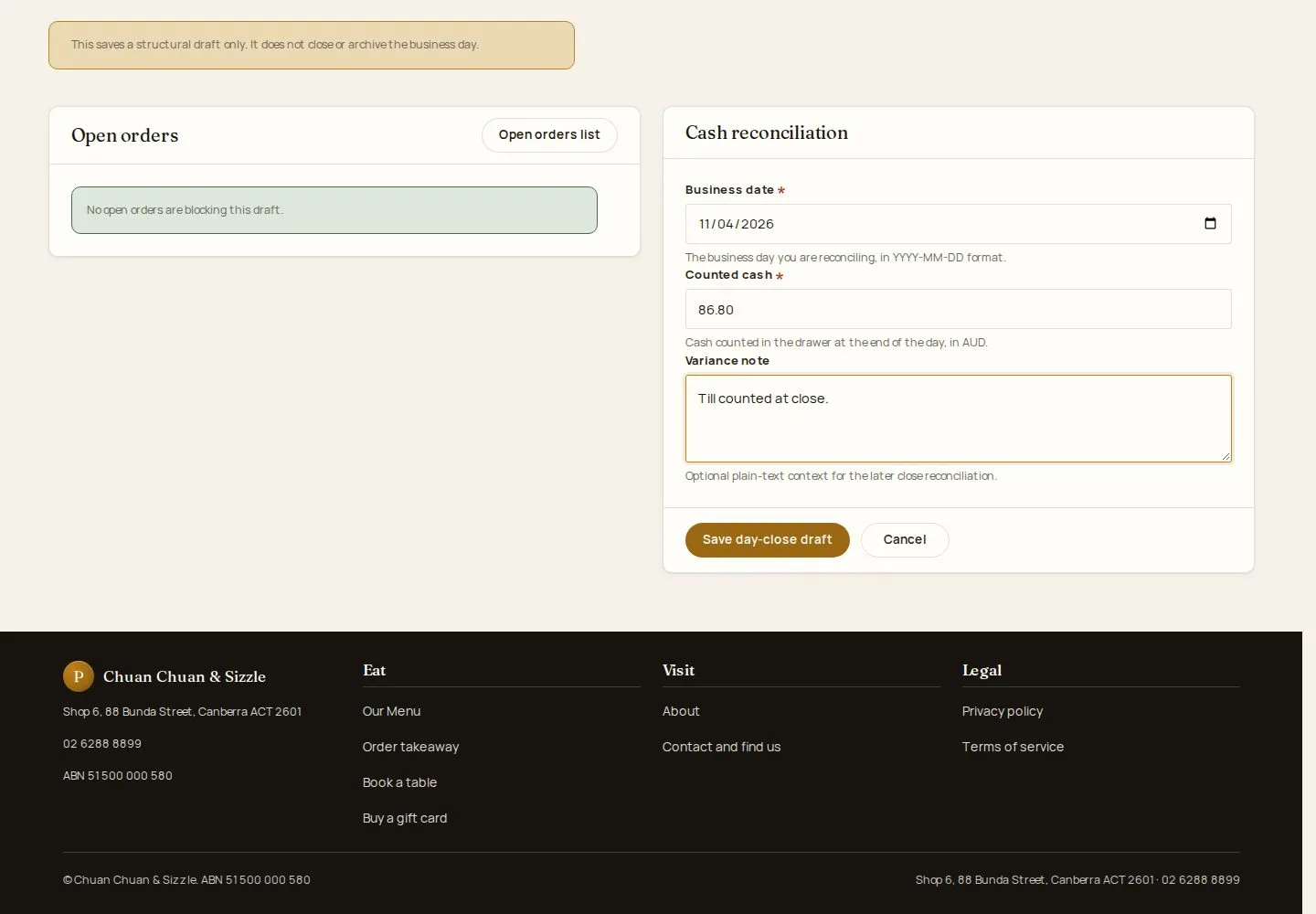
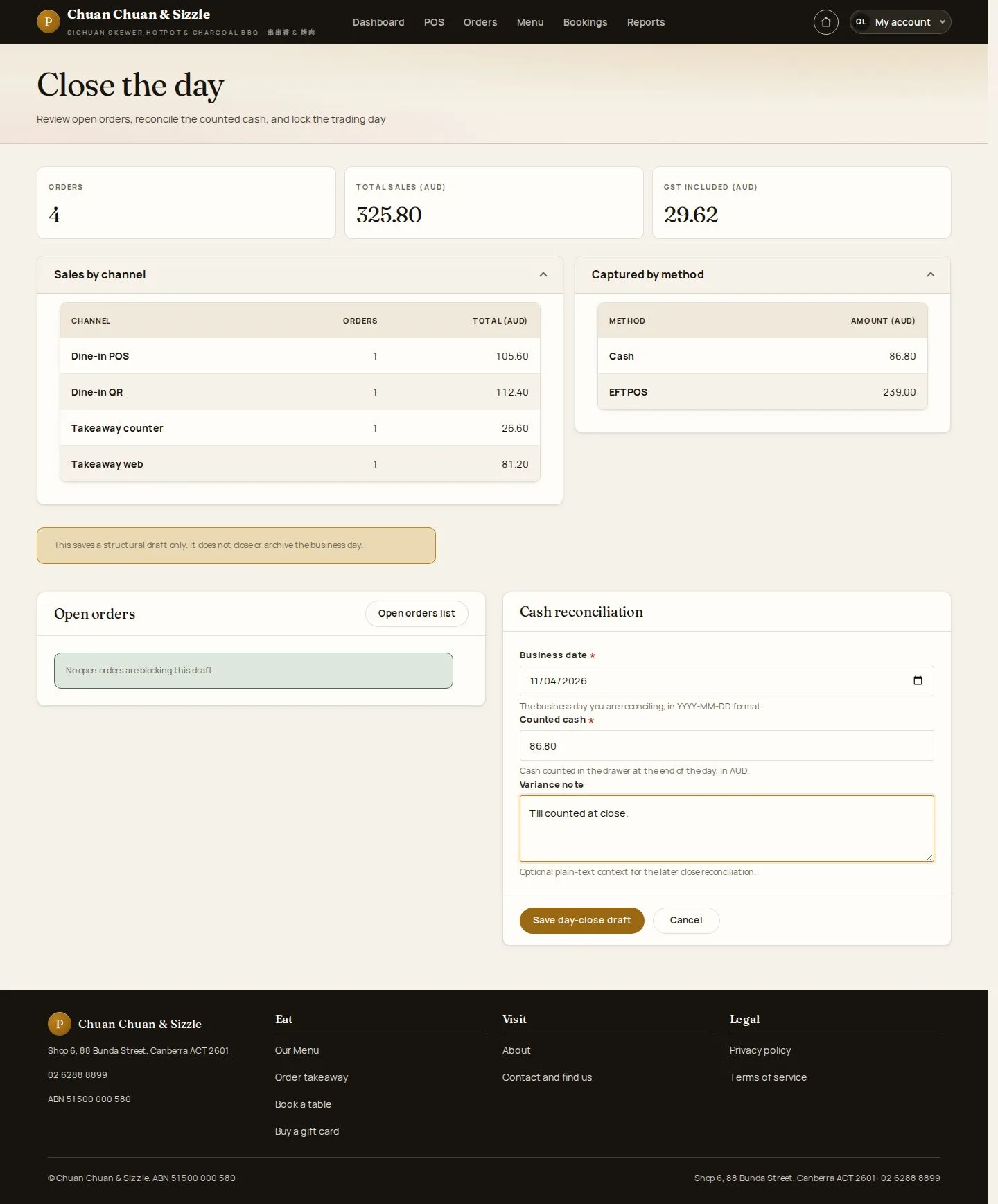
  1. Business date · Counted cash
  2. Variance note

Enlarge, then scroll

Open illustrated screen ↗Full image ↗

Manager · Close the day02

Draft saved

Manager

Draft saved

3Step 3 of 7

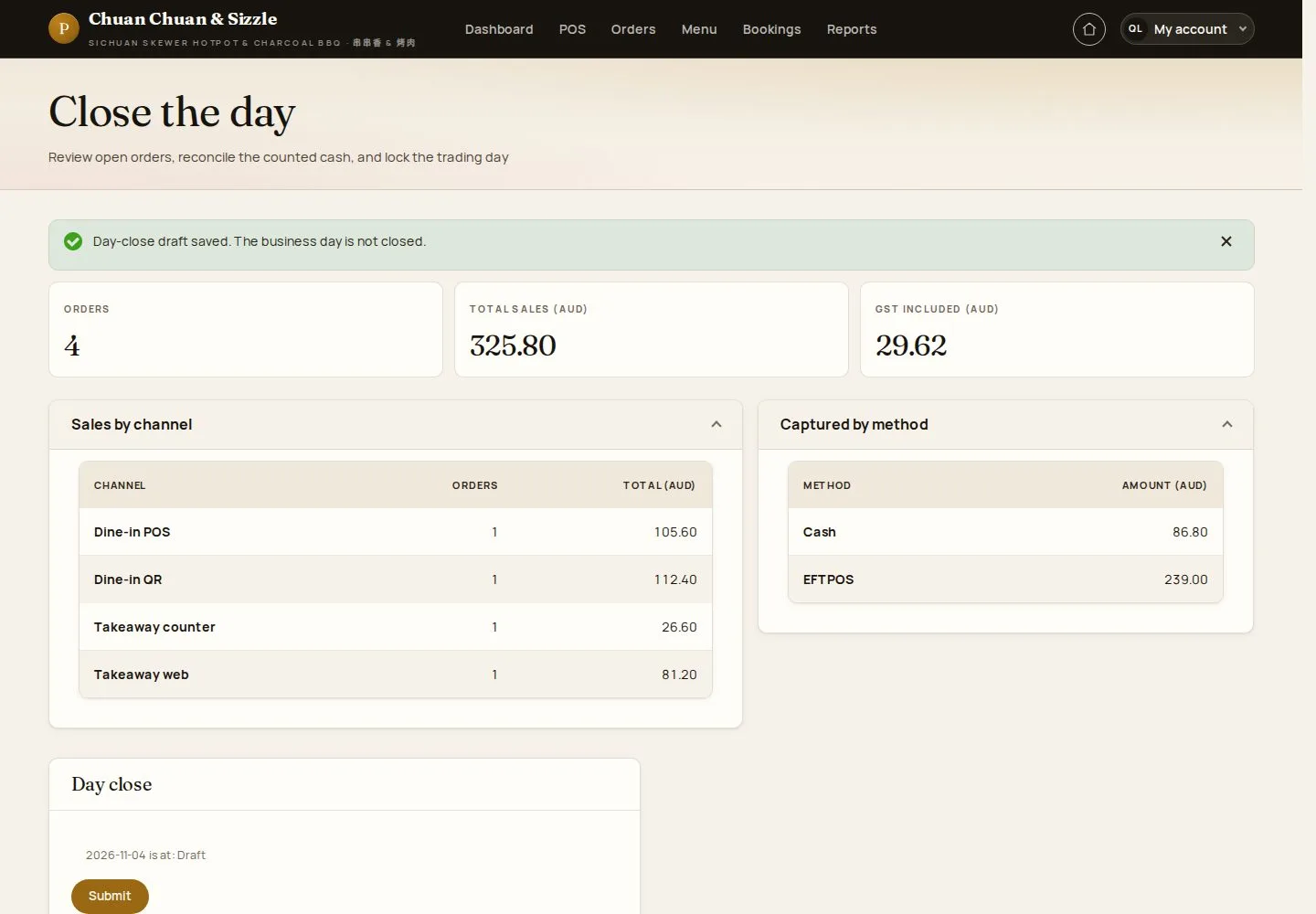
  1. Save day-close draft

The draft records the count; it does not close the business day.

Enlarge, then scroll

Open illustrated screen ↗Full image ↗

Manager · Close the day03

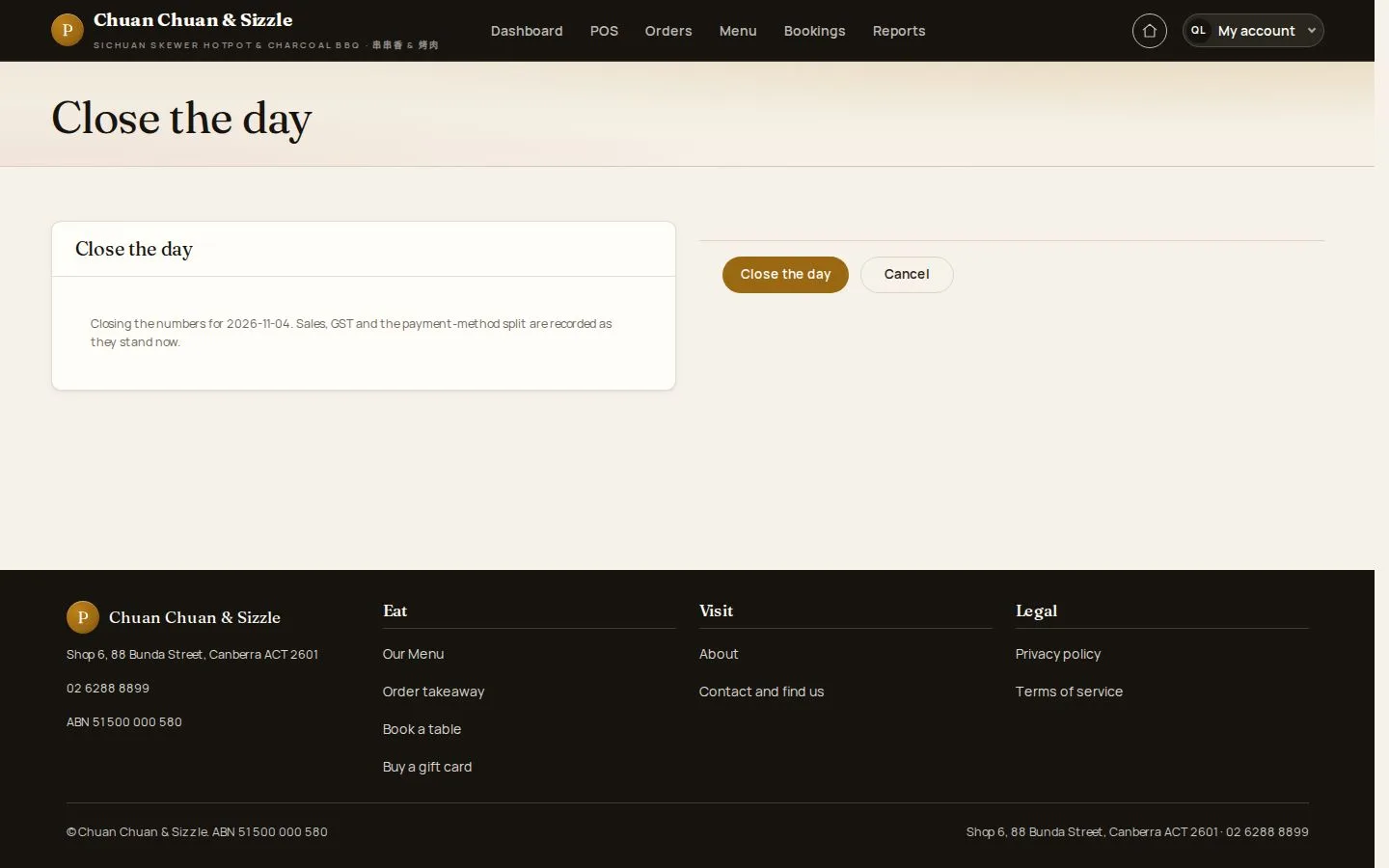
Close the day

Manager

Manager · Close the day04

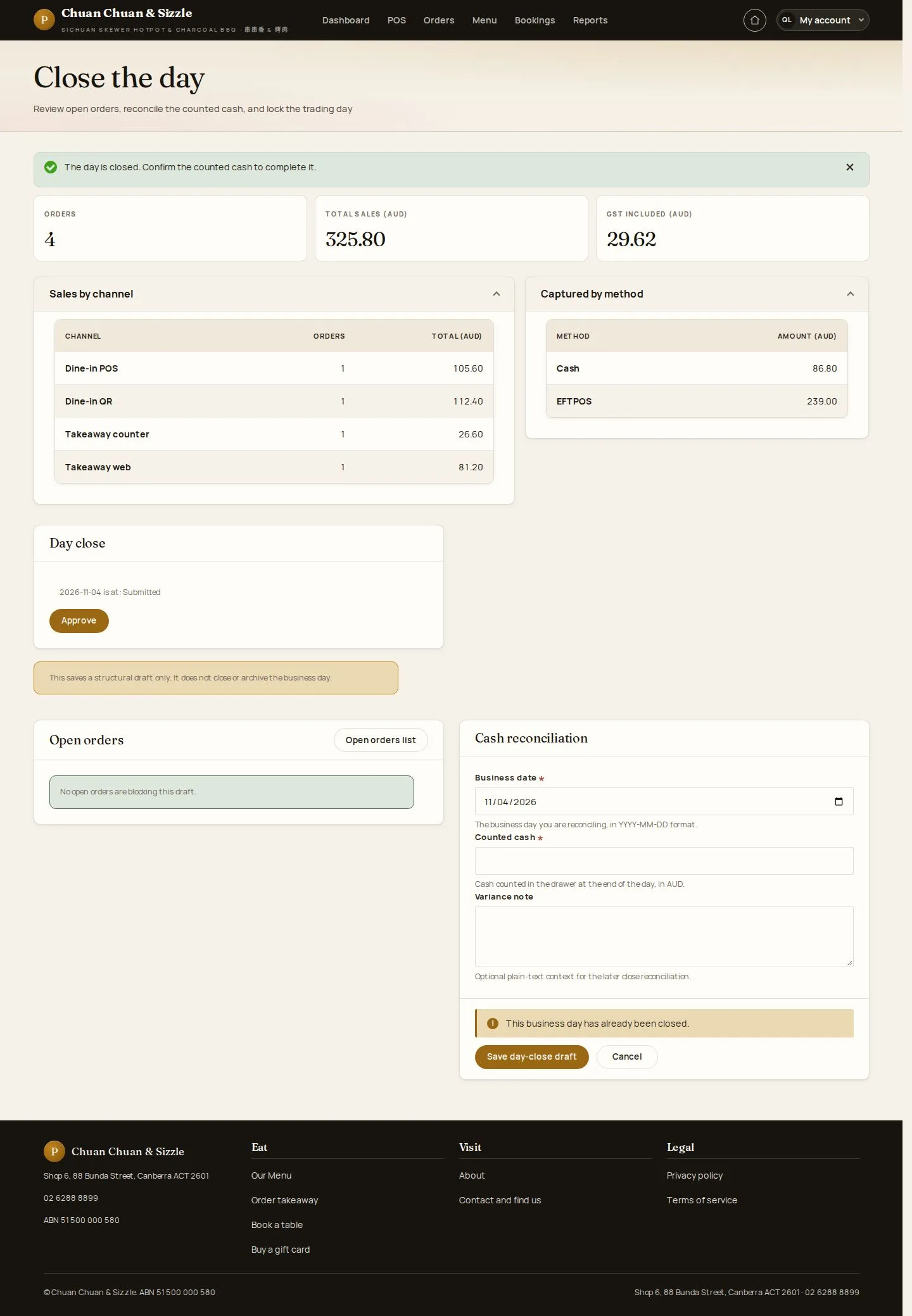
Day closed

Manager

Day closed

5Step 5 of 7

  1. Confirm the counted cash next

Enlarge, then scroll

Open illustrated screen ↗Full image ↗

Manager · Close the day05

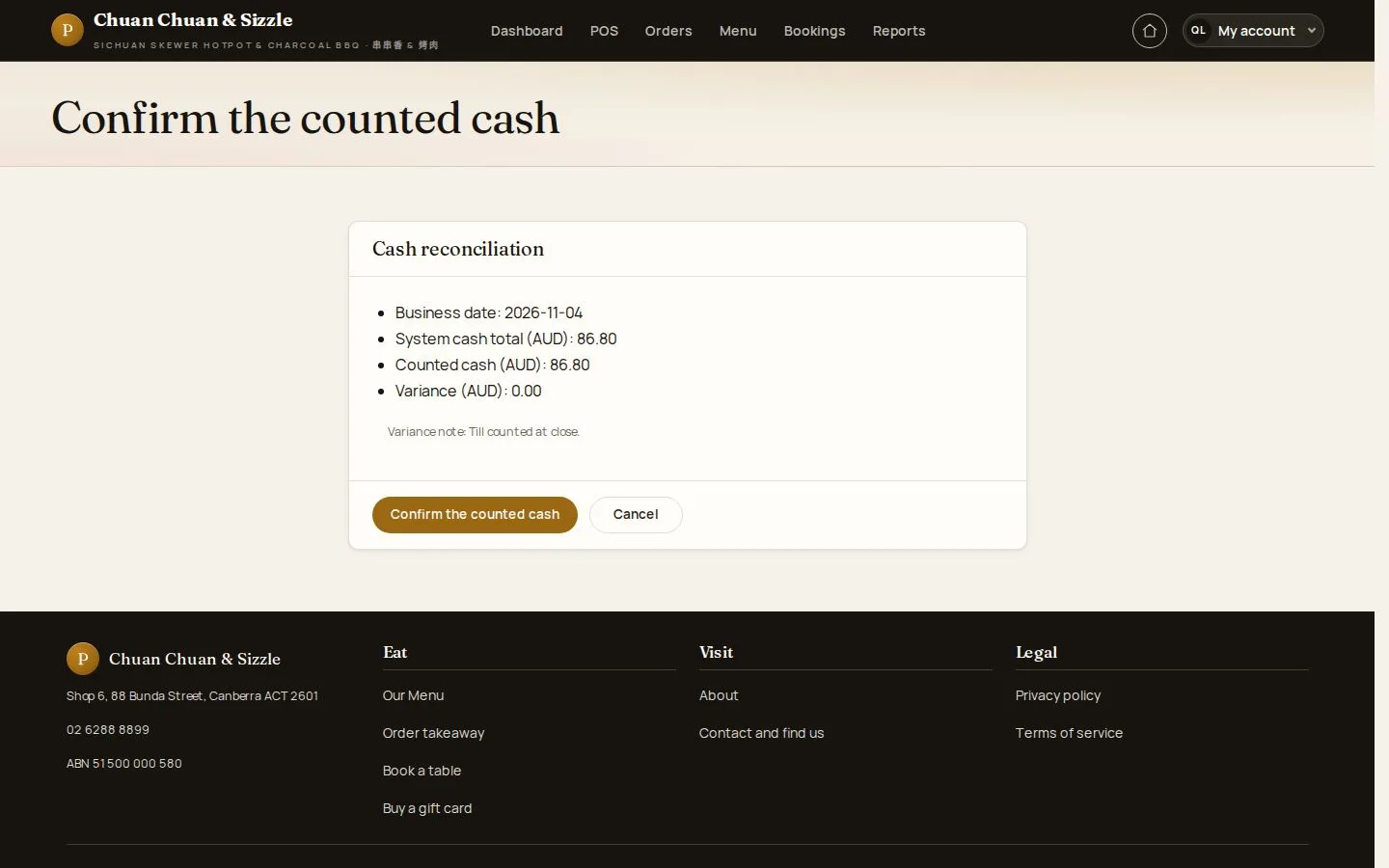
Confirm the counted cash

Manager

Confirm the counted cash

6Step 6 of 7

  1. System cash · Counted cash · Variance

Open illustrated screen ↗Full image ↗

Manager · Close the day06

Confirmed

Manager

Confirmed

7Step 7 of 7

  1. Counted cash confirmed

Enlarge, then scroll

Open illustrated screen ↗Full image ↗

Check

The counted cash is confirmed; the day locks when the next business day begins

Manager · Close the day07
1 / 8
Privacy Terms