










Receive a delivery
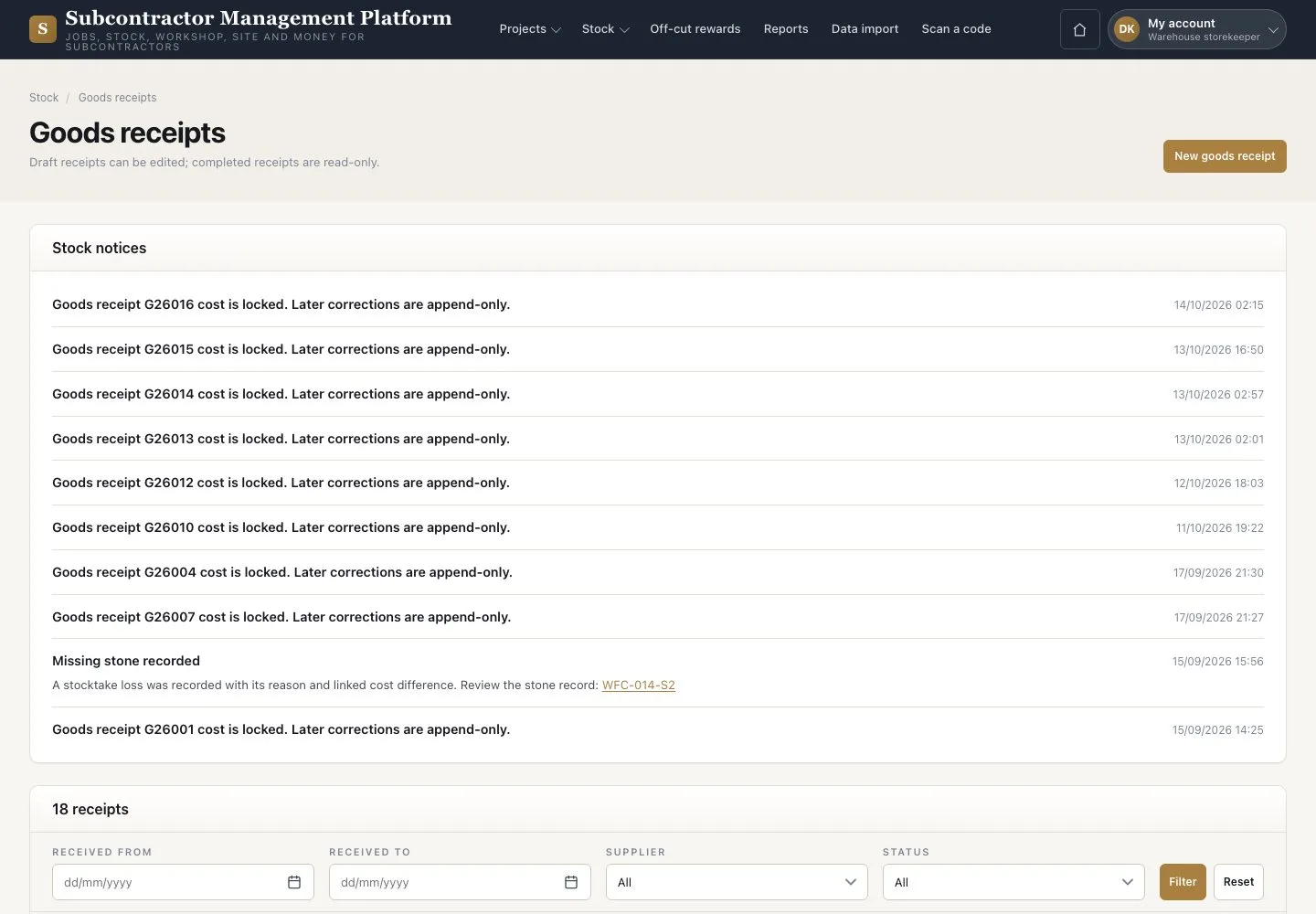
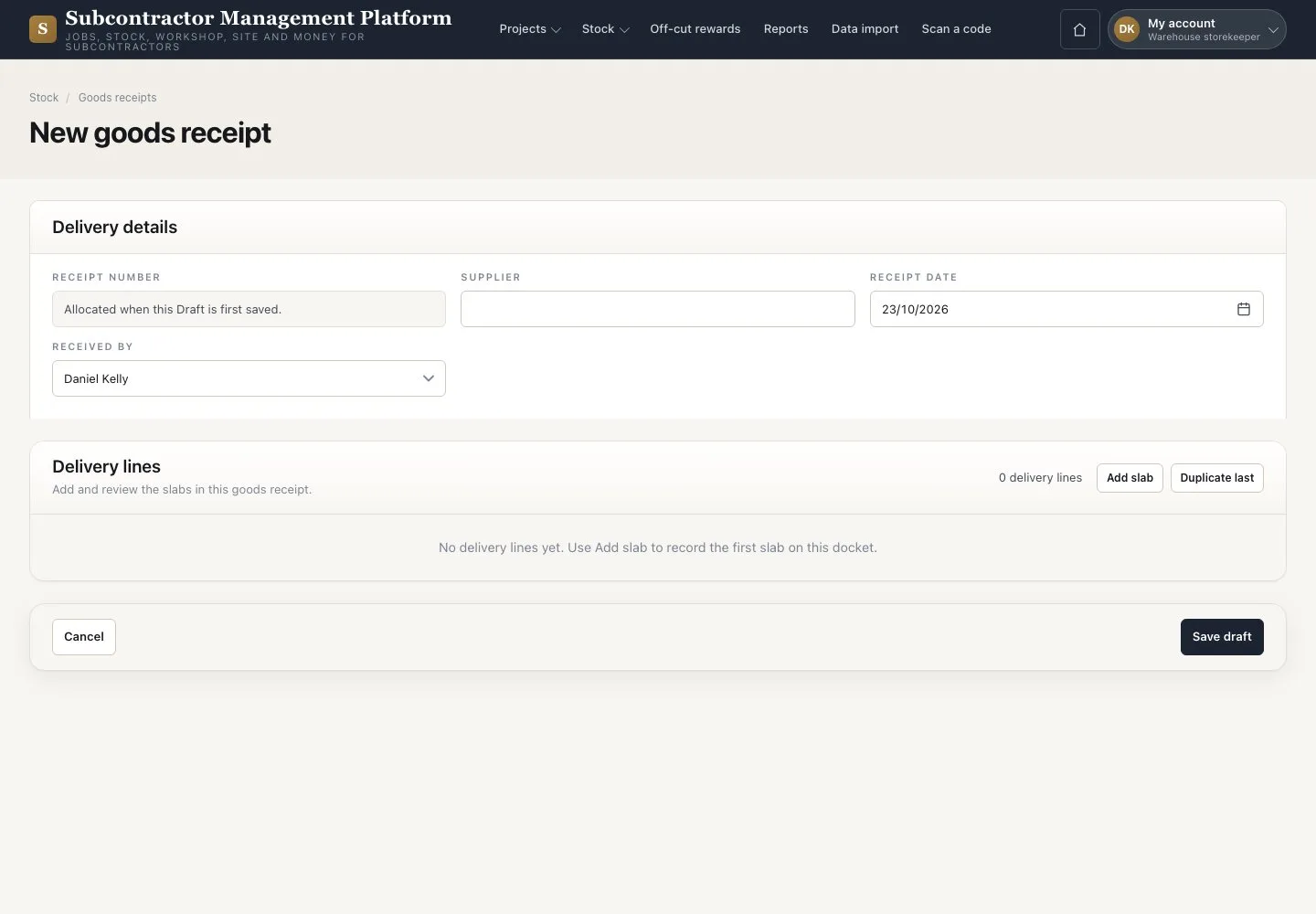
Goods receipts · Delivery lines · Mark received · Labels
- The supplier docket
- A photograph and a K1 or K2 location for each accepted slab
Warehouse storekeeper


Mark received and print labels
Warehouse storekeeper

4Step 4 of 4
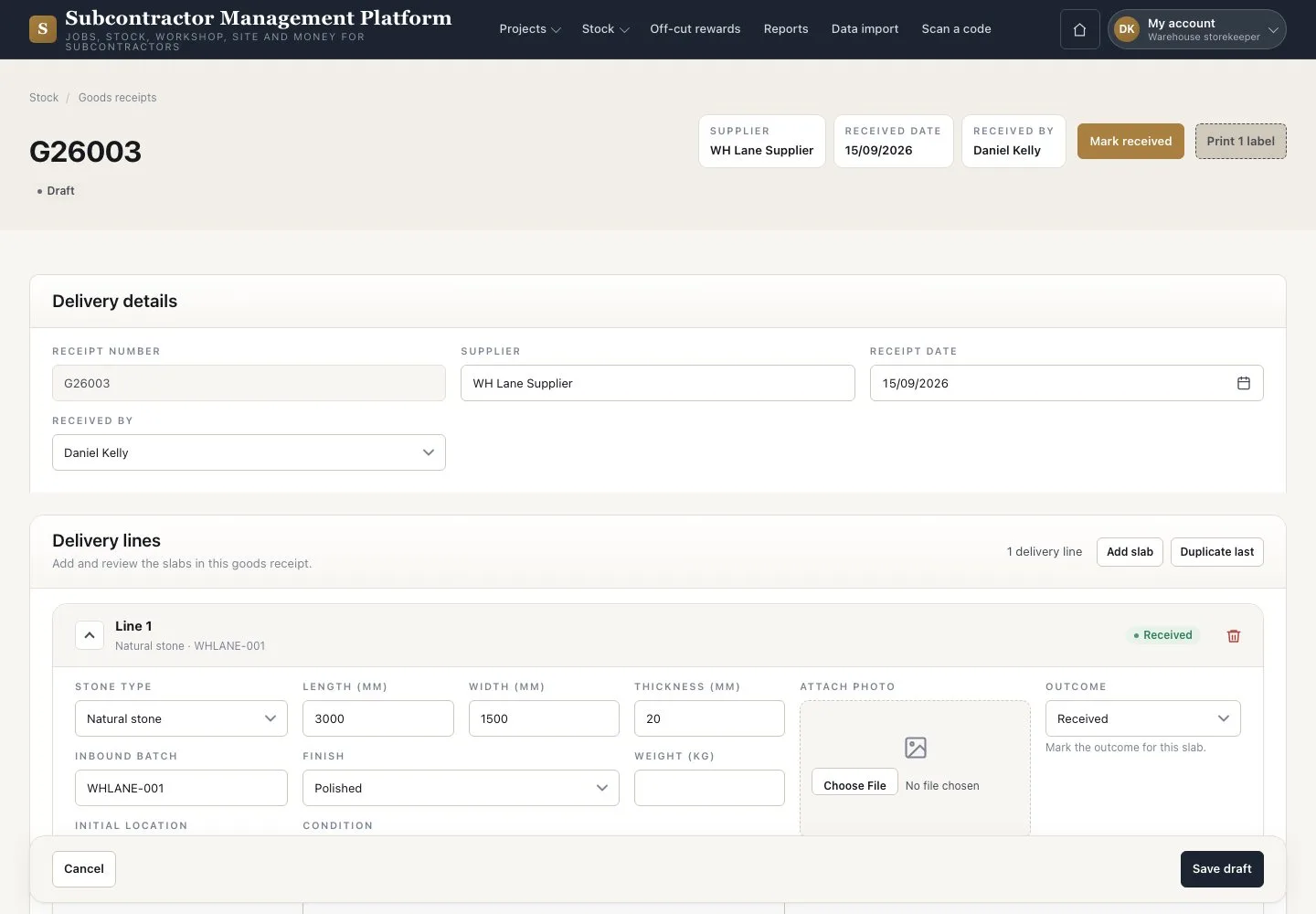
- Press “Mark received”, then “Receive”
- Press “Print N labels” to open the label sheet
- Print it from the browser and attach each label
Landed cost is entered and locked by the Accountant.
Open illustrated screen ↗Full image ↗
Check
The receipt is Received and every accepted slab has its code and label.
1 / 5