Project and quoting measure

New project · New quoting measure · Scope key · Capture assignee

  • The customer exists
Project coordinator
New project

Project coordinator

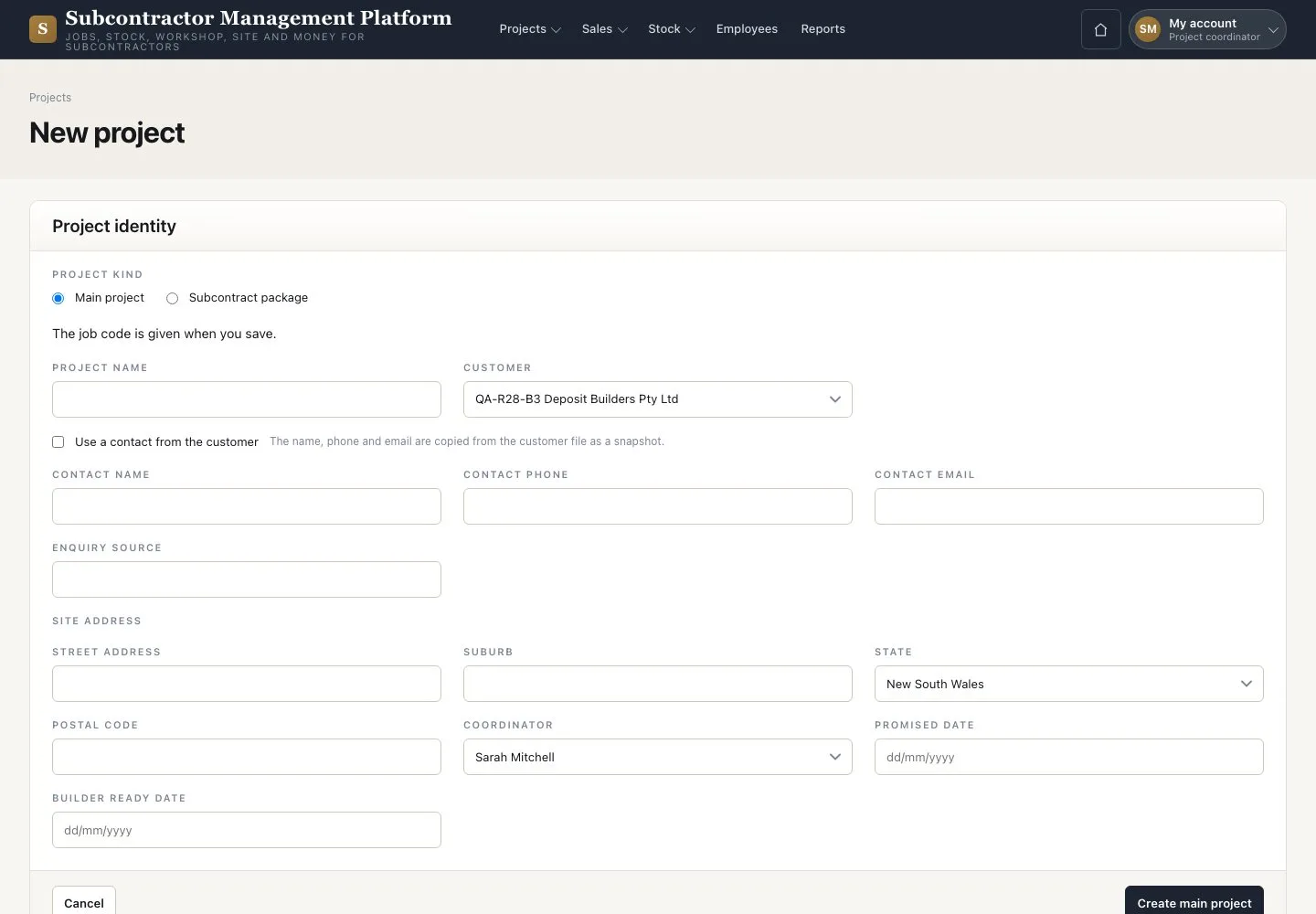
New project

1Step 1 of 3

  1. Enter the “Project name” and choose the “Coordinator”
  2. Press “Create main project”

Keep one Project code for the whole job.

Enlarge, then scroll

Open illustrated screen ↗Full image ↗

Project coordinator · Project and quoting measure01

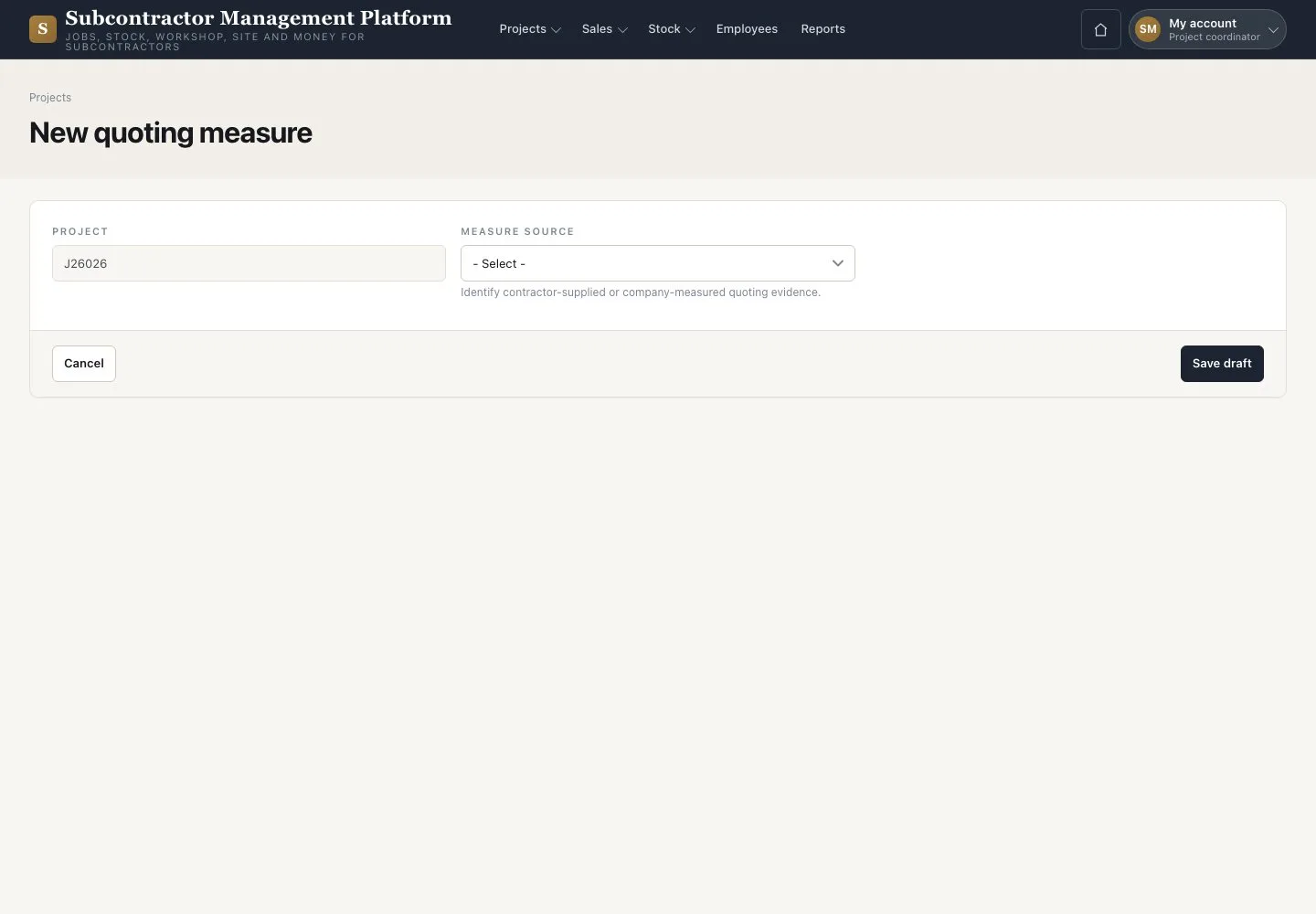
New quoting measure

Project coordinator

New quoting measure

2Step 2 of 3

  1. On the Project press “New quoting measure”
  2. Choose the “Measure source”
  3. Press “Save draft”

Open illustrated screen ↗Full image ↗

Project coordinator · Project and quoting measure02

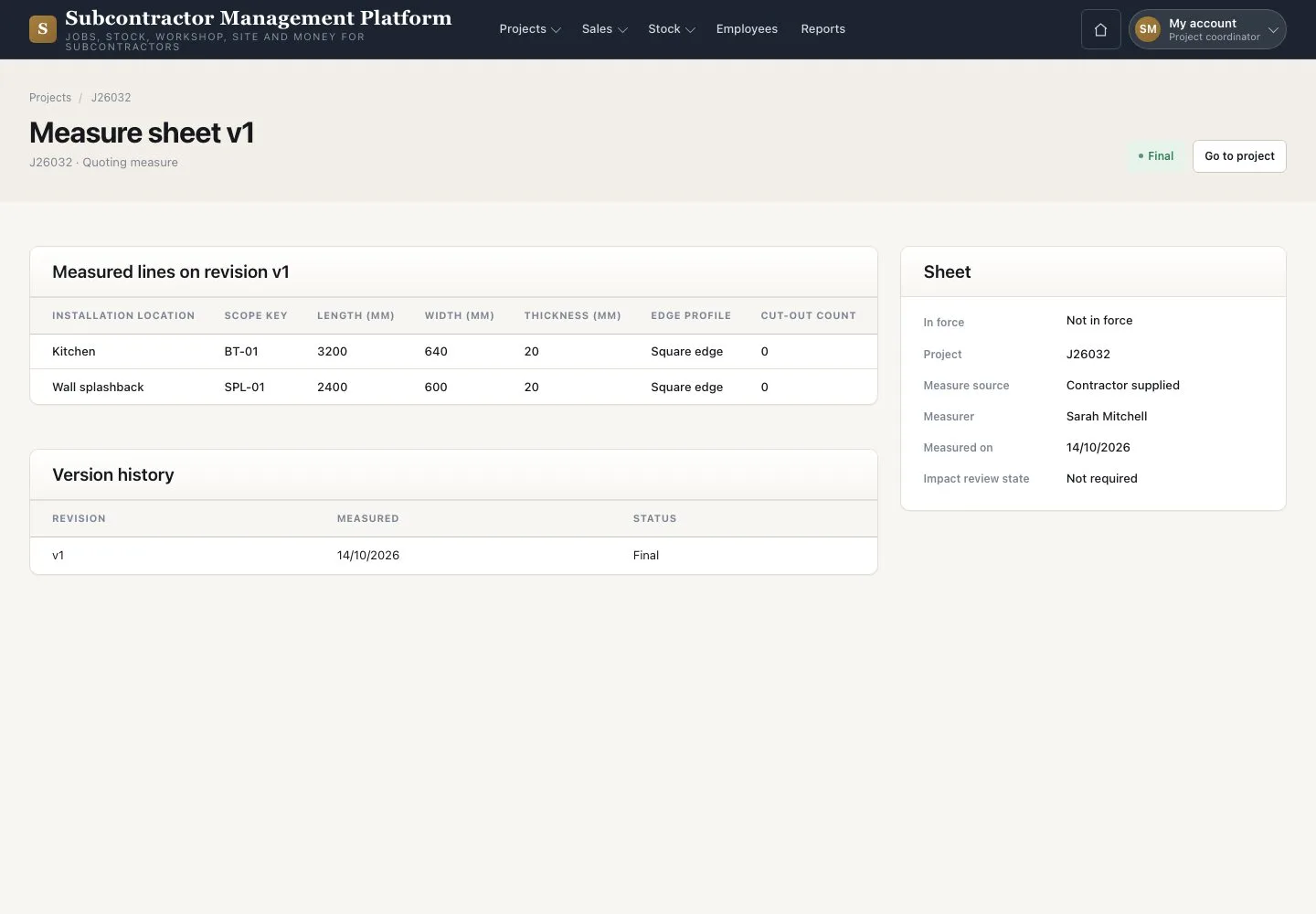
Measured items

Project coordinator

Measured items

3Step 3 of 3

  1. Enter “Measured on” and “Measurer”, then add each piece with its Scope key
  2. Choose a “Capture assignee” to measure on a phone
  3. Finalise the sheet when every line is complete

The Final revision is frozen; the quote is built from its lines.

Open illustrated screen ↗Full image ↗

Check

The Project is at Enquiry with a finalised quoting measure.

Project coordinator · Project and quoting measure03
1 / 4
Privacy Terms