










Fabrication measure for approval
New fabrication measure · Submit for approval · Move to Approved
- The original quote is Won
- The Project is Measuring
Project coordinator
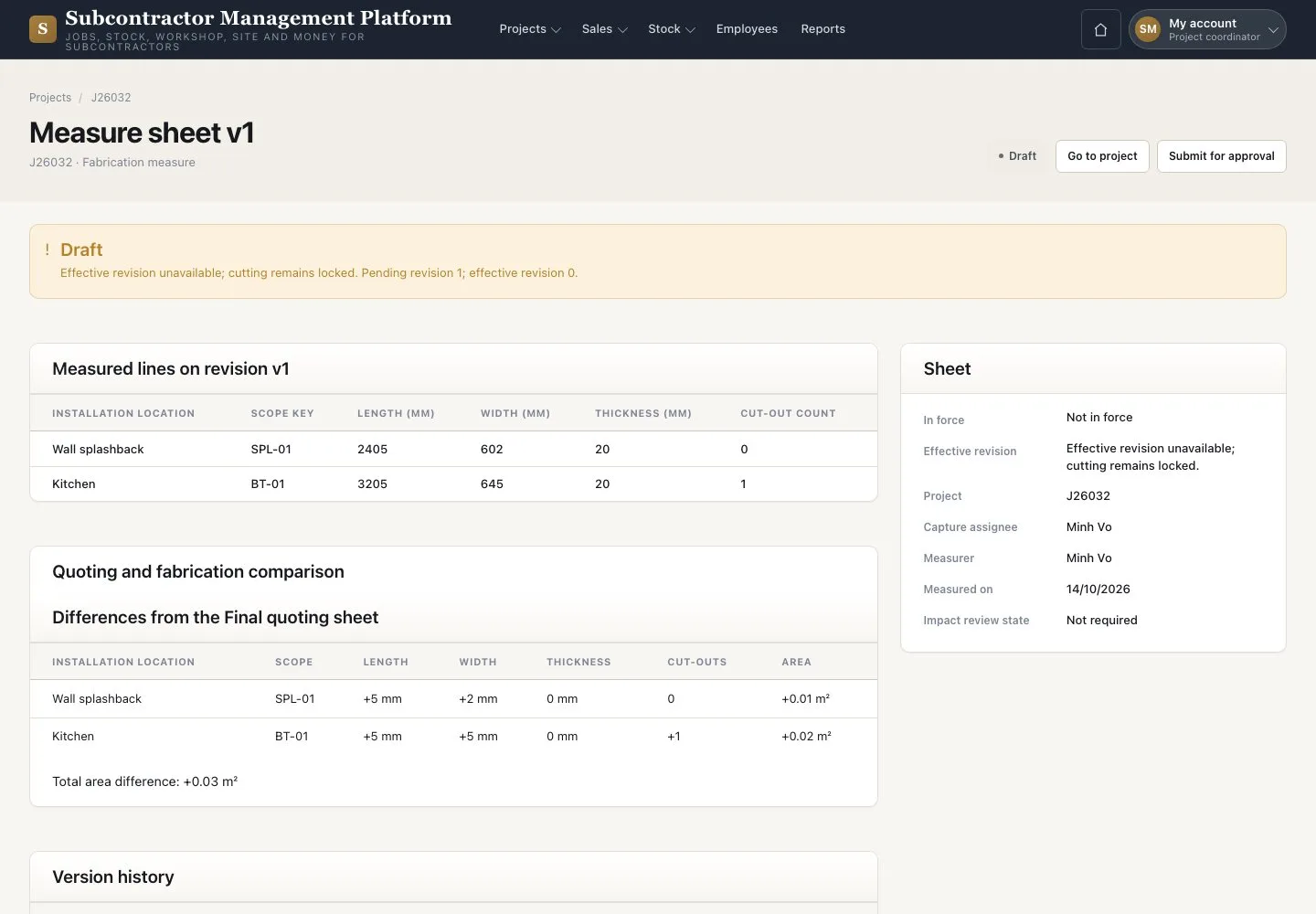
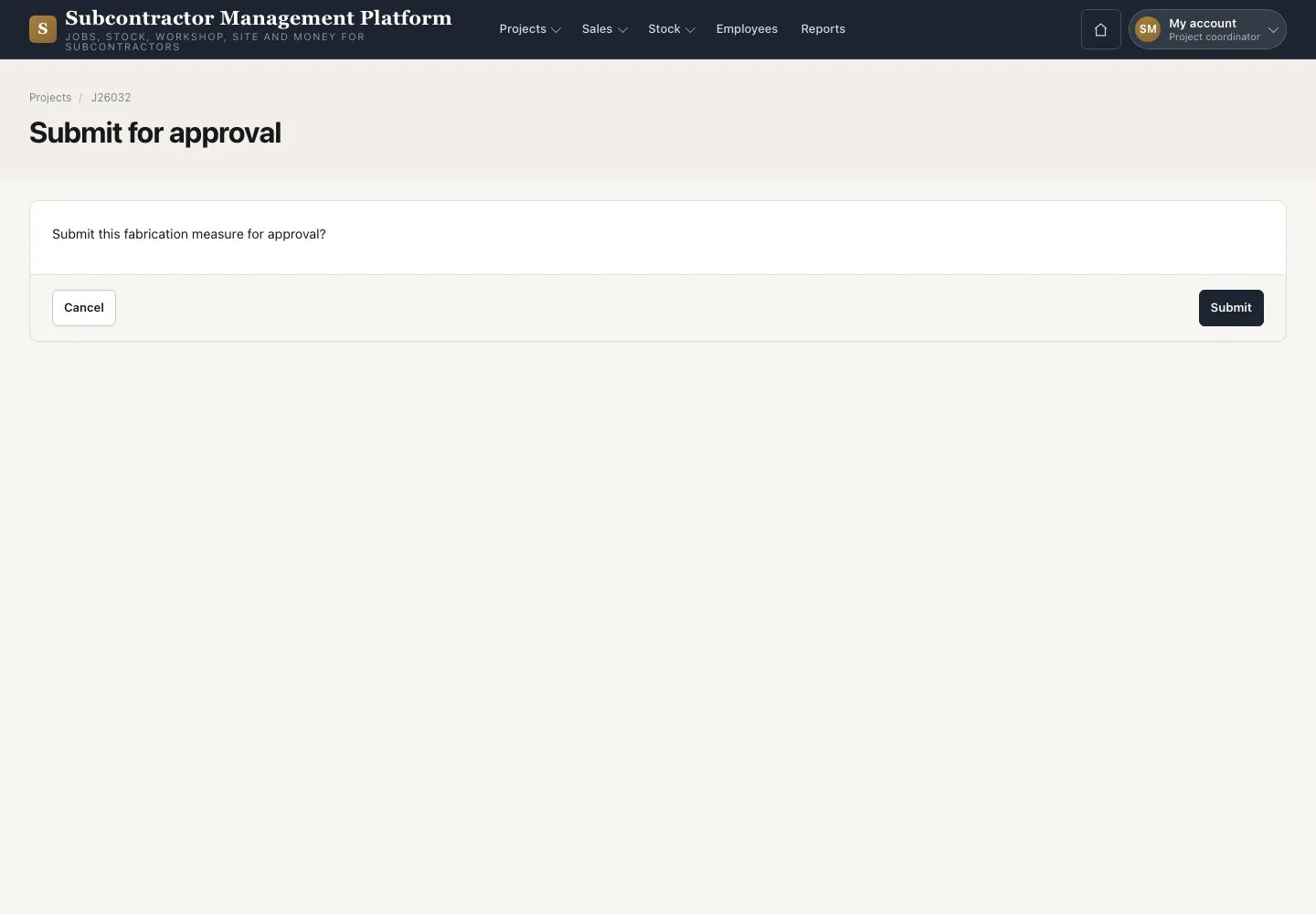

Submit for approval
Project coordinator

2Step 2 of 2
- Link each variation line to its “Quote line”
- Press “Submit for approval”, then “Submit”
The values are frozen at Pending. A returned sheet shows in “Measure notices” with the Director’s reason.
Open illustrated screen ↗Full image ↗
Check
The Director decides the revision; after approval you move the Project to Approved.
1 / 3