










Timesheet and health file
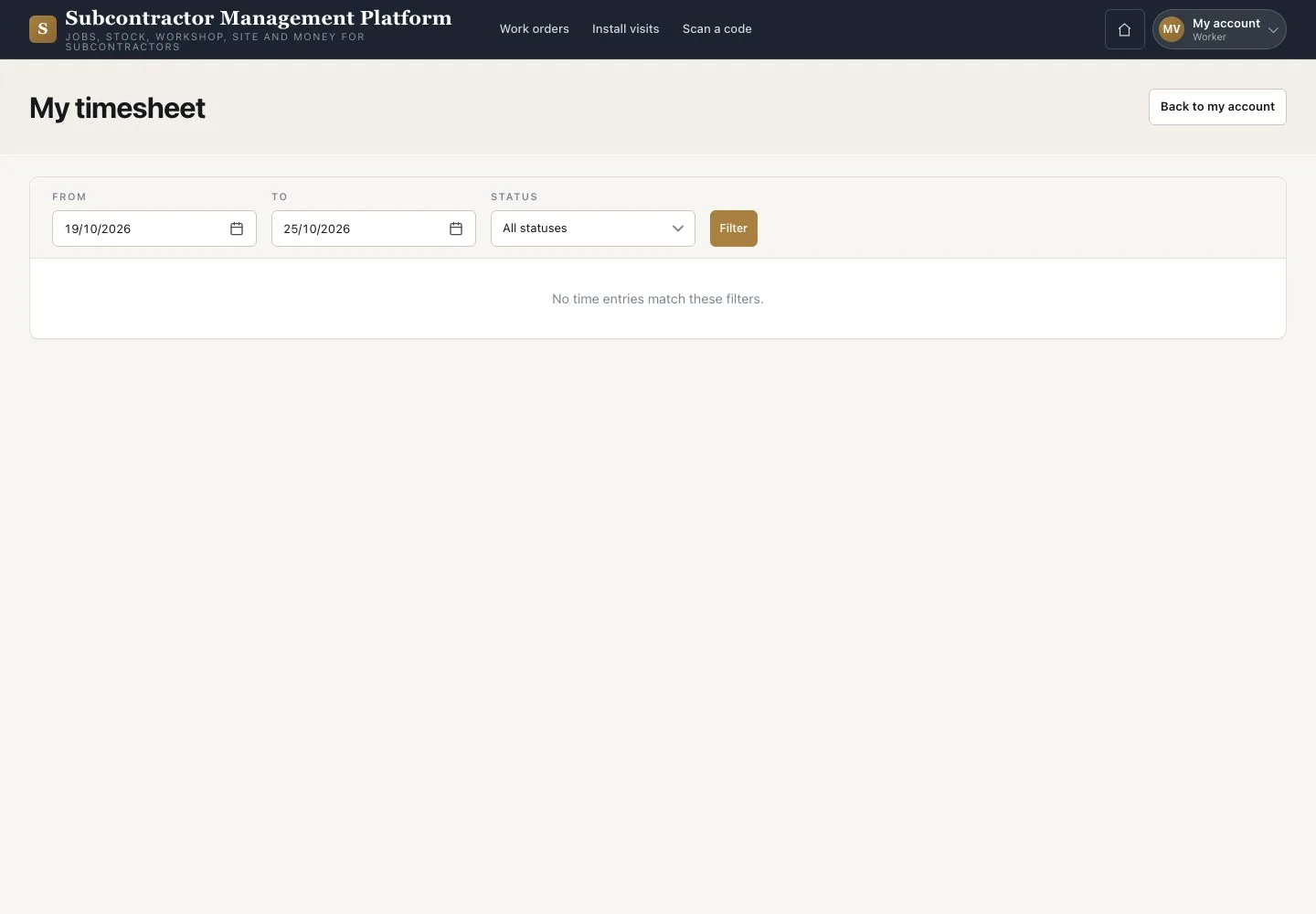
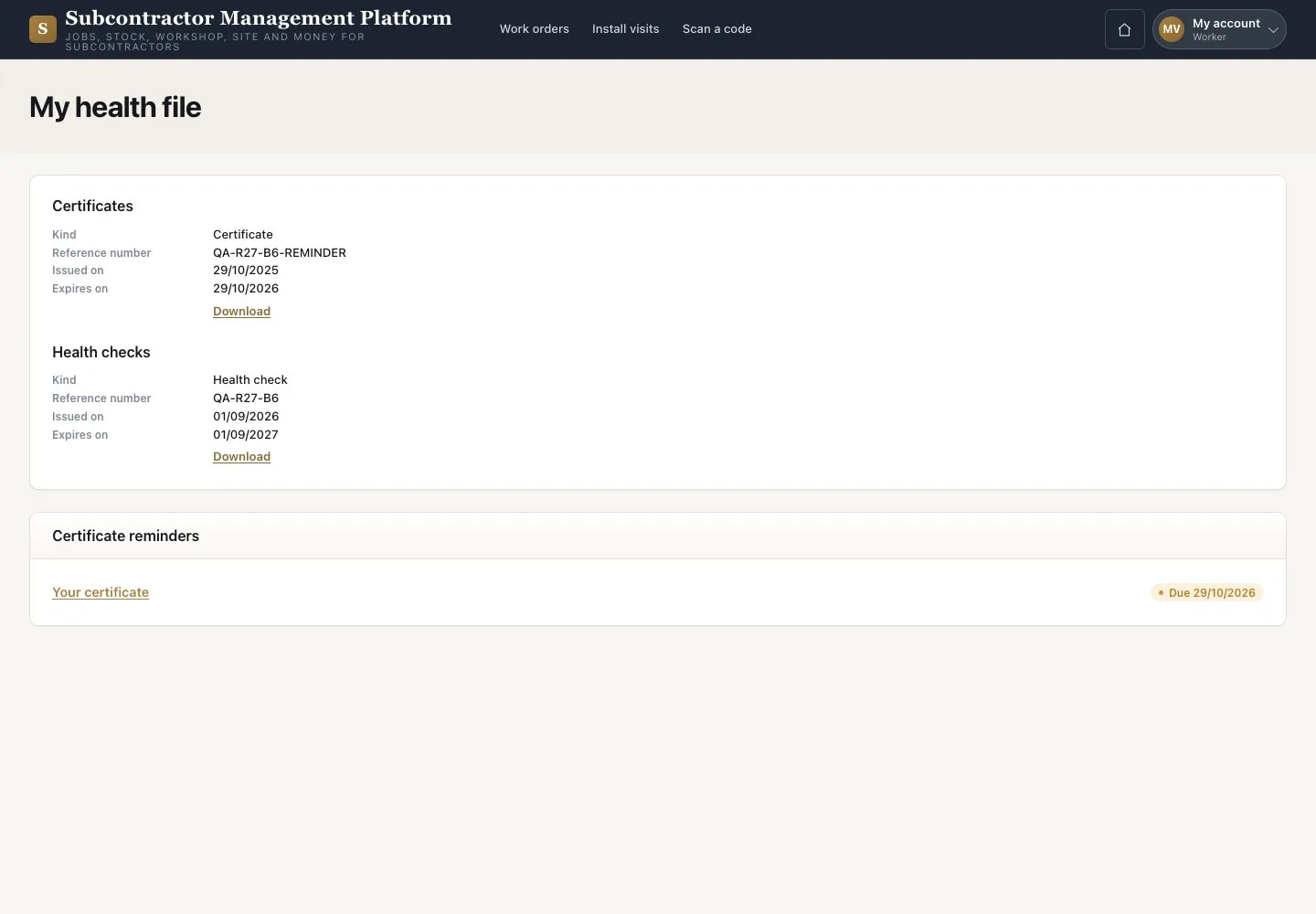
My timesheet · My health file · Certificate reminders
- Your account is linked to your Employee record
Worker

My health file
Worker

2Step 2 of 2
- Open “My health file”
- Check your certificates and health checks
- Arrange the renewals listed in “Certificate reminders”
Reminders show in the application; no reminder email is sent.
Open illustrated screen ↗Full image ↗
Check
You can check your own hours and documents.
1 / 3