










Keep an off-cut
Retain off-cut · Label · K1 / K2
- The parent slab’s label
- A tape measure and your phone camera
Worker
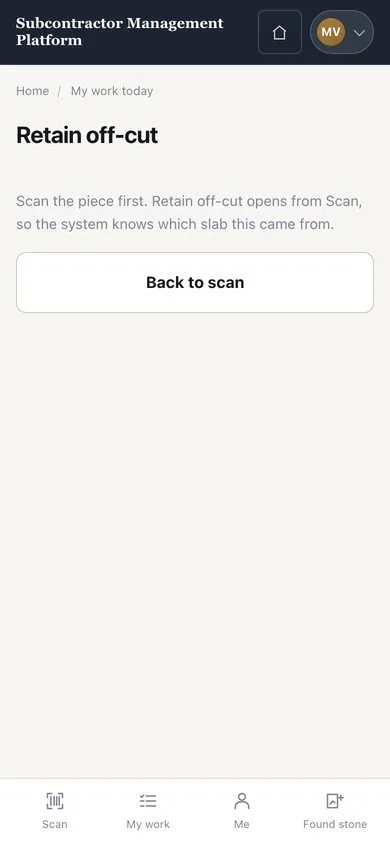
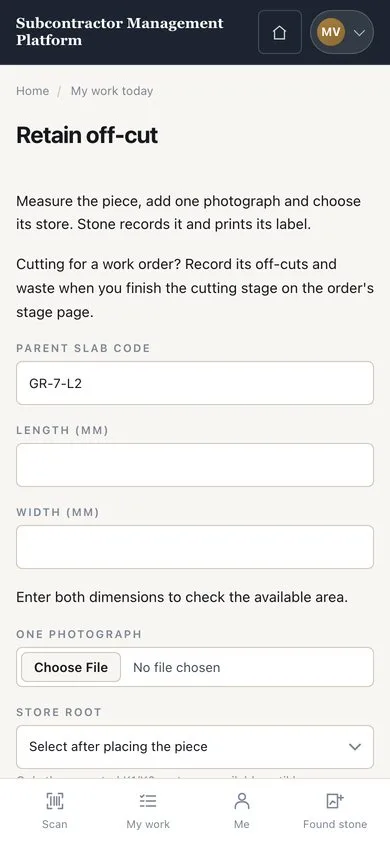

Record and label the piece
Worker

2Step 2 of 2
- Enter the actual length and width
- Take a photograph and choose the K1 or K2 location
- Press “SAVE AND PRINT LABEL”, then “Keep it”
Print the label sheet from the browser and attach the label; no direct label printer is connected.
Enlarge, then scroll
Open illustrated screen ↗Full image ↗
Check
The off-cut has its own code and label, linked to the slab it came from.
1 / 3