Rate the day

Daily ratings · Rate the day · Rate crew

  • The day is Approved and locked
Supervisor
Daily ratings

Supervisor

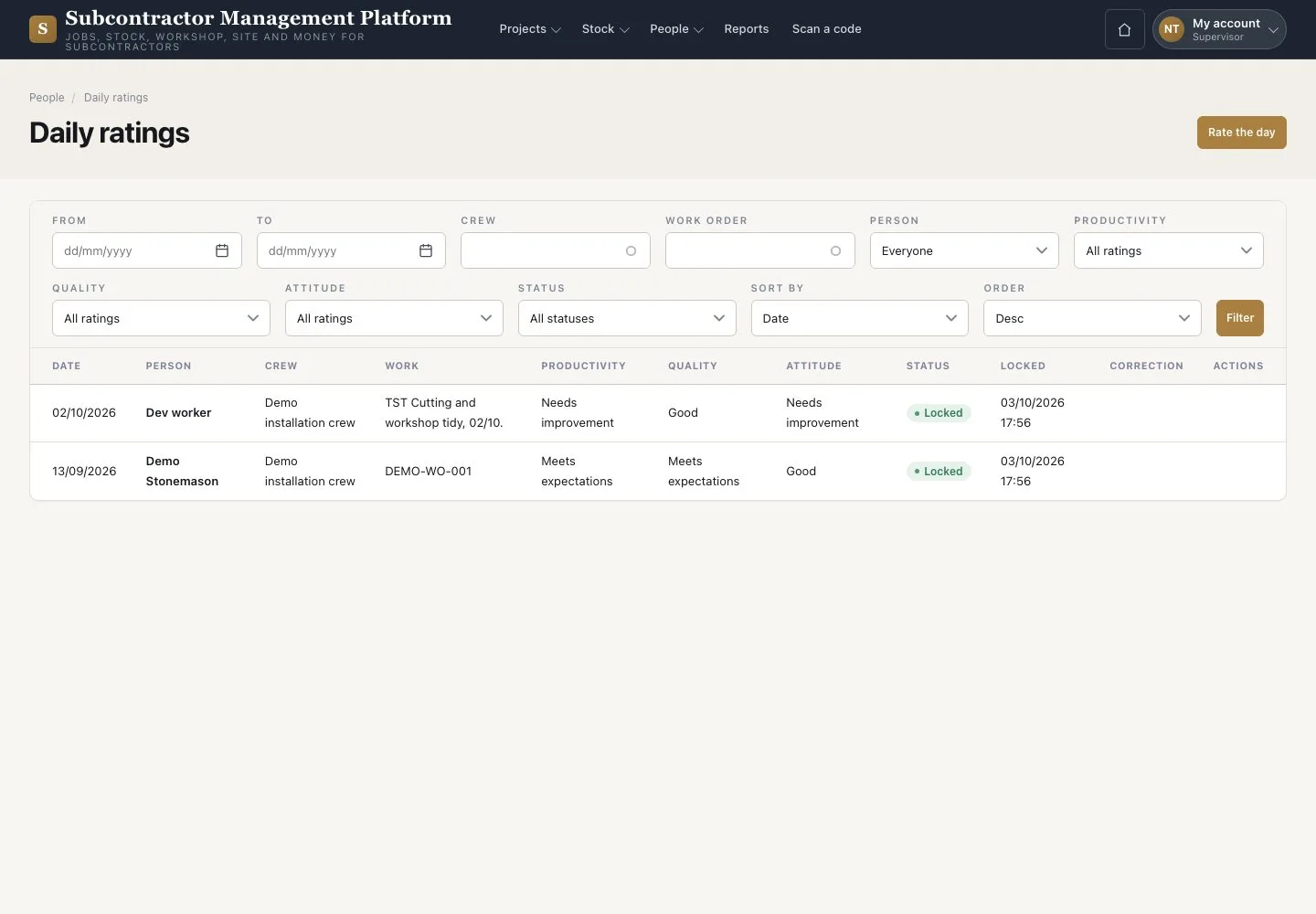
Daily ratings

1Step 1 of 3

  1. Open People → “Daily ratings”
  2. Filter by date
  3. Press “Rate the day”

Open illustrated screen ↗Full image ↗

Supervisor · Rate the day01

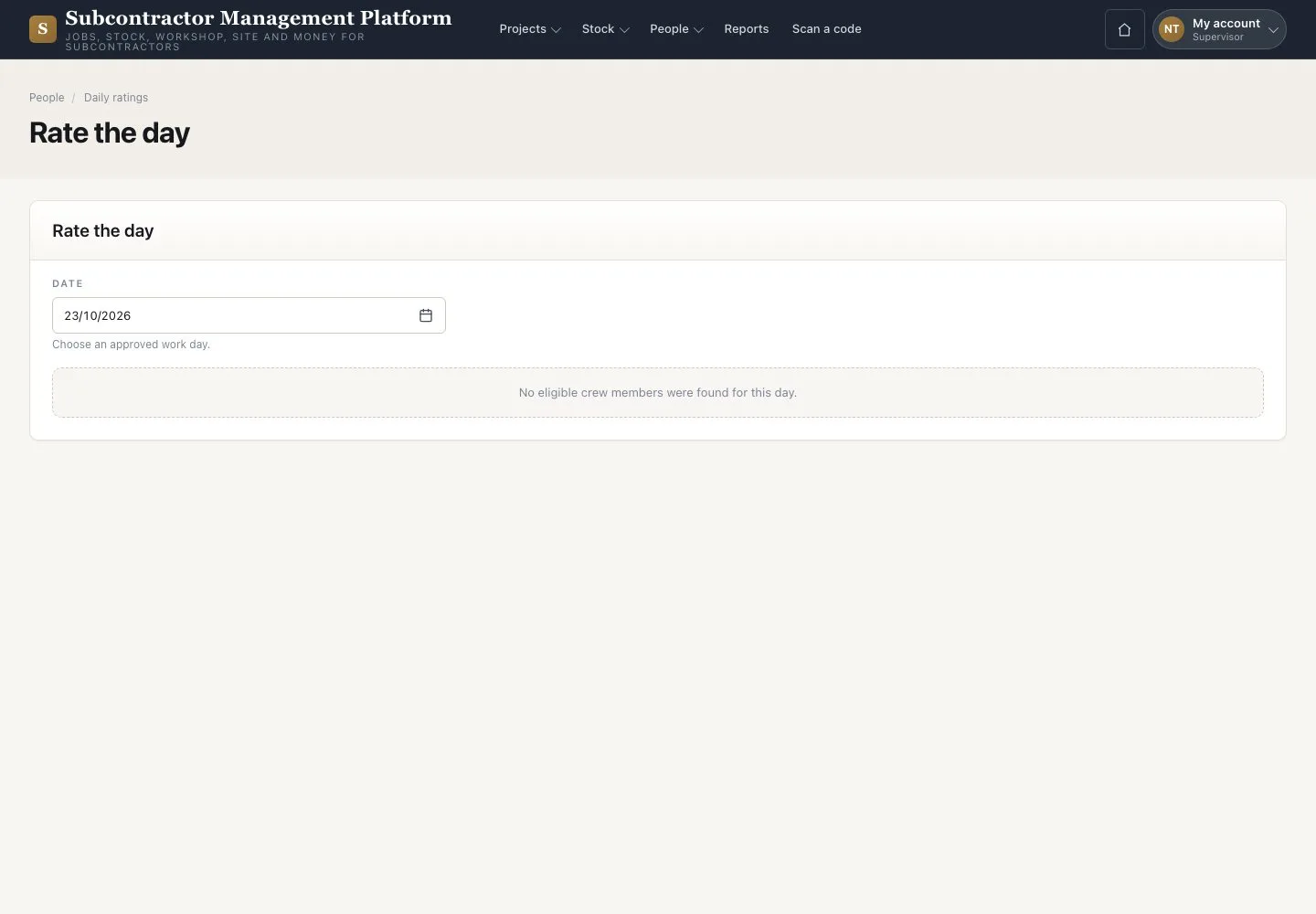
Rate the day

Supervisor

Rate the day

2Step 2 of 3

  1. Choose an approved work day
  2. Rate each crew member listed
  3. Save the ratings

Only an Approved and locked day lists crew members. A rating locks overnight.

Open illustrated screen ↗Full image ↗

Supervisor · Rate the day02

Rate crew on a phone

Supervisor

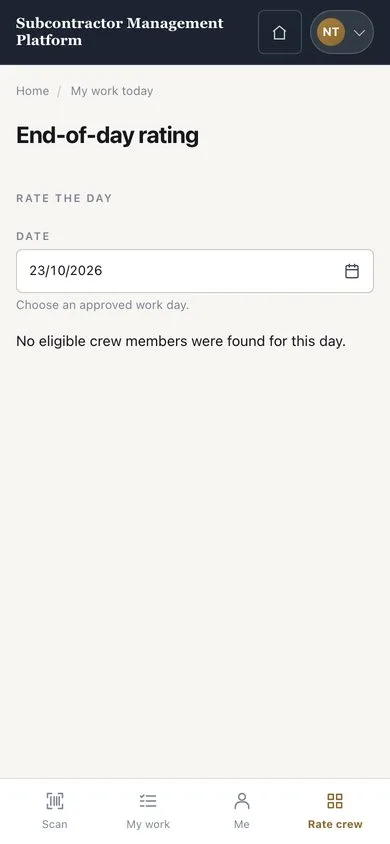
Rate crew on a phone

3Step 3 of 3

  1. Open the “Rate crew” tab
  2. Choose an approved day
  3. Rate the crew the platform lists

Enlarge, then scroll

Open illustrated screen ↗Full image ↗

Check

The rating is recorded for the day and the crew.

Supervisor · Rate the day03
1 / 4
Privacy Terms