Projects, stock and warranty

Projects · Find stone · Warranty tickets

  • Signed in on a desktop
Supervisor

Project

Supervisor

Project

1Step 1 of 3

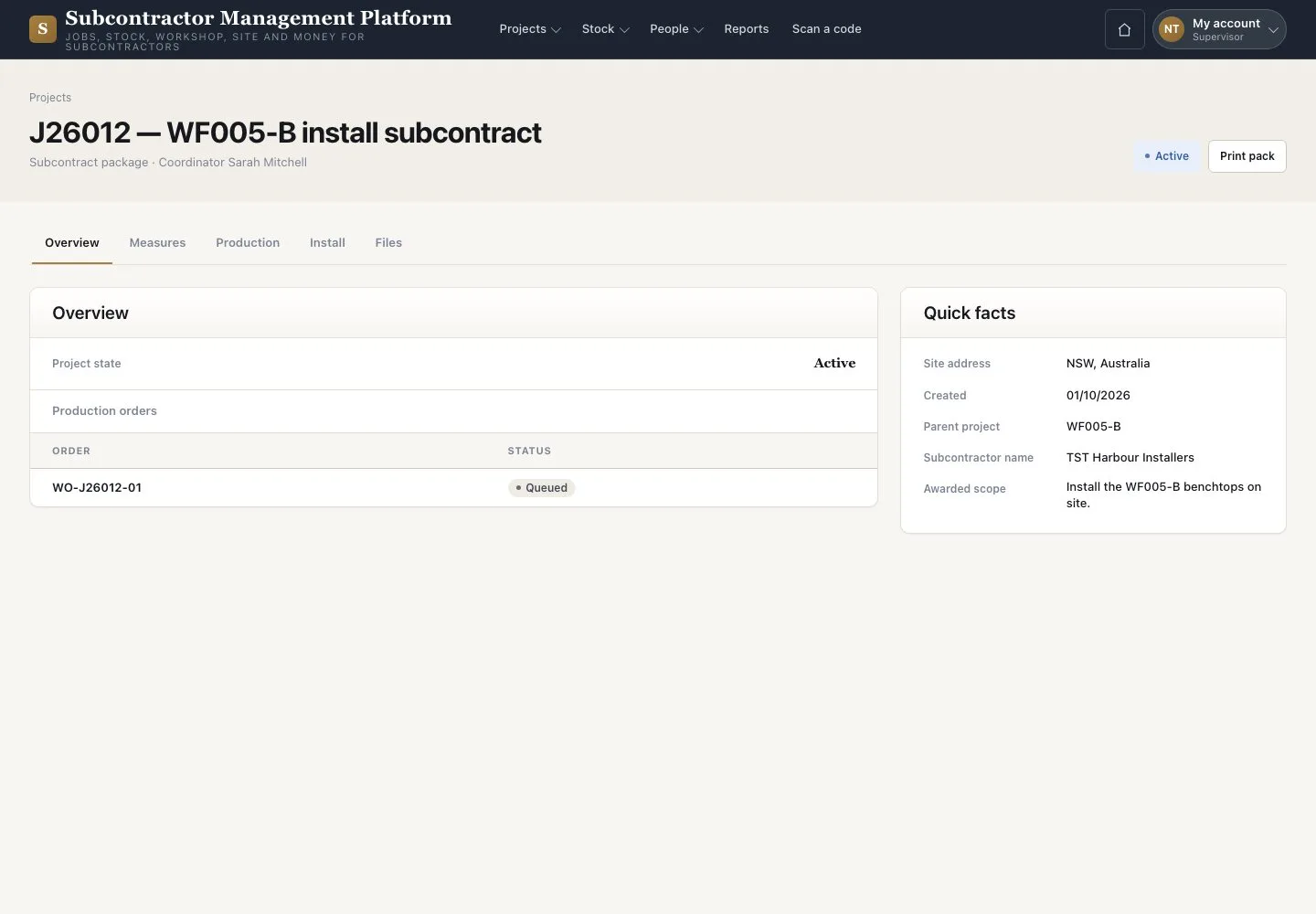
  1. Open “Projects” and a Project
  2. Read the overview and quick facts

Projects lists the jobs your crew has an install visit for.

Open illustrated screen ↗Full image ↗

Supervisor · Projects, stock and warranty01

Stock

Supervisor

Stock

2Step 2 of 3

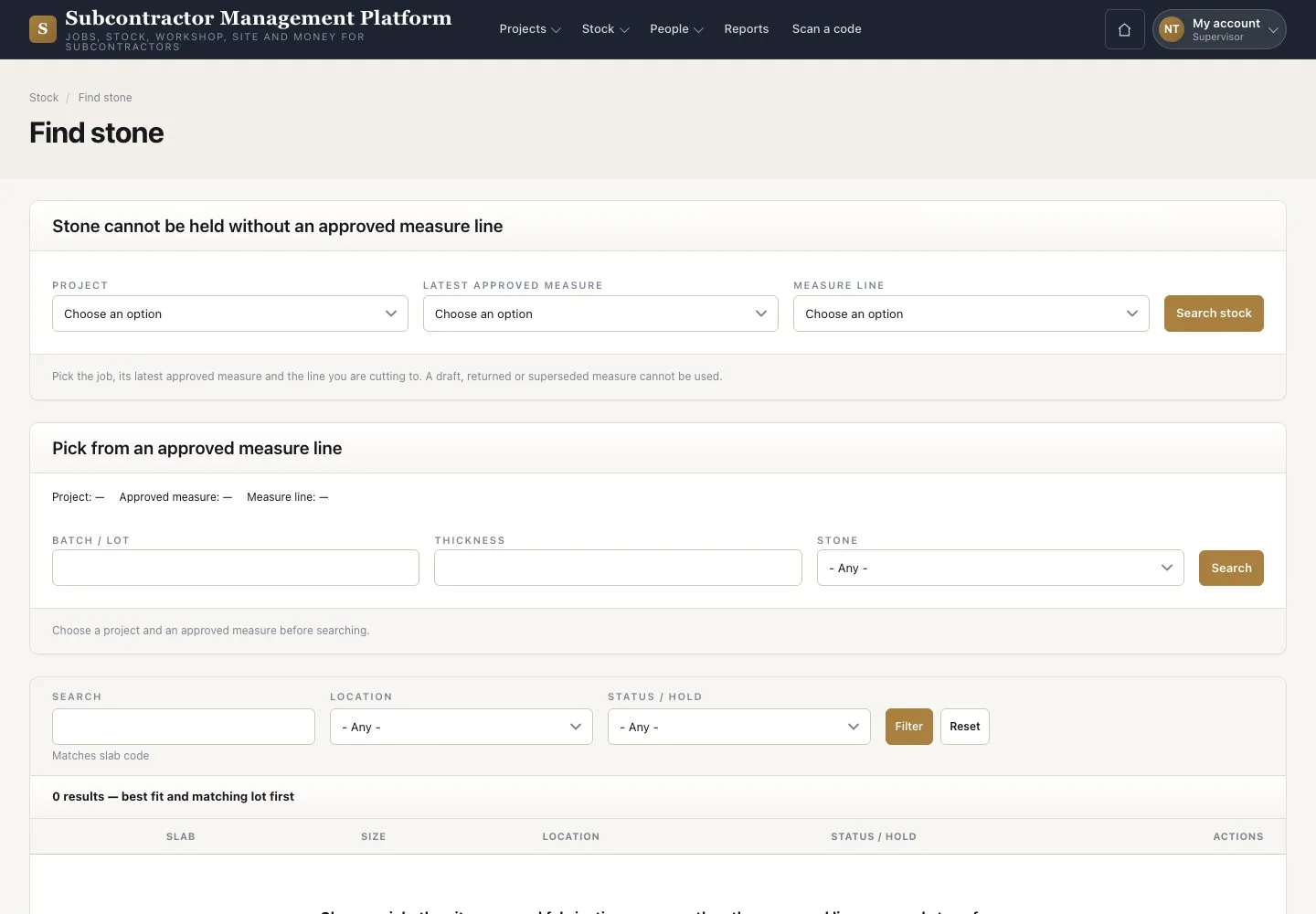
  1. Open “Find stone” or “Slabs & off-cuts”
  2. Read the stock for the work

Supervisors do not reserve, issue or change stock.

Enlarge, then scroll

Open illustrated screen ↗Full image ↗

Supervisor · Projects, stock and warranty02

Warranty tickets

Supervisor

Warranty tickets

3Step 3 of 3

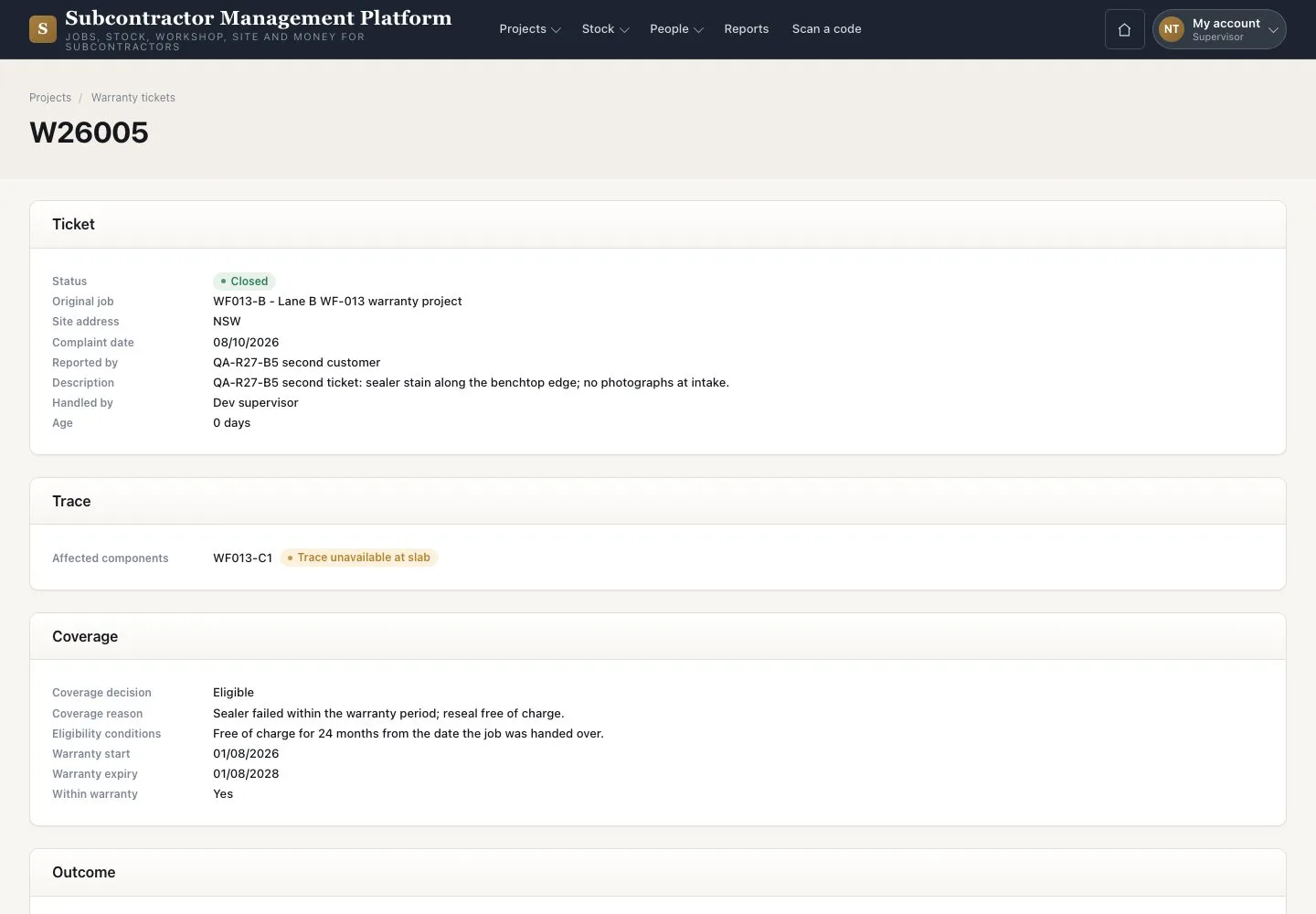
  1. Open “Warranty tickets”
  2. Open a ticket and read its trace and outcome

Coverage decisions belong to the Project coordinator.

Enlarge, then scroll

Open illustrated screen ↗Full image ↗

Check

You can read the facts your team needs without changing them.

Supervisor · Projects, stock and warranty03
1 / 4
Privacy Terms