










My account and My work
My account · Scan · My work · Rate crew
- Your own staff account
Supervisor
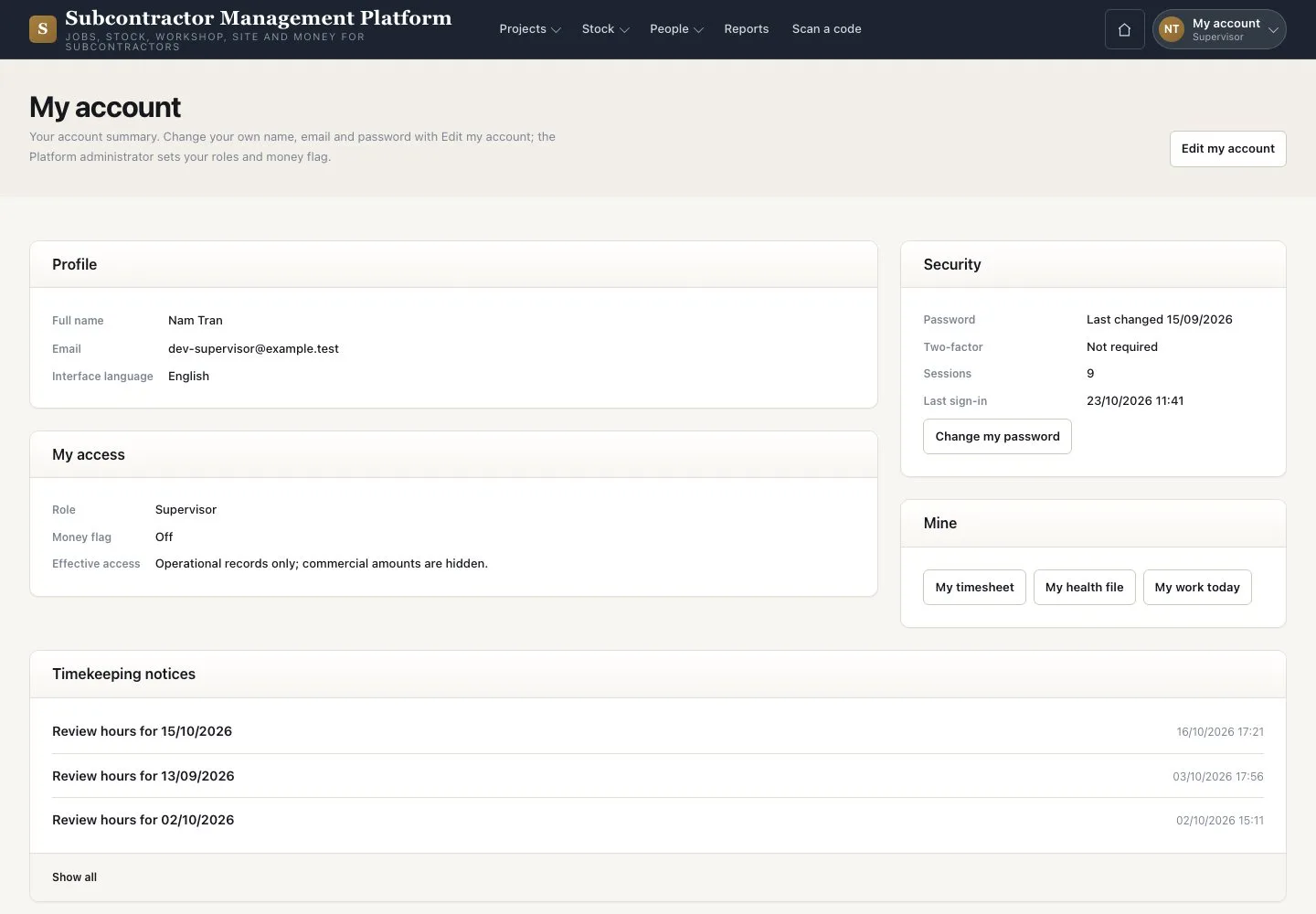
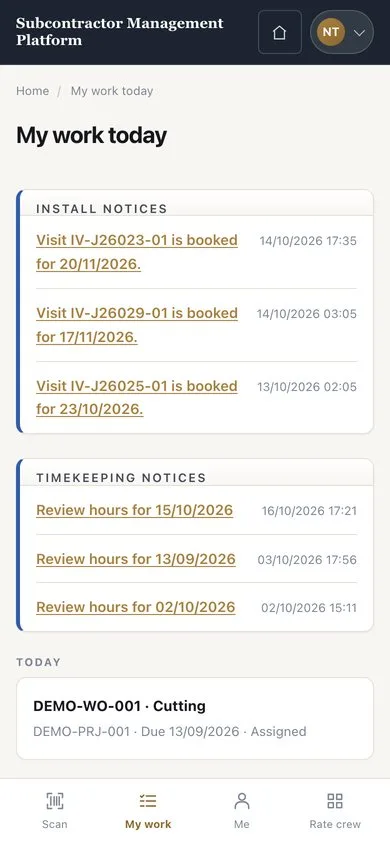

My work on a phone
Supervisor

2Step 2 of 2
- Open “My work”
- Read “Install notices” and your crew’s visits
- Tap a card to open the order or visit
On a phone the tabs are “Scan”, “My work”, “Me” and “Rate crew”.
Enlarge, then scroll
Open illustrated screen ↗Full image ↗
Check
You can reach your team’s orders, visits and notices.
1 / 3