Website takeaway orders

Takeaway queue · Send to kitchen · Cash · EFTPOS

  • Signed in as a Waiter
Waiter

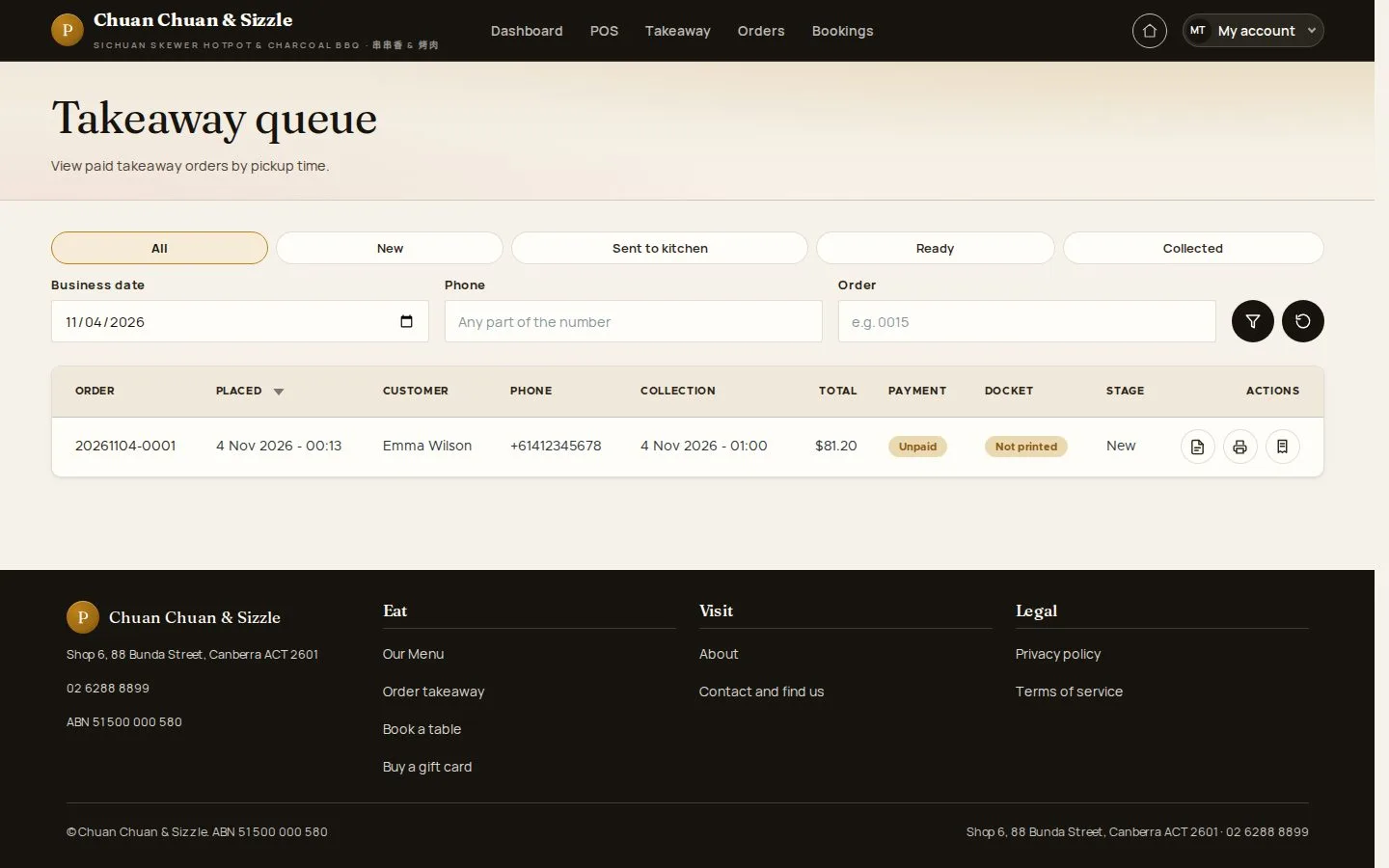
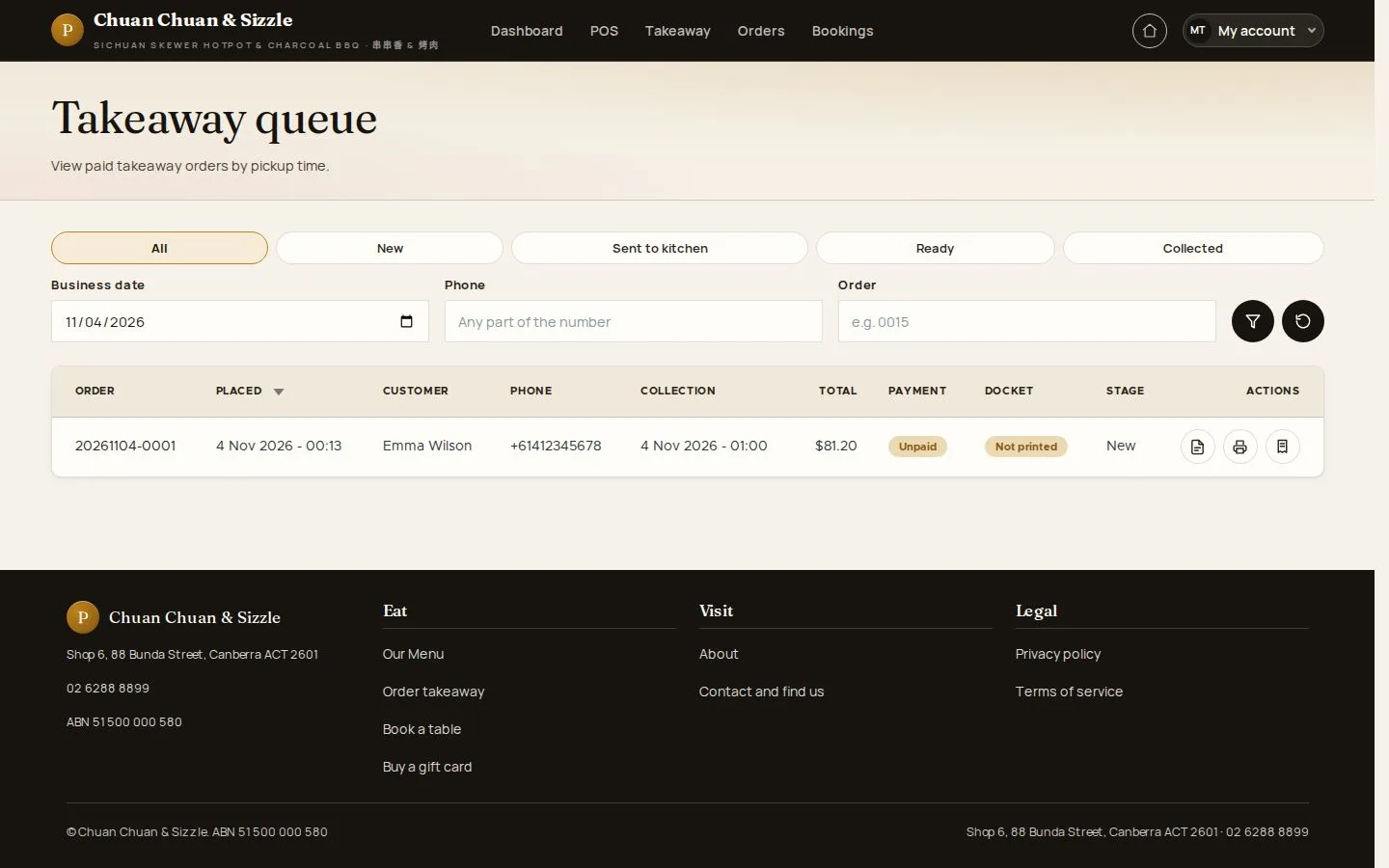
Takeaway queue

Waiter

Takeaway queue

1Step 1 of 7

  1. All · New · Sent to kitchen · Ready · Collected
  2. Business date · Phone · Order

Open illustrated screen ↗Full image ↗

Waiter · Website takeaway orders01

Order detail

Waiter

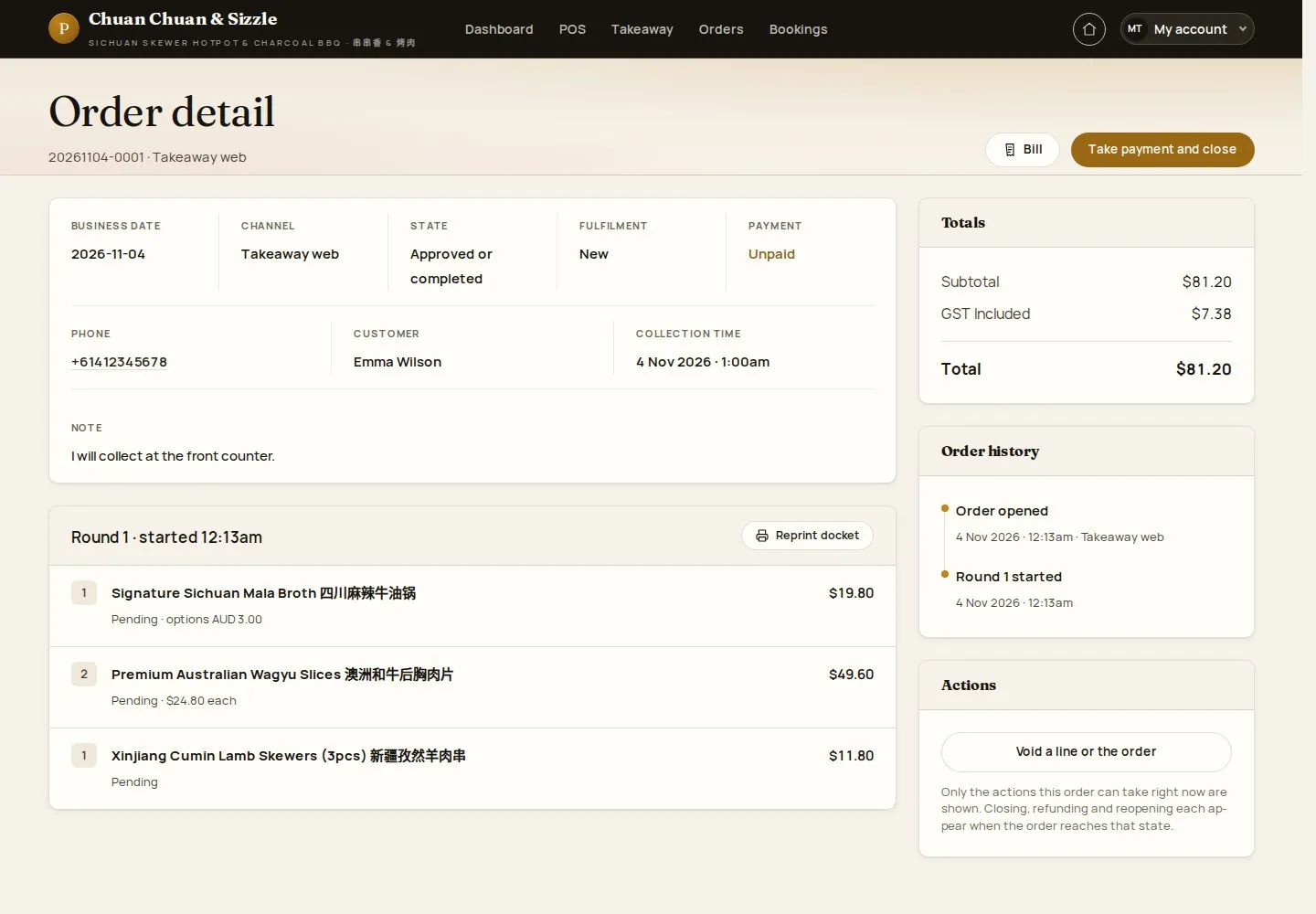
Order detail

2Step 2 of 7

  1. Customer · Collection time
  2. Lines · Actions

Enlarge, then scroll

Open illustrated screen ↗Full image ↗

Waiter · Website takeaway orders02

Send to the kitchen

Waiter

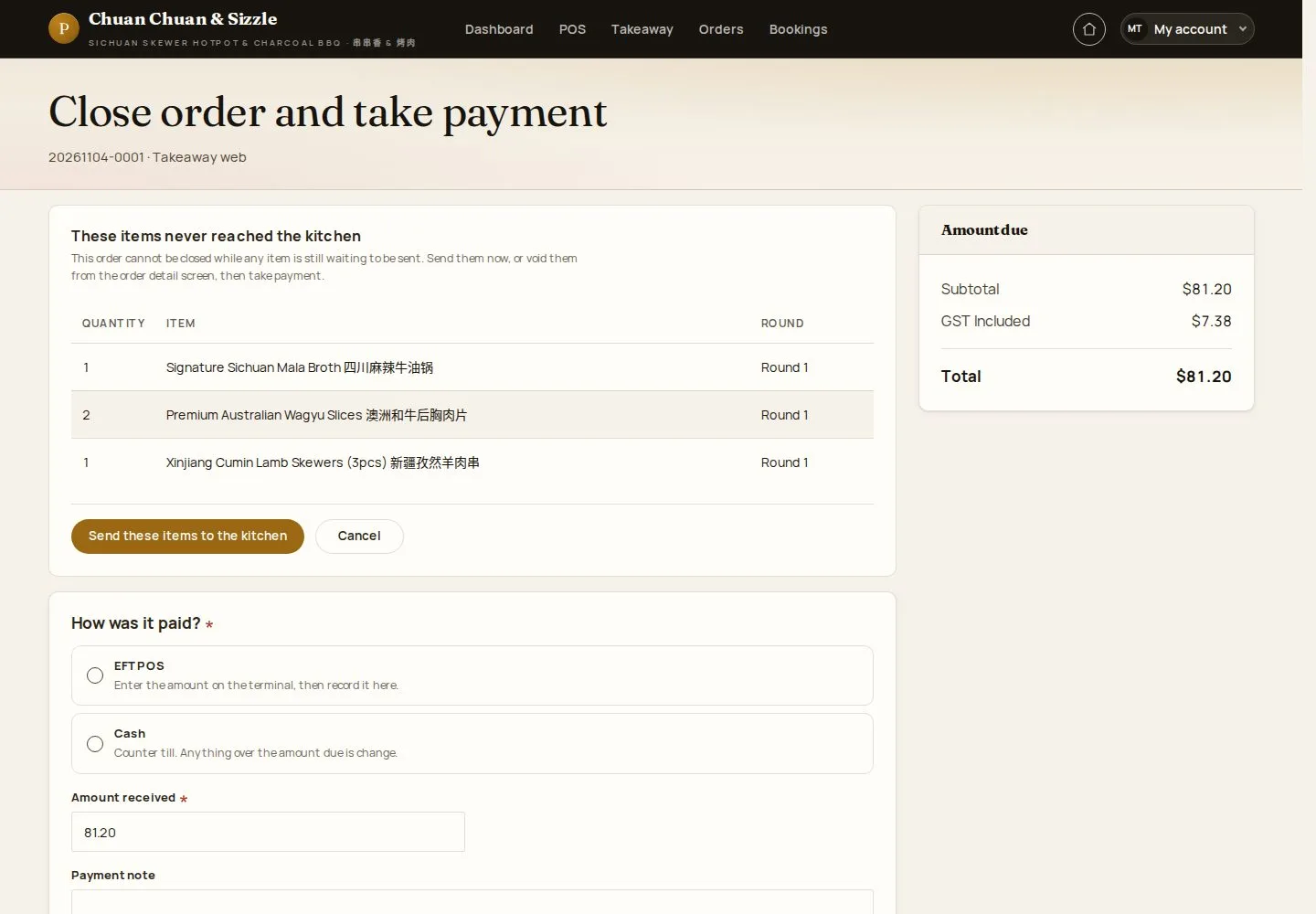
Send to the kitchen

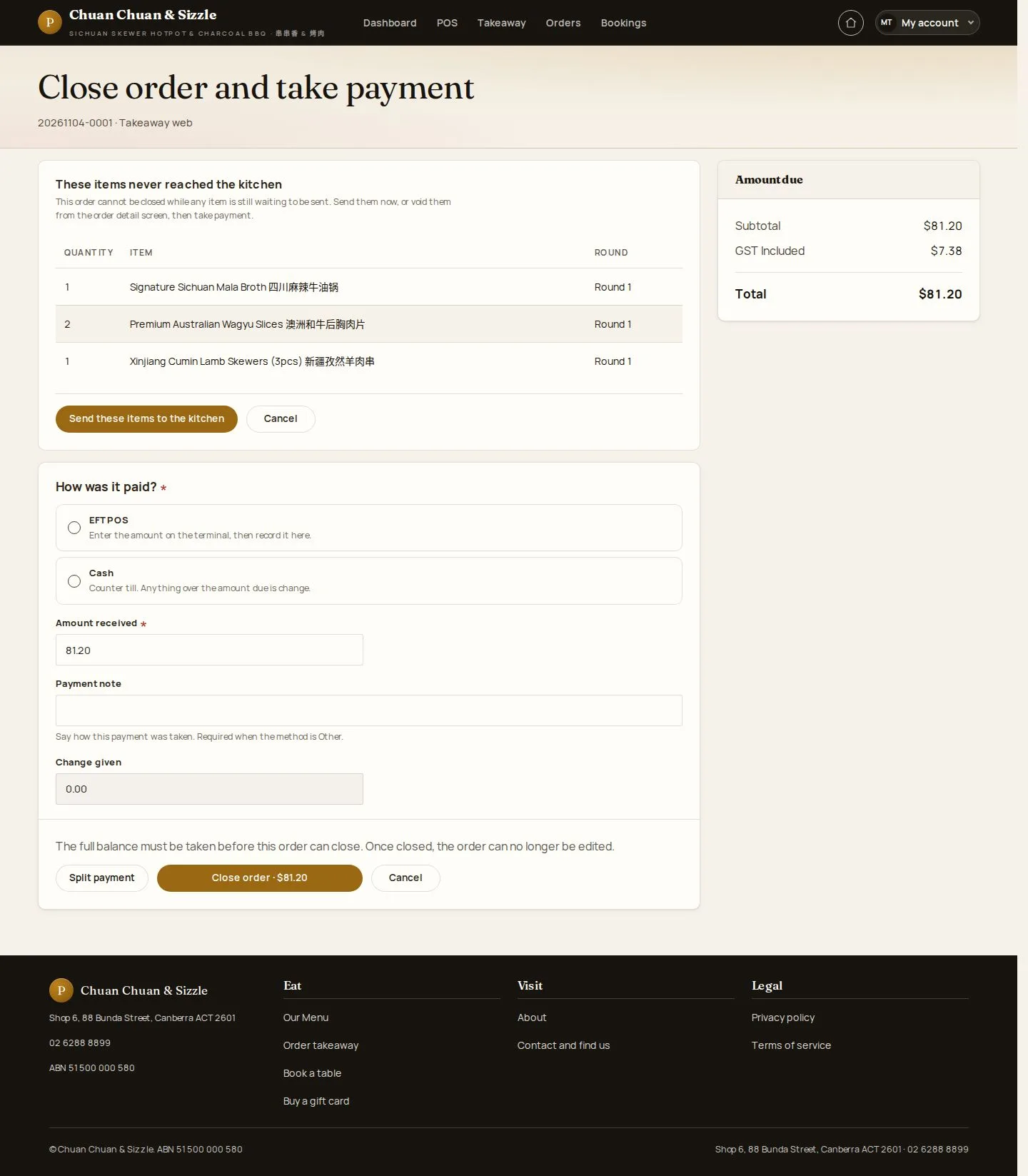
3Step 3 of 7

  1. Take payment and close
  2. Send these items to the kitchen

Enlarge, then scroll

Open illustrated screen ↗Full image ↗

Waiter · Website takeaway orders03

In the kitchen

Waiter

In the kitchen

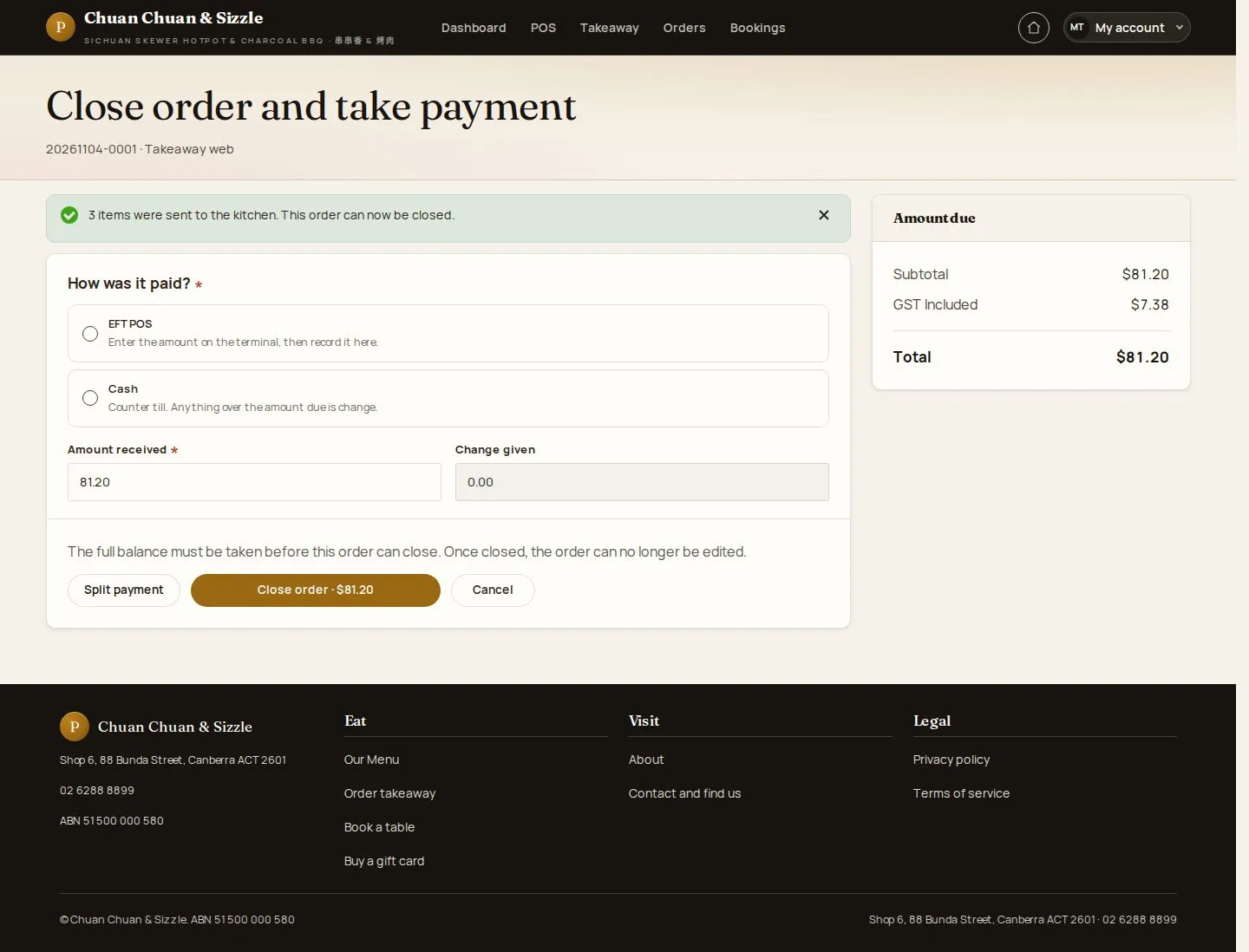
4Step 4 of 7

  1. The items are sent
  2. Close on collection

Enlarge, then scroll

Open illustrated screen ↗Full image ↗

Waiter · Website takeaway orders04

Kitchen docket

Waiter

Kitchen docket

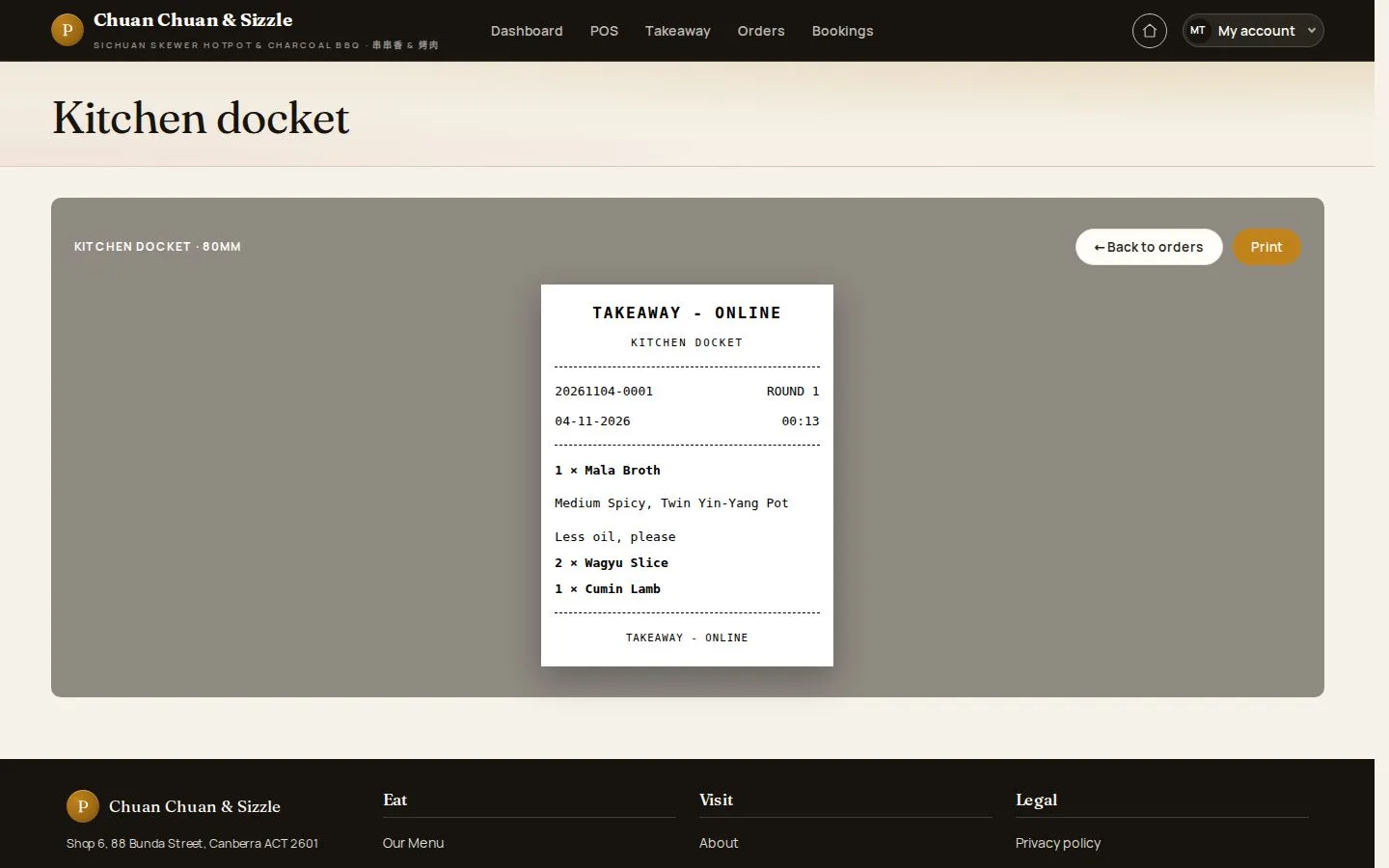
5Step 5 of 7

  1. TAKEAWAY - ONLINE
  2. Print

Open illustrated screen ↗Full image ↗

Waiter · Website takeaway orders05

Collected and paid

Waiter

Collected and paid

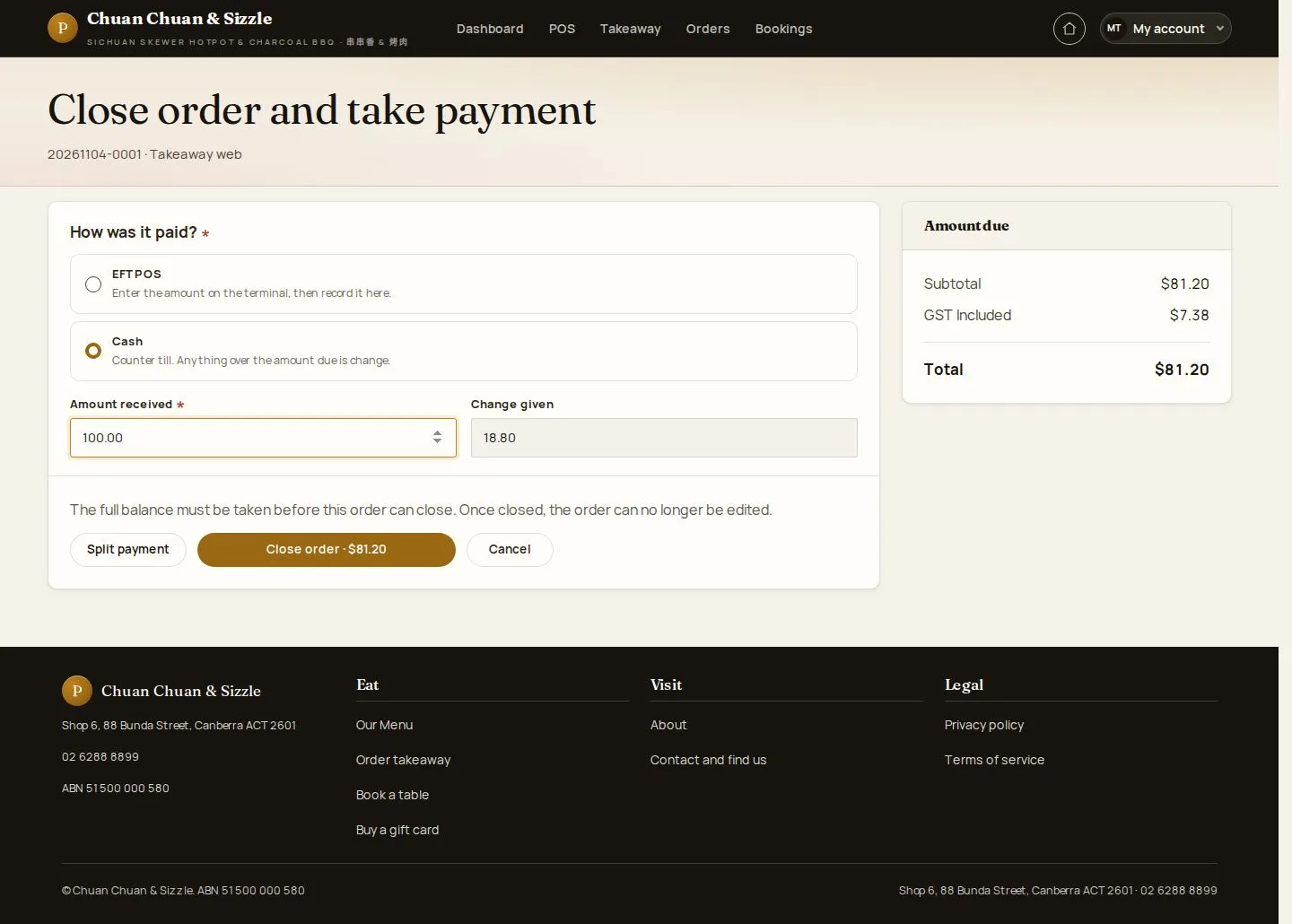
6Step 6 of 7

  1. Cash · Amount received
  2. Change given
  3. Close order

Enlarge, then scroll

Open illustrated screen ↗Full image ↗

Waiter · Website takeaway orders06

Closed

Waiter

Closed

7Step 7 of 7

  1. Order closed · the amount taken

Open illustrated screen ↗Full image ↗

Check

The customer has collected and paid; the order is closed

Waiter · Website takeaway orders07
1 / 8
Privacy Terms