Sold out and online pause

Sold out board · Mark sold out · Pause online ordering

  • Signed in as a Waiter
Waiter

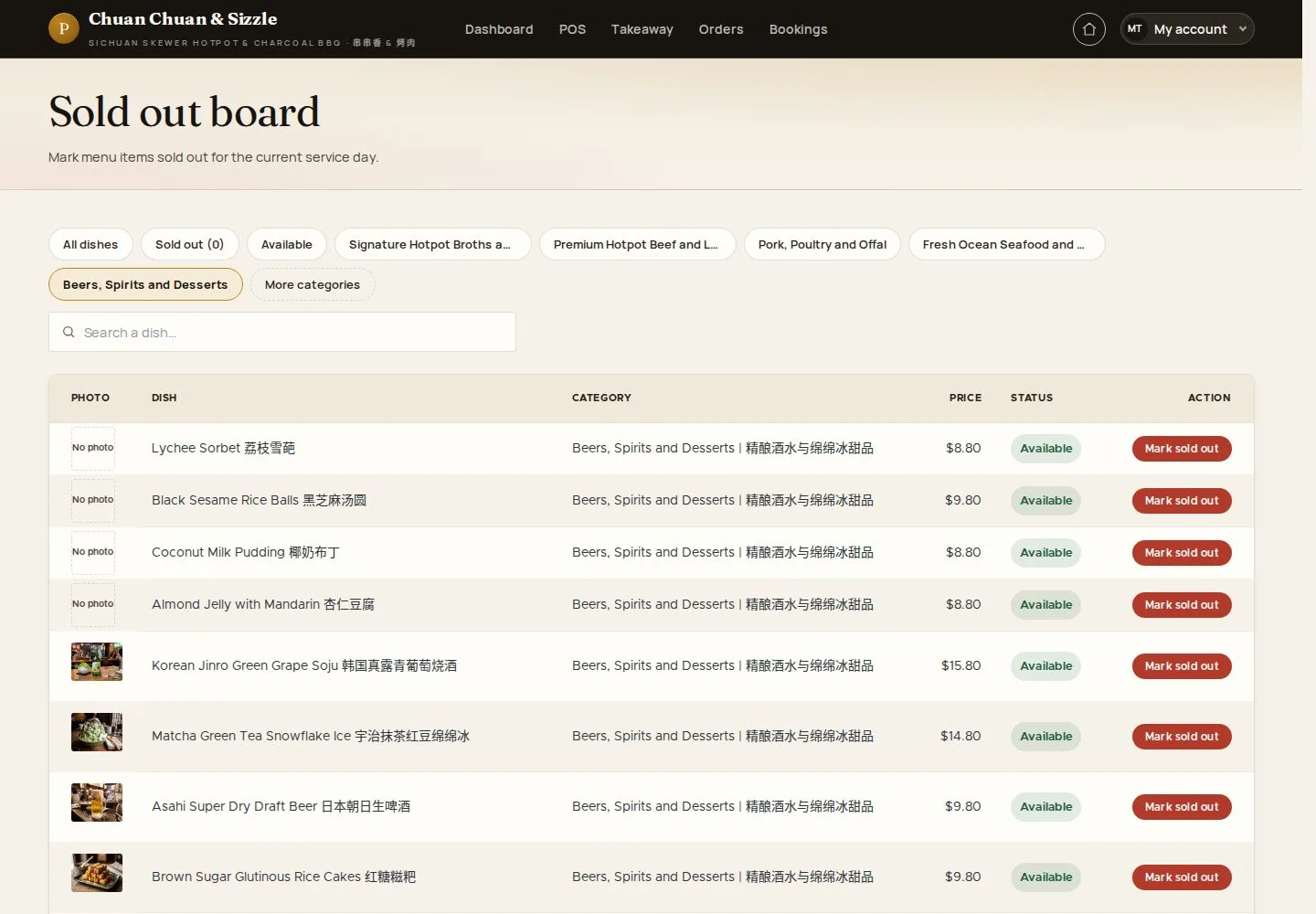
Sold out board

Waiter

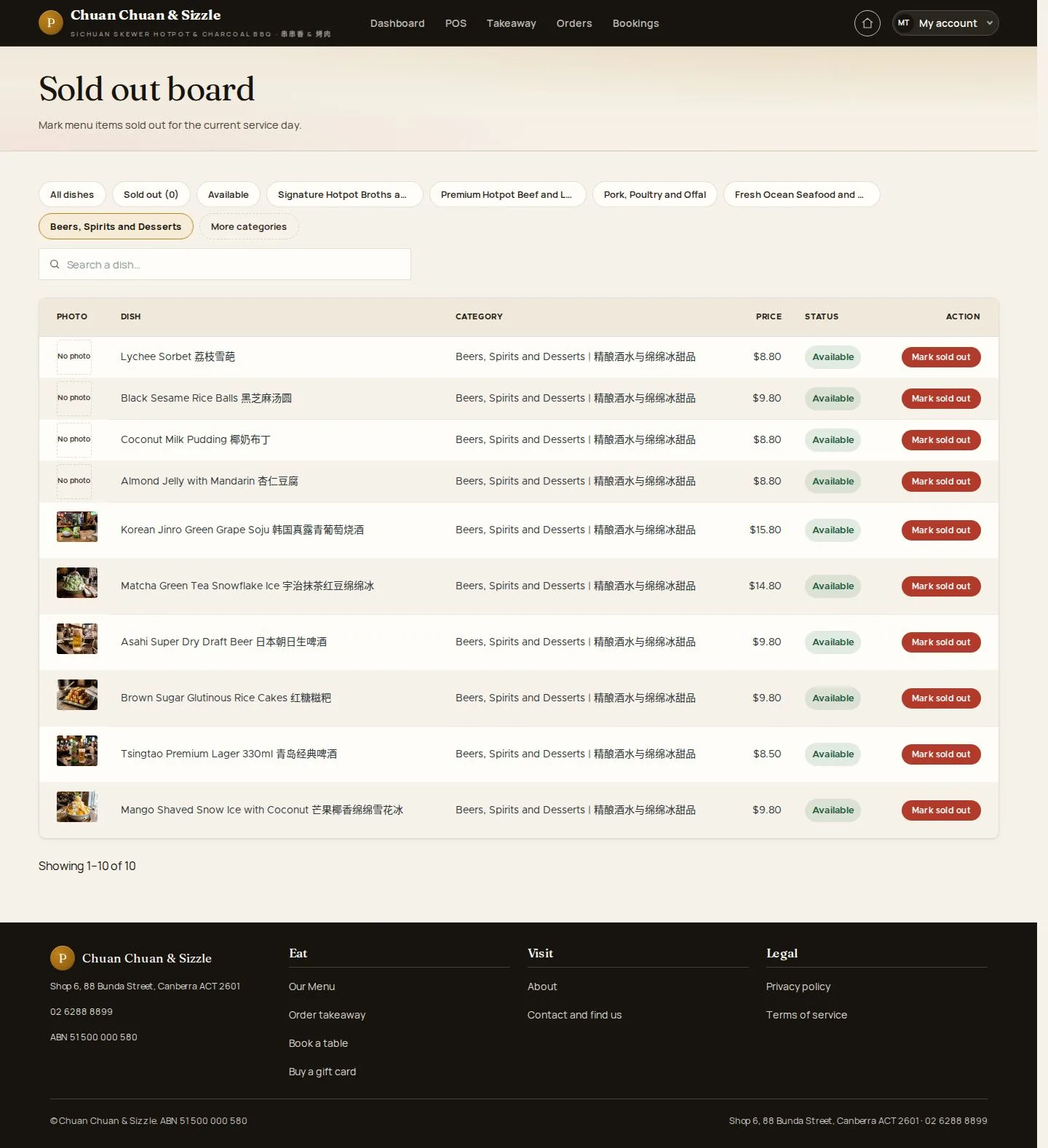
Sold out board

1Step 1 of 7

  1. Category · Dish
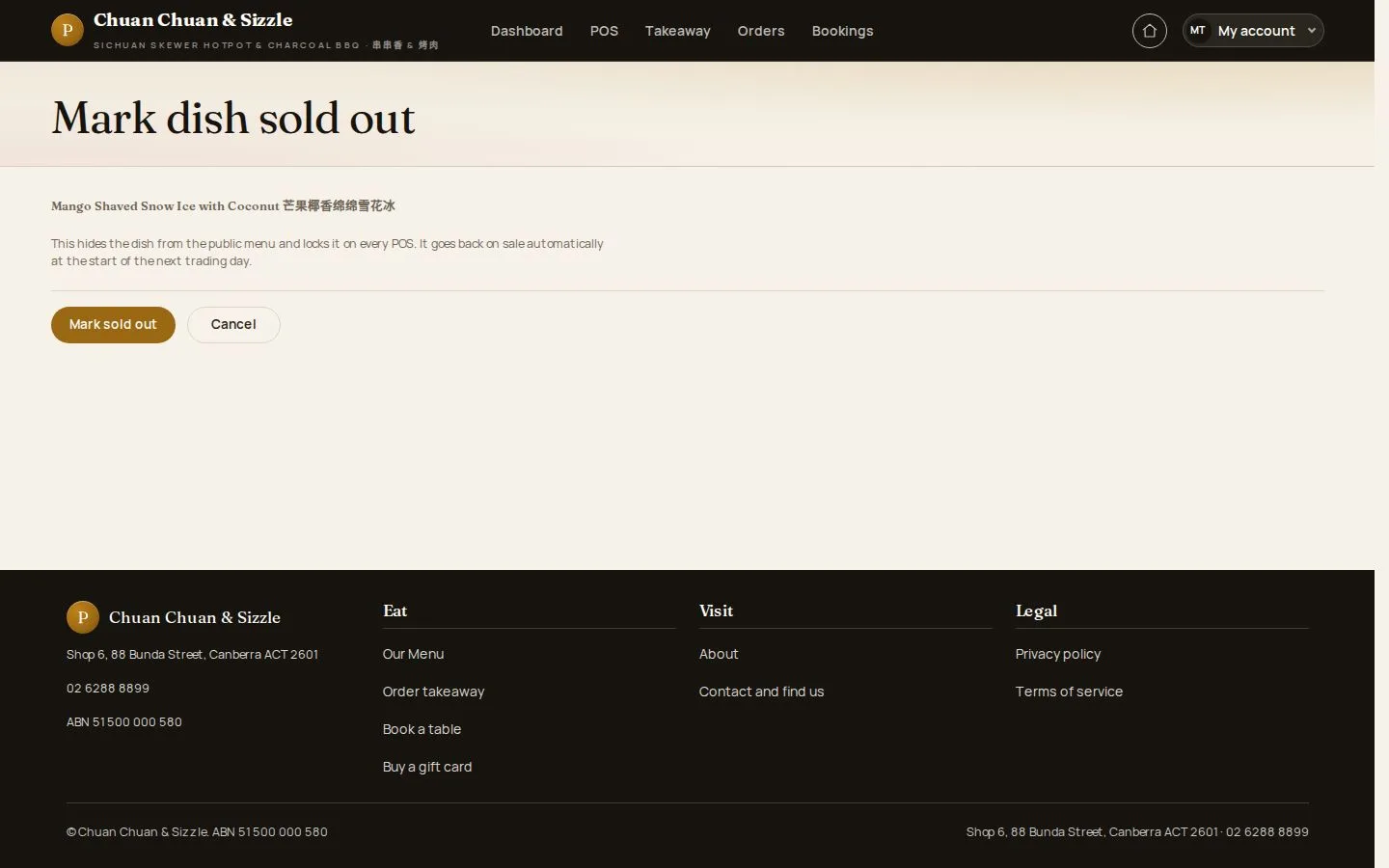
  2. Mark sold out

Enlarge, then scroll

Open illustrated screen ↗Full image ↗

Waiter · Sold out and online pause01

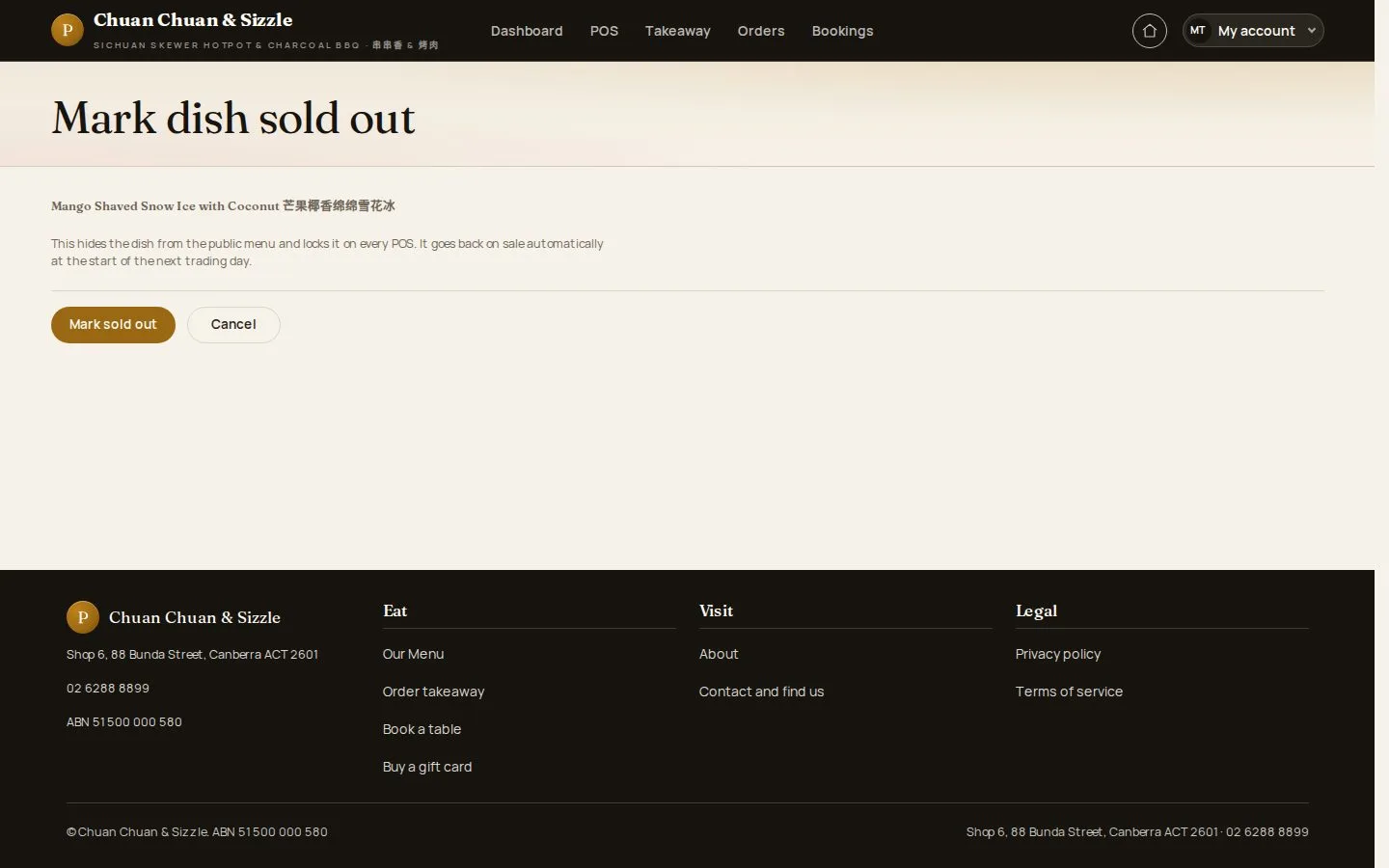
Mark sold out

Waiter

Mark sold out

2Step 2 of 7

  1. Off the website
  2. Locked on every POS

Open illustrated screen ↗Full image ↗

Waiter · Sold out and online pause02

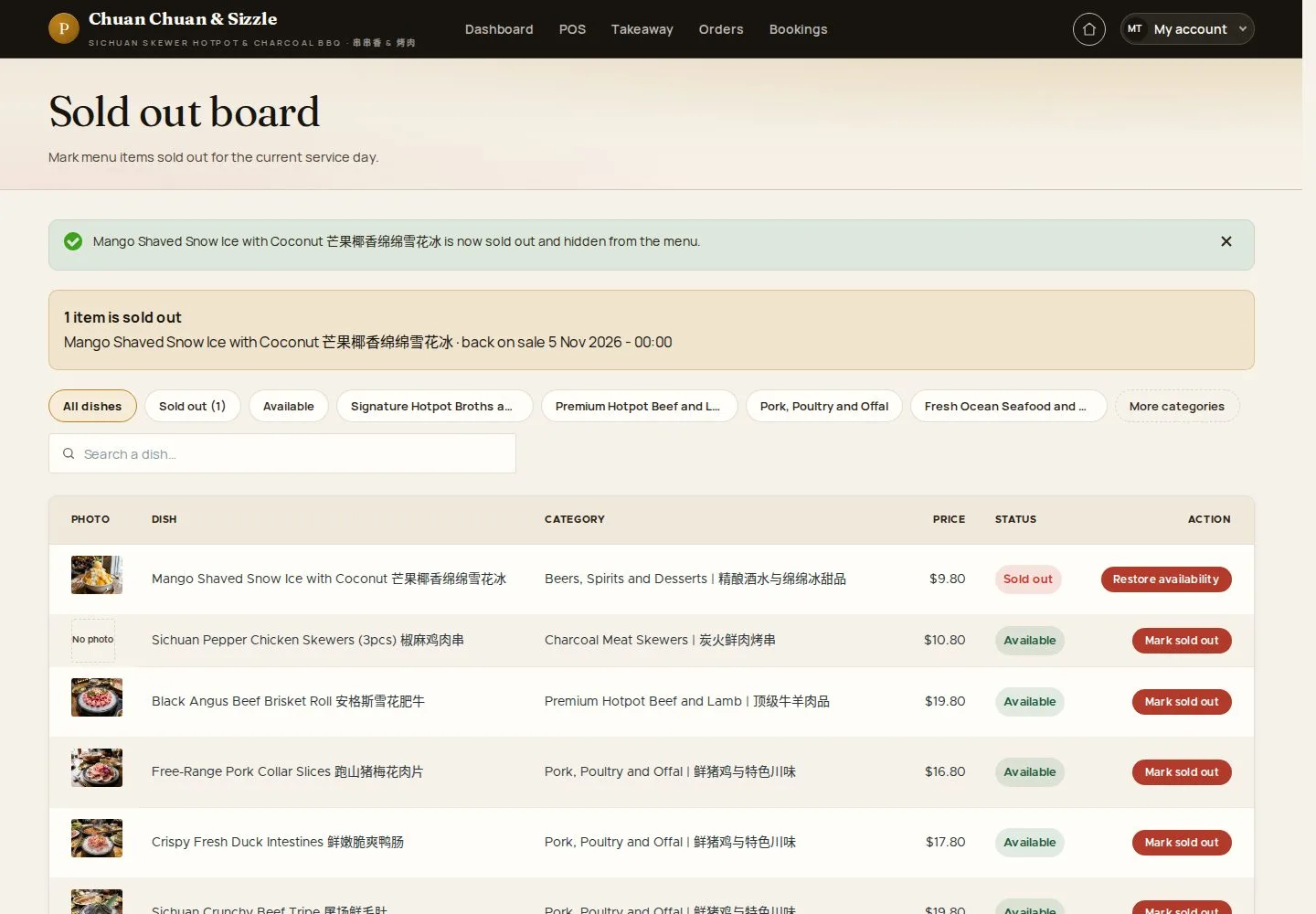
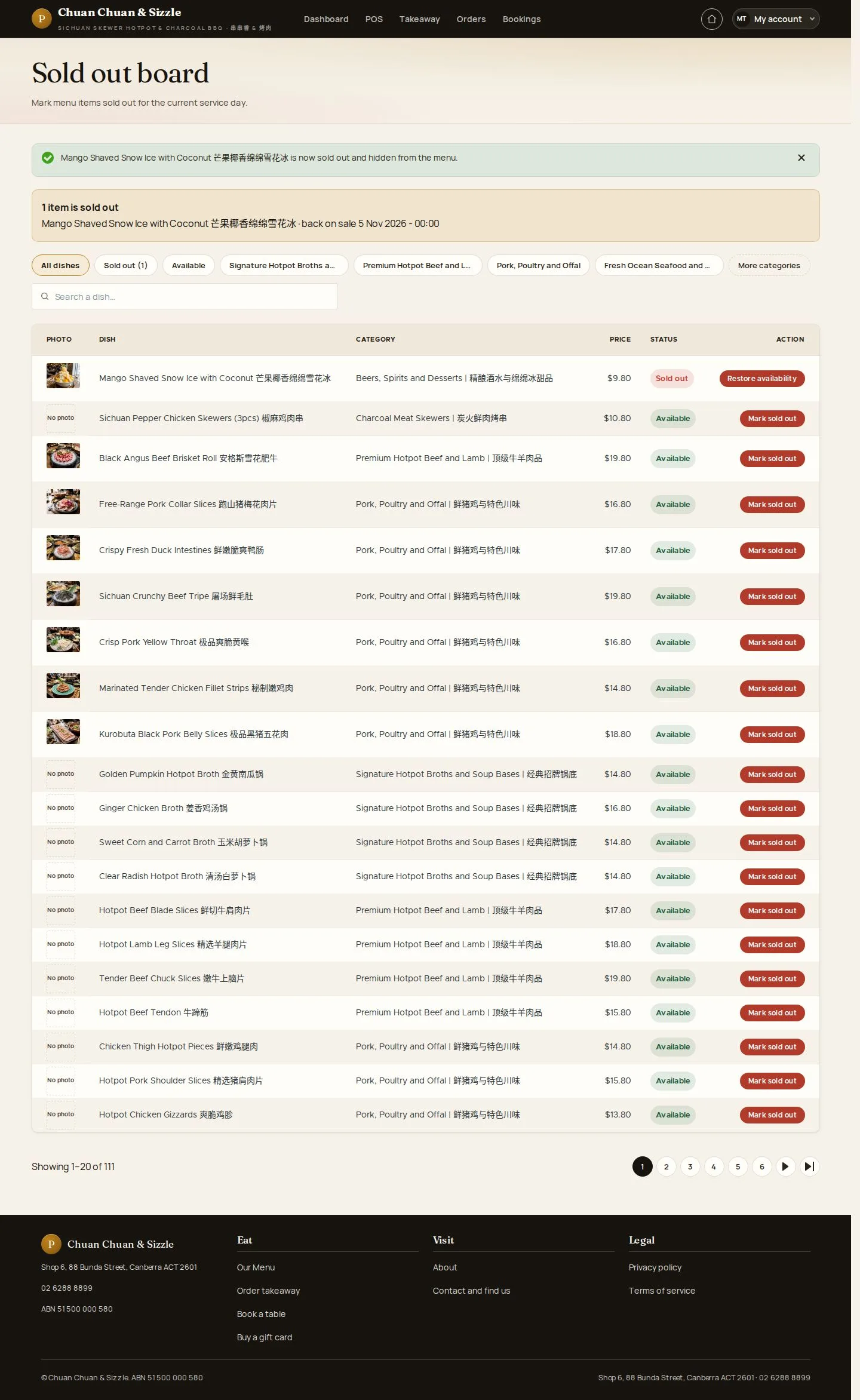
Sold out

Waiter

Sold out

3Step 3 of 7

  1. Restore dish availability when more is ready

Otherwise the dish comes back on sale at the start of the next trading day.

Enlarge, then scroll

Open illustrated screen ↗Full image ↗

Waiter · Sold out and online pause03

Back on sale

Waiter

Back on sale

4Step 4 of 7

  1. Restore dish availability
  2. On every channel again

Open illustrated screen ↗Full image ↗

Waiter · Sold out and online pause04

Pause online ordering

Waiter

Pause online ordering

5Step 5 of 7

  1. Pause online ordering for today

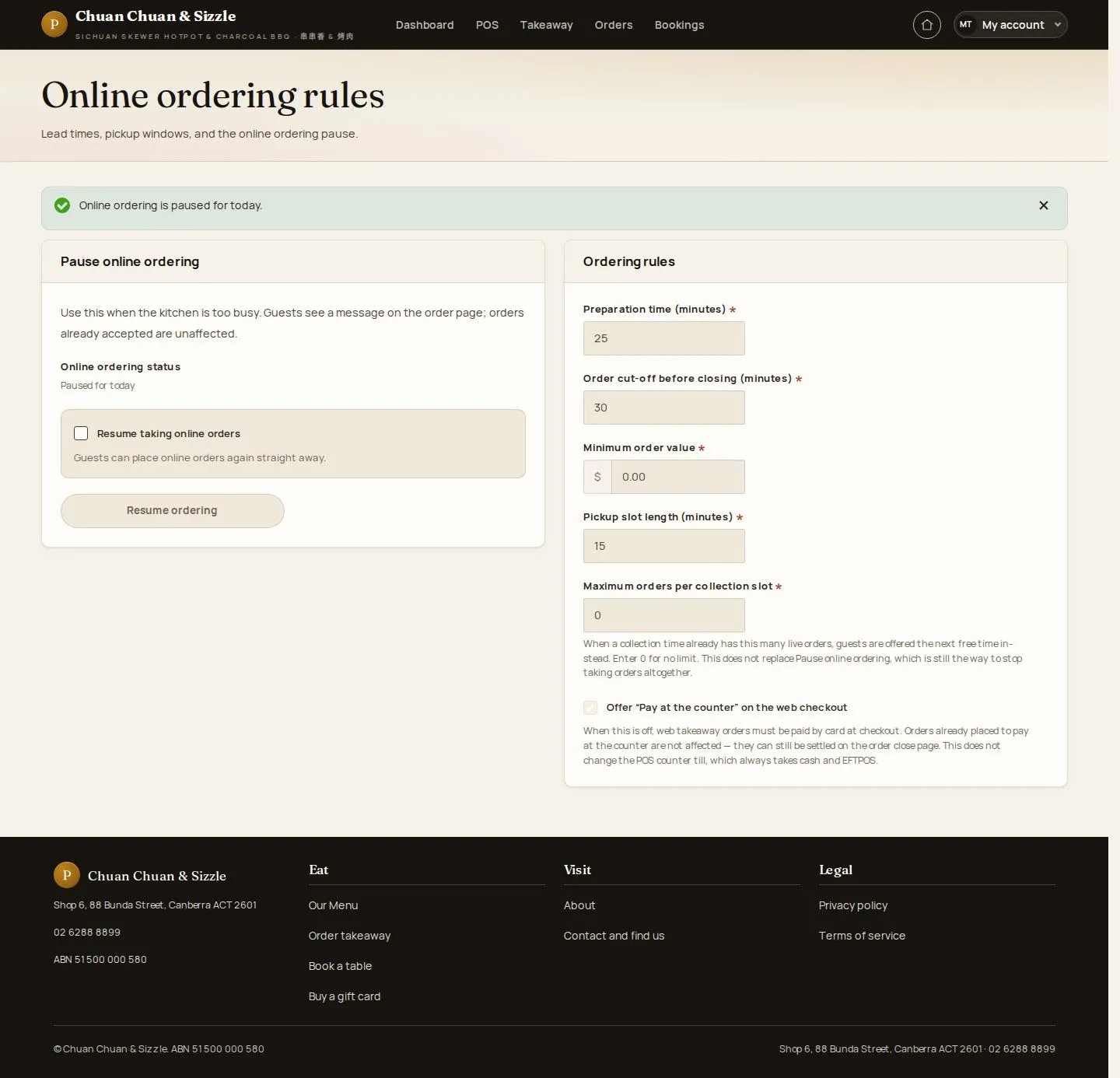
Orders already accepted and table orders are not affected.

Open illustrated screen ↗Full image ↗

Waiter · Sold out and online pause05

Paused

Waiter

Paused

6Step 6 of 7

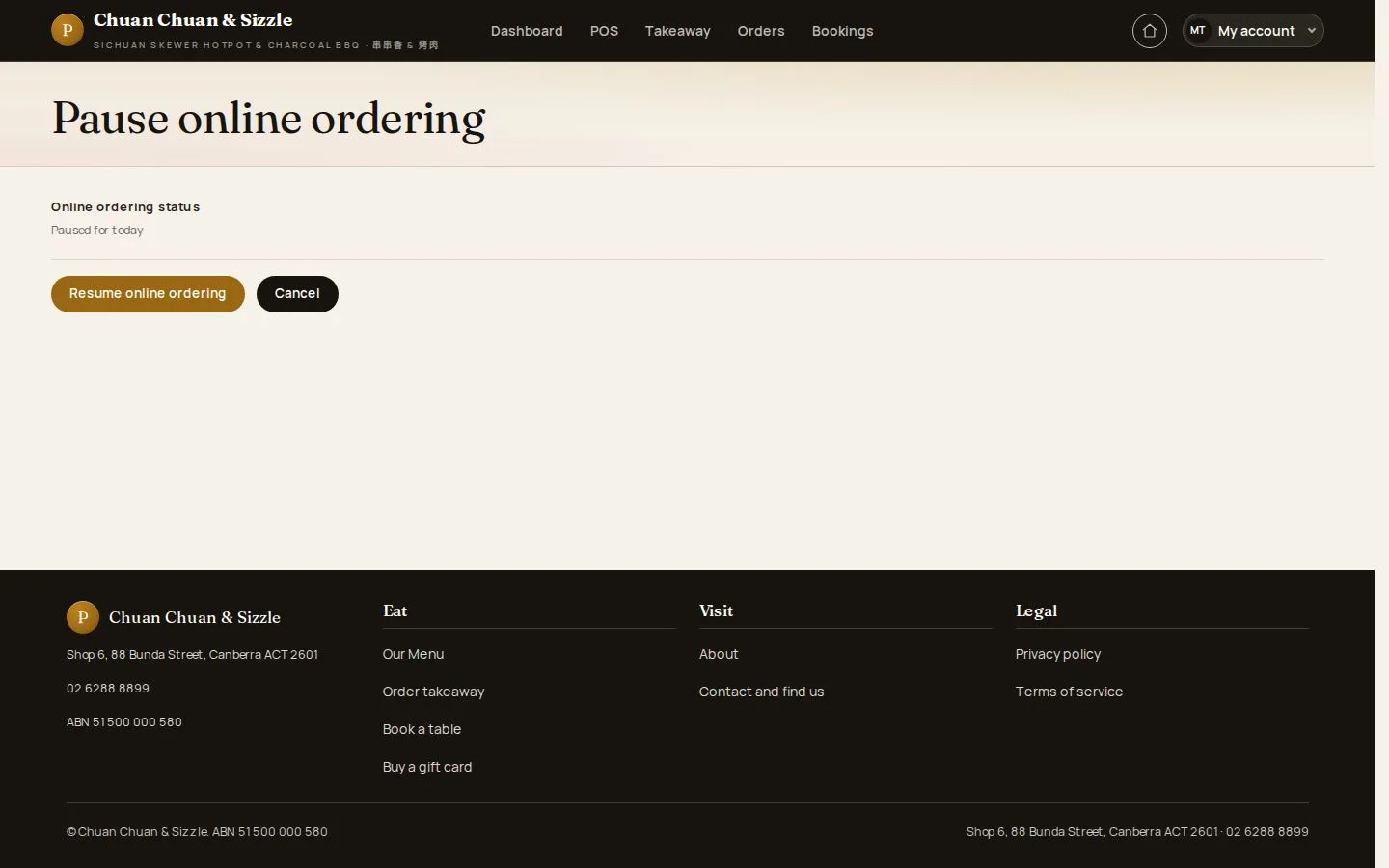
  1. Online ordering status · Paused for today

Enlarge, then scroll

Open illustrated screen ↗Full image ↗

Waiter · Sold out and online pause06

Resume

Waiter

Resume

7Step 7 of 7

  1. Resume online ordering

A pause also ends when the next business day starts.

Open illustrated screen ↗Full image ↗

Check

The website and the POS offer only what the kitchen can serve

Waiter · Sold out and online pause07
1 / 8
Privacy Terms