Notes, community & preferences

My Notes · Discussion · Notifications

  • Signed in
Employee

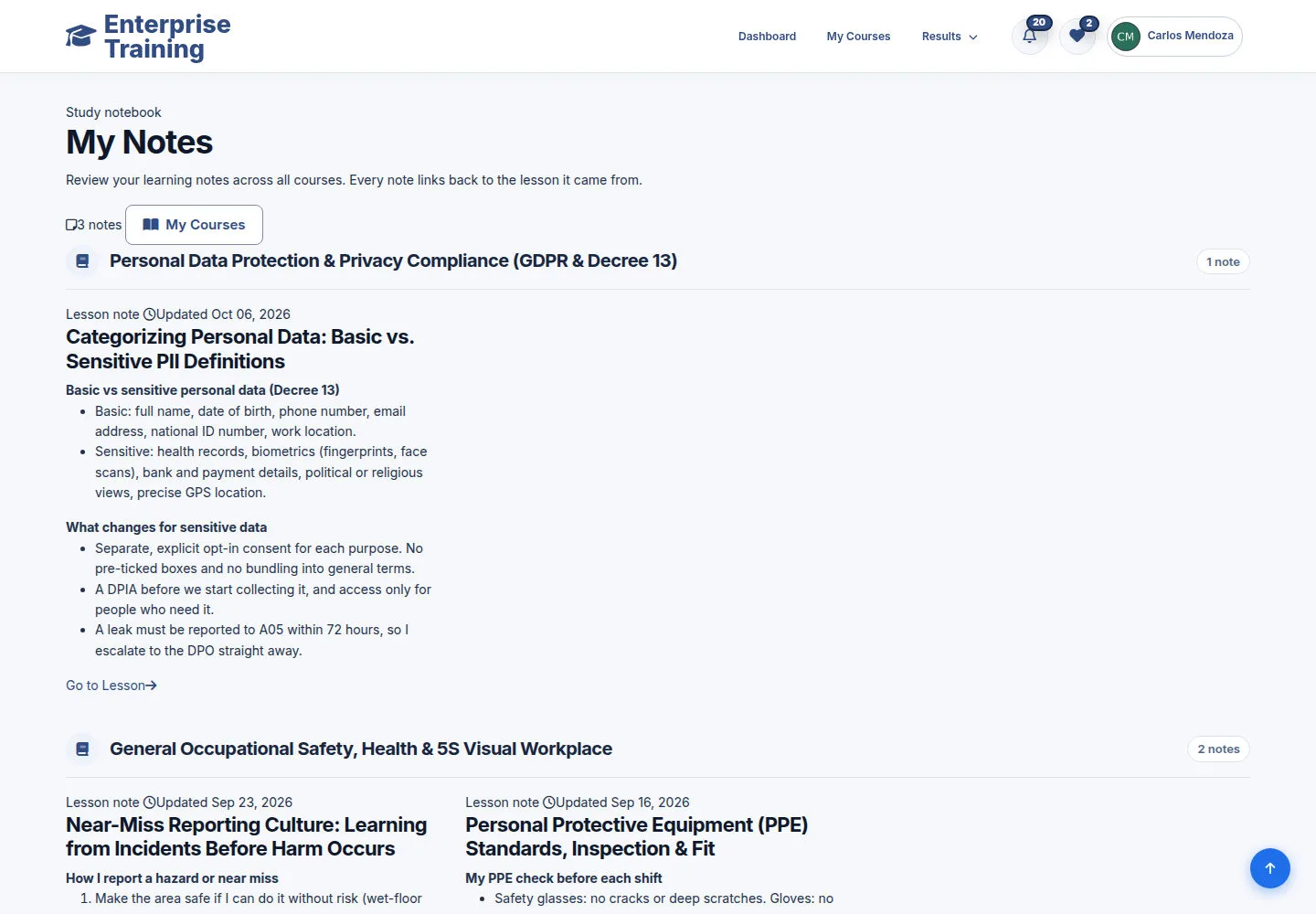
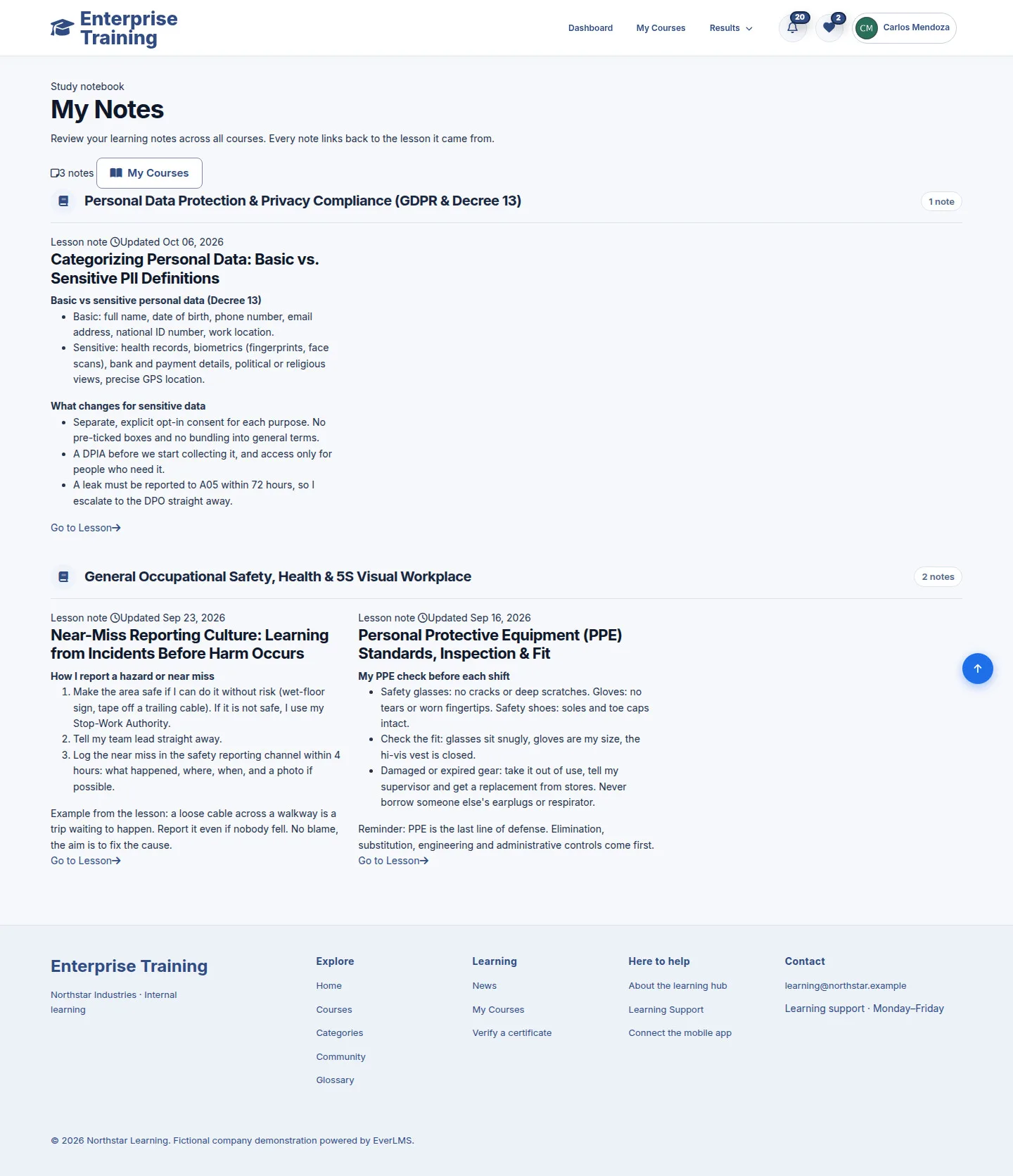
Return to a saved note

Employee

Return to a saved note

1Step 1 of 5

  1. My Notes
  2. Find your note
  3. Go to Lesson

Enlarge, then scroll

Open illustrated screen ↗Full image ↗

Employee · Notes, community & preferences01

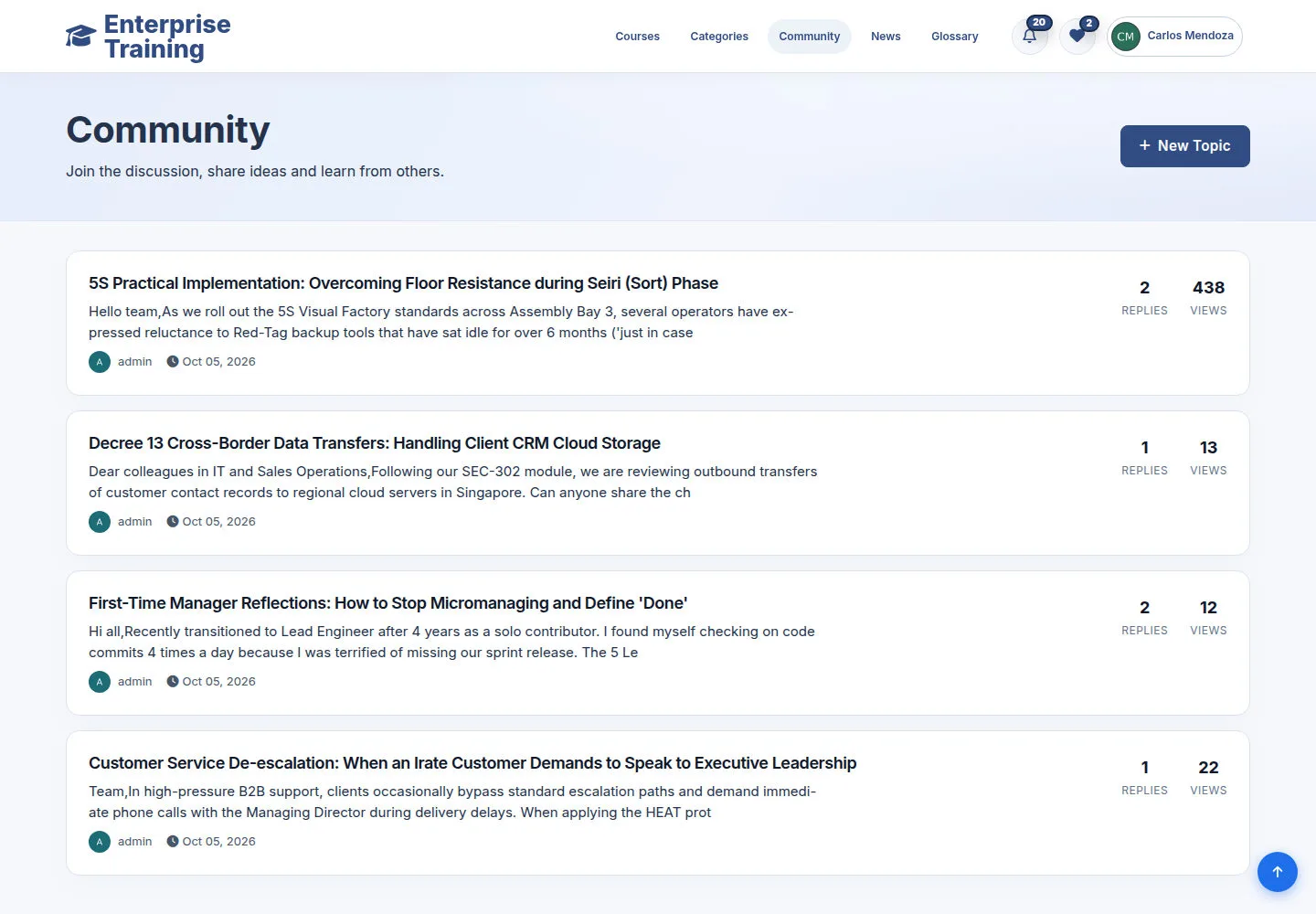
Find a discussion

Employee

Find a discussion

2Step 2 of 5

  1. Community
  2. Choose a topic
  3. New topic

Enlarge, then scroll

Open illustrated screen ↗Full image ↗

Employee · Notes, community & preferences02

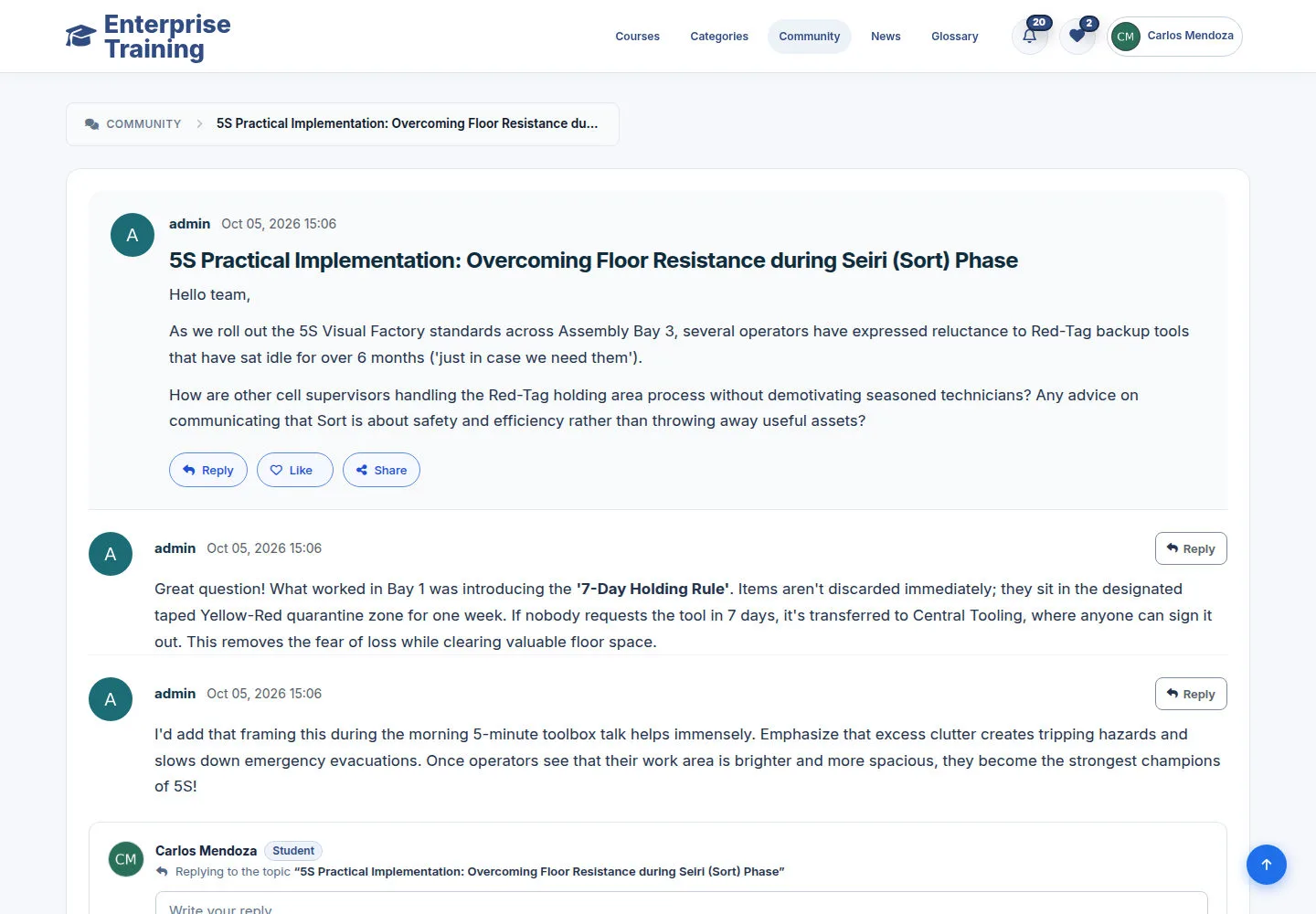
Join the discussion

Employee

Join the discussion

3Step 3 of 5

  1. Read replies
  2. Reply
  3. Like / Share

Enlarge, then scroll

Open illustrated screen ↗Full image ↗

Employee · Notes, community & preferences03

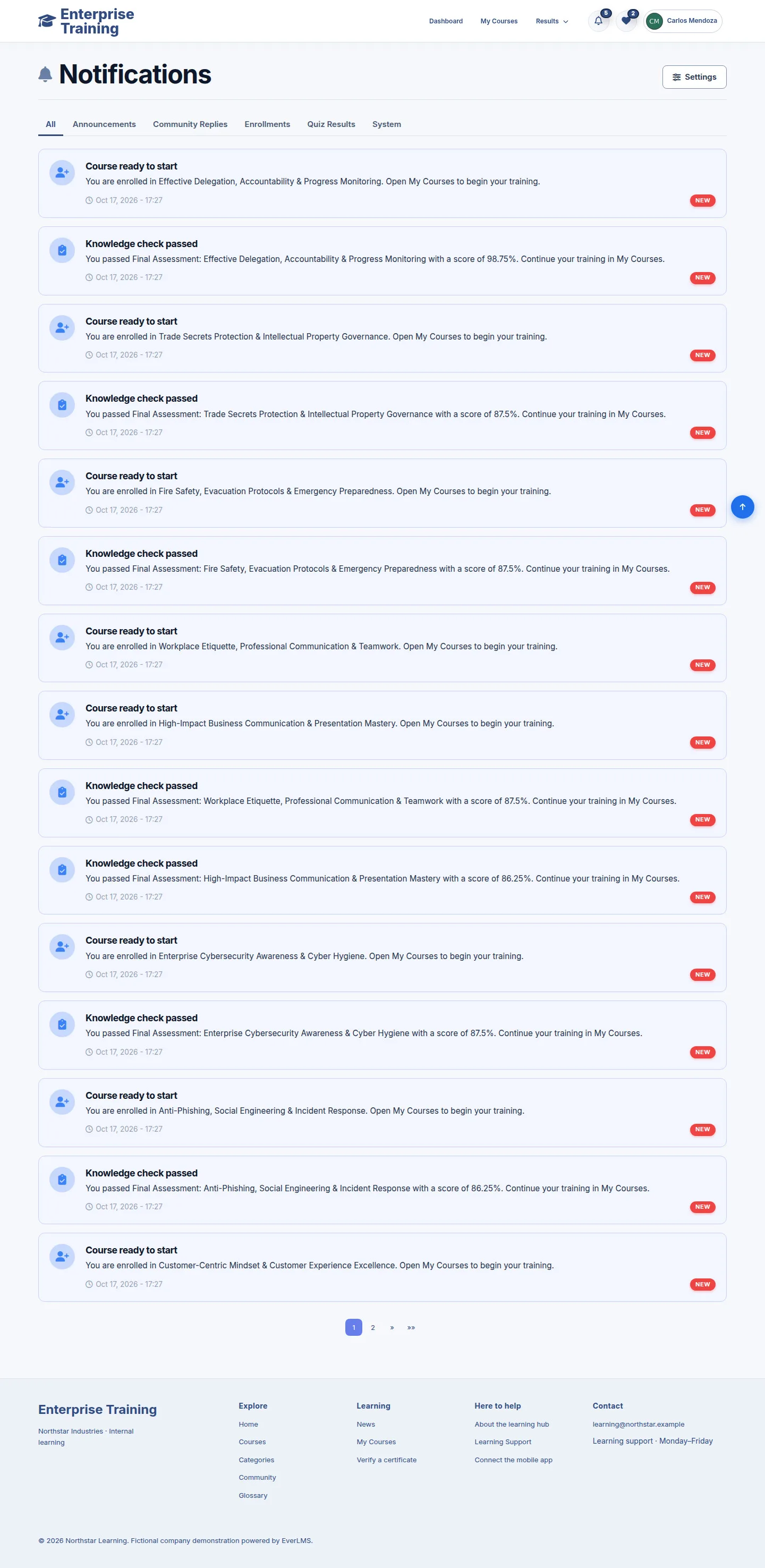
Read notifications

Employee

Read notifications

4Step 4 of 5

  1. Notifications
  2. Choose a notice
  3. Follow its link

Enlarge, then scroll

Open illustrated screen ↗Full image ↗

Employee · Notes, community & preferences04

Notification preferences

Employee
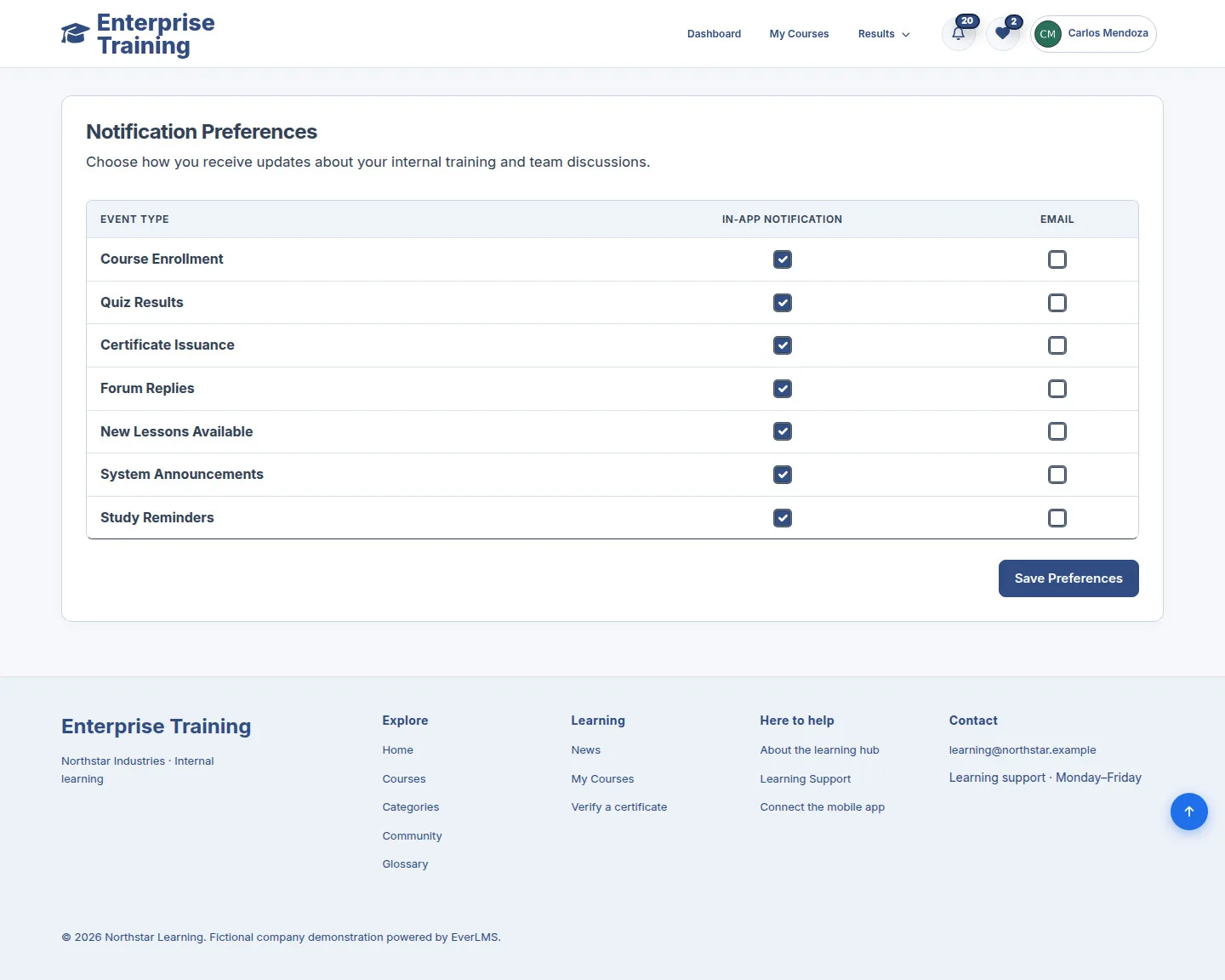
Notification preferences

5Step 5 of 5

  1. Notification Preferences
  2. Choose channels
  3. Save

Enlarge, then scroll

Open illustrated screen ↗Full image ↗

Check

Notes, discussions or preferences updated

Employee · Notes, community & preferences05
1 / 6
Privacy Terms