Certificates

Completed course · Issued certificate · PDF · Verification

  • Signed in as the certificate holder
  • An issued certificate to download
Employee
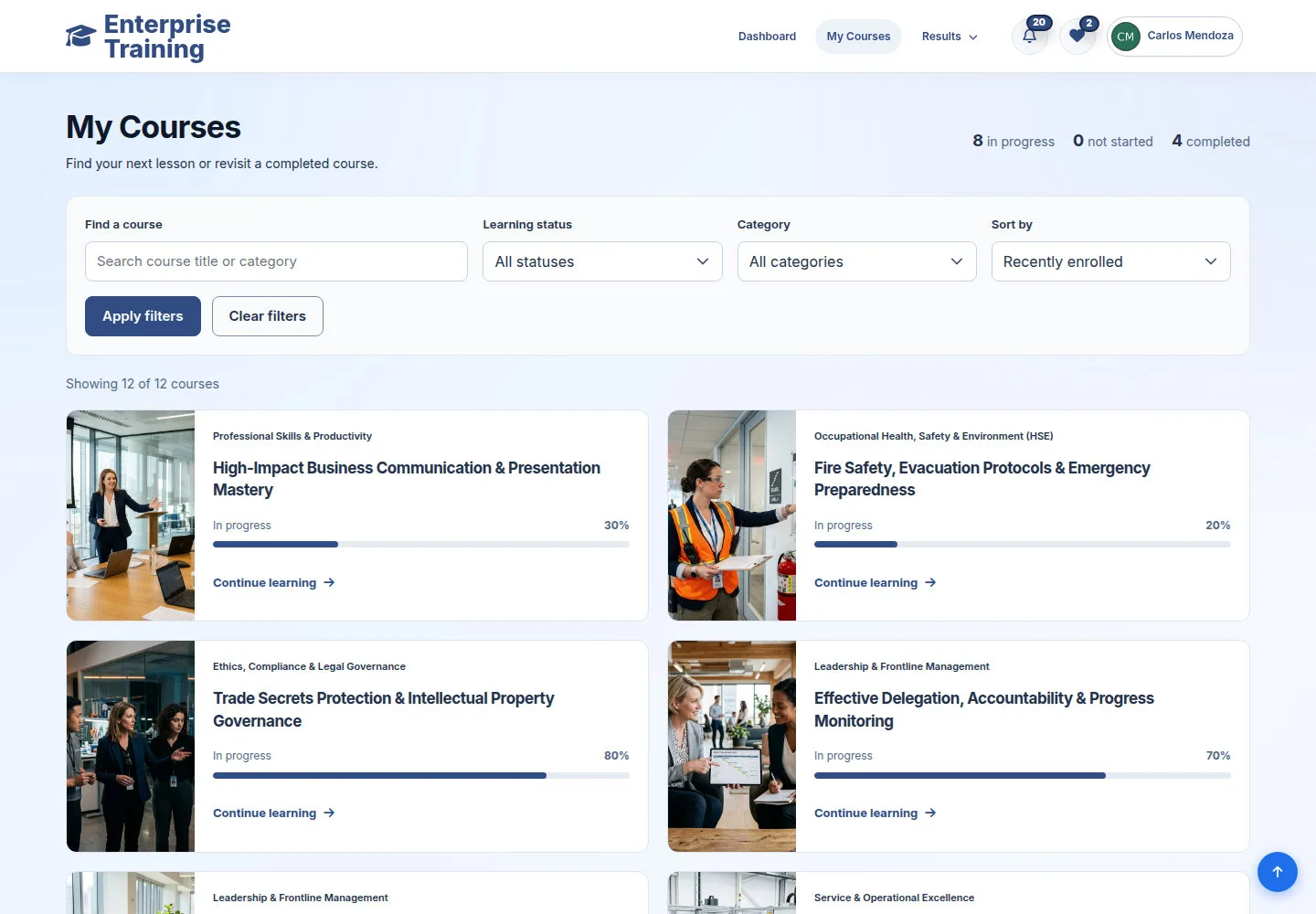
Completed courses

Employee

Completed courses

1Step 1 of 5

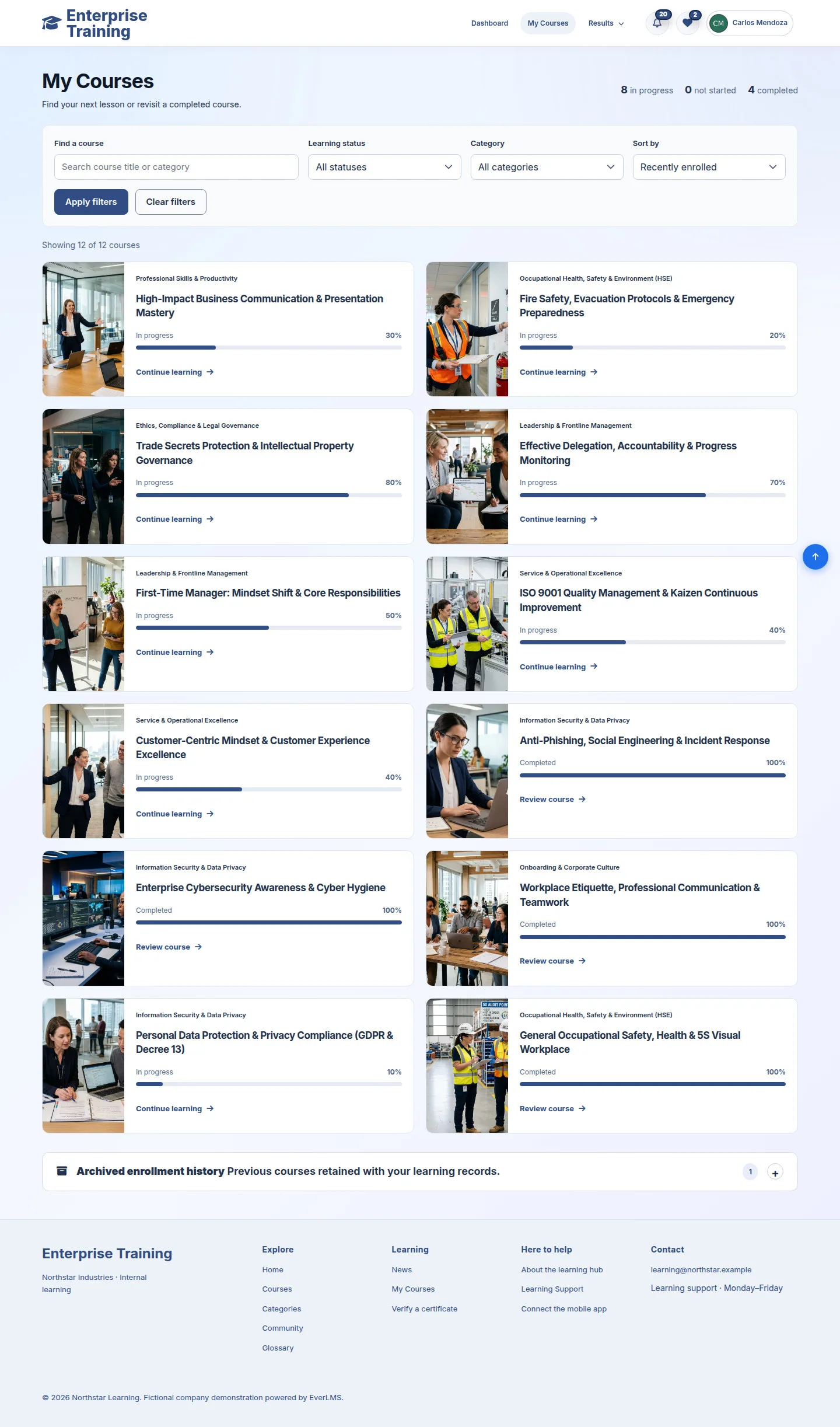
  1. Learning status → Completed
  2. Apply filters
  3. Review course

Review course keeps your saved progress.

Enlarge, then scroll

Open illustrated screen ↗Full image ↗

Employee · Certificates01

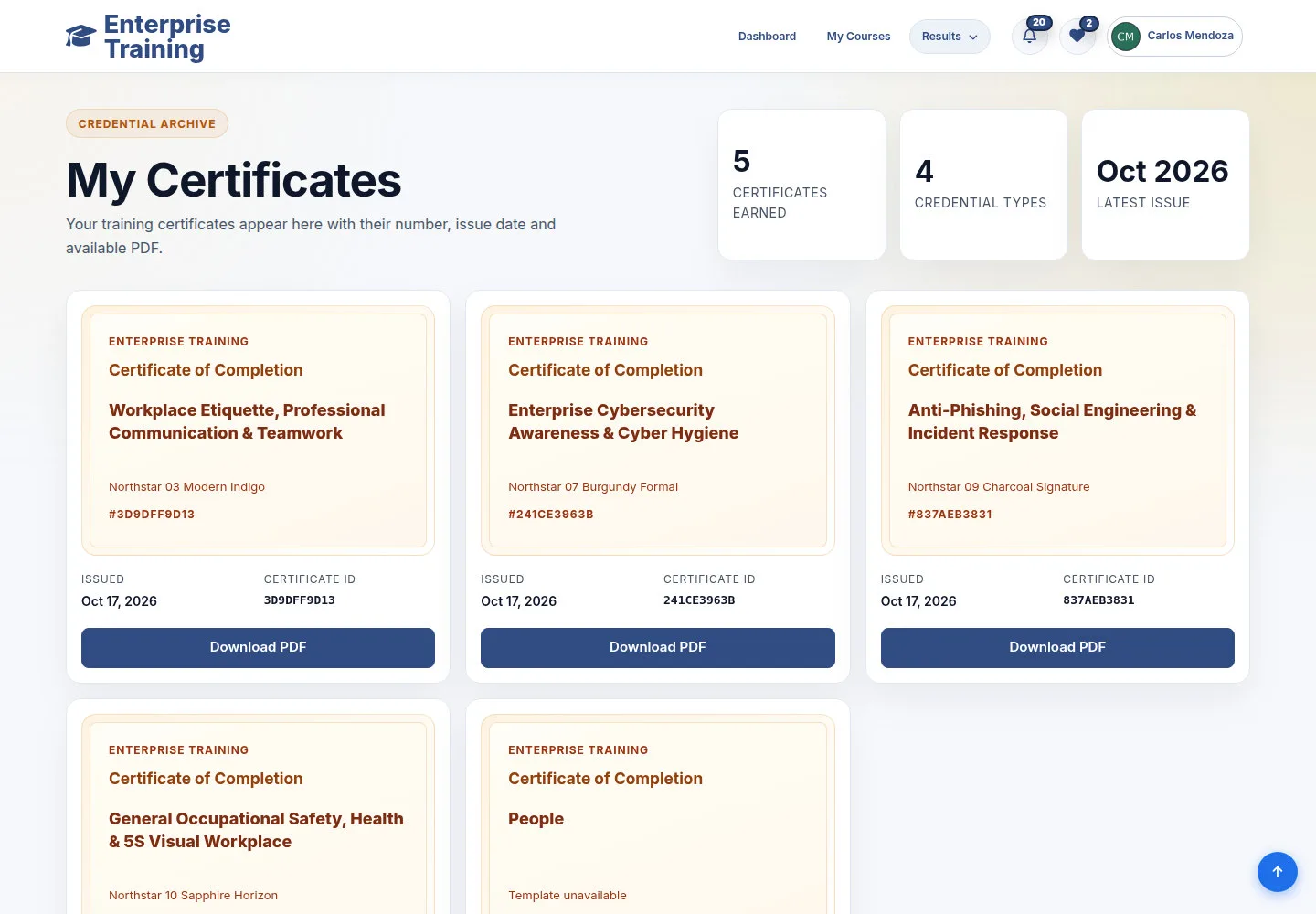
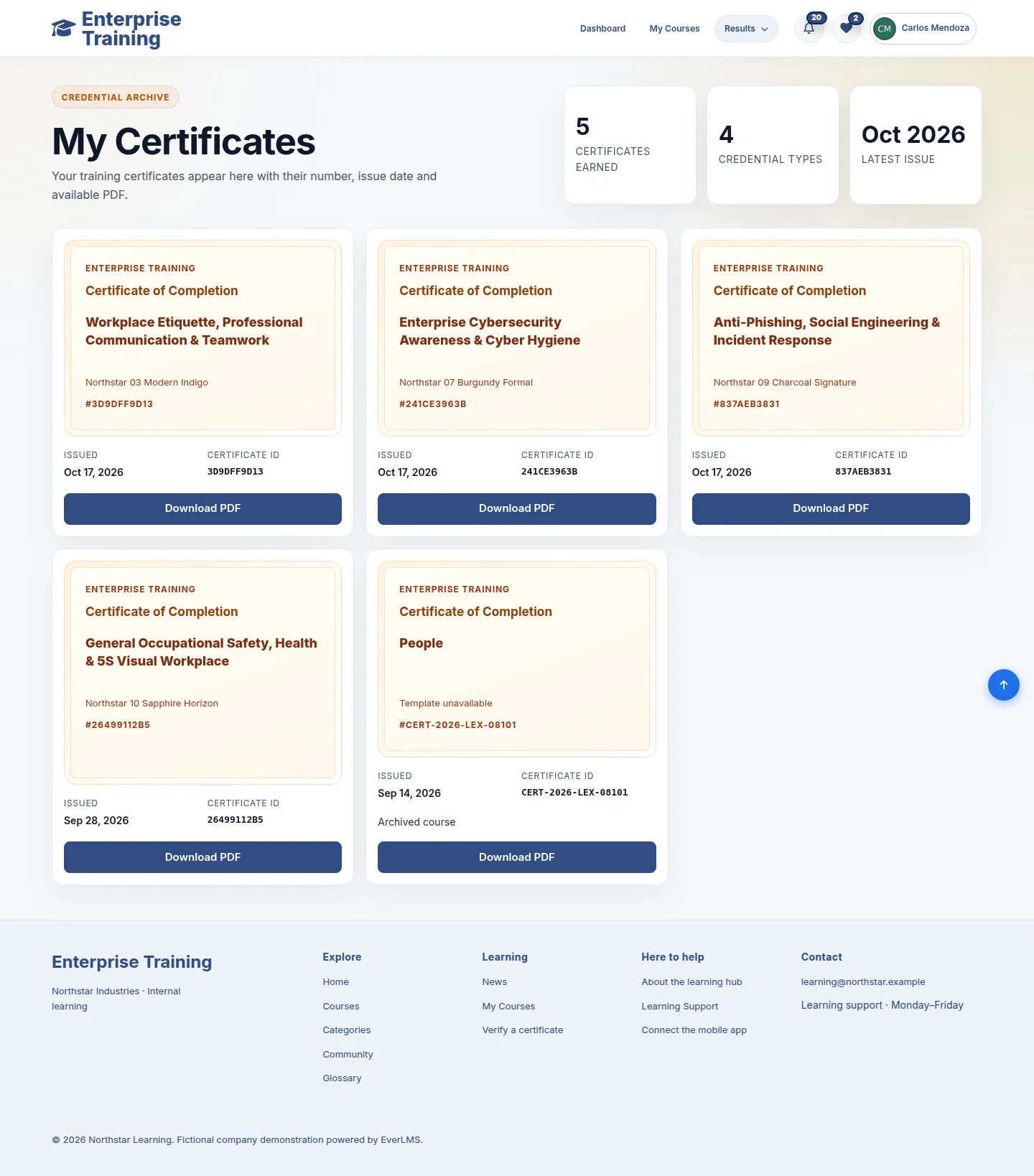
Issued certificates

Employee

Issued certificates

2Step 2 of 5

  1. My Certificates
  2. Check course & Certificate ID
  3. Download PDF

Eligibility requires all lessons completed and all course quizzes passed. Download appears when a certificate is issued.

Enlarge, then scroll

Open illustrated screen ↗Full image ↗

Employee · Certificates02

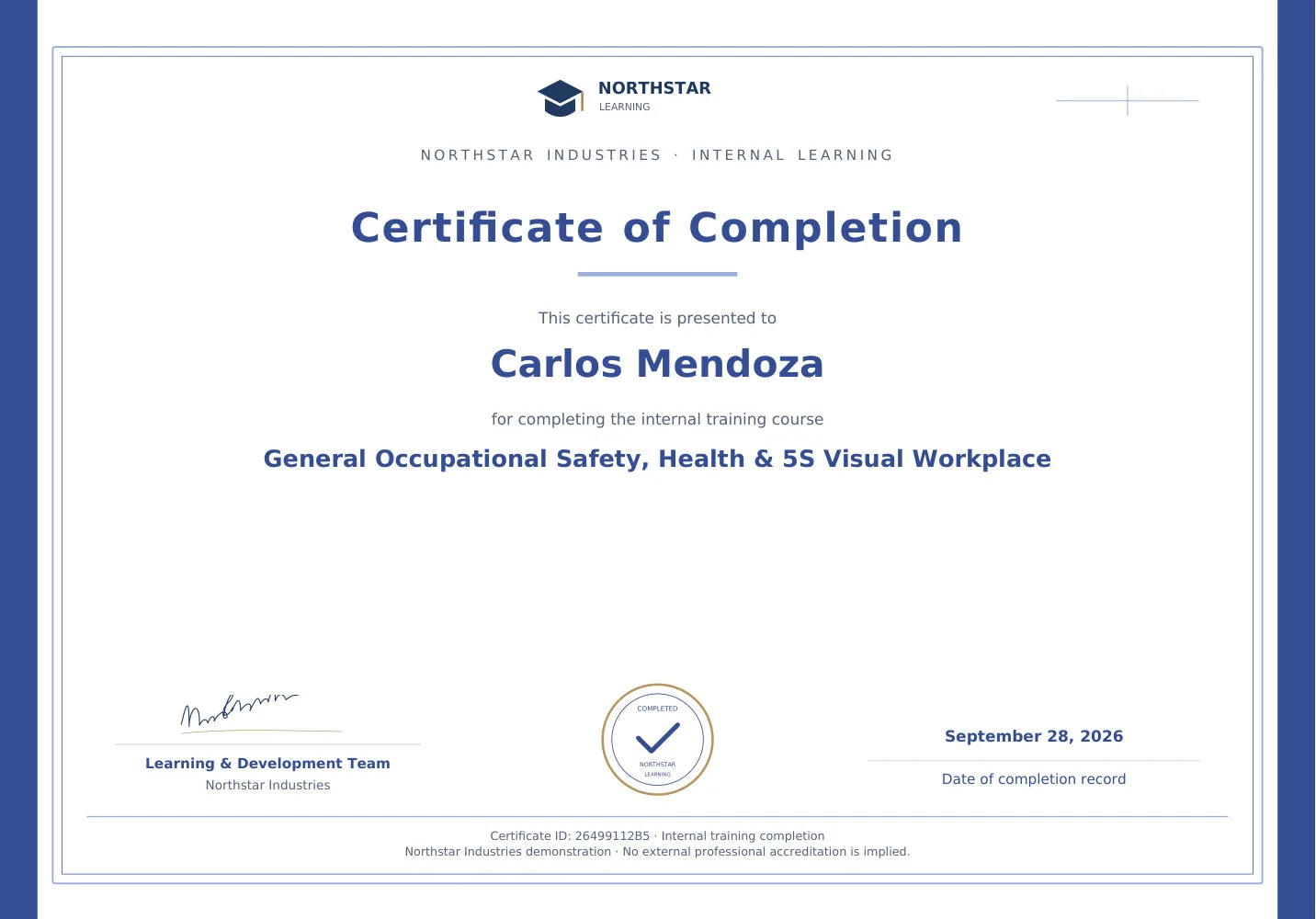
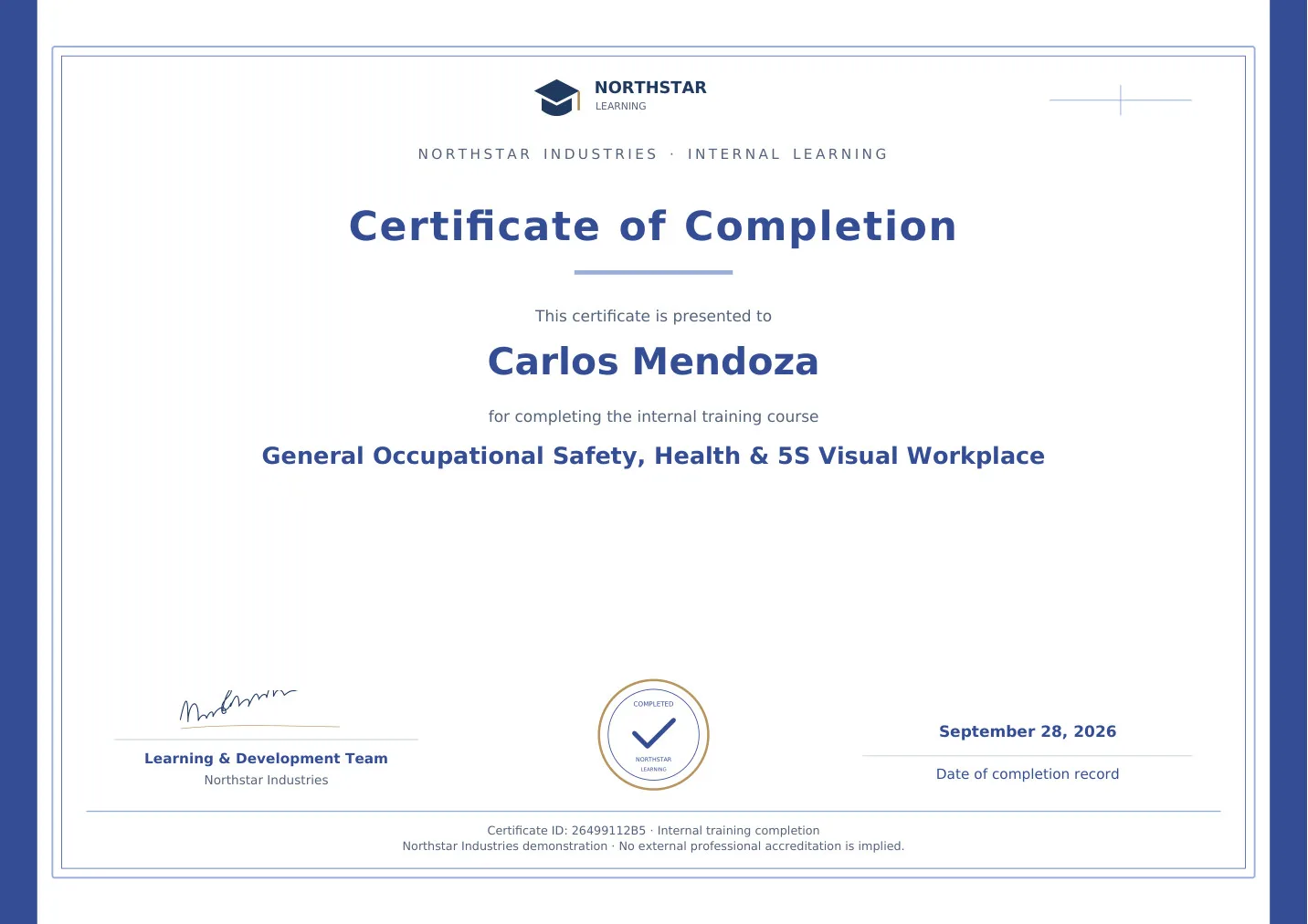
Check certificate details

Employee

Check certificate details

3Step 3 of 5

  1. Learner name
  2. Course & completion date
  3. Certificate ID

Open illustrated screen ↗Full image ↗

Employee · Certificates03

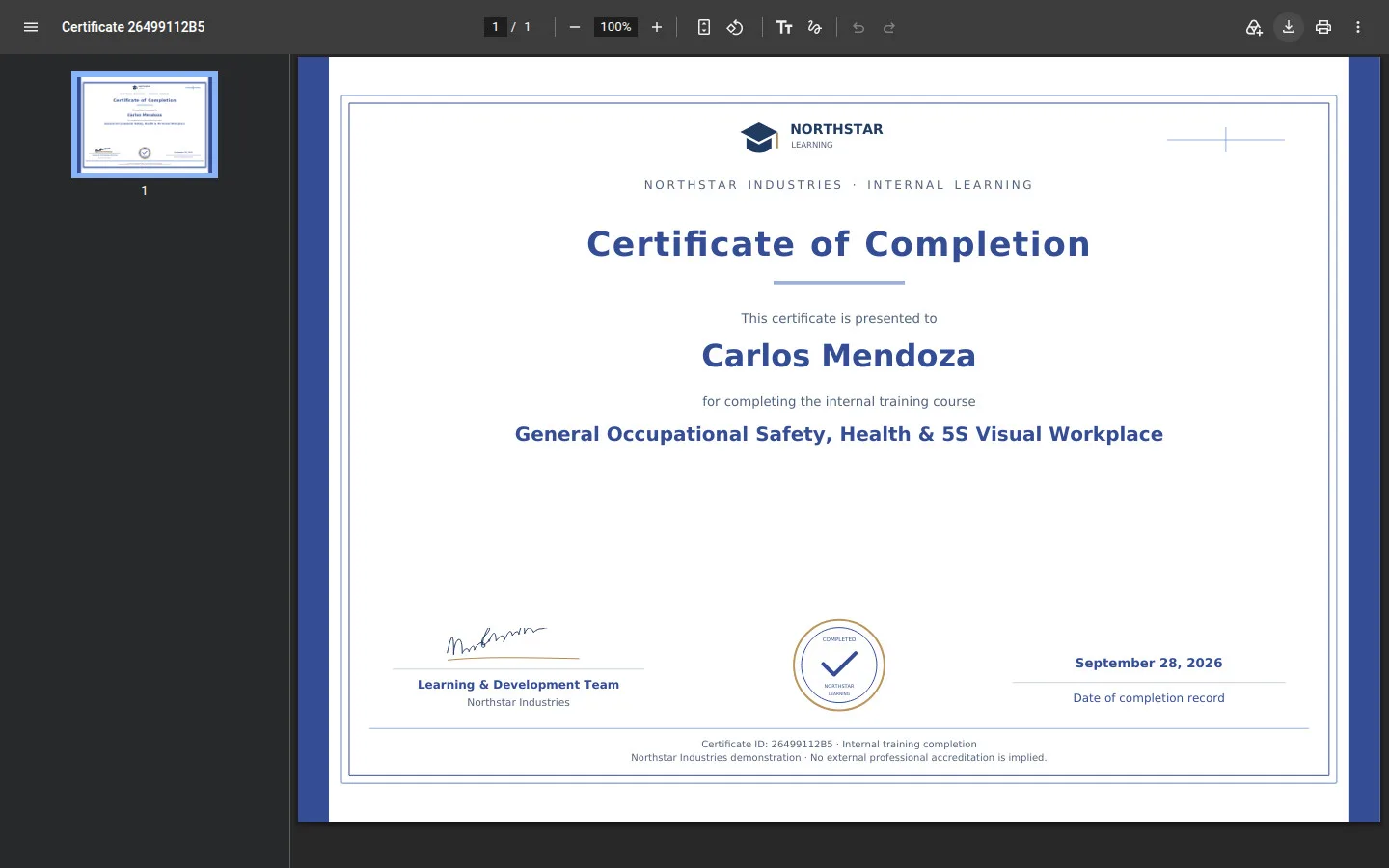
Download or print

Employee

Download or print

4Step 4 of 5

  1. Viewer → Download
  2. Print / Close tab

PDF viewer controls vary by browser.

Open illustrated screen ↗Full image ↗

Employee · Certificates04

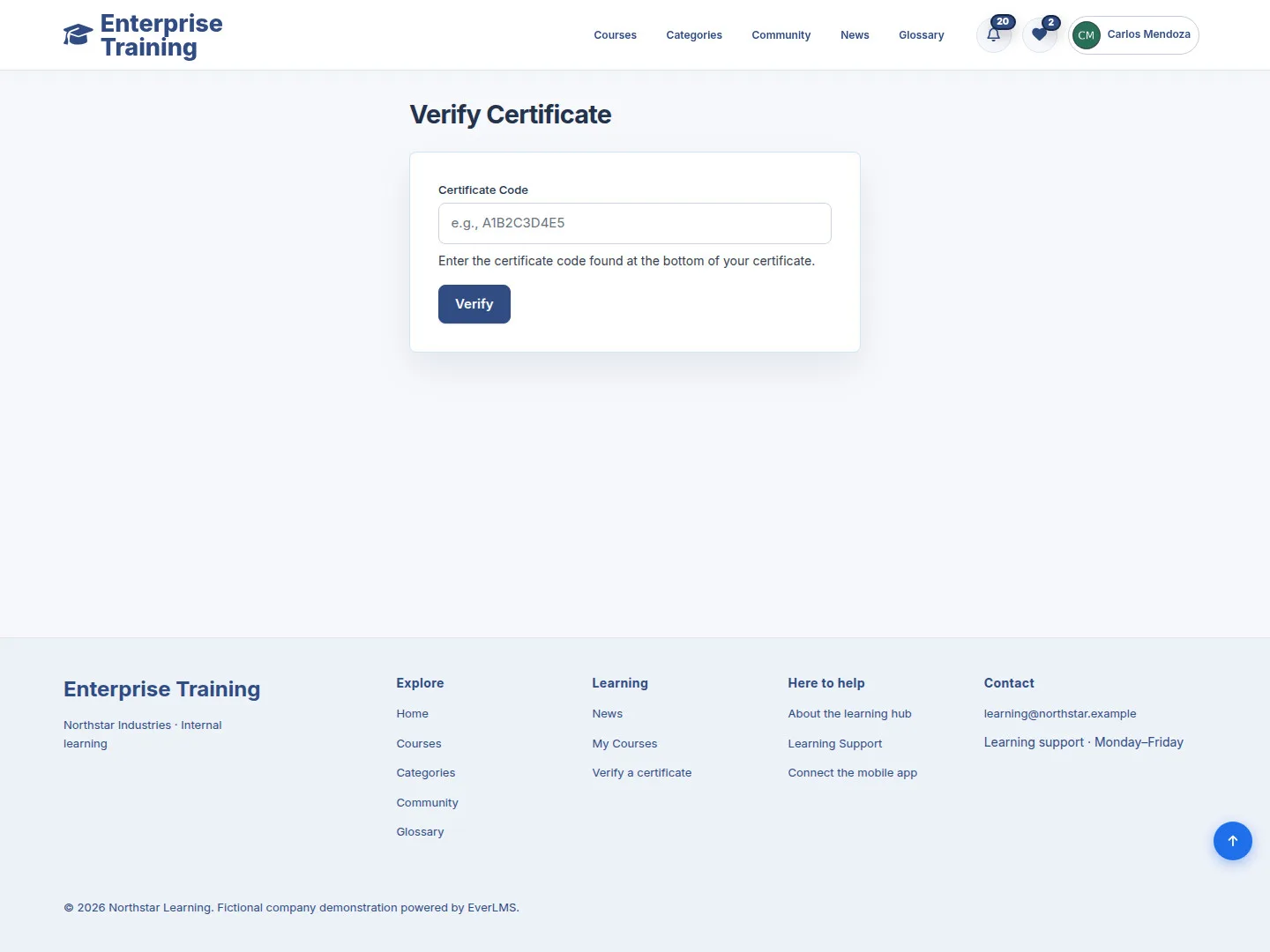
Verify a certificate

Employee

Verify a certificate

5Step 5 of 5

  1. Footer → Verify a certificate
  2. Certificate Code
  3. Verify

Enlarge, then scroll

Open illustrated screen ↗Full image ↗

Check

Certificate checked, saved or verified

Employee · Certificates05
1 / 6
Privacy Terms