Course discovery & enrollment

Catalog · Curriculum · Enroll

  • Signed in
  • Course enrollment available
Employee
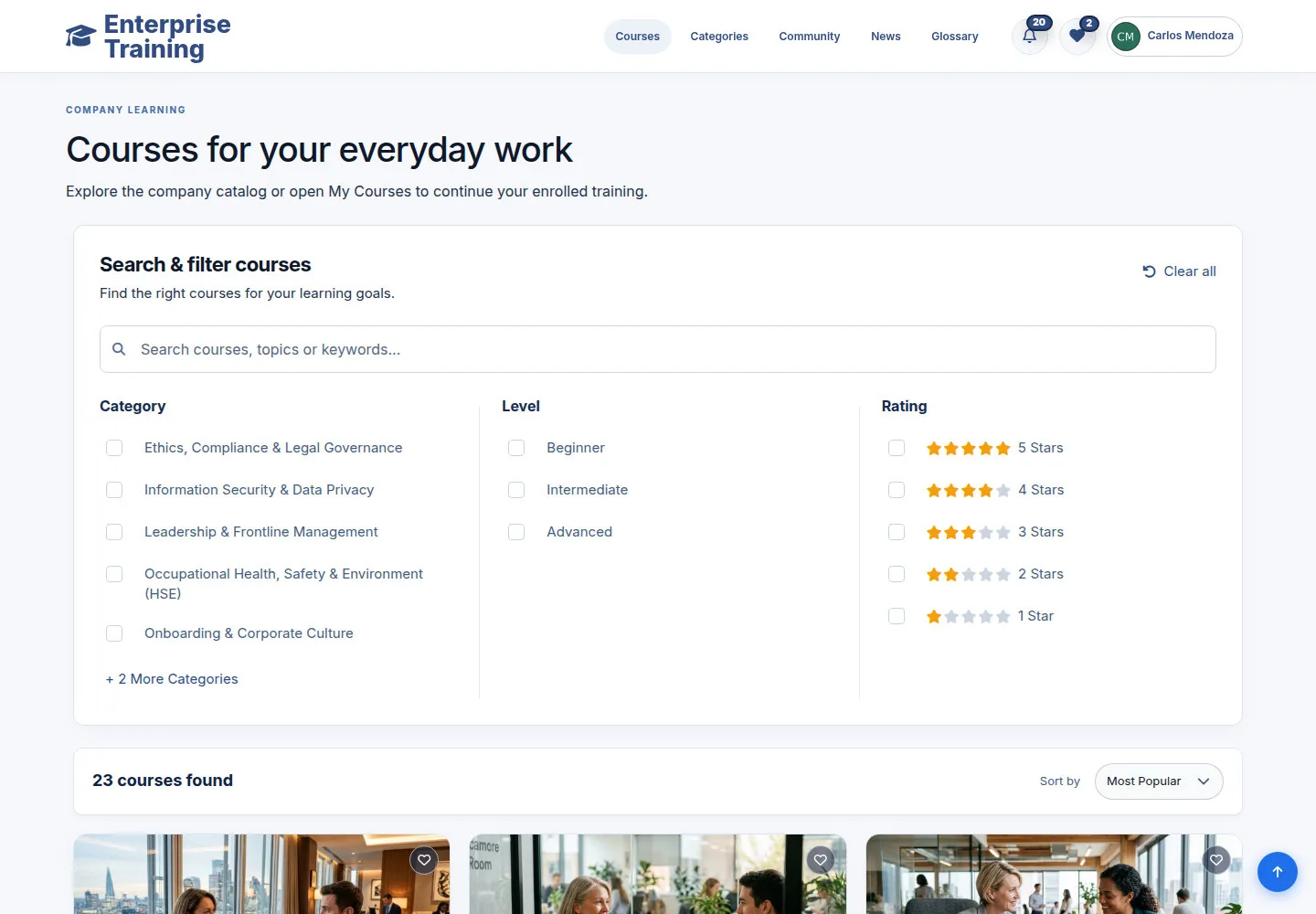
Find a course

Employee

Find a course

1Step 1 of 7

  1. Search courses
  2. Category / Level / Rating
  3. Sort by
  4. View Course

Enlarge, then scroll

Open illustrated screen ↗Full image ↗

Employee · Course discovery & enrollment01

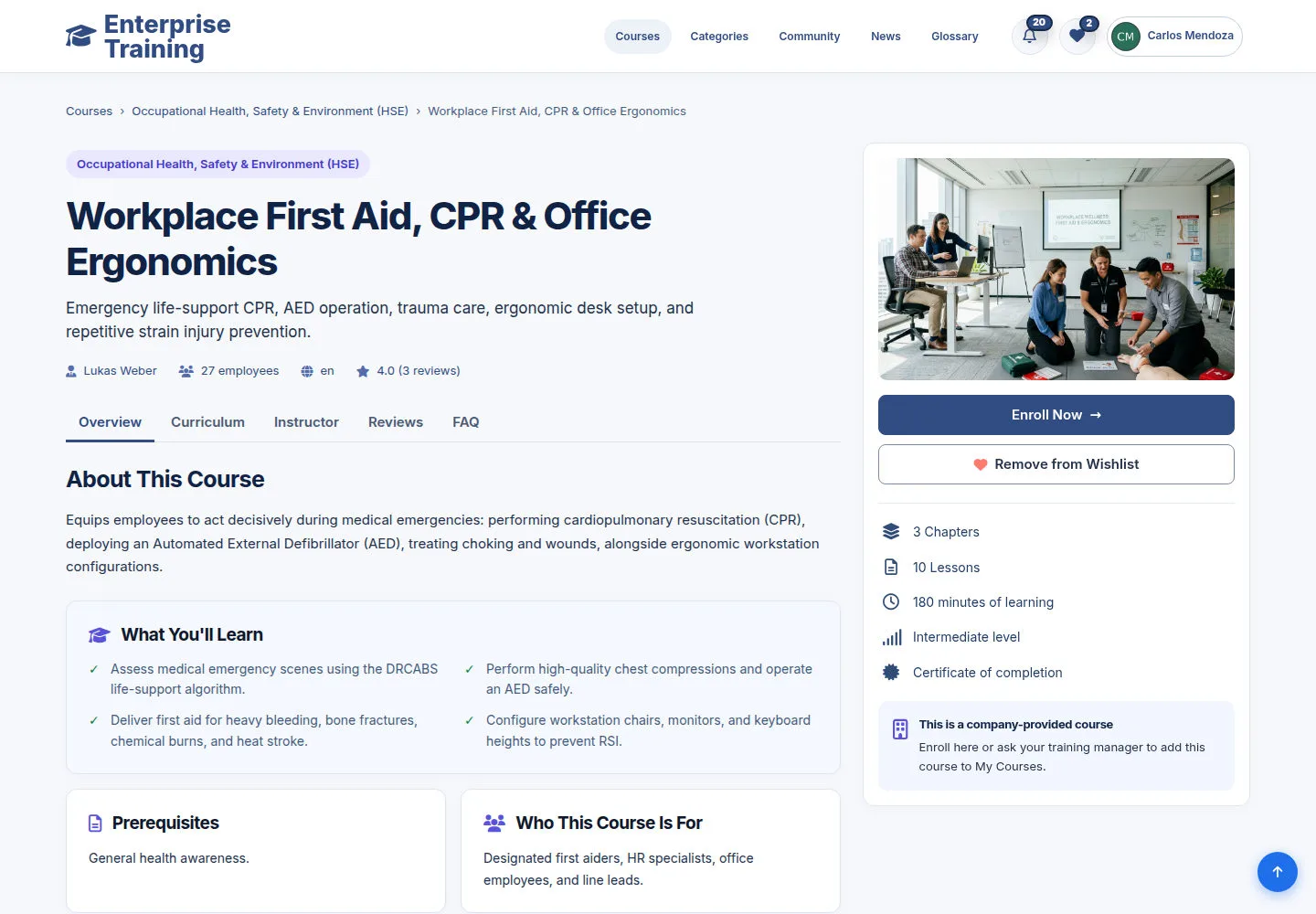
Course overview

Employee

Course overview

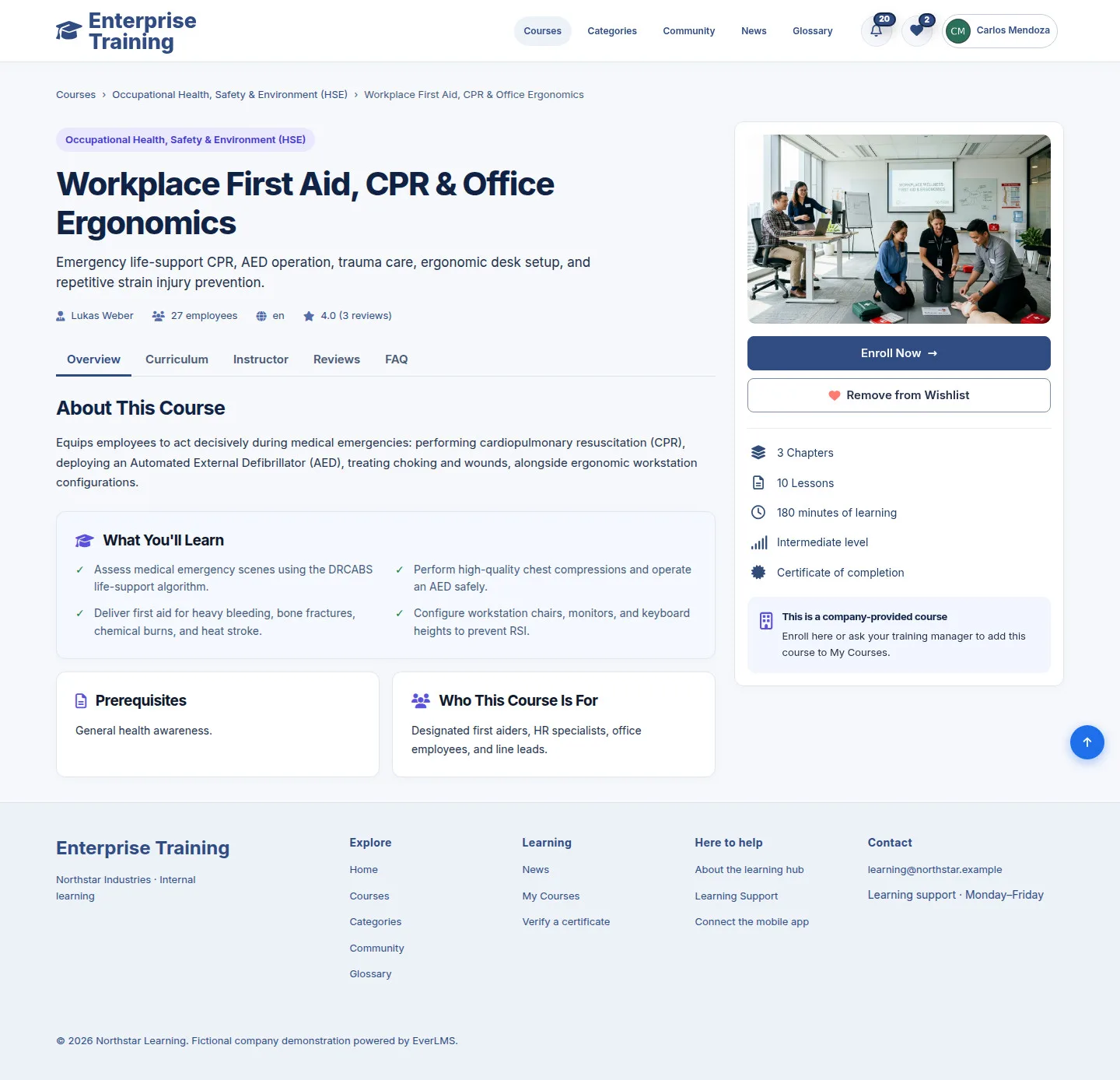
2Step 2 of 7

  1. Overview
  2. Goals / duration
  3. Add to Wishlist

Wishlist saves a course; it does not enroll you.

Enlarge, then scroll

Open illustrated screen ↗Full image ↗

Employee · Course discovery & enrollment02

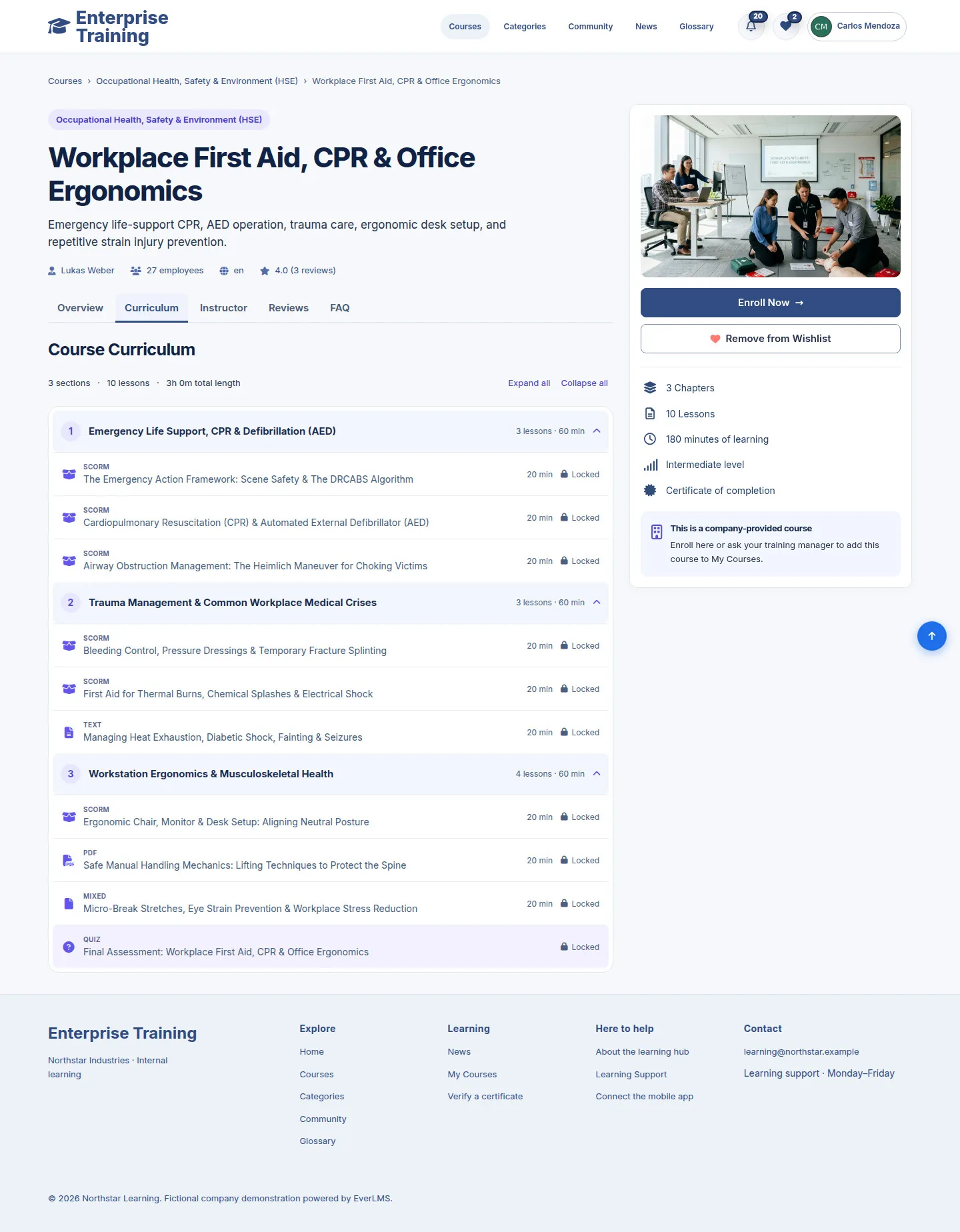
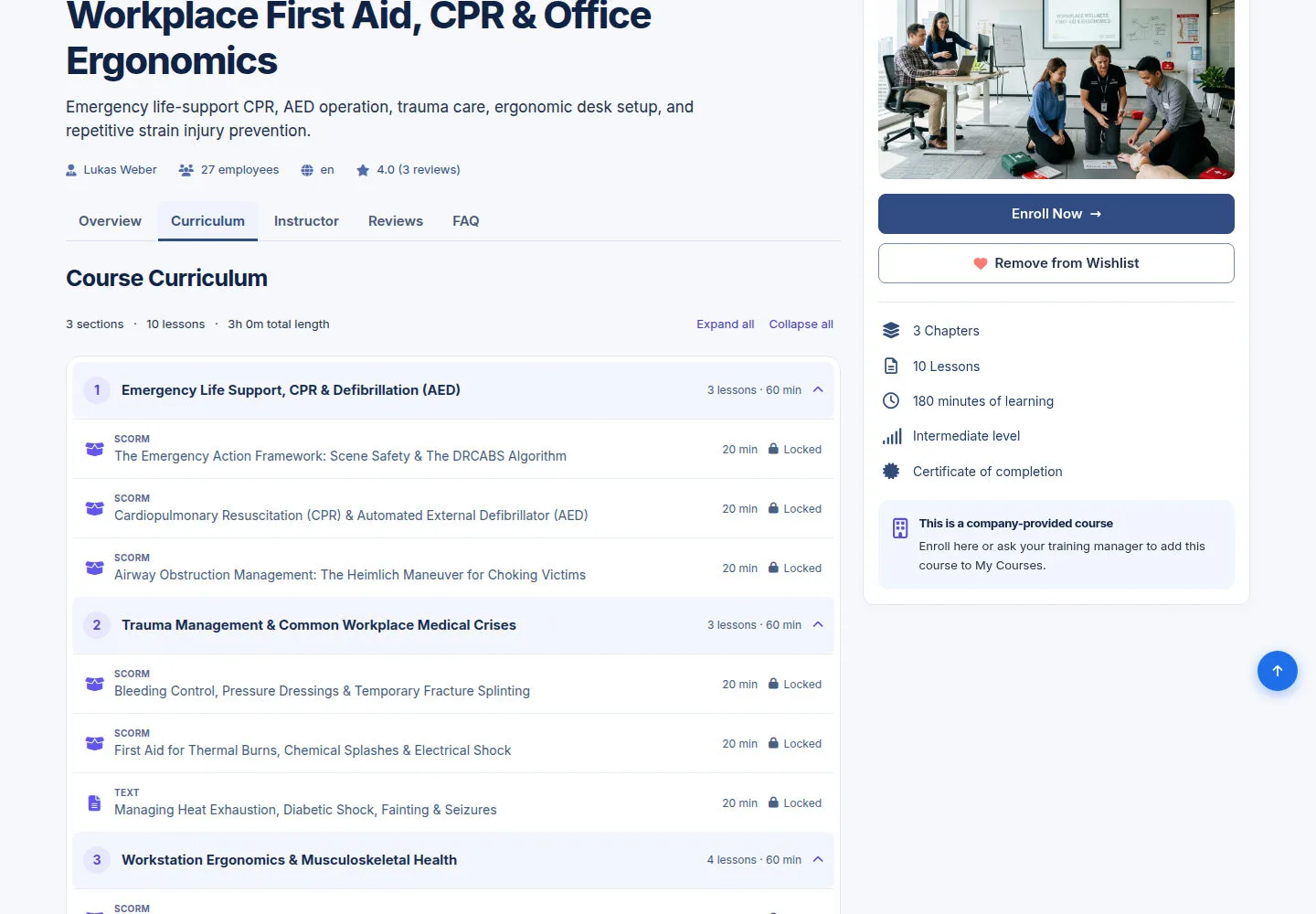
Curriculum

Employee

Curriculum

3Step 3 of 7

  1. Curriculum
  2. Expand all / Collapse all
  3. Check lesson order

Lessons marked Locked require enrollment.

Enlarge, then scroll

Open illustrated screen ↗Full image ↗

Employee · Course discovery & enrollment03

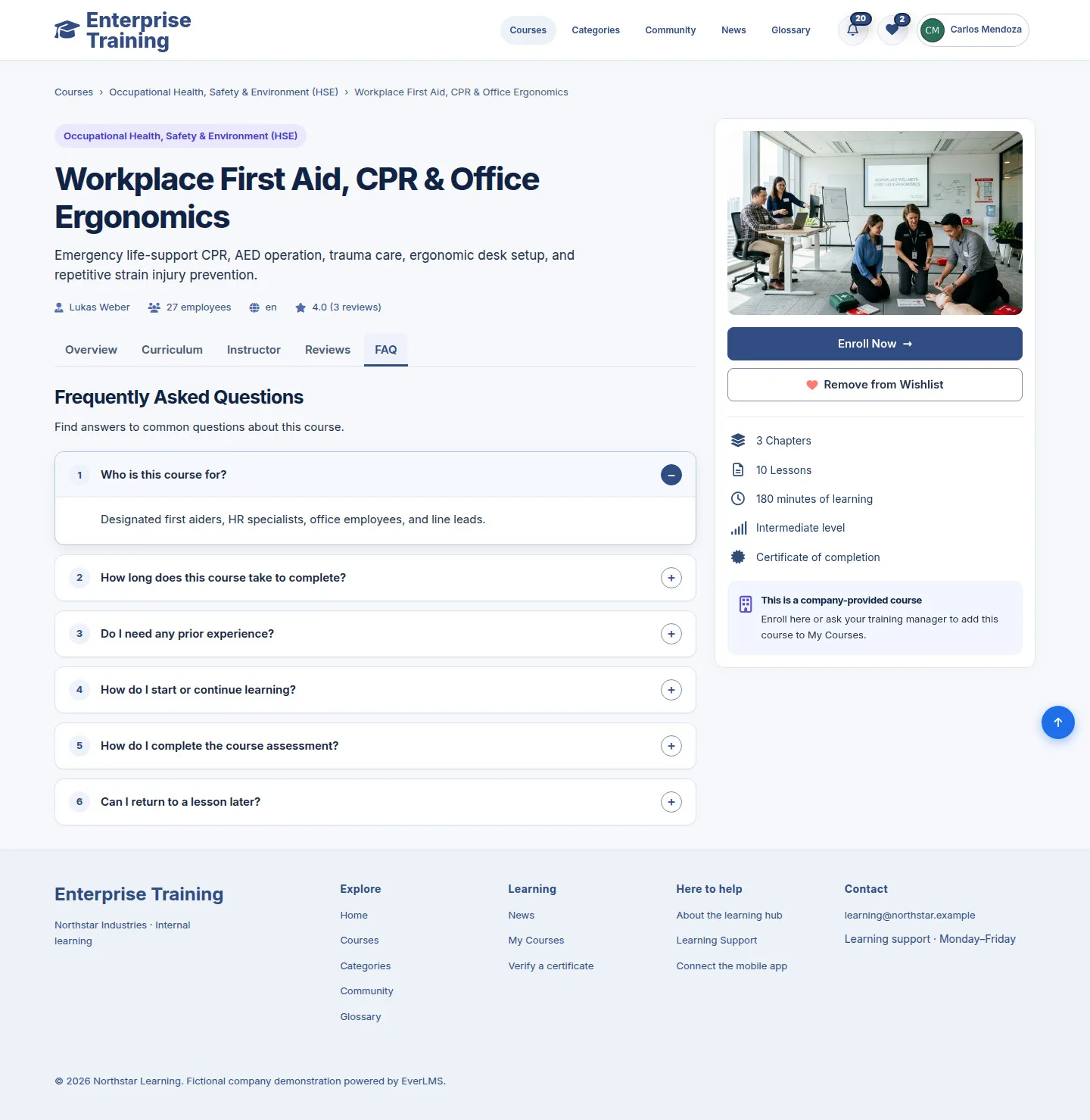
Check common questions

Employee

Check common questions

4Step 4 of 7

  1. FAQ
  2. Open a question
  3. Instructor / Reviews
  4. Enroll Now

Enlarge, then scroll

Open illustrated screen ↗Full image ↗

Employee · Course discovery & enrollment04

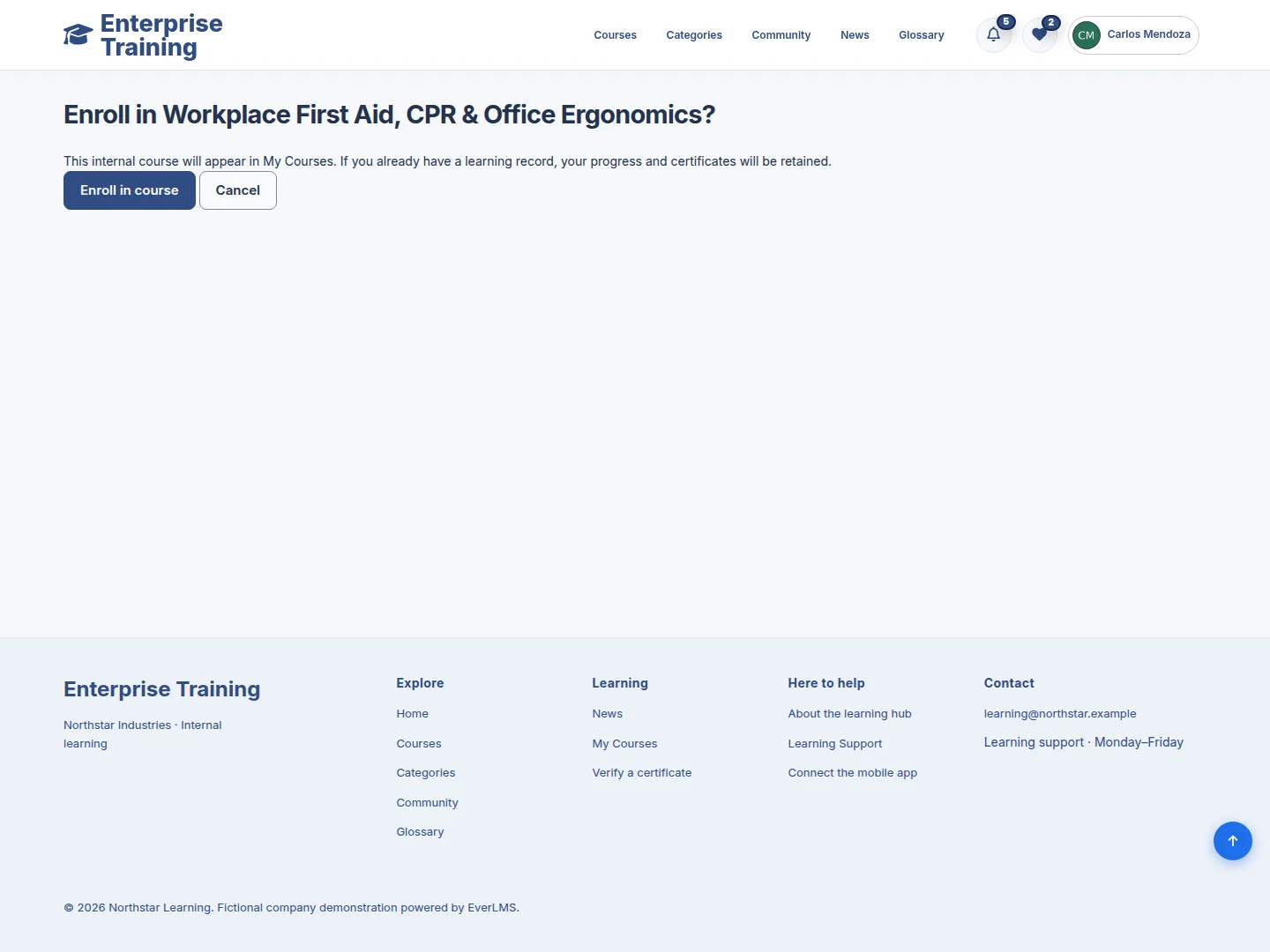
Confirm enrollment

Employee

Confirm enrollment

5Step 5 of 7

  1. Check course name
  2. Enroll in course / Cancel

Check the course, then submit Enroll in course to confirm.

Enlarge, then scroll

Open illustrated screen ↗Full image ↗

Employee · Course discovery & enrollment05

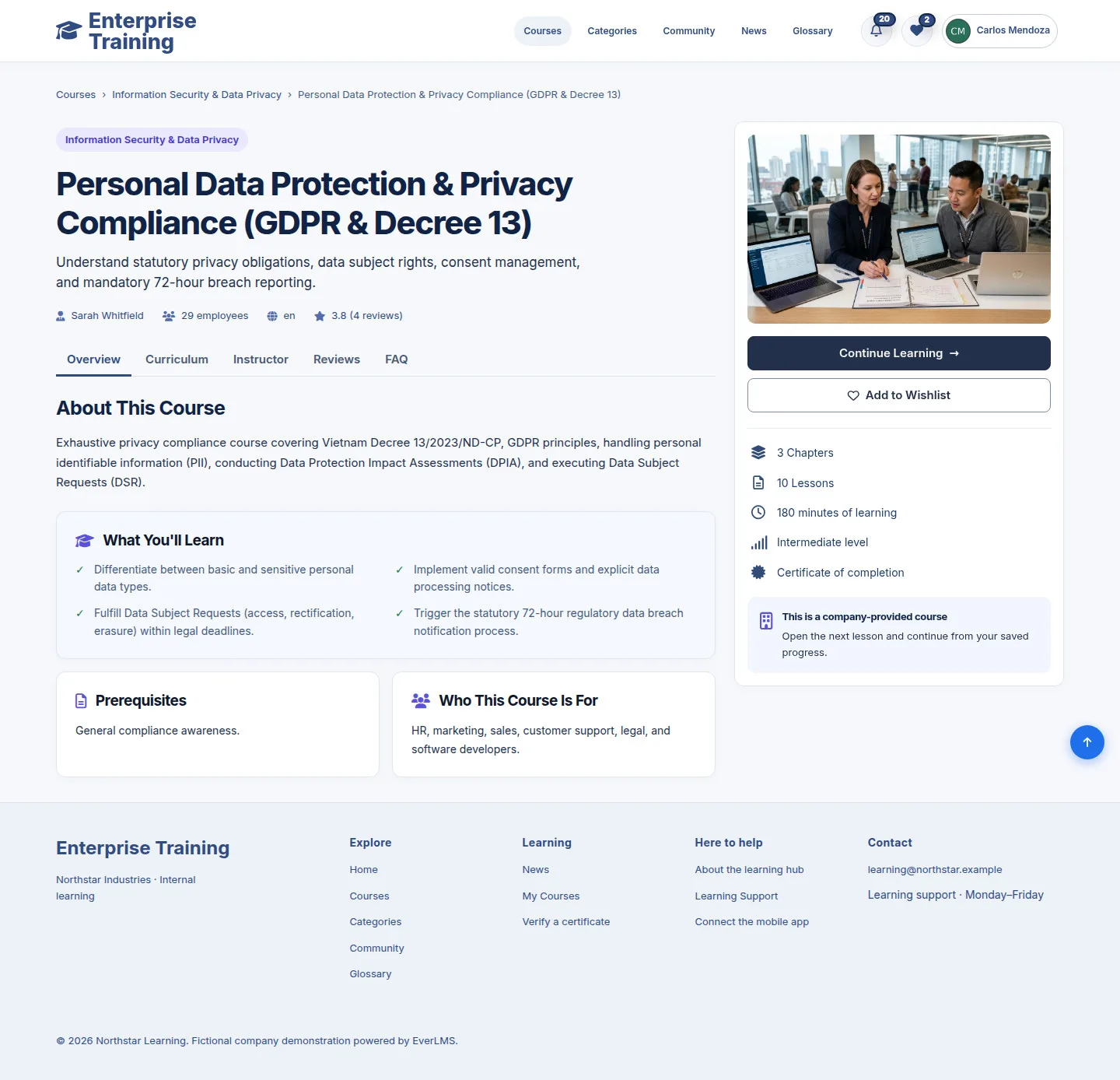
Start learning

Employee

Start learning

6Step 6 of 7

  1. Continue Learning
  2. My Courses → Start course

Enlarge, then scroll

Open illustrated screen ↗Full image ↗

Employee · Course discovery & enrollment06

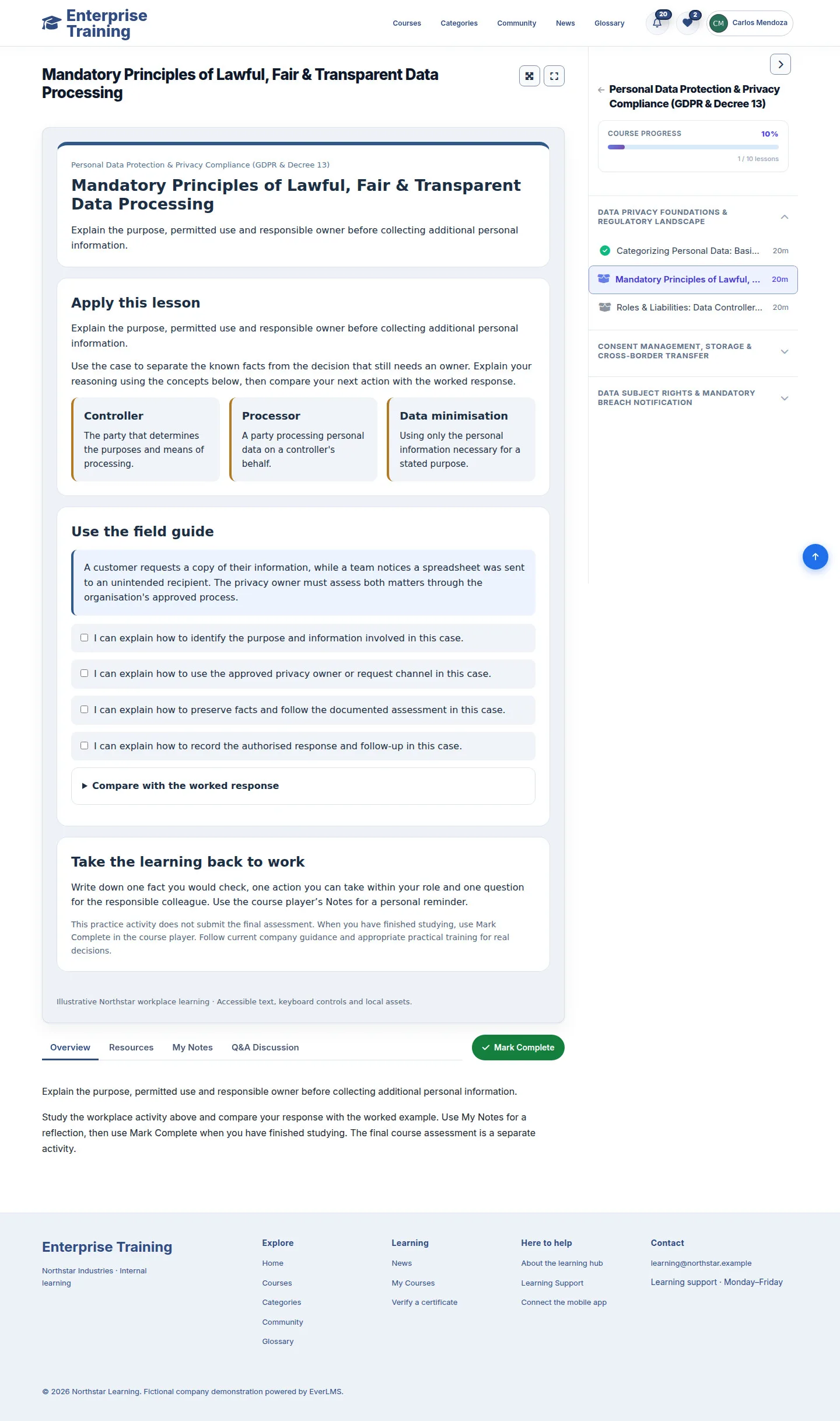
Lesson player

Employee

Lesson player

7Step 7 of 7

  1. Read / scroll content
  2. Package Next / Back, if shown
  3. Follow lesson order

Enlarge, then scroll

Open illustrated screen ↗Full image ↗

Check

Course ready to learn

Employee · Course discovery & enrollment07
1 / 8
Privacy Terms