Enrollment & My Courses

Enroll · Start · Continue · Review

  • Signed in
  • Course enrollment available
Account
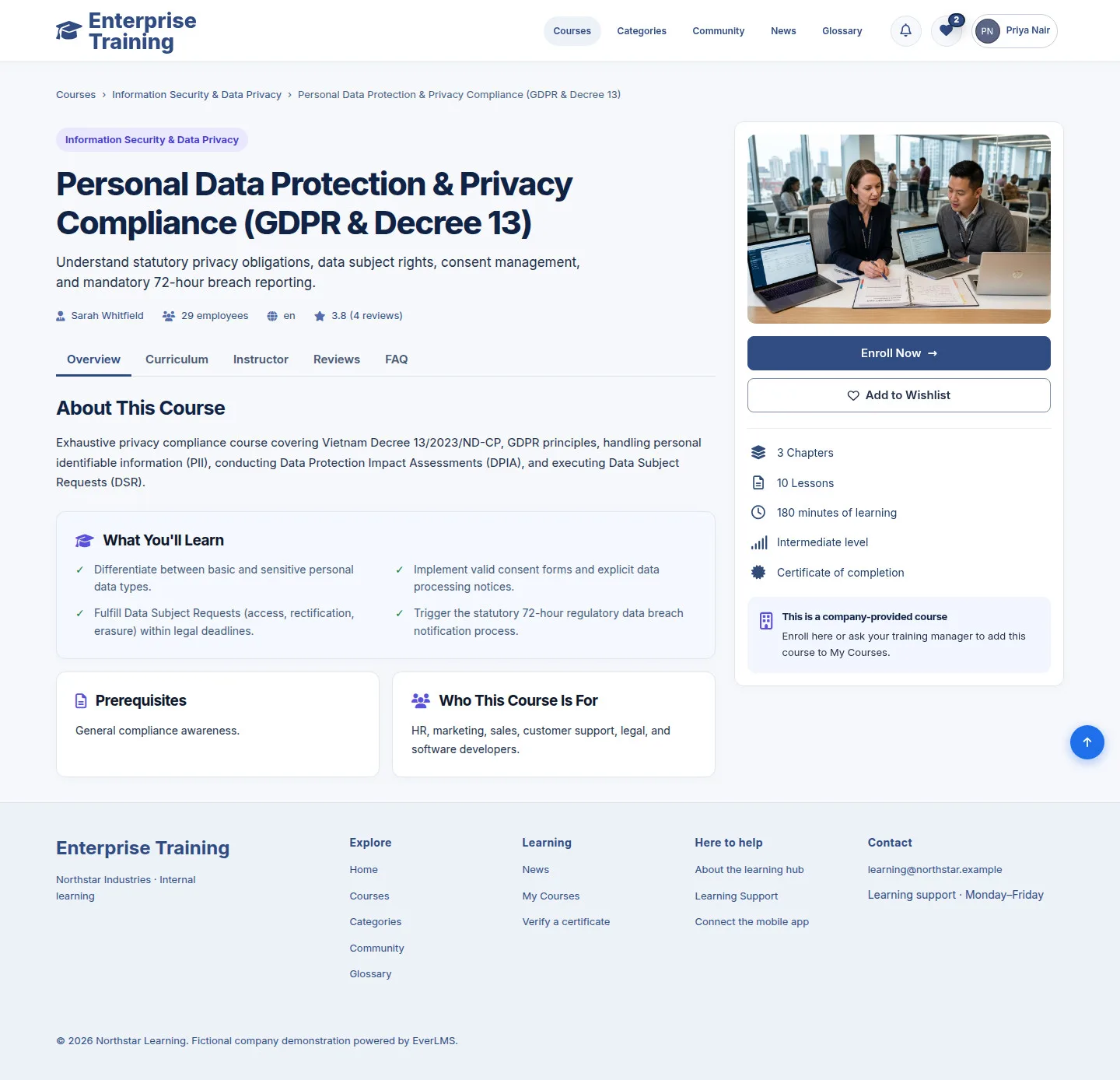
Course & enrollment options

Account

Course & enrollment options

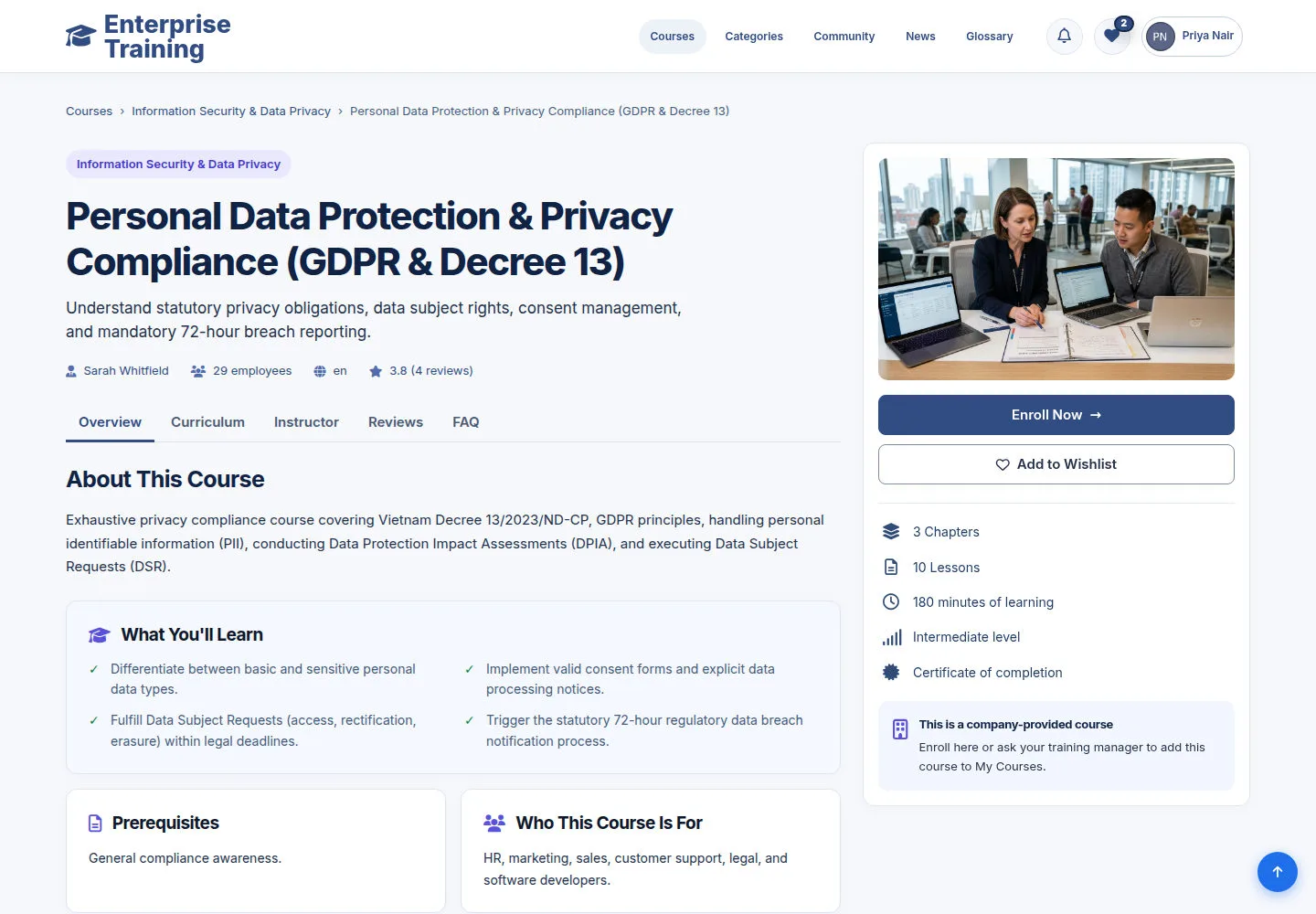
1Step 1 of 3

  1. Overview
  2. Curriculum
  3. Enroll Now / Continue Learning
  4. Add to Wishlist

Enroll Now opens confirmation. Continue Learning opens an enrolled course; Wishlist saves it for later.

Enlarge, then scroll

Open illustrated screen ↗Full image ↗

Account · Enrollment & My Courses01

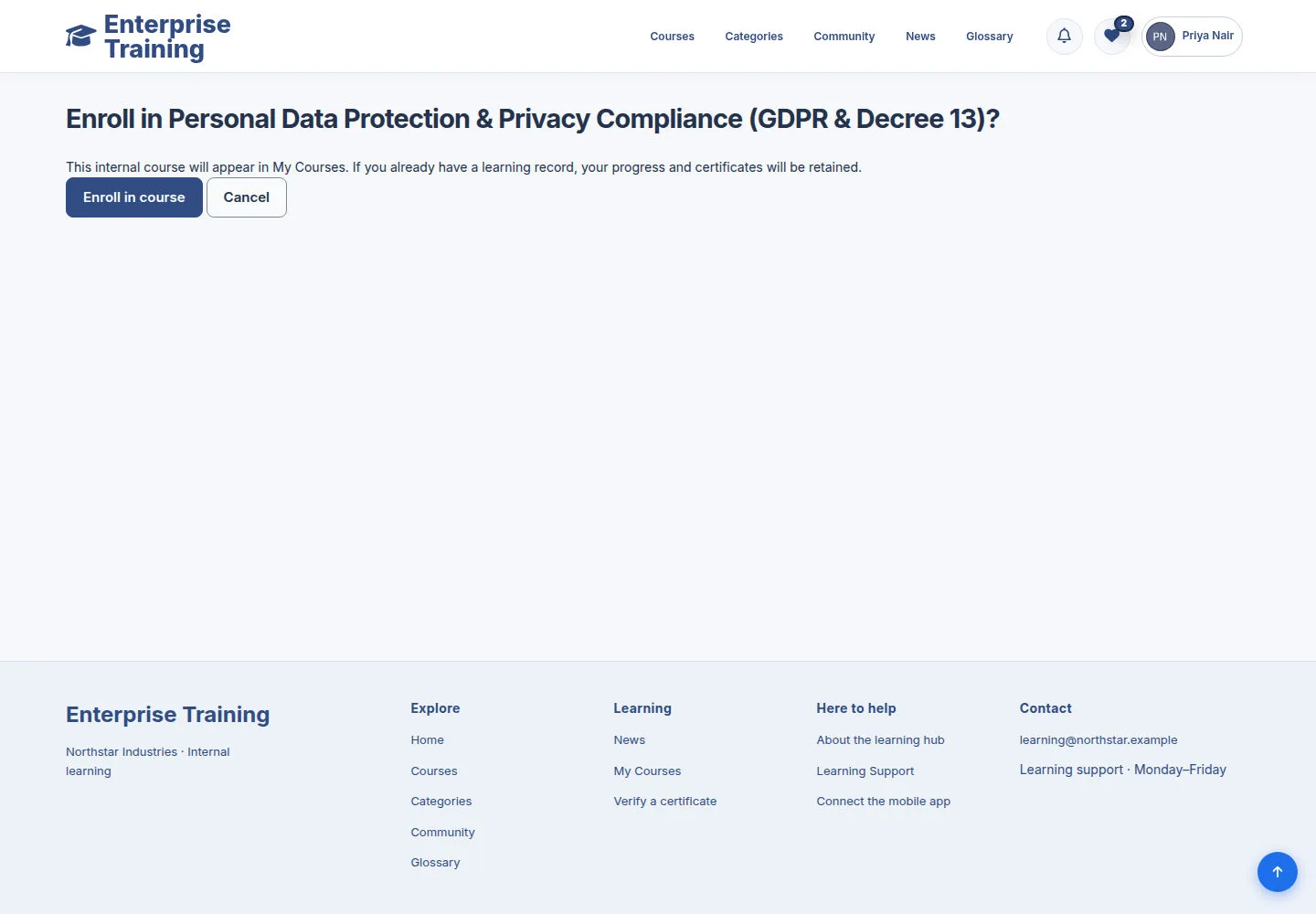
Confirm enrollment

Account

Confirm enrollment

2Step 2 of 3

  1. Check course name
  2. Enroll in course / Cancel

Enrollment is confirmed only when you submit this form.

Enlarge, then scroll

Open illustrated screen ↗Full image ↗

Account · Enrollment & My Courses02

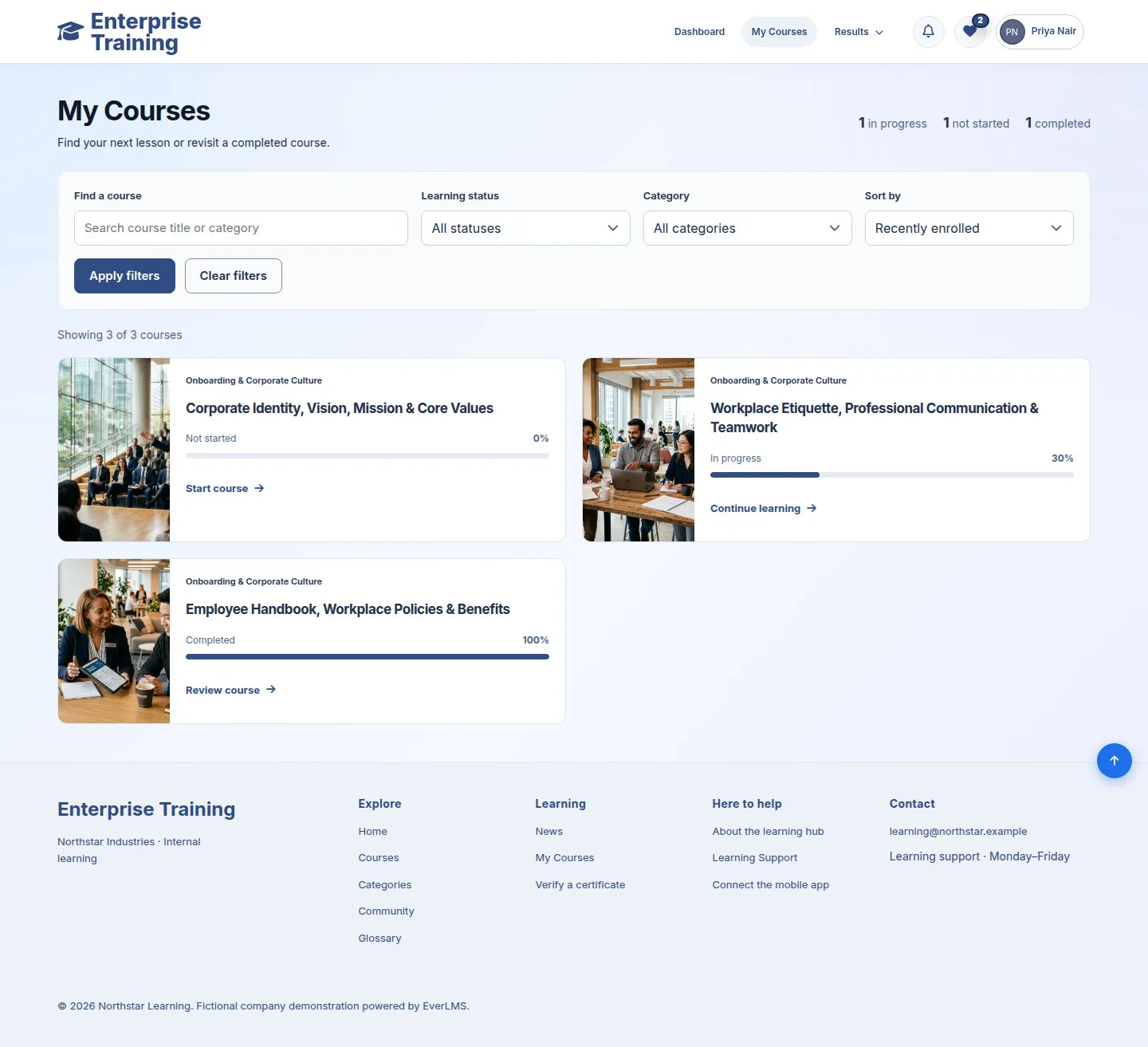
My Courses

Account

My Courses

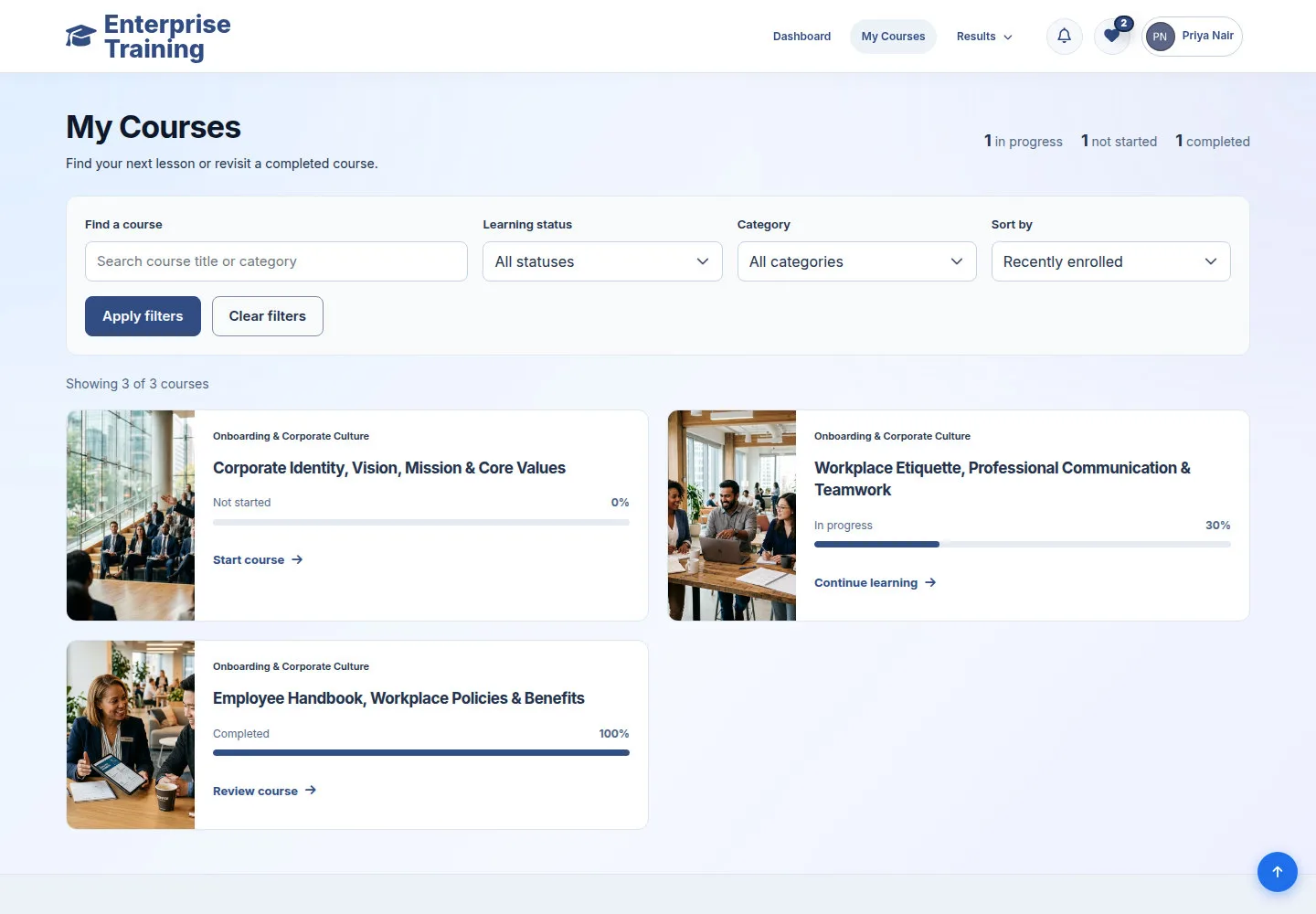
3Step 3 of 3

  1. Find a course
  2. Apply filters / Clear filters
  3. Start / Continue / Review
  4. Archived enrollment history

Enlarge, then scroll

Open illustrated screen ↗Full image ↗

Check

Enrolled course open

Account · Enrollment & My Courses03
1 / 4
Privacy Terms