Account & navigation

Dashboard · Profile · Preferences

  • Signed in
Account

Learning & workspace navigation

Account

Learning & workspace navigation

1Step 1 of 5

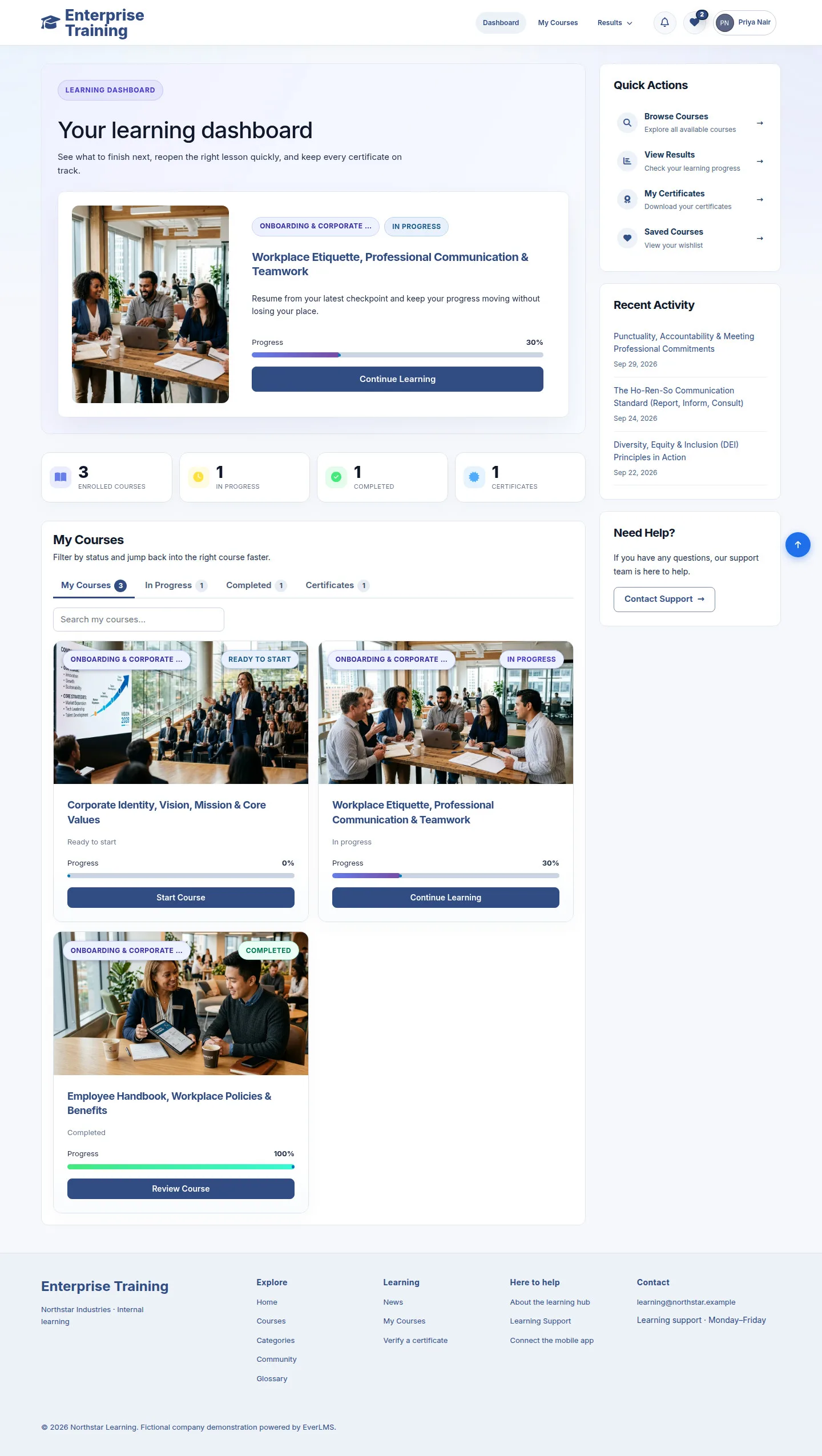
  1. Dashboard / My Courses
  2. Workspace
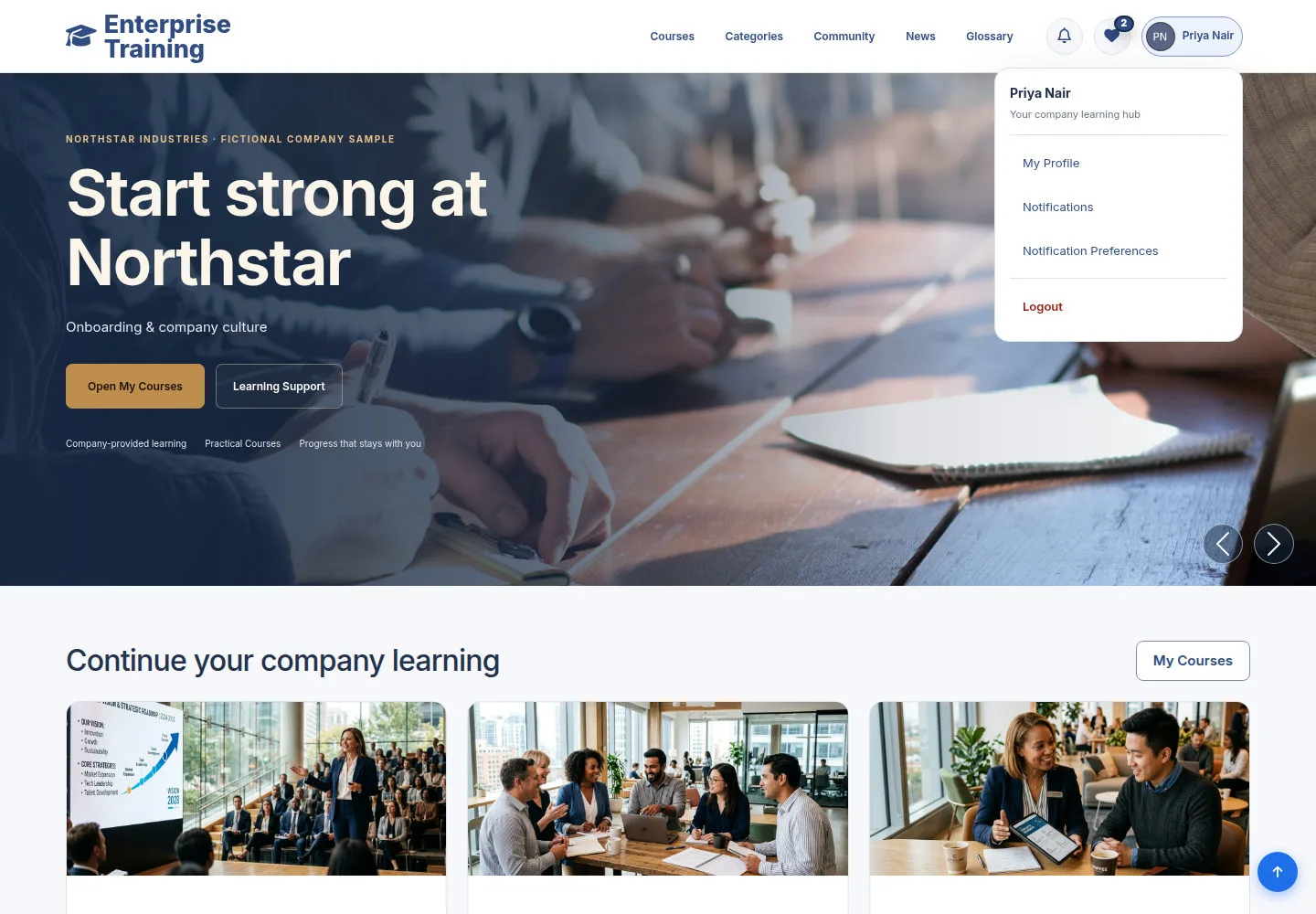
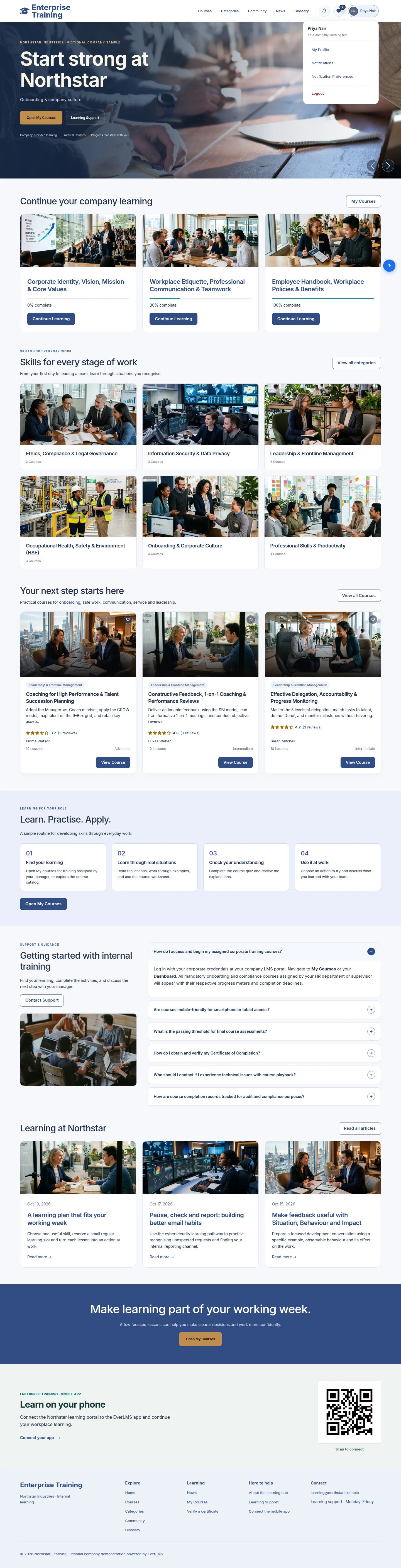
  3. Avatar → account menu
  4. Mobile → menu button

Enlarge, then scroll

Open illustrated screen ↗Full image ↗

Account · Account & navigation01

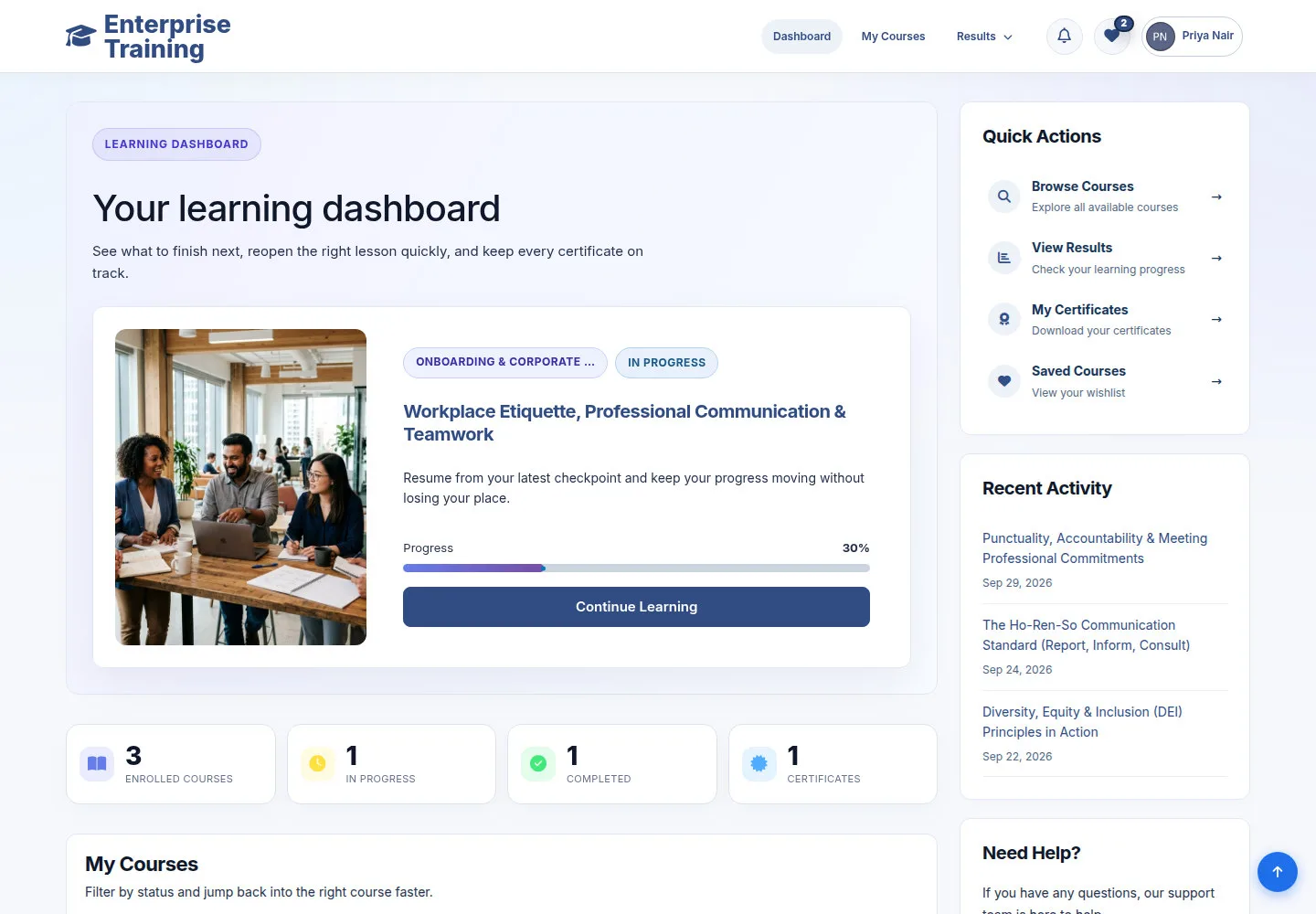
Use the dashboard

Account

Use the dashboard

2Step 2 of 5

  1. Continue Learning
  2. My Courses
  3. Quick Actions

Enlarge, then scroll

Open illustrated screen ↗Full image ↗

Account · Account & navigation02

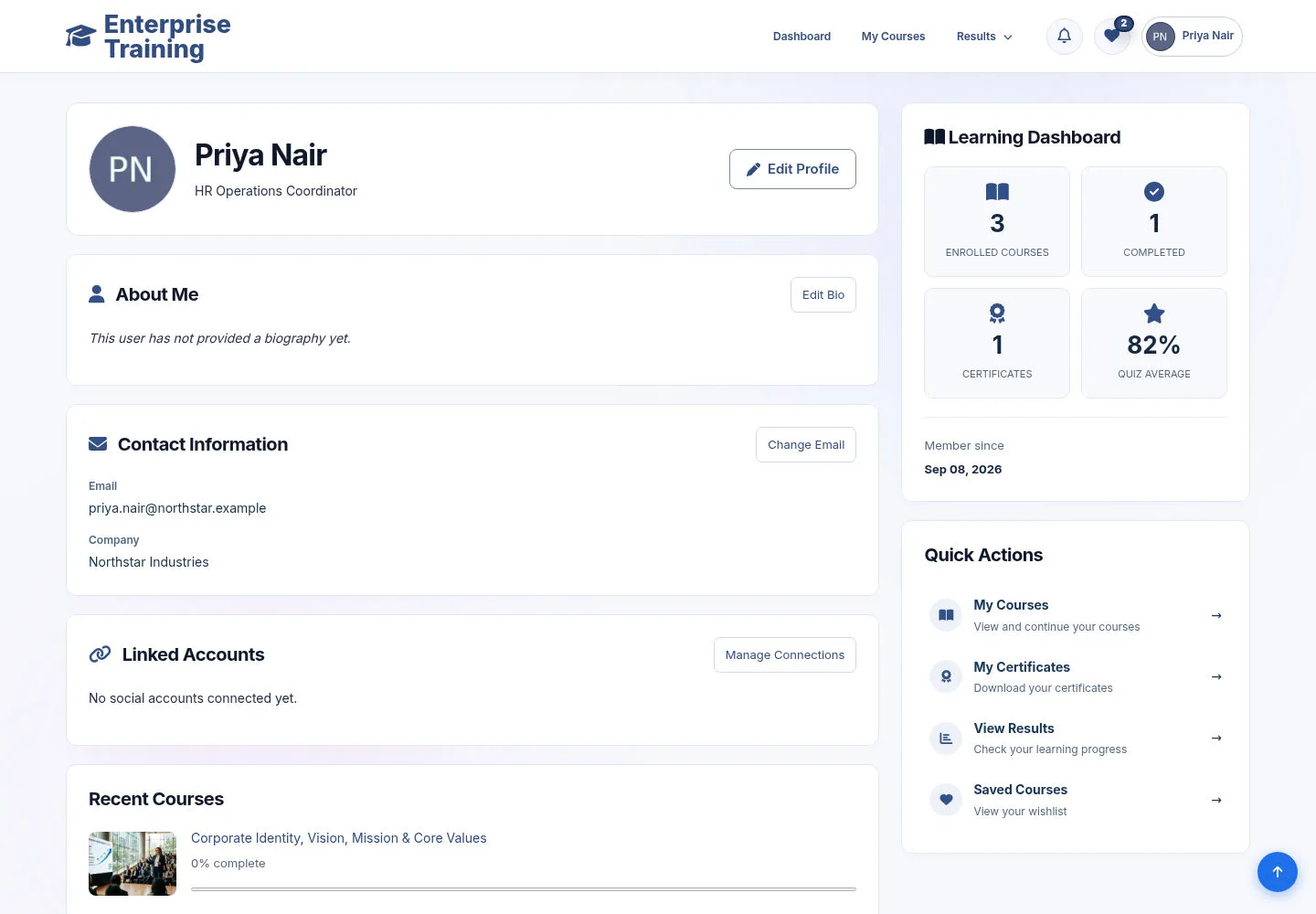
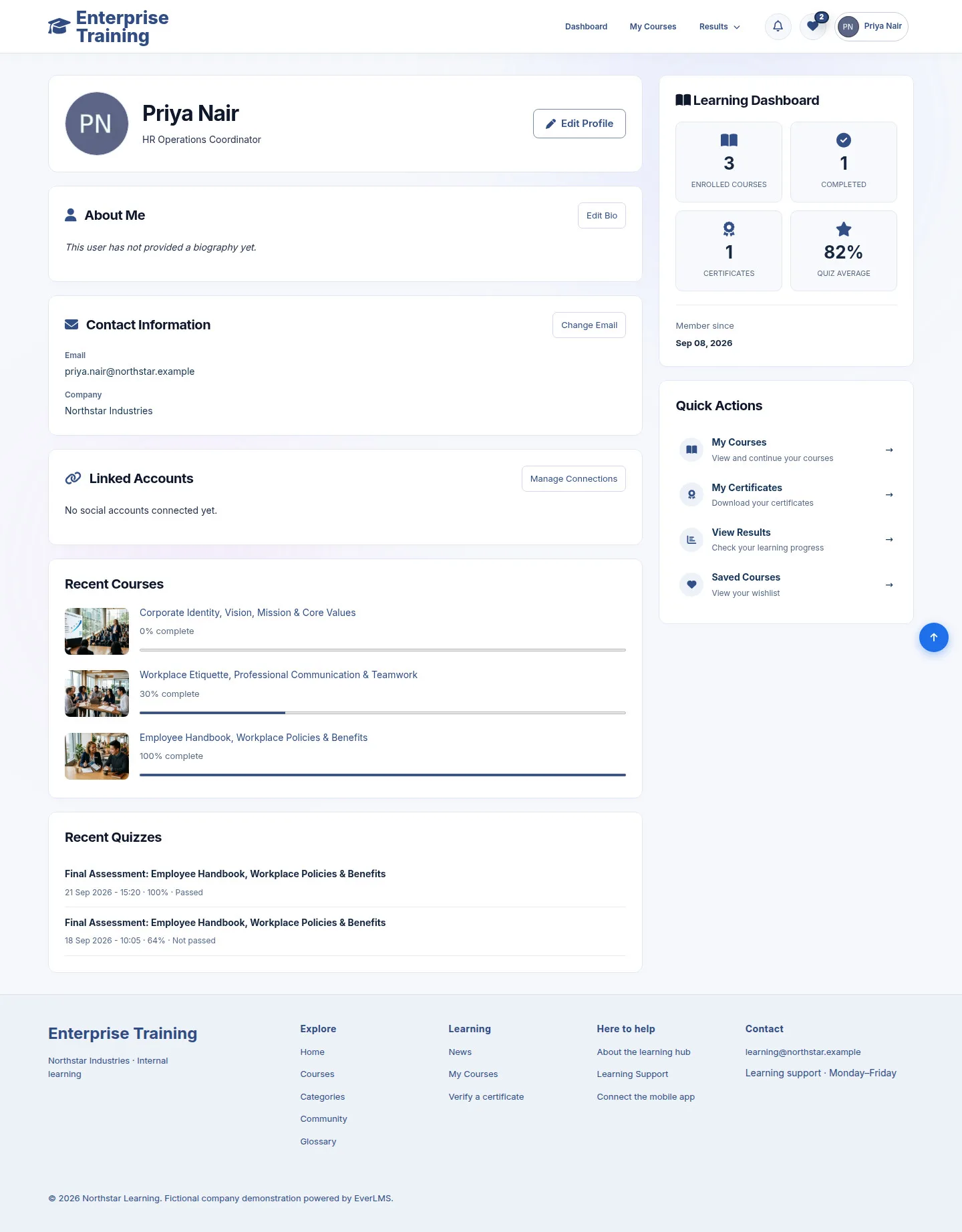
My Profile

Account

My Profile

3Step 3 of 5

  1. My Profile
  2. Review details
  3. Edit / Profile settings

Enlarge, then scroll

Open illustrated screen ↗Full image ↗

Account · Account & navigation03

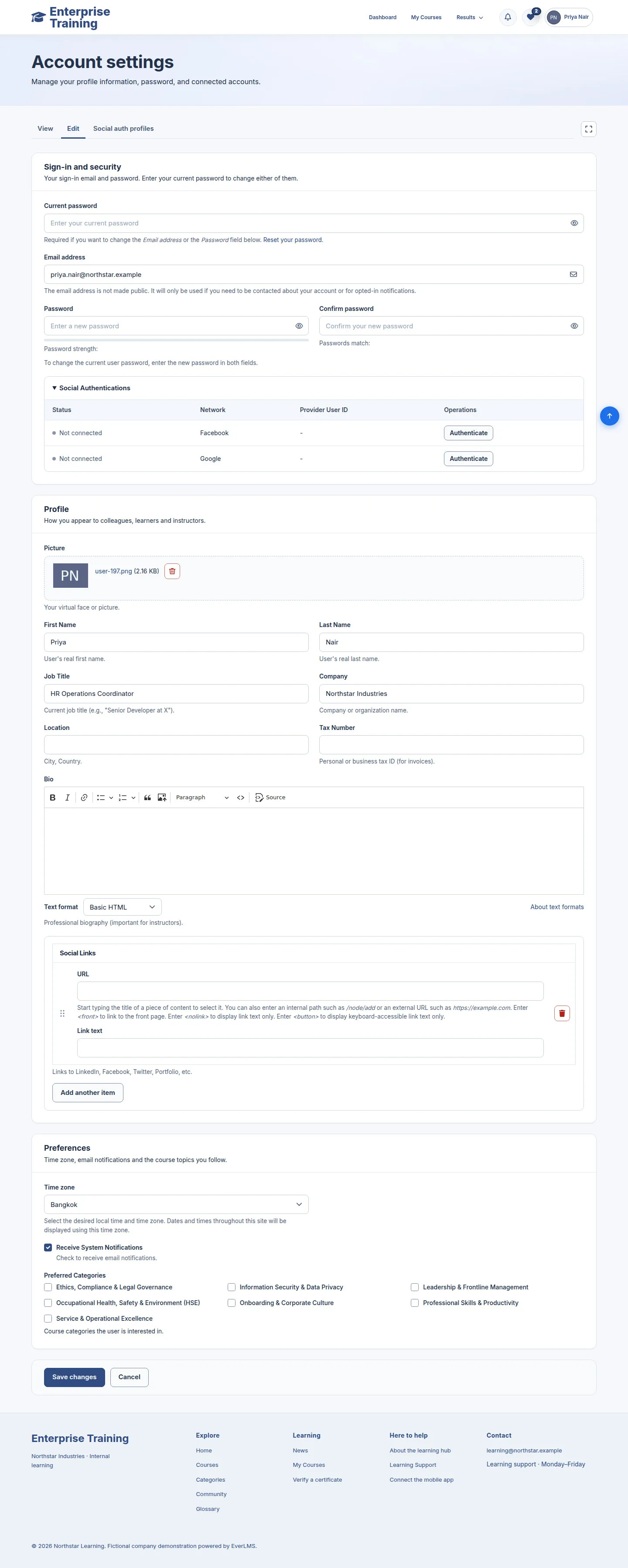
Edit profile

Account

Edit profile

4Step 4 of 5

  1. Name / Bio / Time zone
  2. Email / password, if needed
  3. Full screen / Esc
  4. Save changes / Cancel

Current password is required to change email or password.

Enlarge, then scroll

Open illustrated screen ↗Full image ↗

Account · Account & navigation04

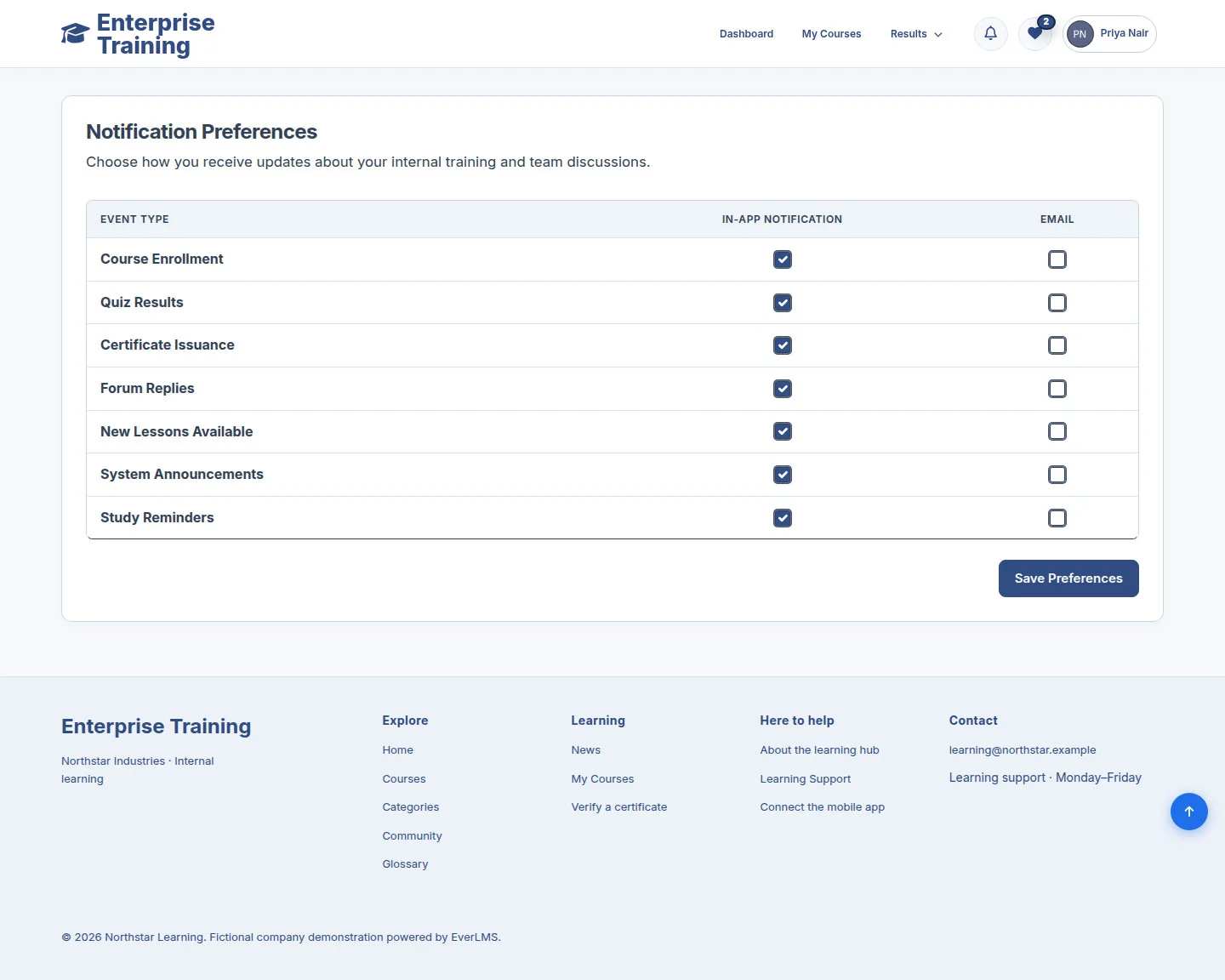
Notification preferences

Account
Notification preferences

5Step 5 of 5

  1. Notification Preferences
  2. Choose channels
  3. Save

Enlarge, then scroll

Open illustrated screen ↗Full image ↗

Check

Profile and learning navigation ready

Account · Account & navigation05
1 / 6
Privacy Terms