










Verify a certificate
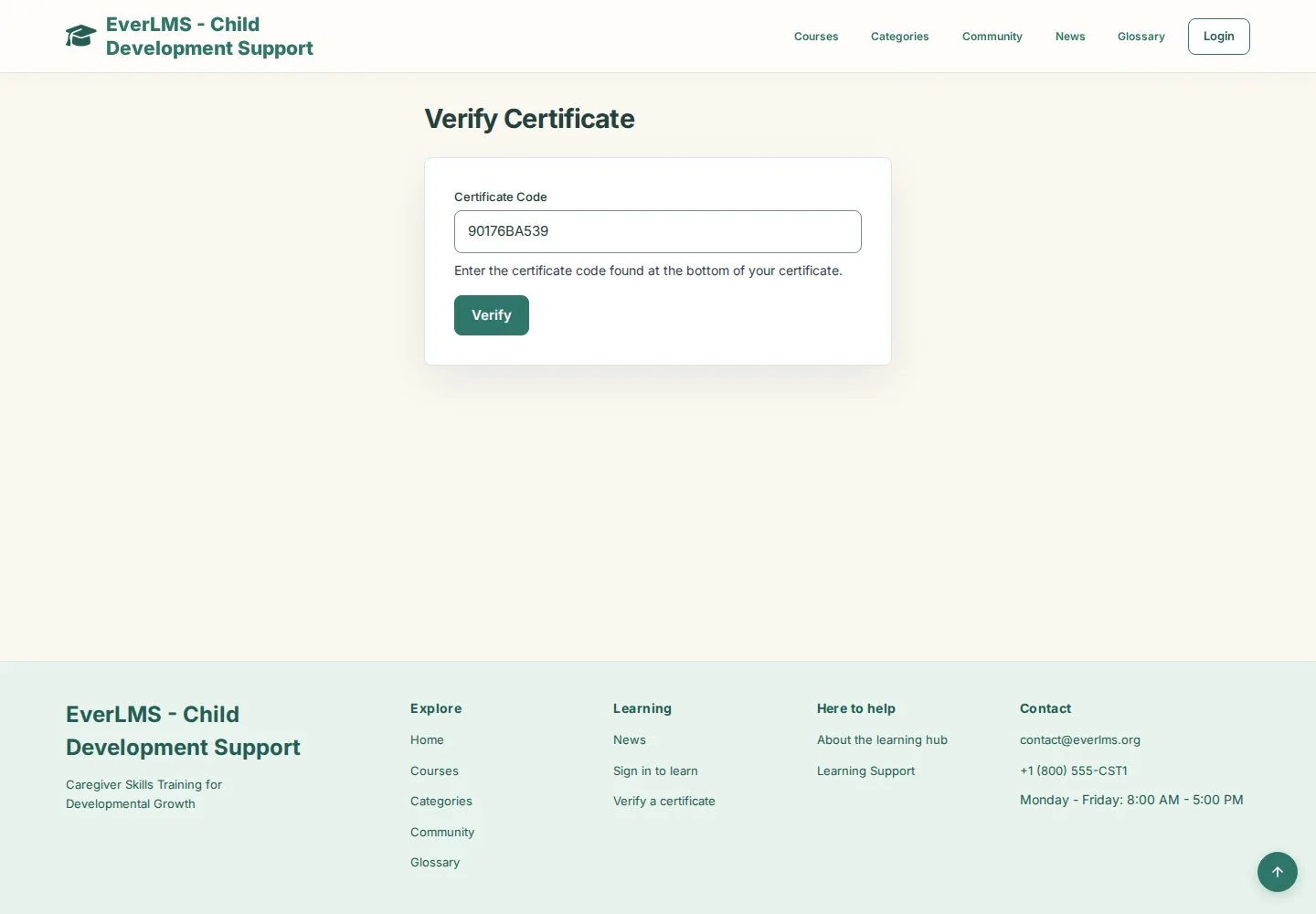
Certificate code · Verify · Valid certificate
- The certificate code printed at the bottom of the certificate
Visitor

Result
Visitor

2Step 2 of 2
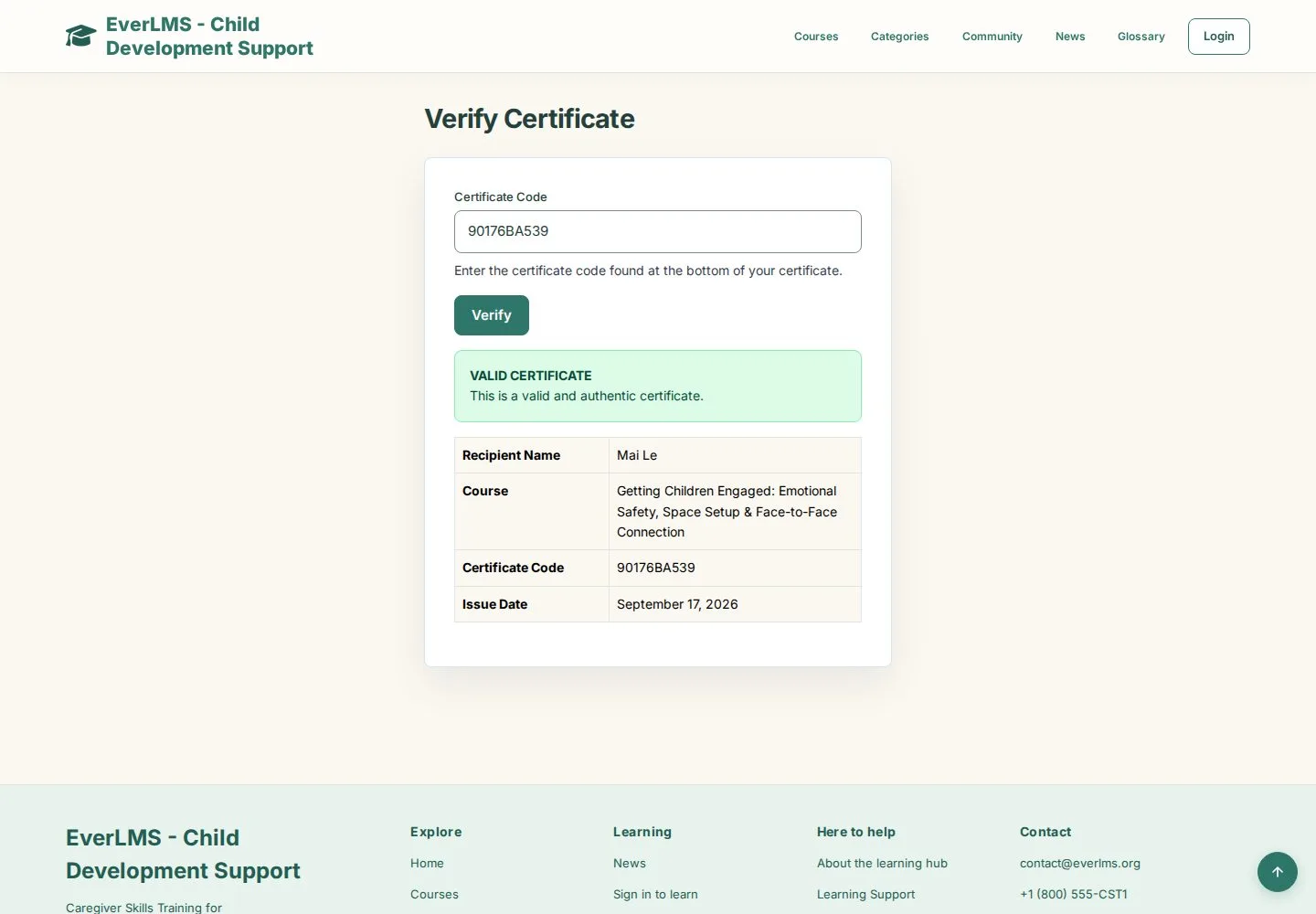
- Valid Certificate
- Recipient Name · Course · Certificate Code · Issue Date
A code that does not exist shows No certificate found with this code.
Enlarge, then scroll
Open illustrated screen ↗Full image ↗
Check
Valid Certificate shows the recipient, course, code and issue date
1 / 3