










Sign in and reset your password
Log in · Username · Reset your password
- An account from your programme
Visitor
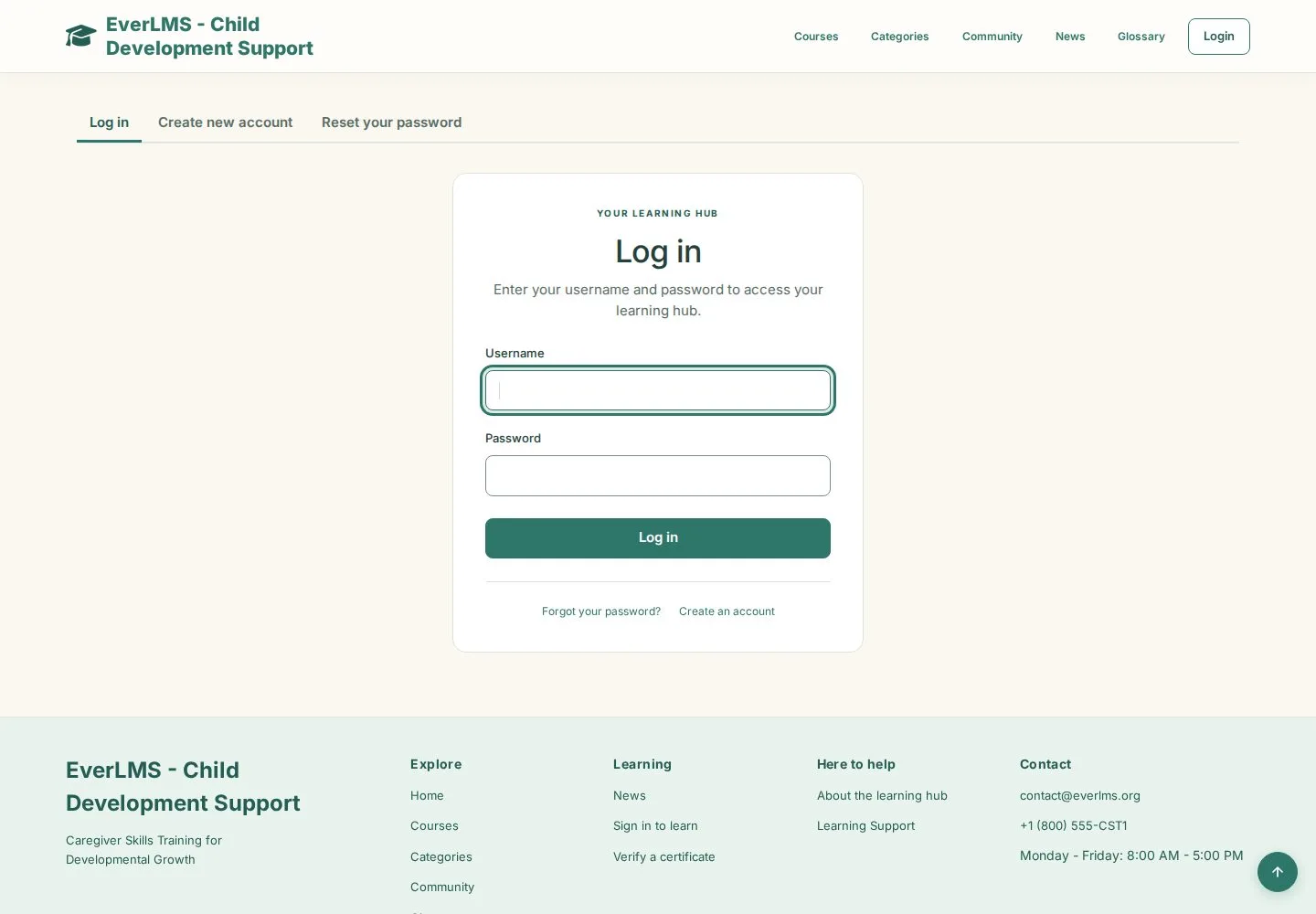
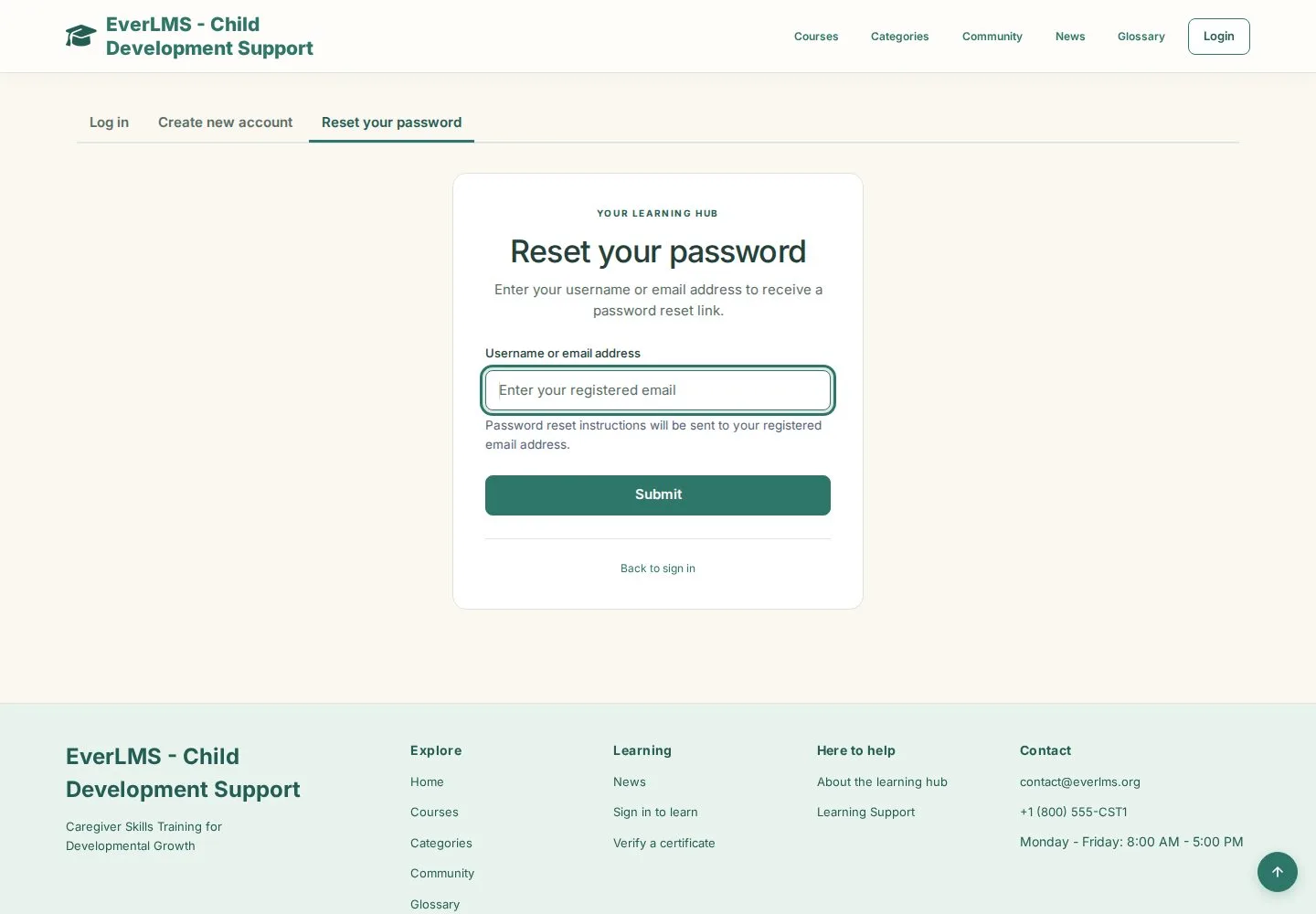

Reset your password
Visitor

2Step 2 of 2
- Username or email address
- Submit
- Open the link in the email you receive
The reset link works once; ask your programme coordinator if no email arrives.
Enlarge, then scroll
Open illustrated screen ↗Full image ↗
Check
You are signed in and see your learning dashboard
1 / 3