










Public website
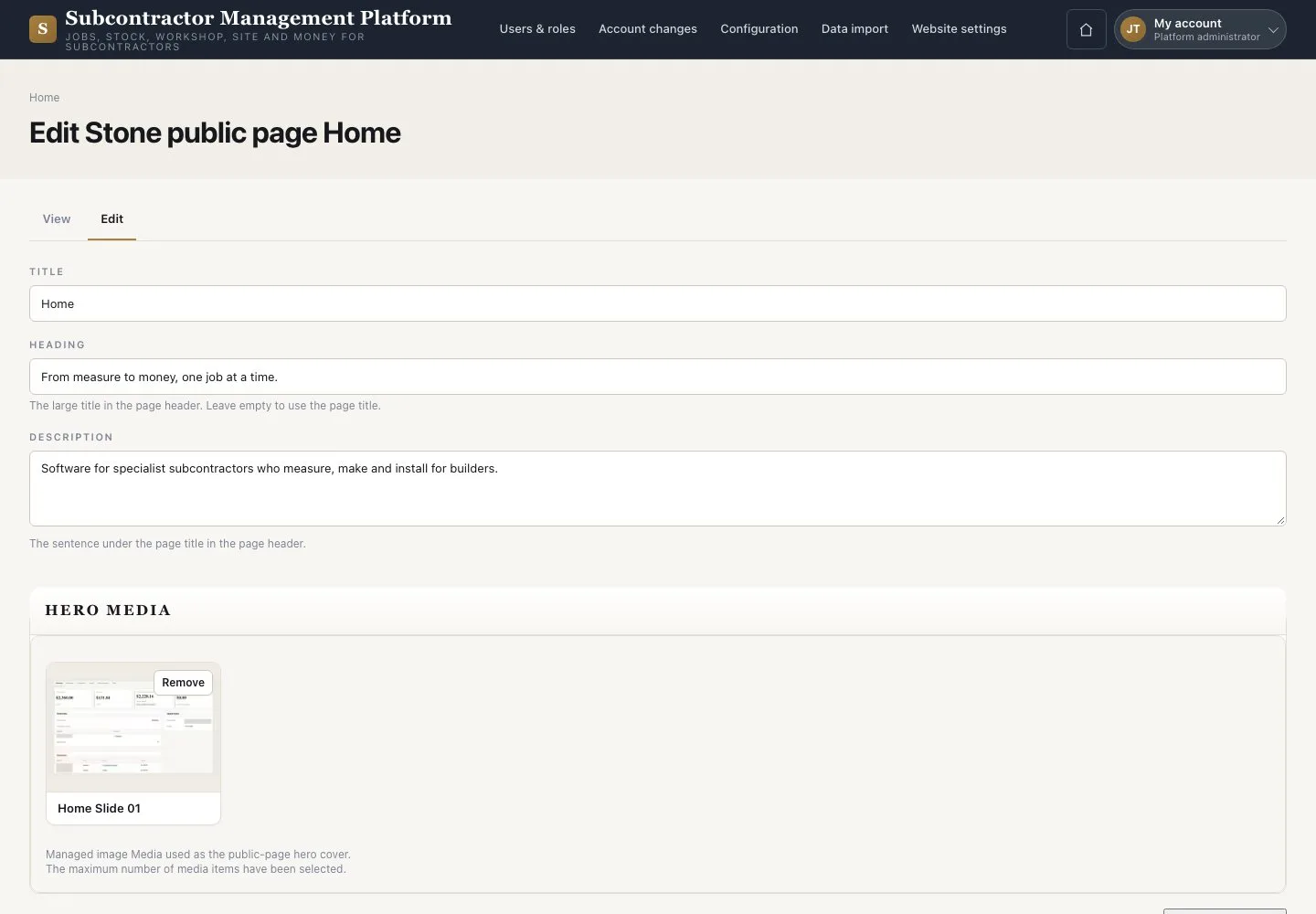
Edit · Add media · Website settings
- Signed in as Platform administrator
Platform administrator

Website settings
Platform administrator

2Step 2 of 2
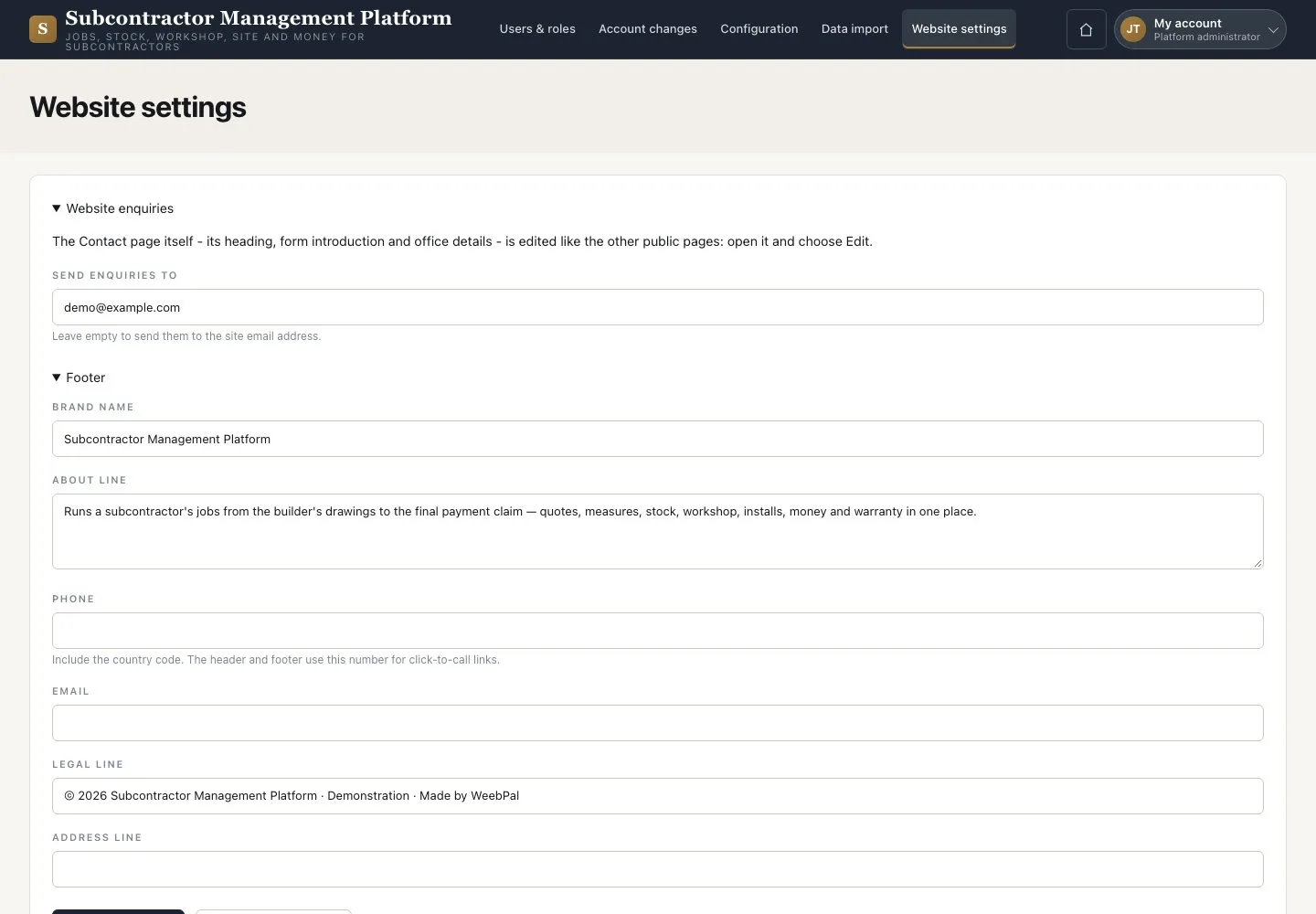
- Open “Website settings”
- Maintain “Send enquiries to” and the footer name, phone, email and address
- Press “Save configuration”
Use a monitored mailbox for enquiries before the website goes live.
Enlarge, then scroll
Open illustrated screen ↗Full image ↗
Check
The public pages and website settings are updated.
1 / 3