Lookups and configuration

Configuration · Lookups · Add lookup · Data import

  • Values agreed with the responsible owner
Platform administrator
Configuration

Platform administrator

Configuration

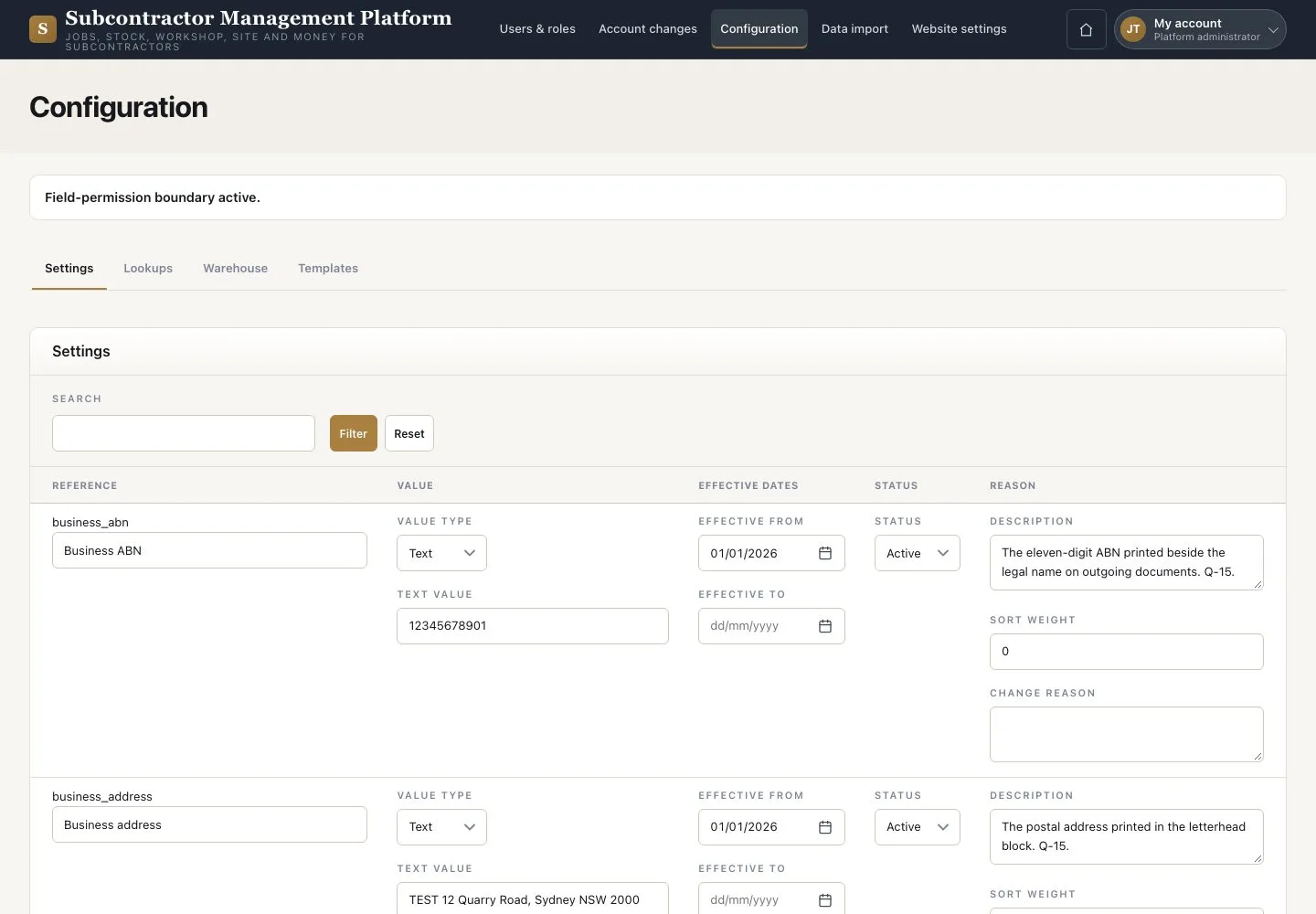
1Step 1 of 4

  1. Open “Configuration” → “Settings”
  2. Change a permitted setting
  3. Press “Save”

Enlarge, then scroll

Open illustrated screen ↗Full image ↗

Platform administrator · Lookups and configuration01

Lookups

Platform administrator

Lookups

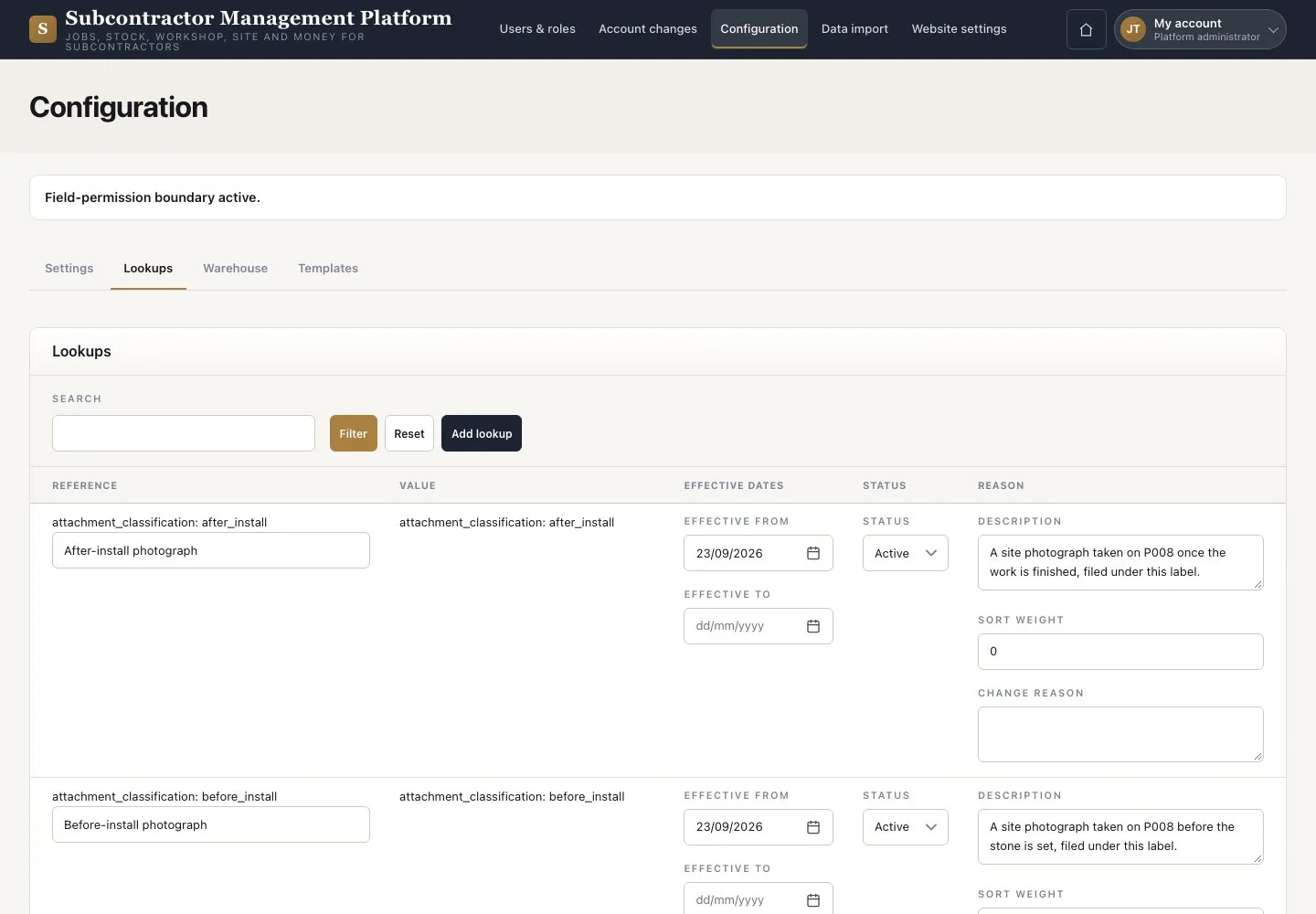
2Step 2 of 4

  1. Open “Lookups”
  2. Press “Add lookup”

Enlarge, then scroll

Open illustrated screen ↗Full image ↗

Platform administrator · Lookups and configuration02

Add lookup

Platform administrator

Add lookup

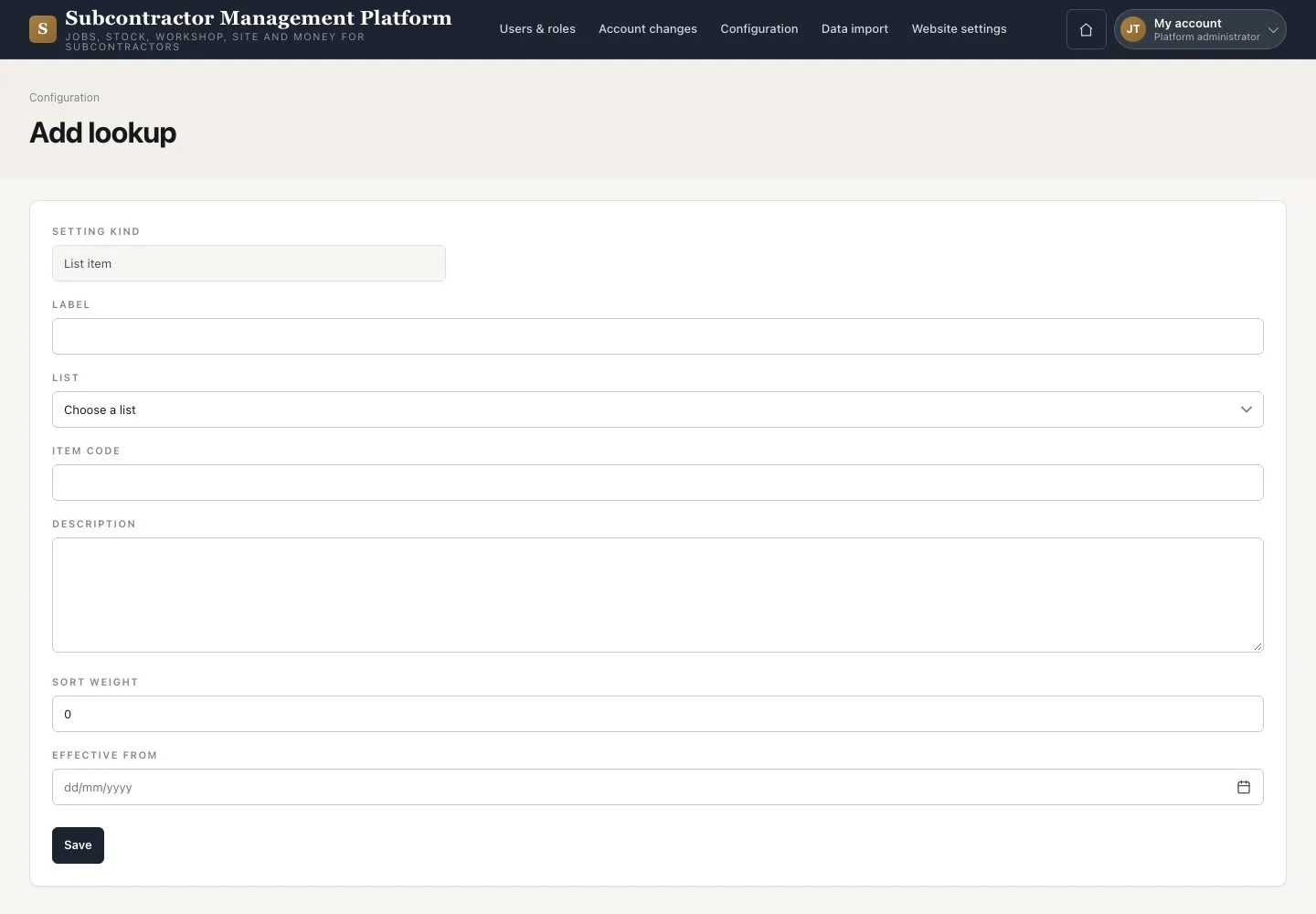
3Step 3 of 4

  1. Enter the value, for example the Subcontract cost group
  2. Press “Save”

Enlarge, then scroll

Open illustrated screen ↗Full image ↗

Platform administrator · Lookups and configuration03

Data import

Platform administrator

Data import

4Step 4 of 4

  1. Open “Data import”
  2. Read the “Go-live check”

This page shows the go-live check; it does not run an import.

Open illustrated screen ↗Full image ↗

Check

Shared lookups and settings use agreed values.

Platform administrator · Lookups and configuration04
1 / 5
Privacy Terms