Labour rates and approvals

Configuration · Add labour rate revision · Candidate revision

  • A second Director to approve
Director
Configuration

Director

Configuration

1Step 1 of 3

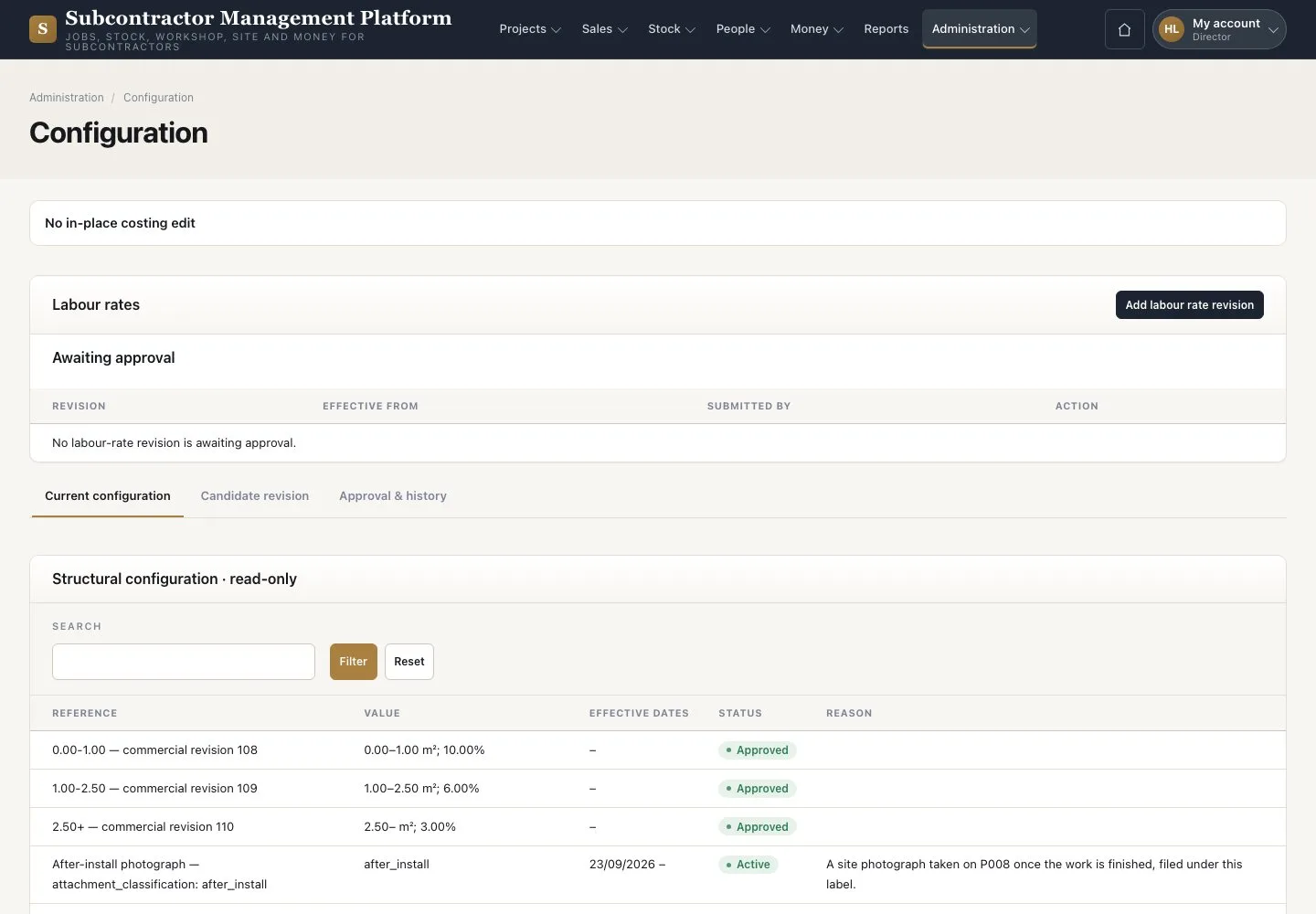
  1. Open Administration → “Configuration”
  2. Read the labour rates and “Awaiting approval”

Enlarge, then scroll

Open illustrated screen ↗Full image ↗

Director · Labour rates and approvals01

Add labour rate revision

Director

Add labour rate revision

2Step 2 of 3

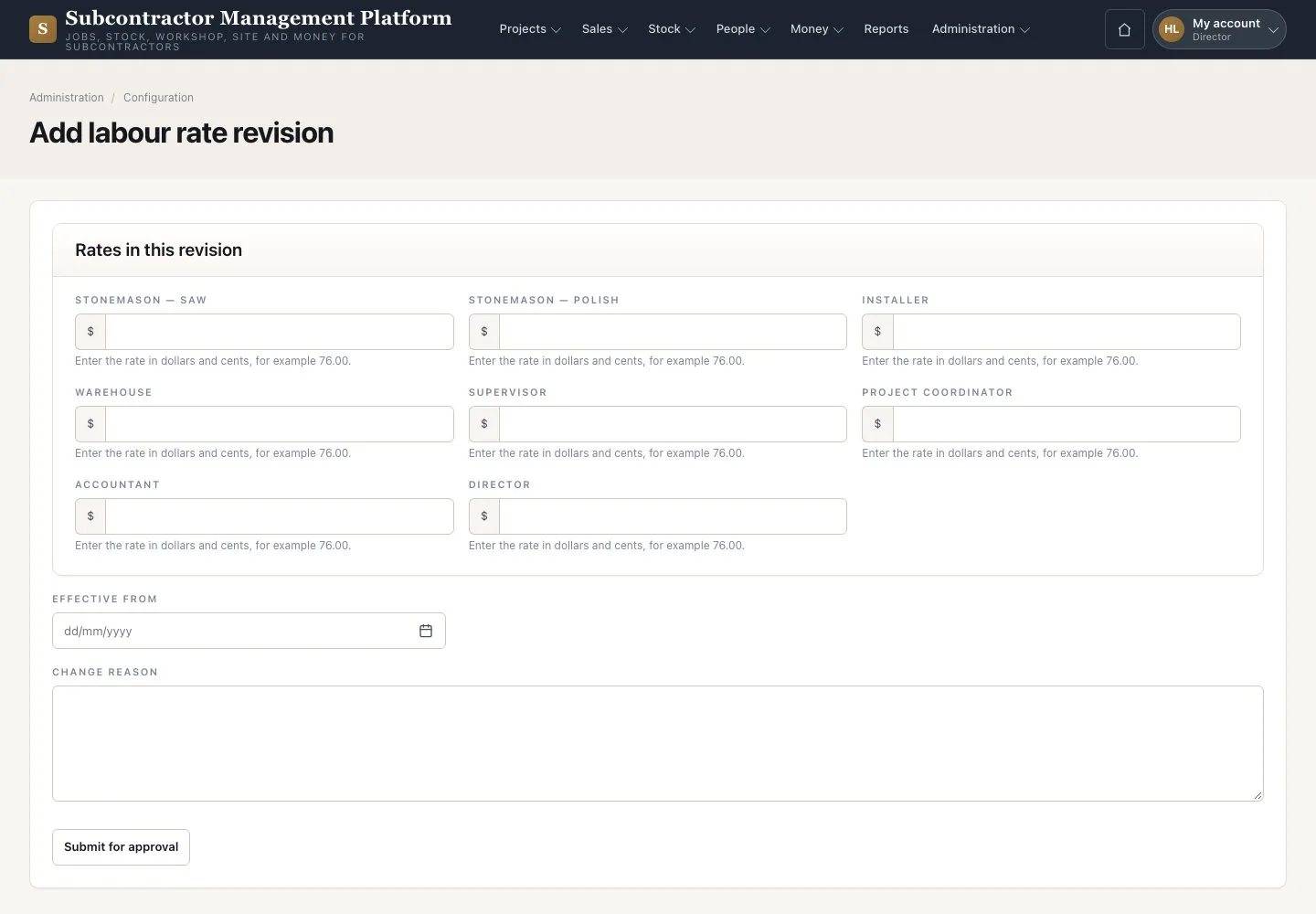
  1. Press “Add labour rate revision”
  2. Enter one rate per position and the effective date
  3. Press “Submit for approval”

Enlarge, then scroll

Open illustrated screen ↗Full image ↗

Director · Labour rates and approvals02

Approve a candidate revision

Director

Approve a candidate revision

3Step 3 of 3

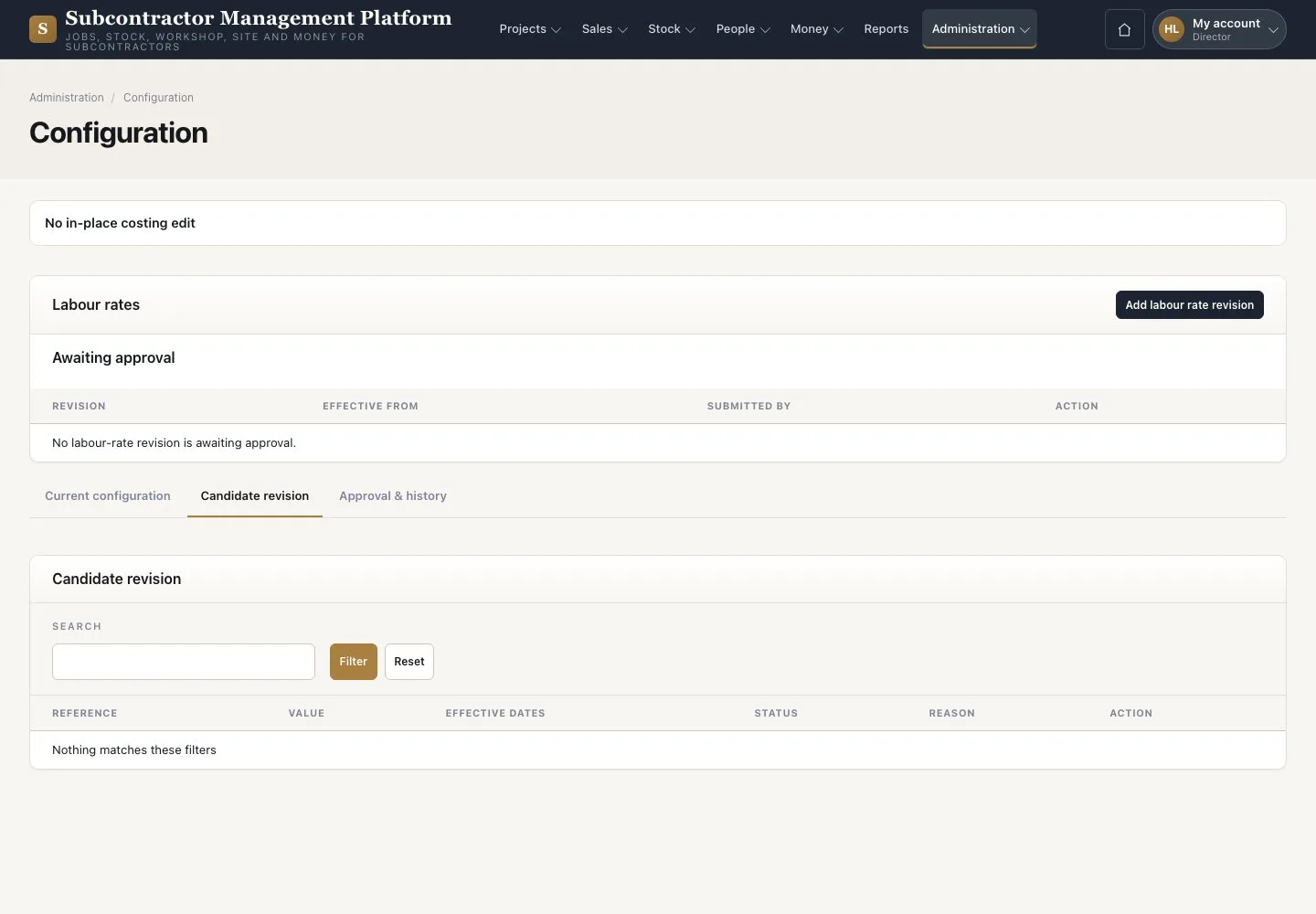
  1. Open “Candidate revision” for another Director’s change
  2. Check the author, revision and state
  3. Approve it with your own password

No one approves their own change; reward tier tables follow the same rule. The example has no revision waiting.

Open illustrated screen ↗Full image ↗

Check

The revision is approved by a Director other than its author.

Director · Labour rates and approvals03
1 / 4
Privacy Terms