Profile & notifications

My Dashboard · Profile · Notifications · Language

  • Signed in
Player

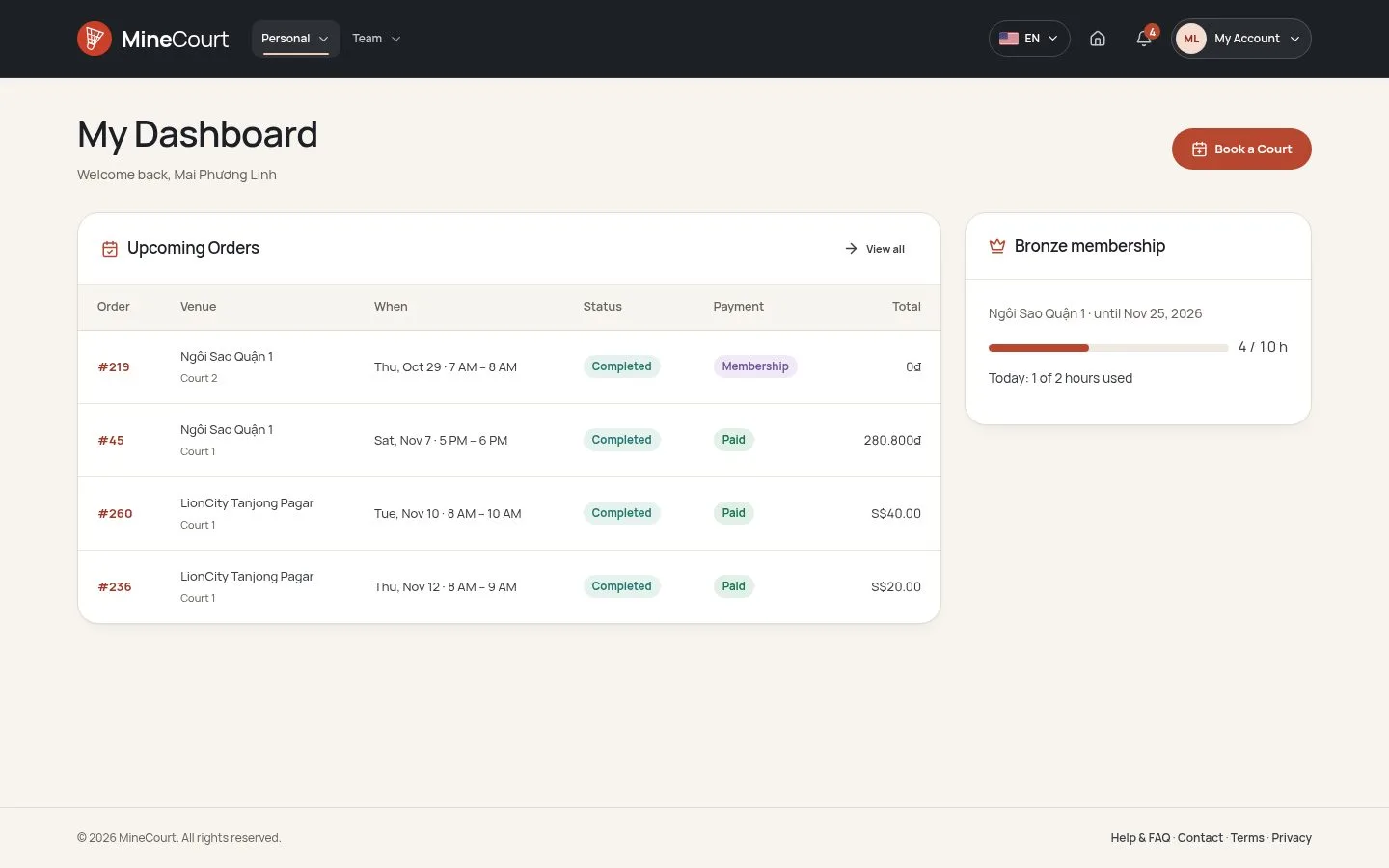
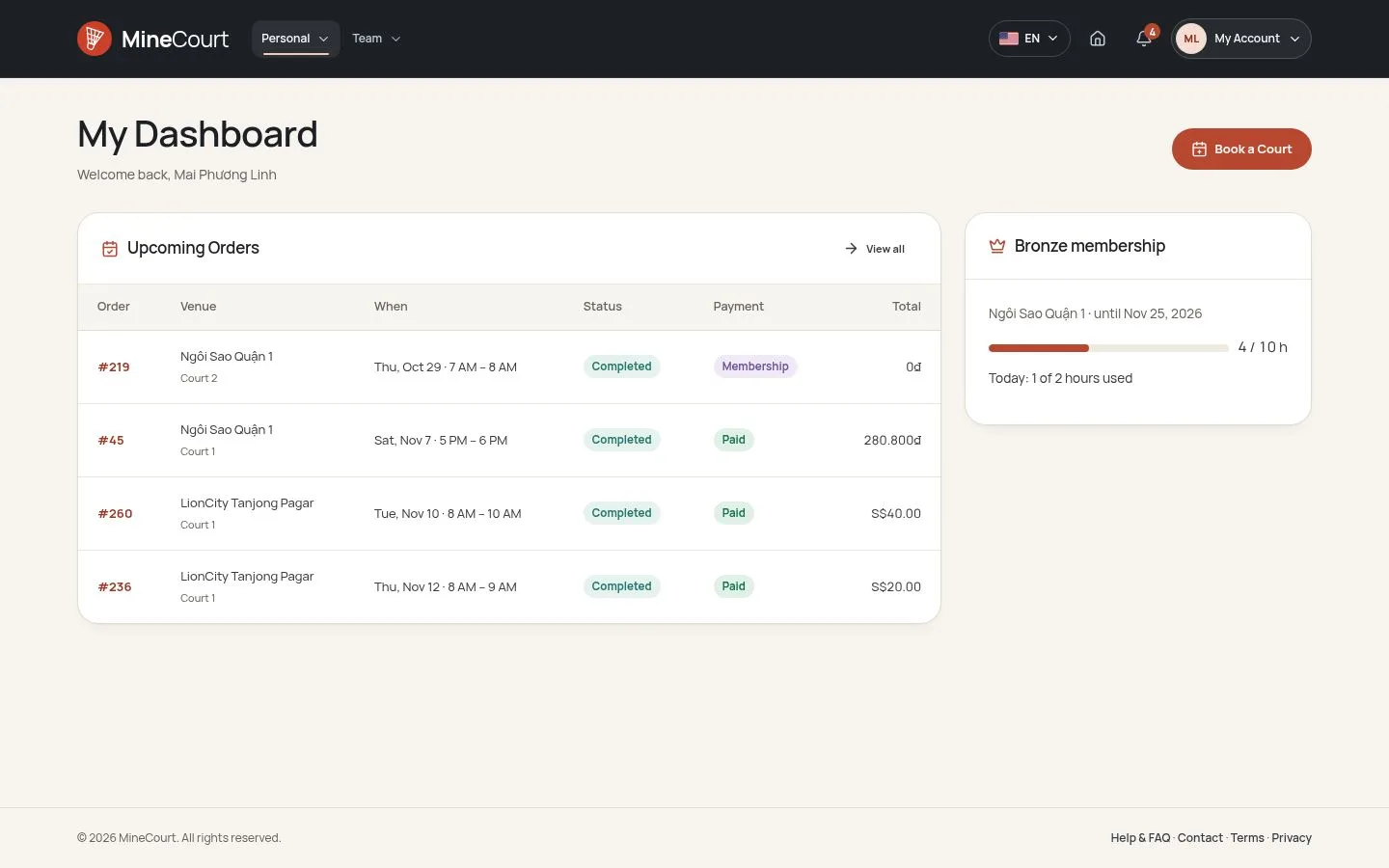
My Dashboard

Player

My Dashboard

1Step 1 of 5

  1. Upcoming Orders
  2. Membership

Open illustrated screen ↗Full image ↗

Player · Profile & notifications01

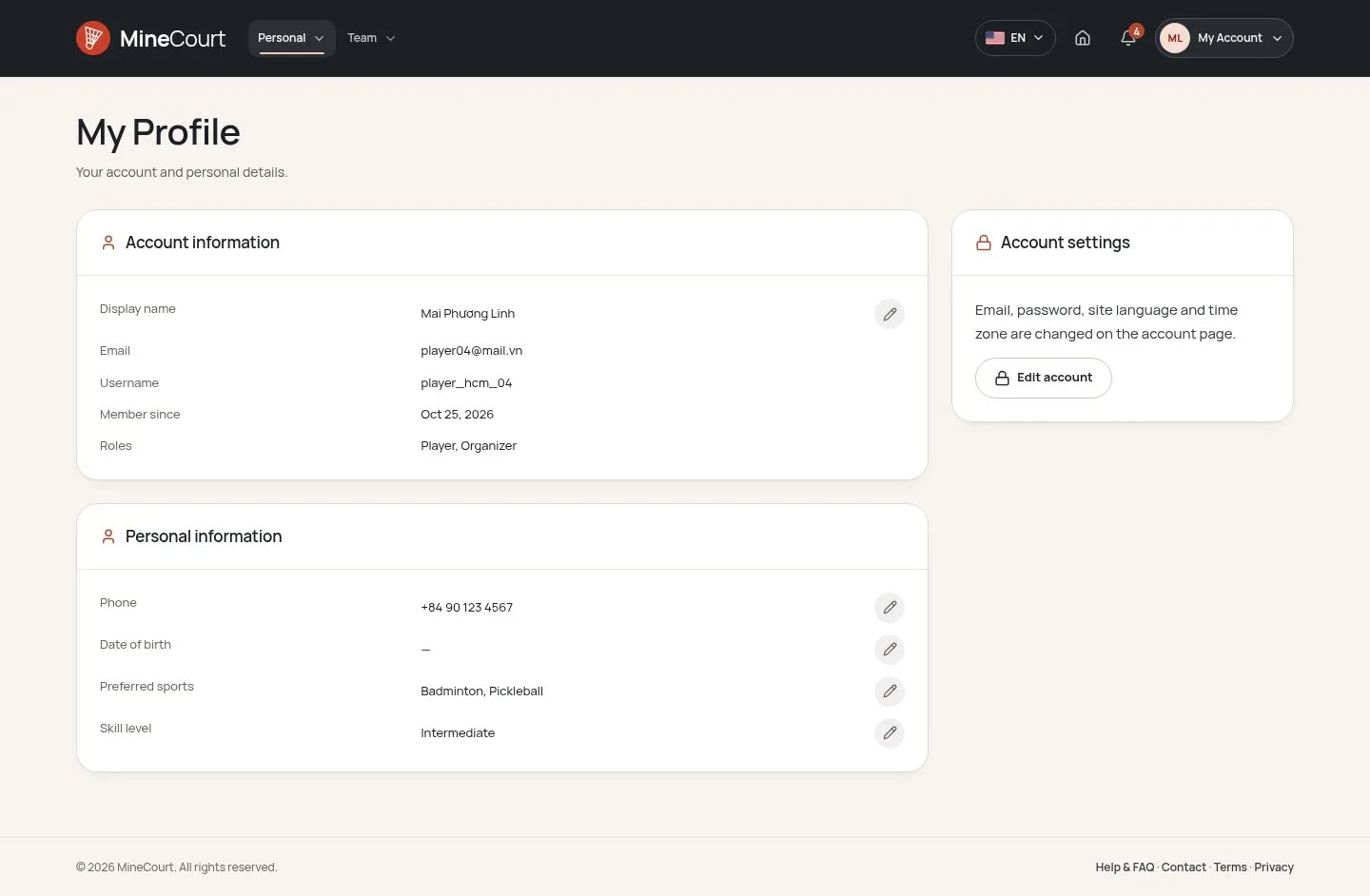
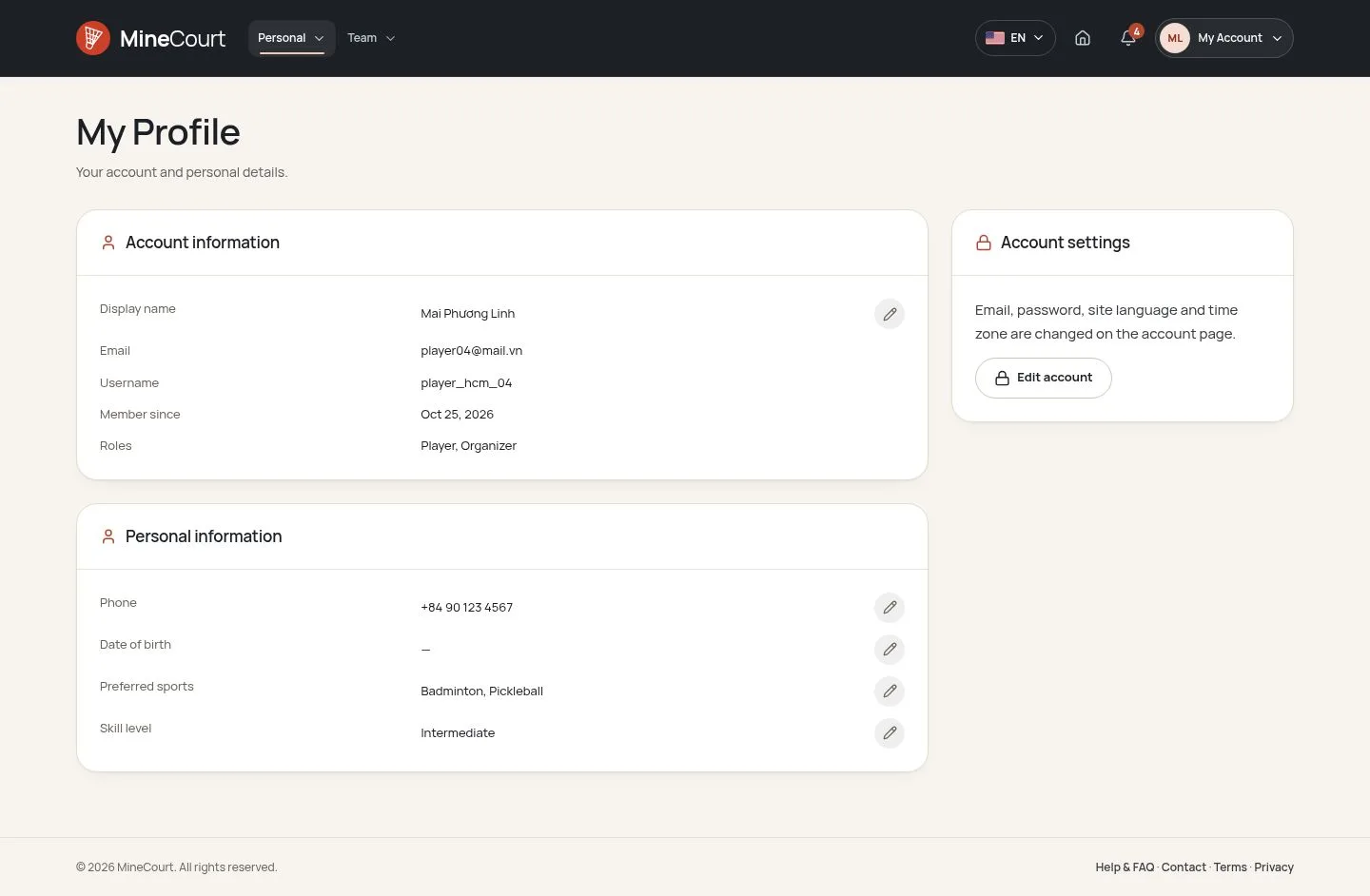
My Profile

Player

My Profile

2Step 2 of 5

  1. Account information
  2. Personal information
  3. Edit

Open illustrated screen ↗Full image ↗

Player · Profile & notifications02

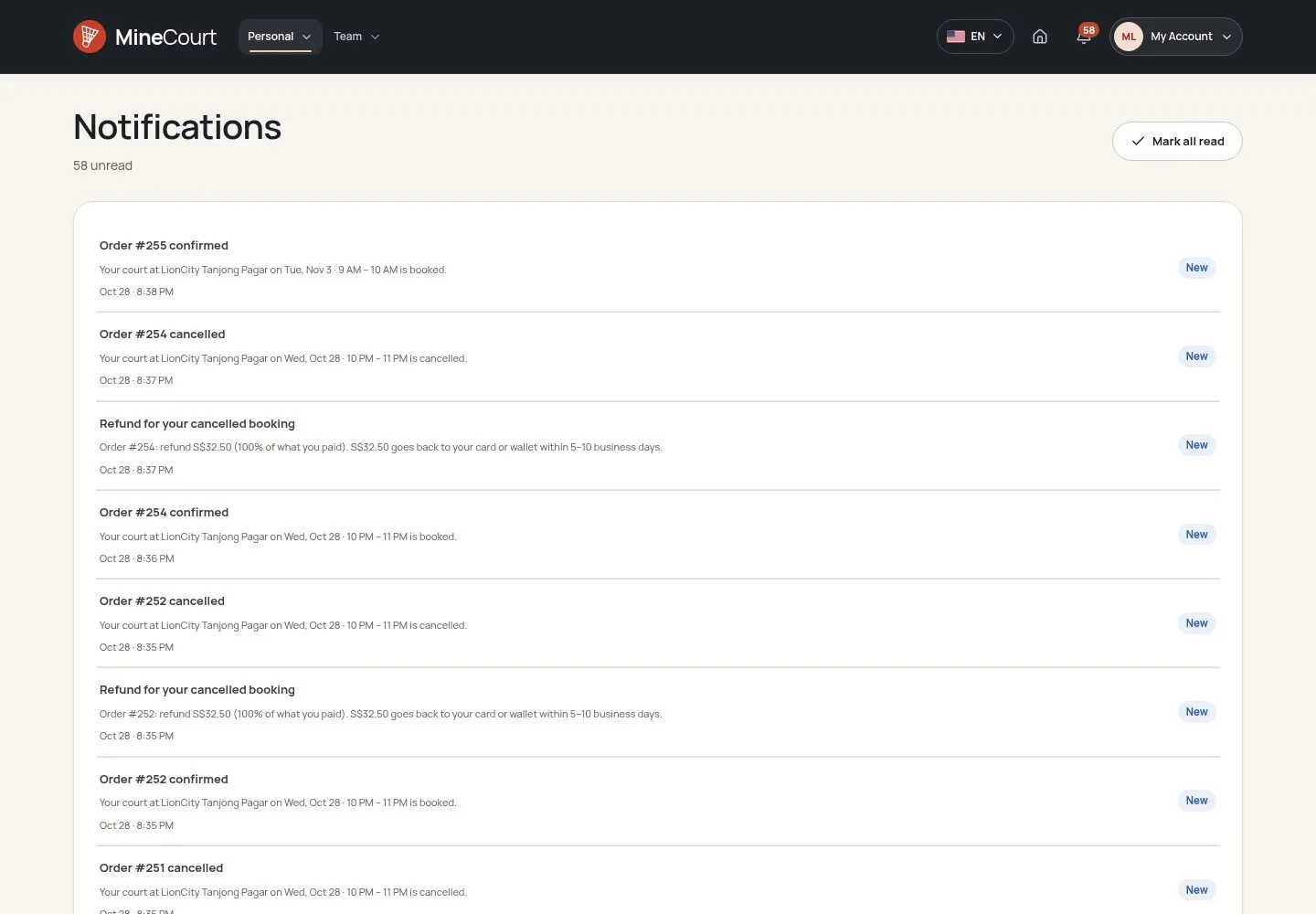
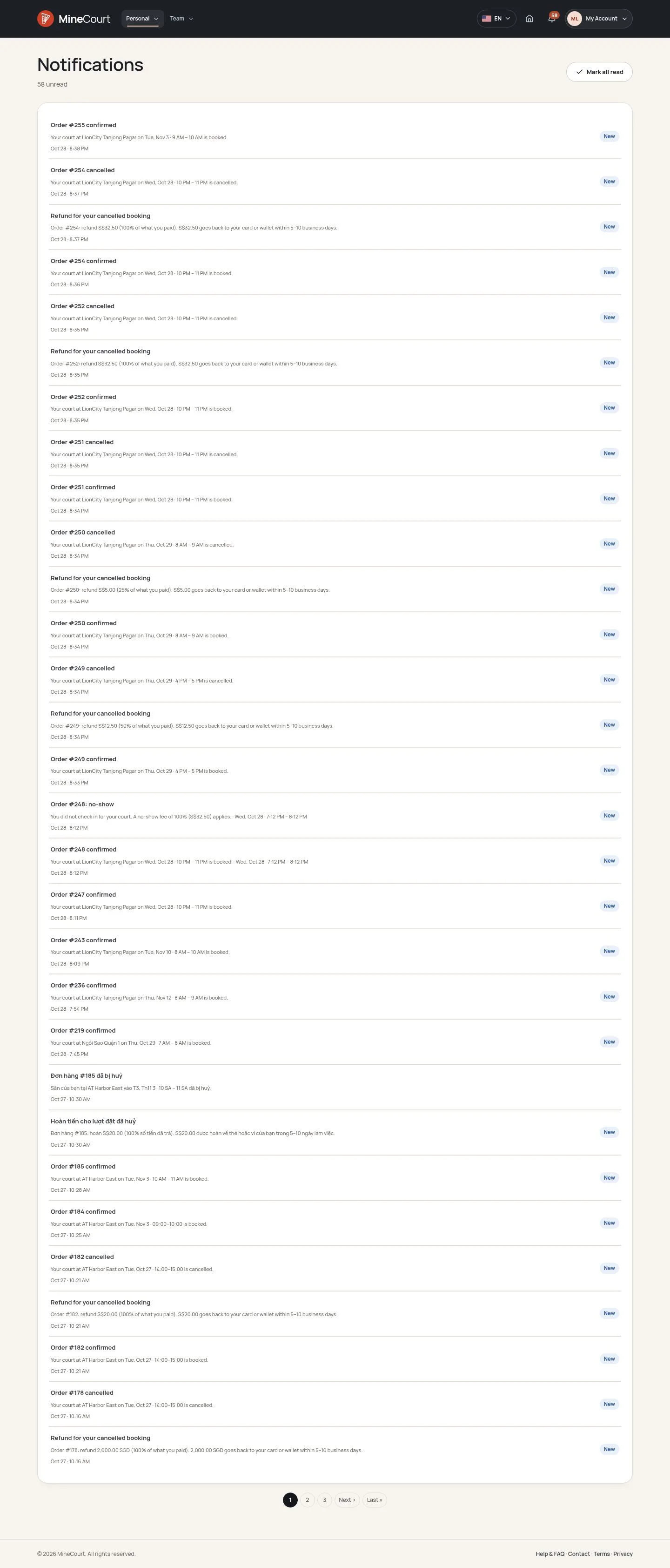
Notifications

Player

Notifications

3Step 3 of 5

  1. Unread
  2. Open a notification
  3. Mark all read

Enlarge, then scroll

Open illustrated screen ↗Full image ↗

Player · Profile & notifications03

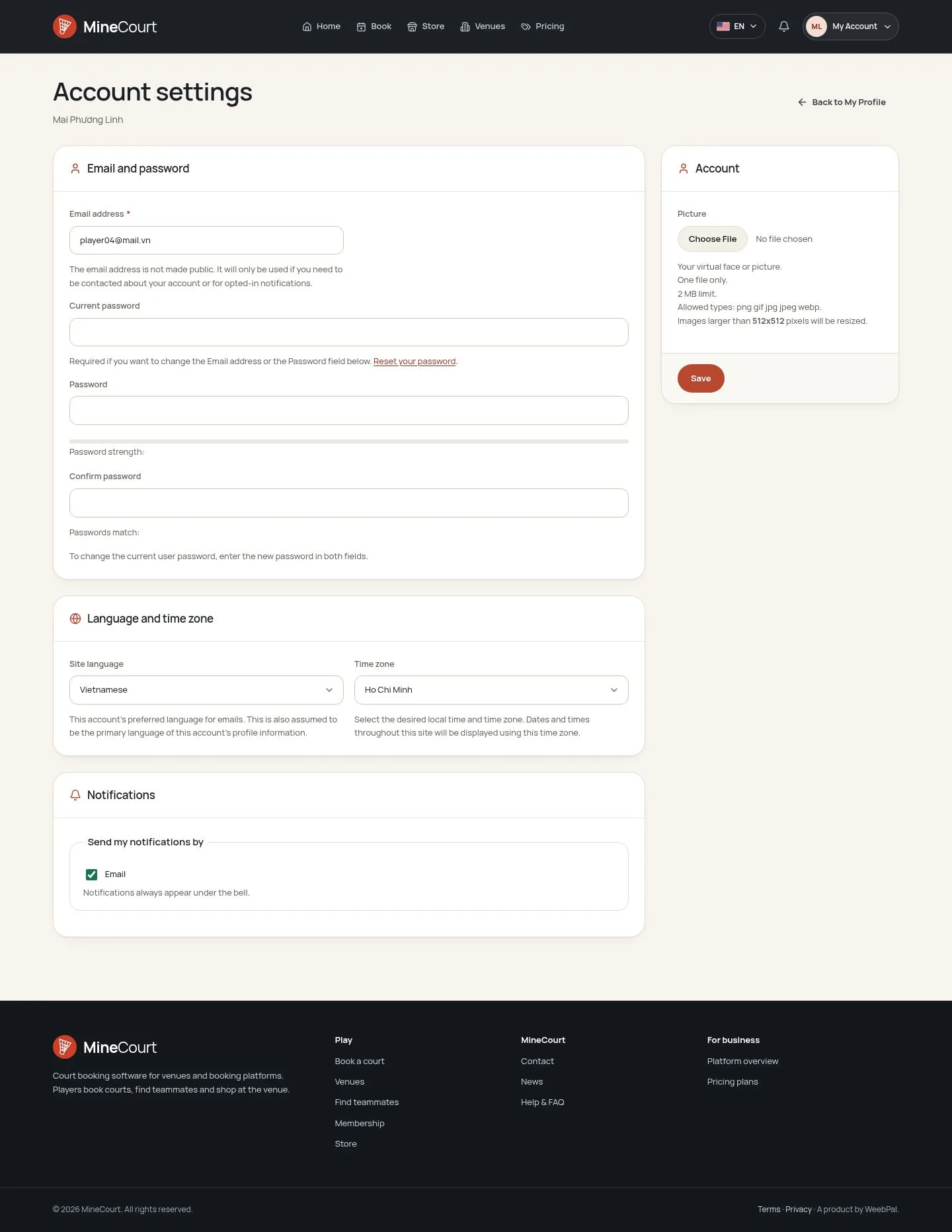
Site language

Player

Site language

4Step 4 of 5

  1. Account settings
  2. Site language
  3. Save

Notifications and emails follow this language.

Enlarge, then scroll

Open illustrated screen ↗Full image ↗

Player · Profile & notifications04

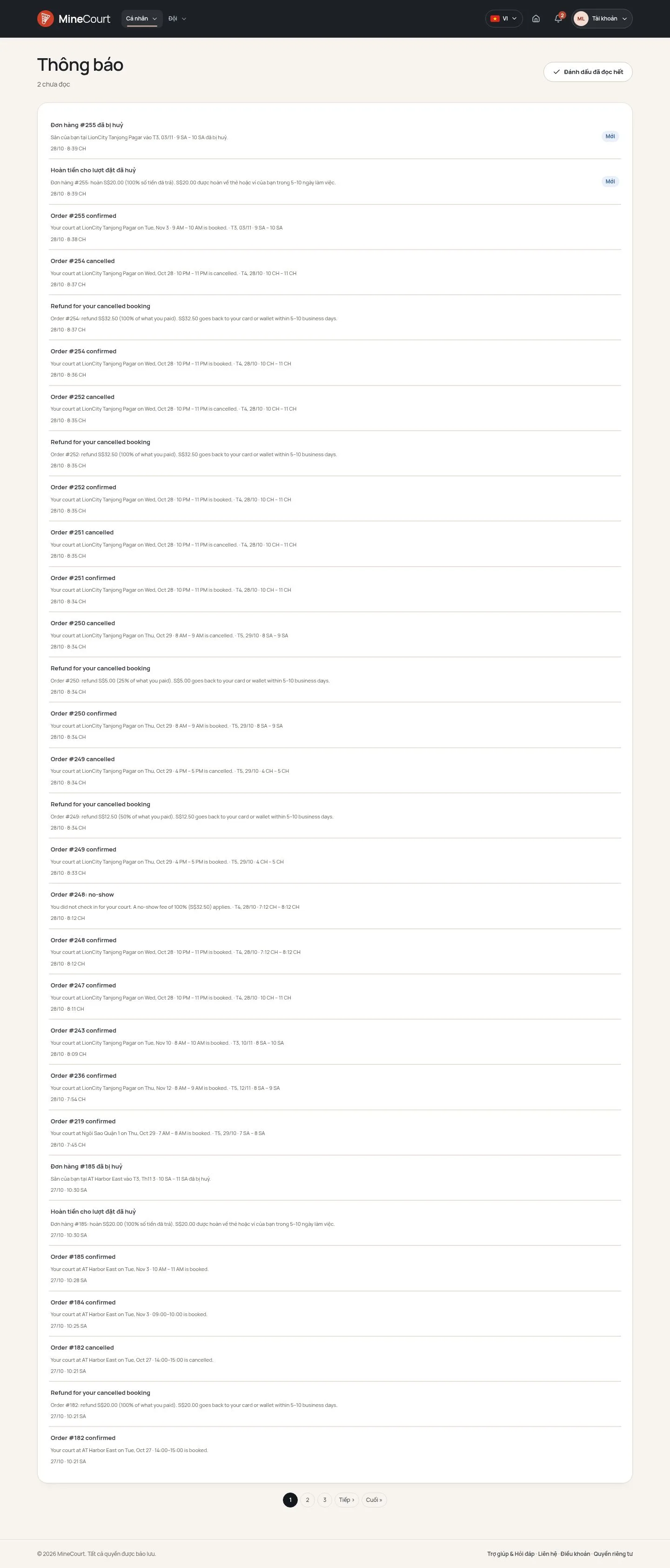
Vietnamese interface

Player

Vietnamese interface

5Step 5 of 5

  1. Language button
  2. VI

Enlarge, then scroll

Open illustrated screen ↗Full image ↗

Check

Profile current; notifications read in your language

Player · Profile & notifications05
1 / 6
Privacy Terms