Course design

Info · Course settings · Curriculum

  • Course authoring permission
  • Course goals and learning content ready
Trainer
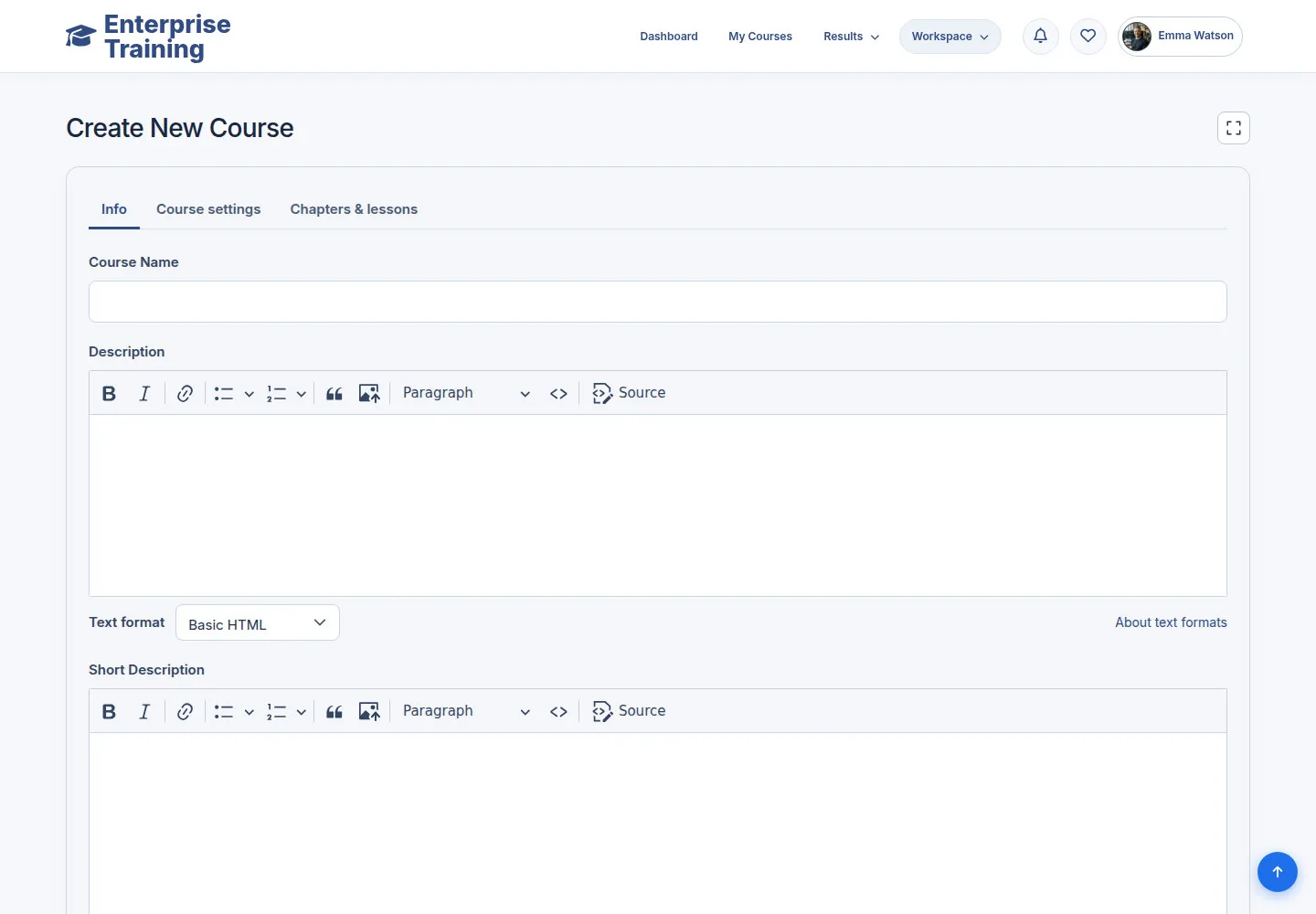
Full screen workspace

Trainer

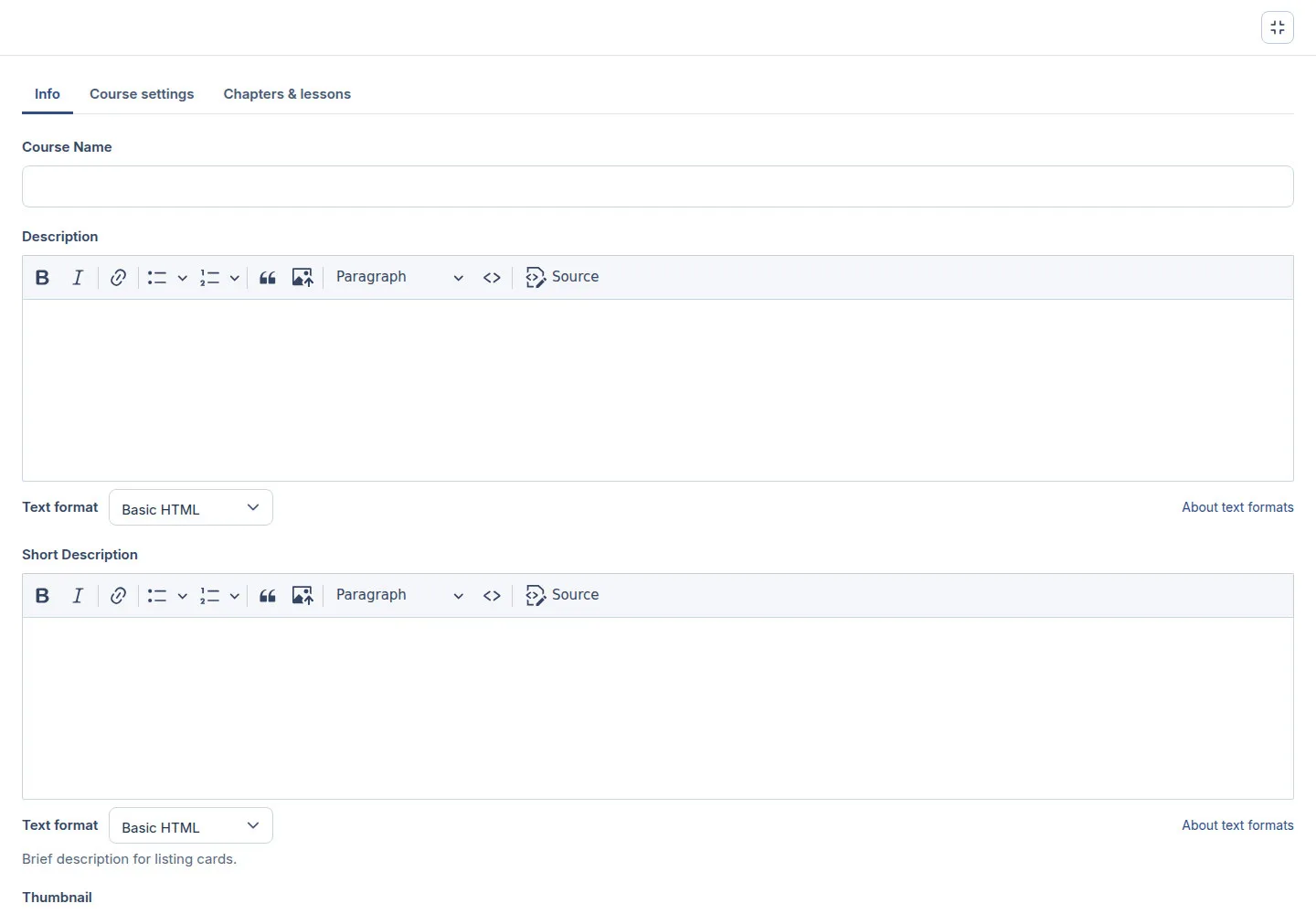
Full screen workspace

1Step 1 of 6

  1. Full screen
  2. Edit form sections
  3. Exit full screen / Esc

Close an open image editor or dialog first.

Open illustrated screen ↗Full image ↗

Trainer · Course design01

Course identity

Trainer

Course identity

2Step 2 of 6

  1. Info → Course Name
  2. Thumbnail / Banner
  3. Upload → Alternative text

Scroll Info for image fields. Alternative text appears after upload.

Enlarge, then scroll

Open illustrated screen ↗Full image ↗

Trainer · Course design02

Learning goals & audience

Trainer

Learning goals & audience

3Step 3 of 6

  1. Short Description / Description
  2. What You’ll Learn
  3. Prerequisites
  4. Who This Course Is For

Enlarge, then scroll

Open illustrated screen ↗Full image ↗

Trainer · Course design03

Course settings

Trainer

Course settings

4Step 4 of 6

  1. Course settings
  2. Category / Tags / Level
  3. Teaching Language
  4. Check publication

Enlarge, then scroll

Open illustrated screen ↗Full image ↗

Trainer · Course design04

Curriculum

Trainer

Curriculum

5Step 5 of 6

  1. Chapters & lessons
  2. Add new chapter / Add existing chapter
  3. Add lessons
  4. Check order

Enlarge, then scroll

Open illustrated screen ↗Full image ↗

Trainer · Course design05

Review & save course

Trainer

Review & save course

6Step 6 of 6

  1. Info
  2. Course settings
  3. Chapters & lessons
  4. Save course

Enlarge, then scroll

Open illustrated screen ↗Full image ↗

Check

Course saved with its curriculum

Trainer · Course design06
1 / 7
Privacy Terms