Course library

Course Management · Editing access · Learner view

  • Course authoring permission
Content Editor
Find course content

Content Editor

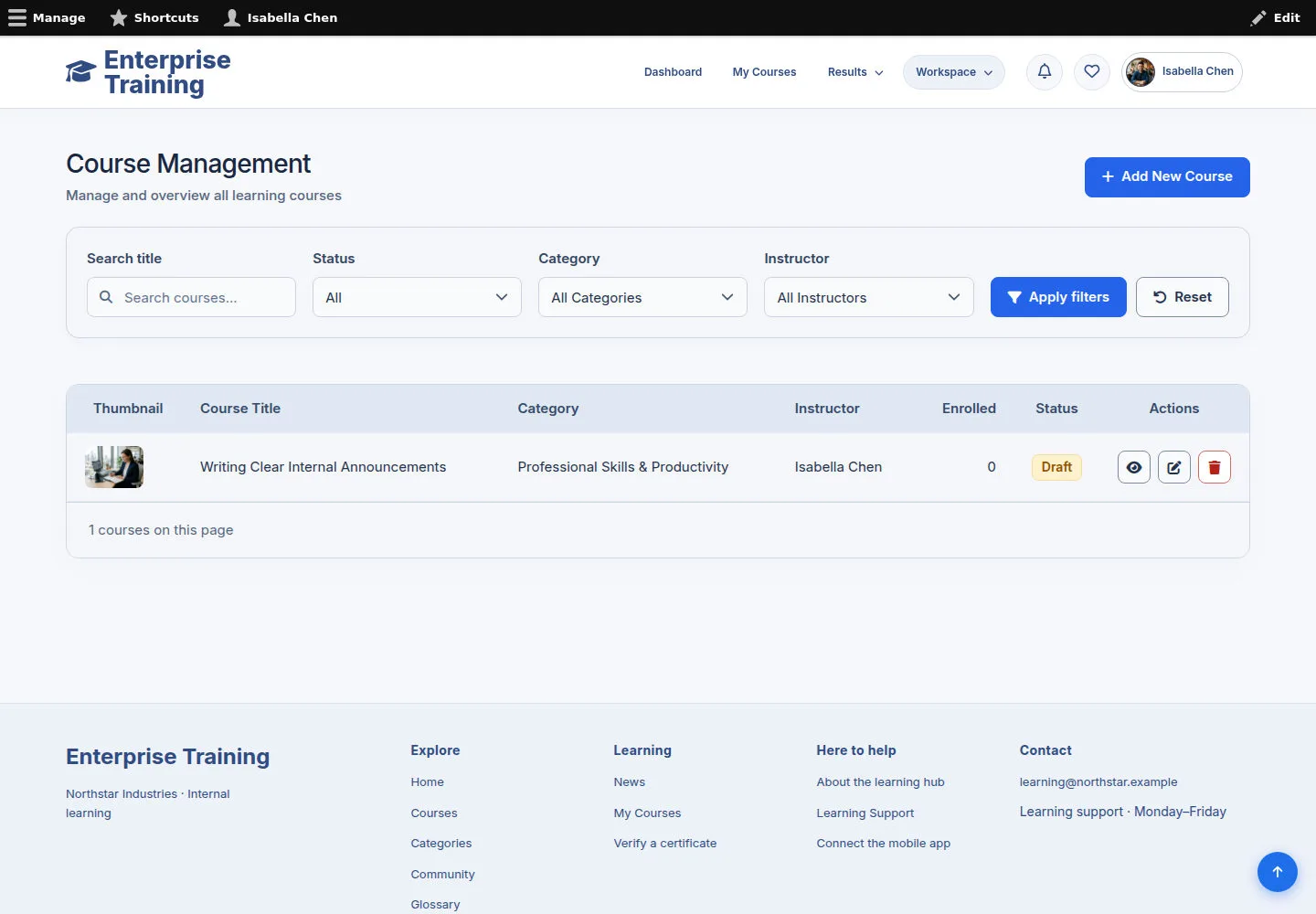
Find course content

1Step 1 of 3

  1. Course Management
  2. Search / filter
  3. Open / Add New Course

Edit only content you own or are permitted to maintain.

Enlarge, then scroll

Open illustrated screen ↗Full image ↗

Content Editor · Course library01

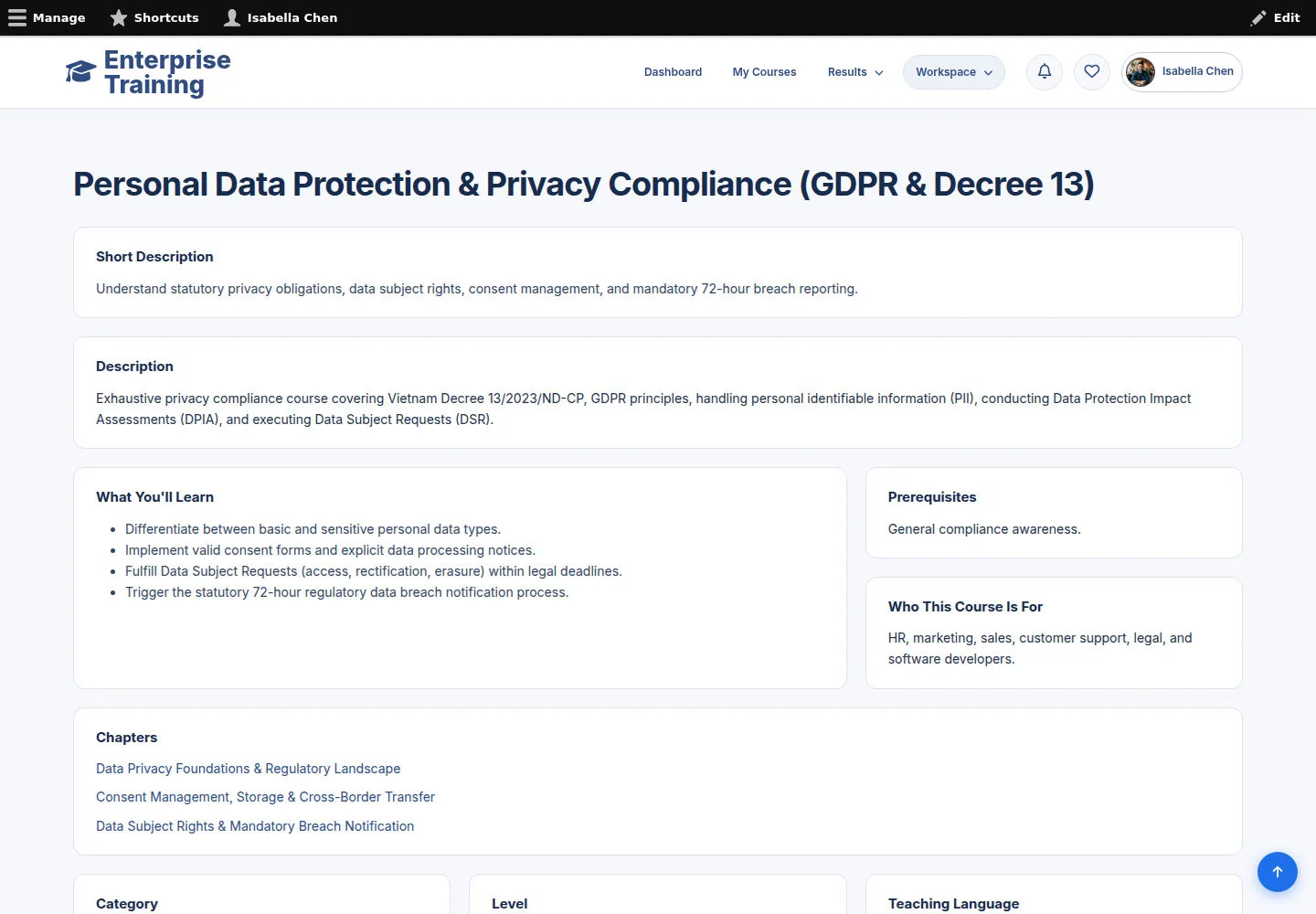
Course information & references

Content Editor

Course information & references

2Step 2 of 3

  1. Read course information
  2. Check related content

Available editing actions depend on your permissions.

Enlarge, then scroll

Open illustrated screen ↗Full image ↗

Content Editor · Course library02

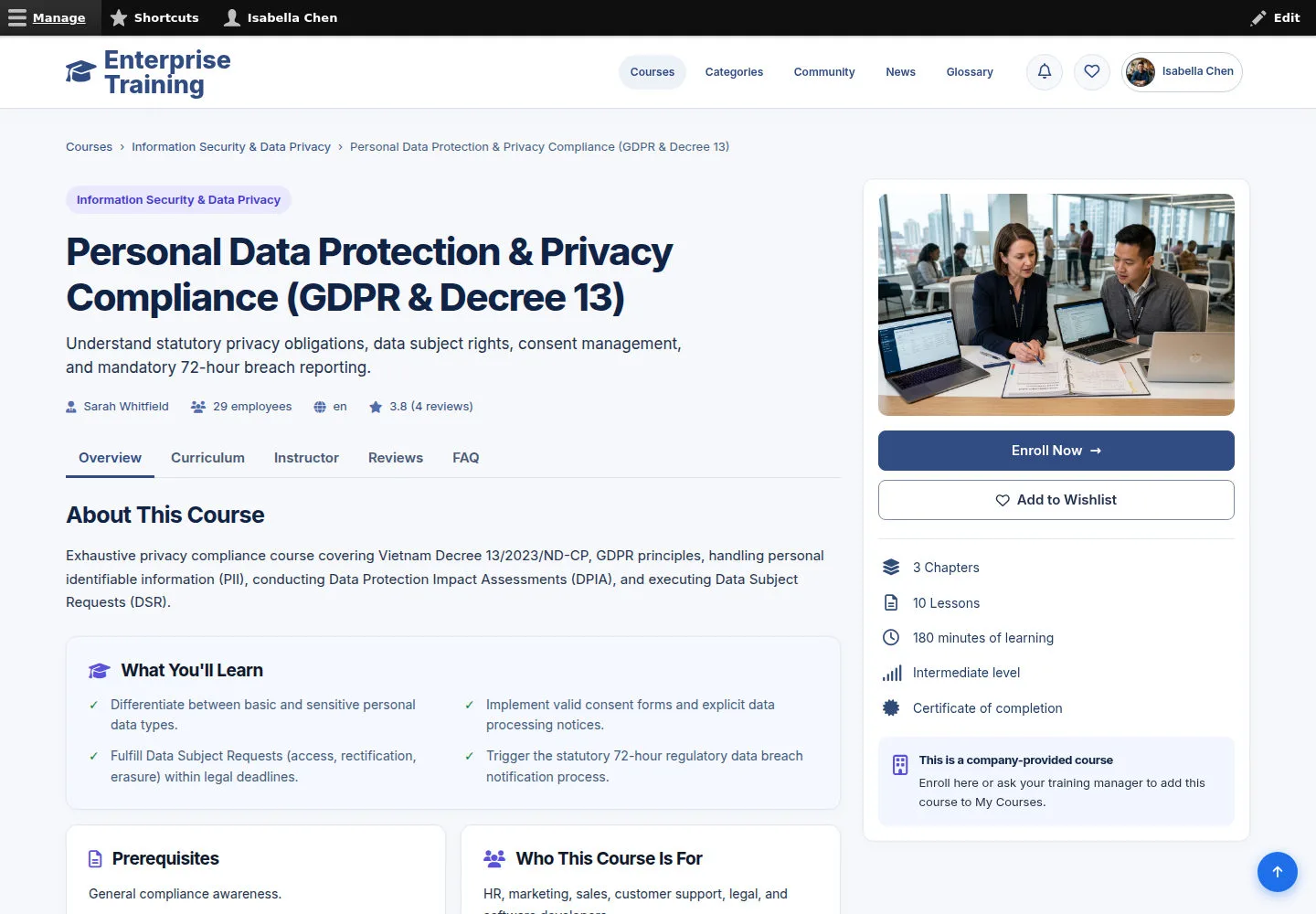
Check the learner view

Content Editor

Check the learner view

3Step 3 of 3

  1. Open public course
  2. Review images & description
  3. Check curriculum

Enlarge, then scroll

Open illustrated screen ↗Full image ↗

Check

Course and editing scope checked

Content Editor · Course library03
1 / 4
Privacy Terms