










Staff sign in and password
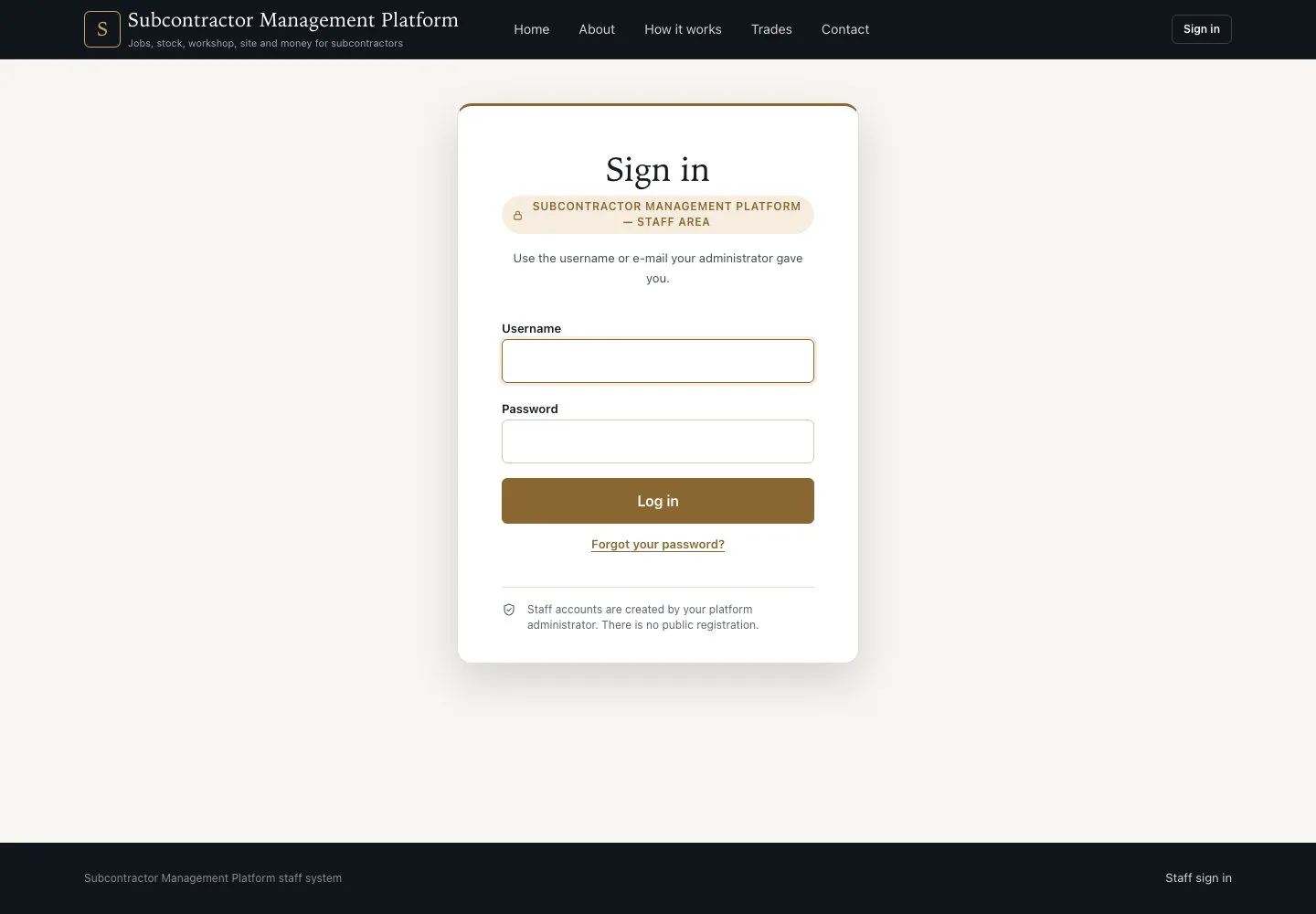
Sign in · Username · Forgot your password?
- A staff account from your Platform administrator
Visitor

Forgot your password?
Visitor

2Step 2 of 2
- On Sign in, press “Forgot your password?”
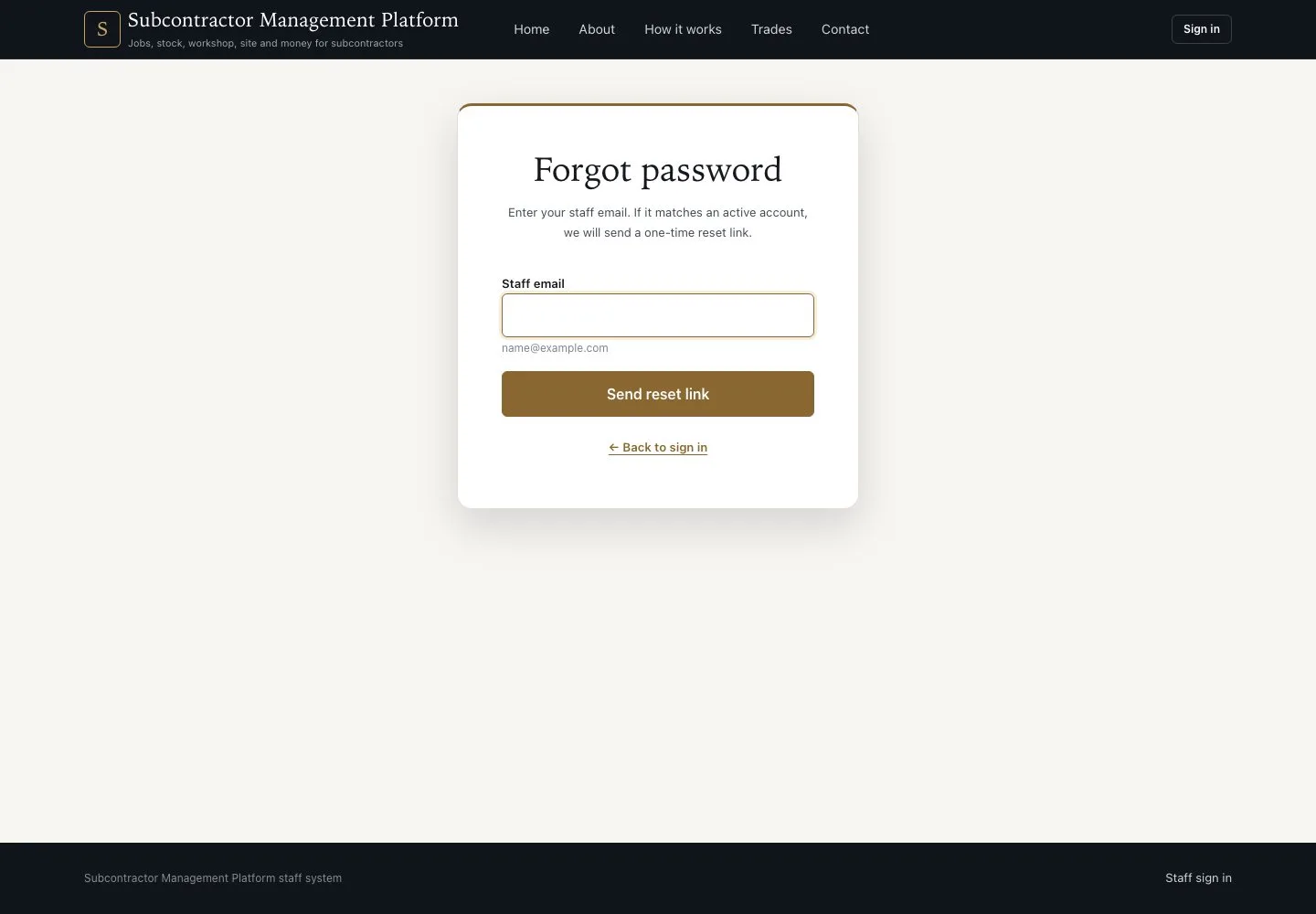
- Enter your staff email and press “Send reset link”
- Open the one-time link in the email and choose a new password
The page answers the same whether or not the address has an account. The link works once.
Open illustrated screen ↗Full image ↗
Check
You are signed in: staff start on My account, a Worker on a phone starts on Scan.
1 / 3