










Contact us
Contact · Walkthrough · Enquiry
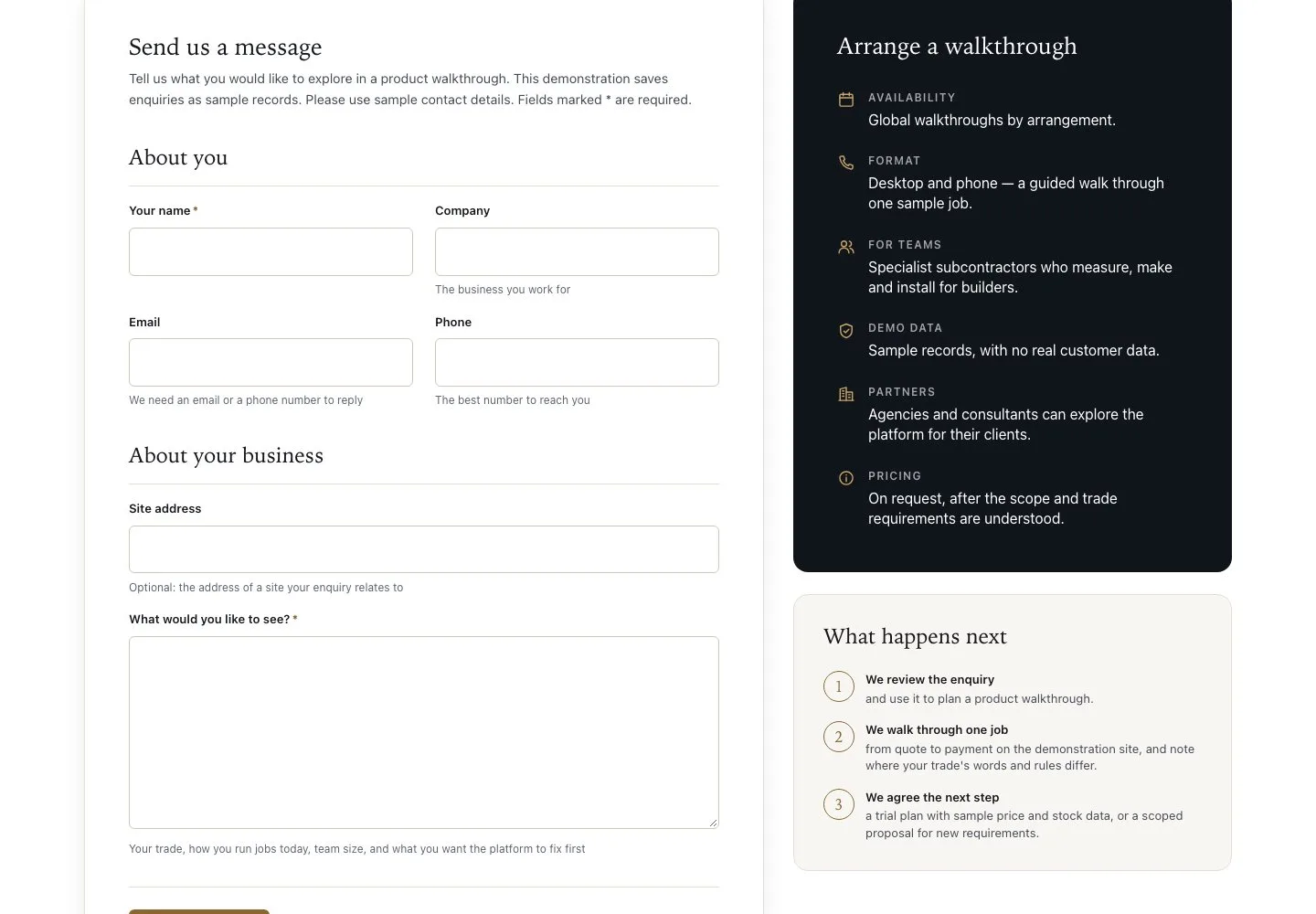
- Your name and an email or phone number
- Sample details only: no customer or payment information
Visitor

Send enquiry
Visitor

2Step 2 of 2
- Check your details
- Press “Send enquiry”
- If a field is marked, correct it and send again
Enlarge, then scroll
Open illustrated screen ↗Full image ↗
Check
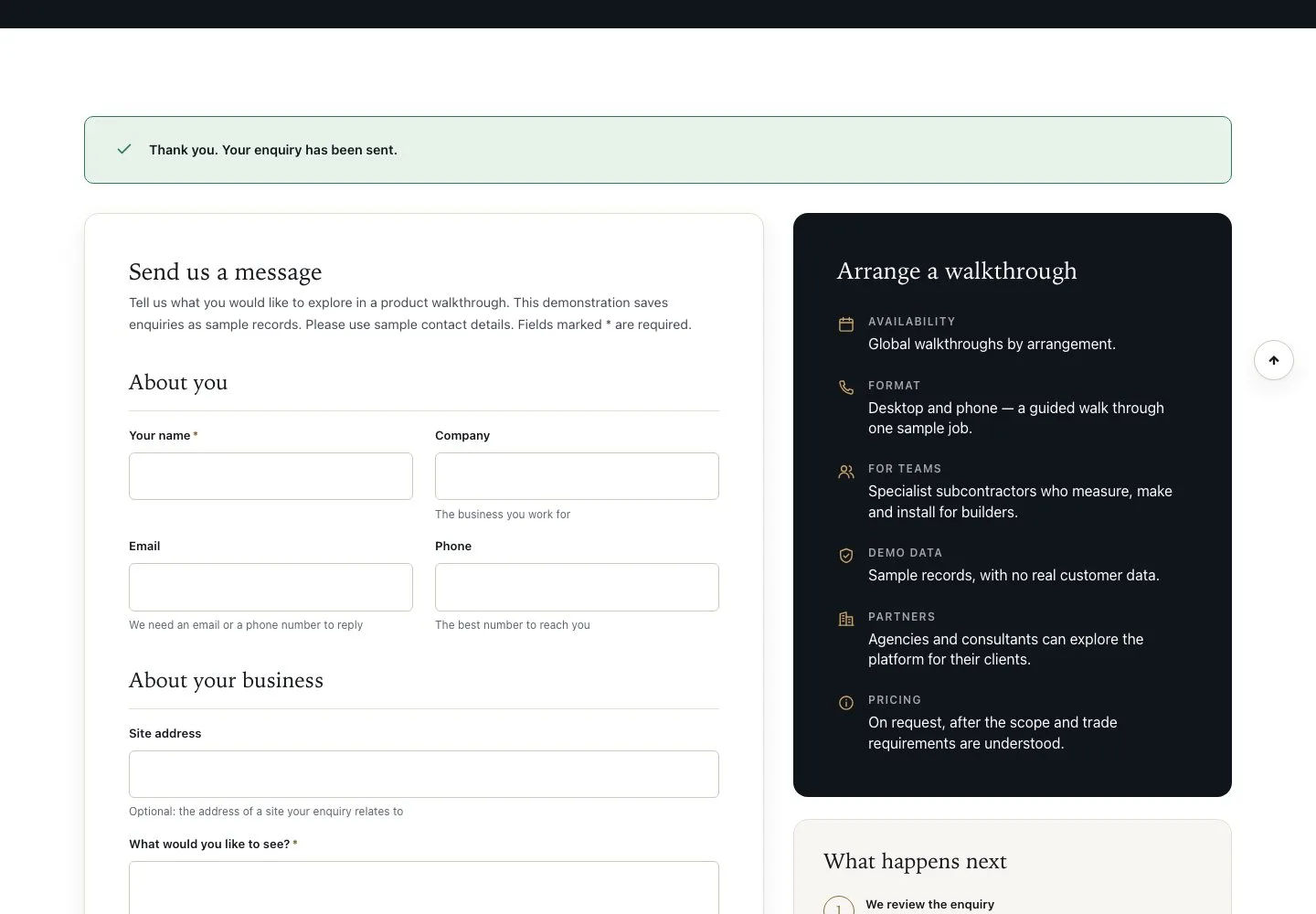
The page shows “Thank you. Your enquiry has been sent.”
1 / 3