Log in and reset a password

Log in · Forgot password · One-time link

  • A verified account
Visitor

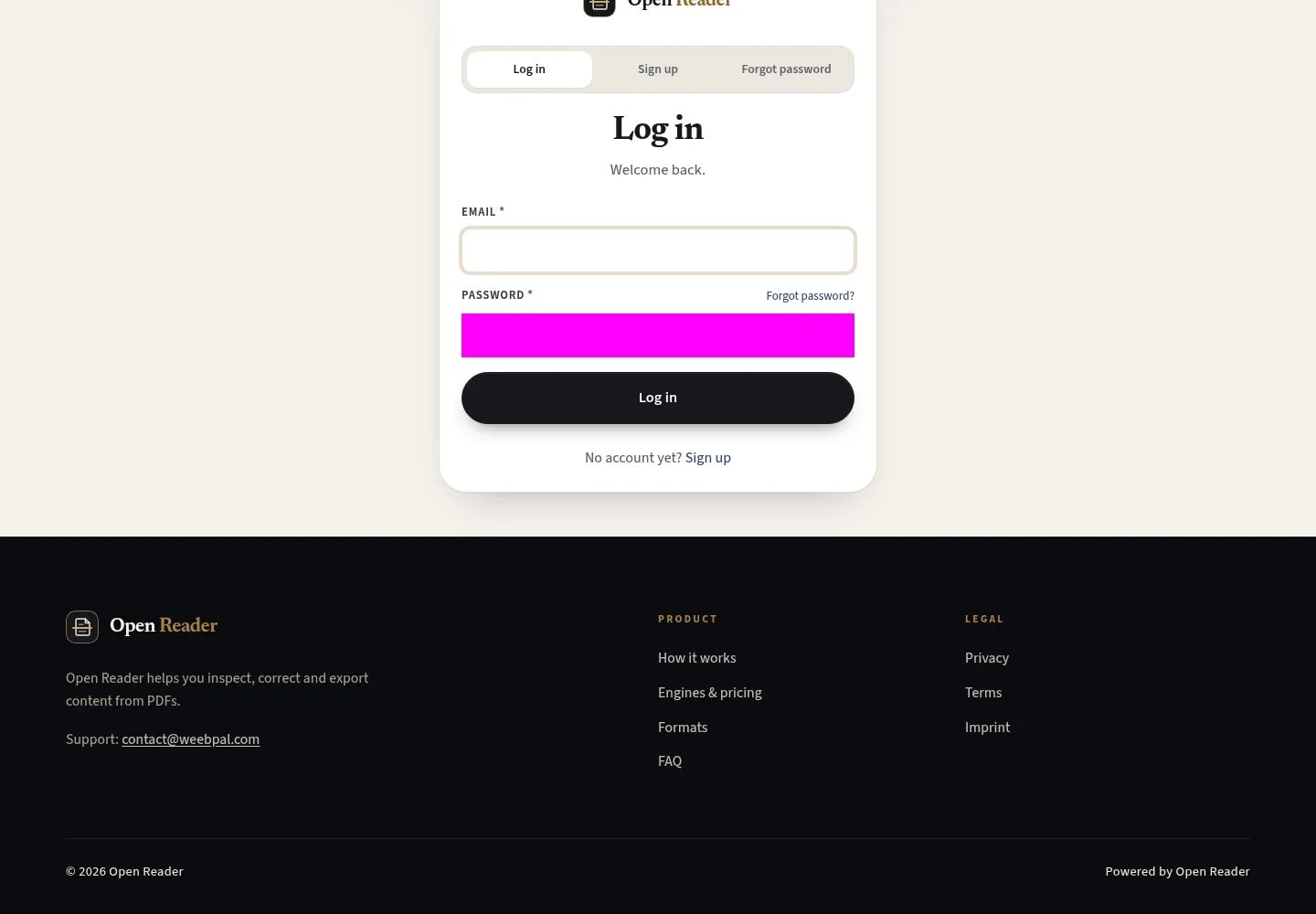
Log in

Visitor

Log in

1Step 1 of 5

  1. Email · Password
  2. Log in
  3. Forgot password?

Enlarge, then scroll

Open illustrated screen ↗Full image ↗

Visitor · Log in and reset a password01

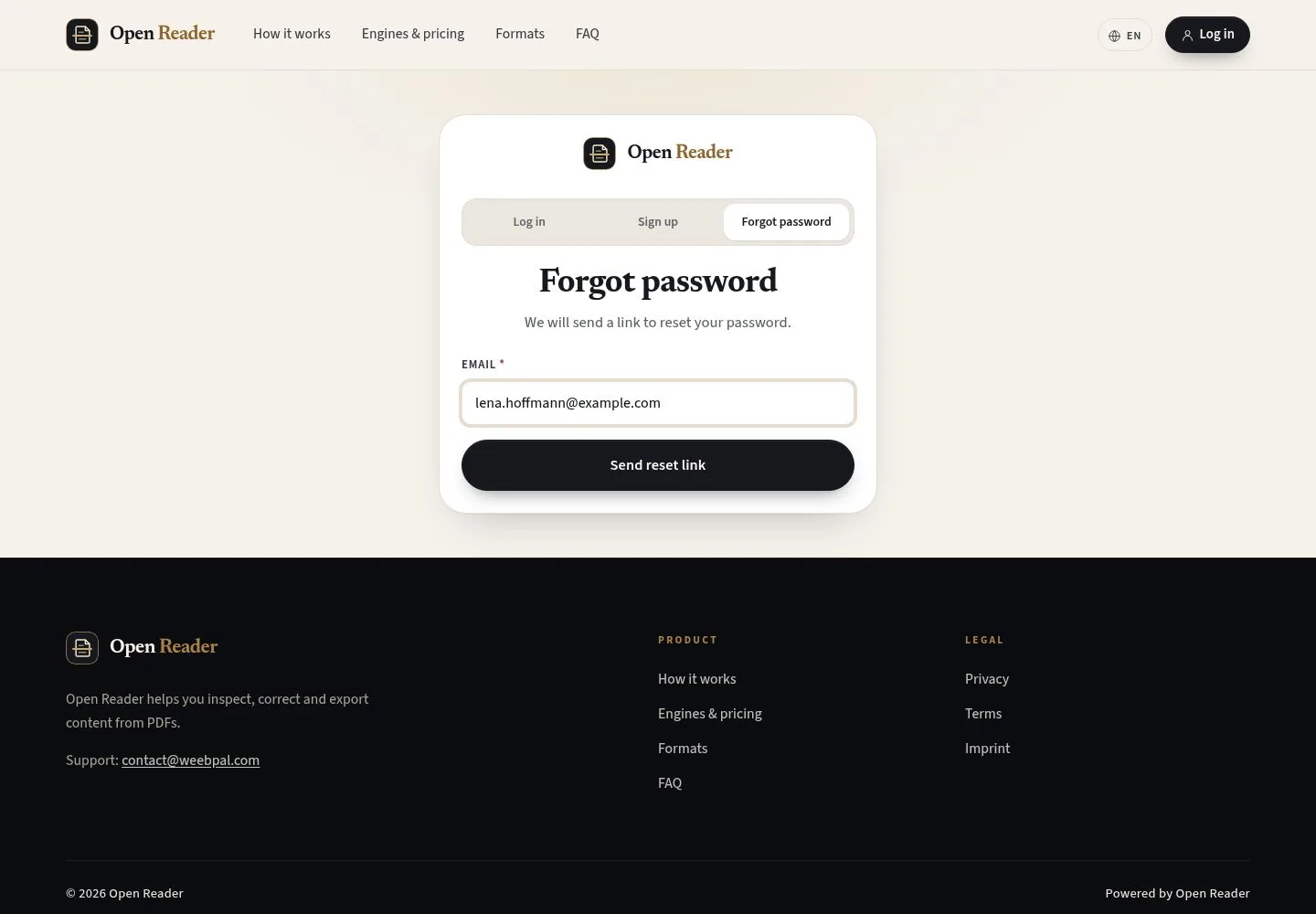
Forgot password

Visitor

Forgot password

2Step 2 of 5

  1. Email
  2. Send reset link

Enlarge, then scroll

Open illustrated screen ↗Full image ↗

Visitor · Log in and reset a password02

The same notice for every address

Visitor

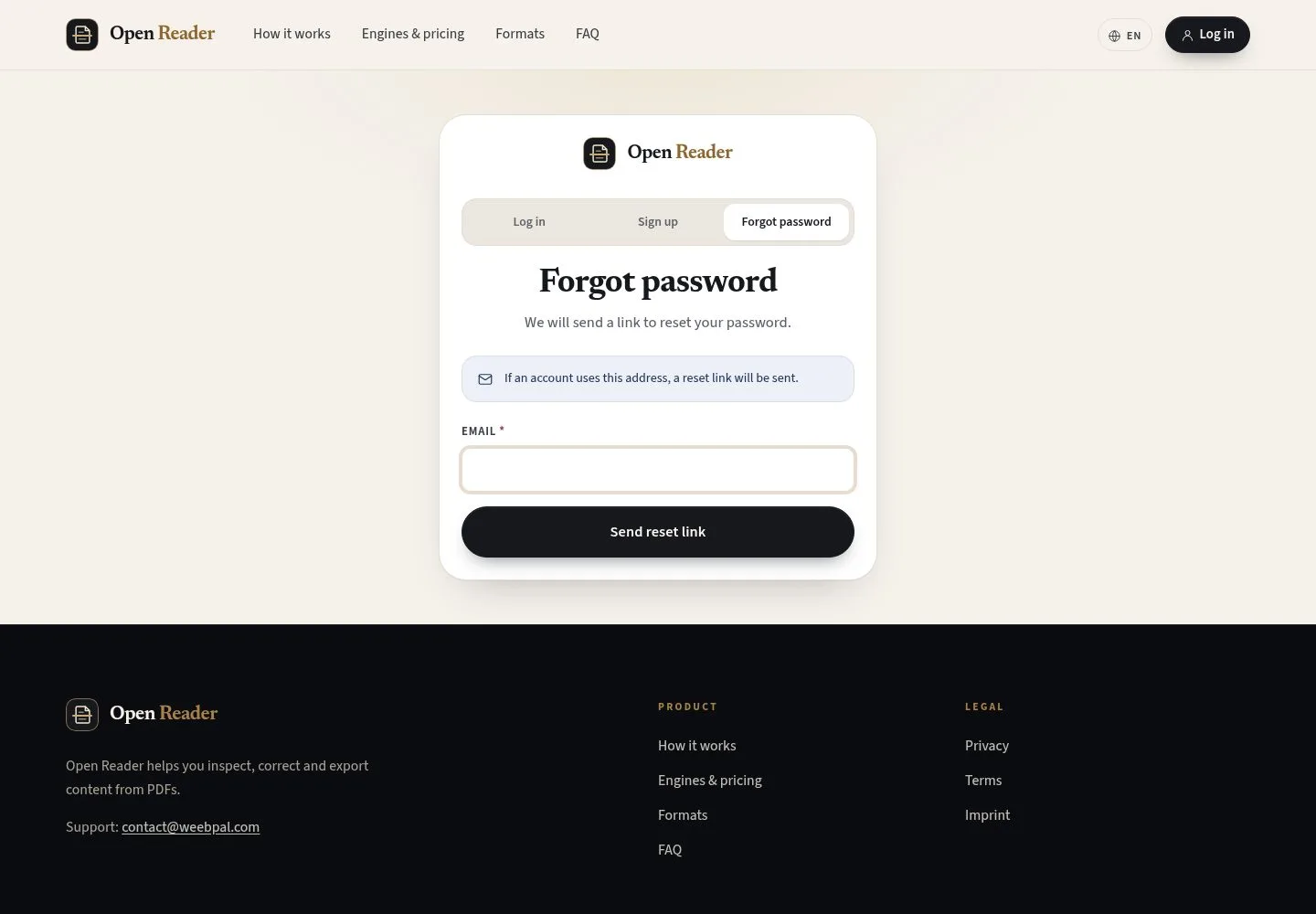
The same notice for every address

3Step 3 of 5

  1. If an account uses this address, a reset link will be sent

The notice never tells whether an account exists.

Enlarge, then scroll

Open illustrated screen ↗Full image ↗

Visitor · Log in and reset a password03

The reset email

Visitor

The reset email

4Step 4 of 5

  1. One-time link

The link works once; request a new one if it has expired.

Full image ↗

Visitor · Log in and reset a password04

Set a new password

Visitor

Set a new password

5Step 5 of 5

  1. New password · Confirm new password
  2. Save new password

Enlarge, then scroll

Open illustrated screen ↗Full image ↗

Check

You are signed in, or the link opens Set a new password

Visitor · Log in and reset a password05
1 / 6
Privacy Terms