
Time and ratings
Raw hours for payroll
- Shifts recorded by the crew
Supervisor
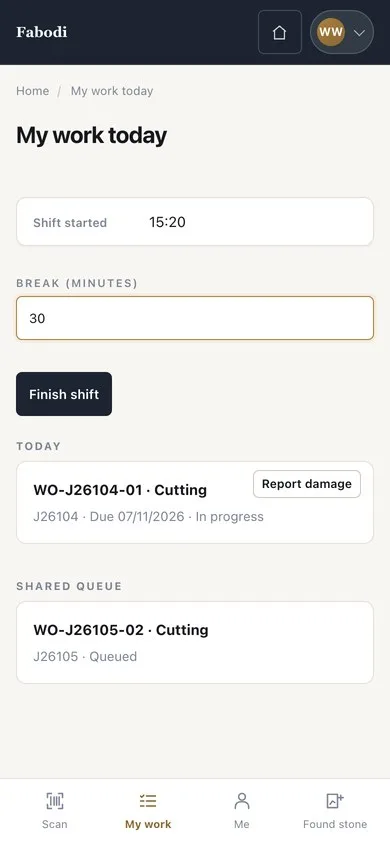
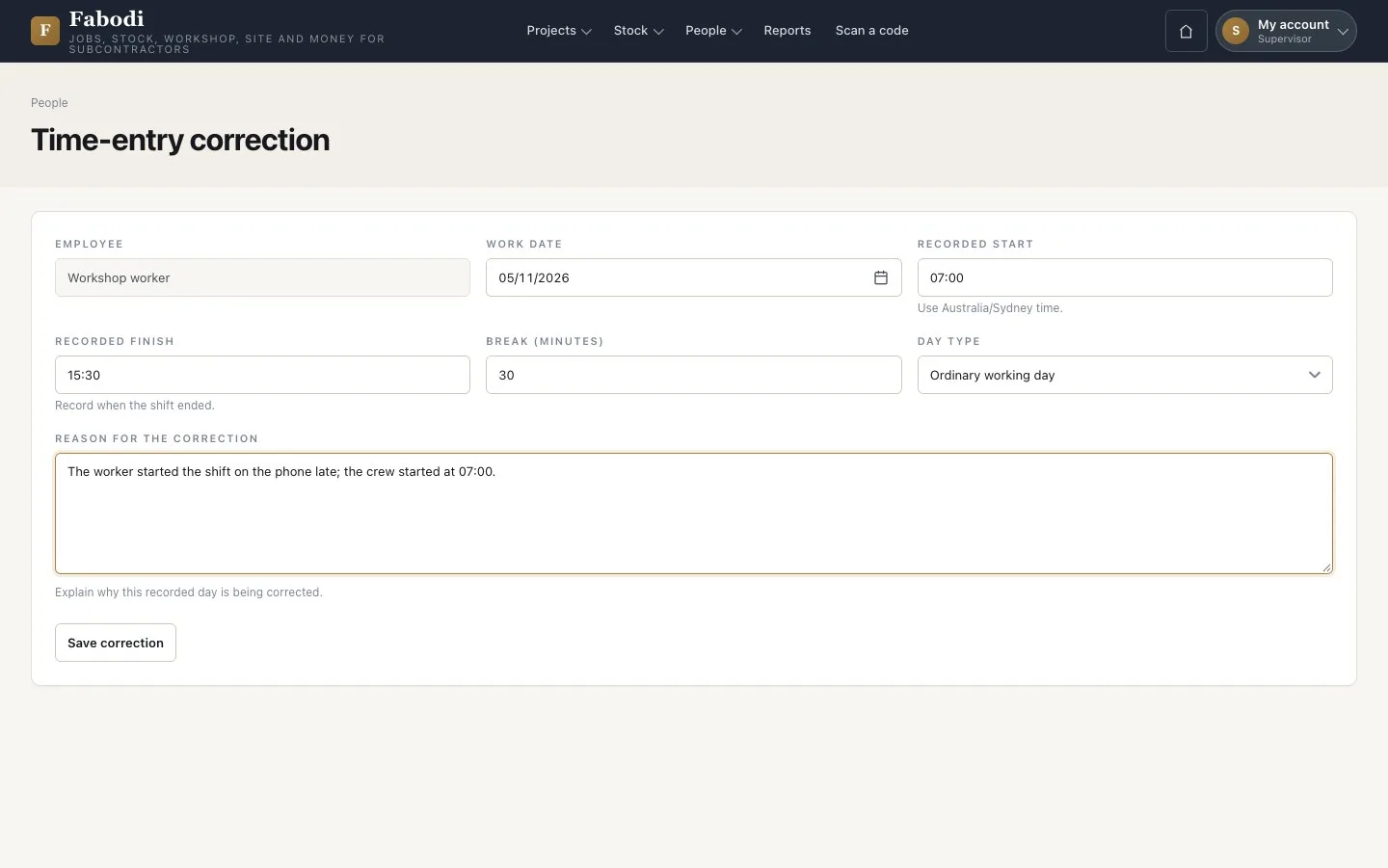
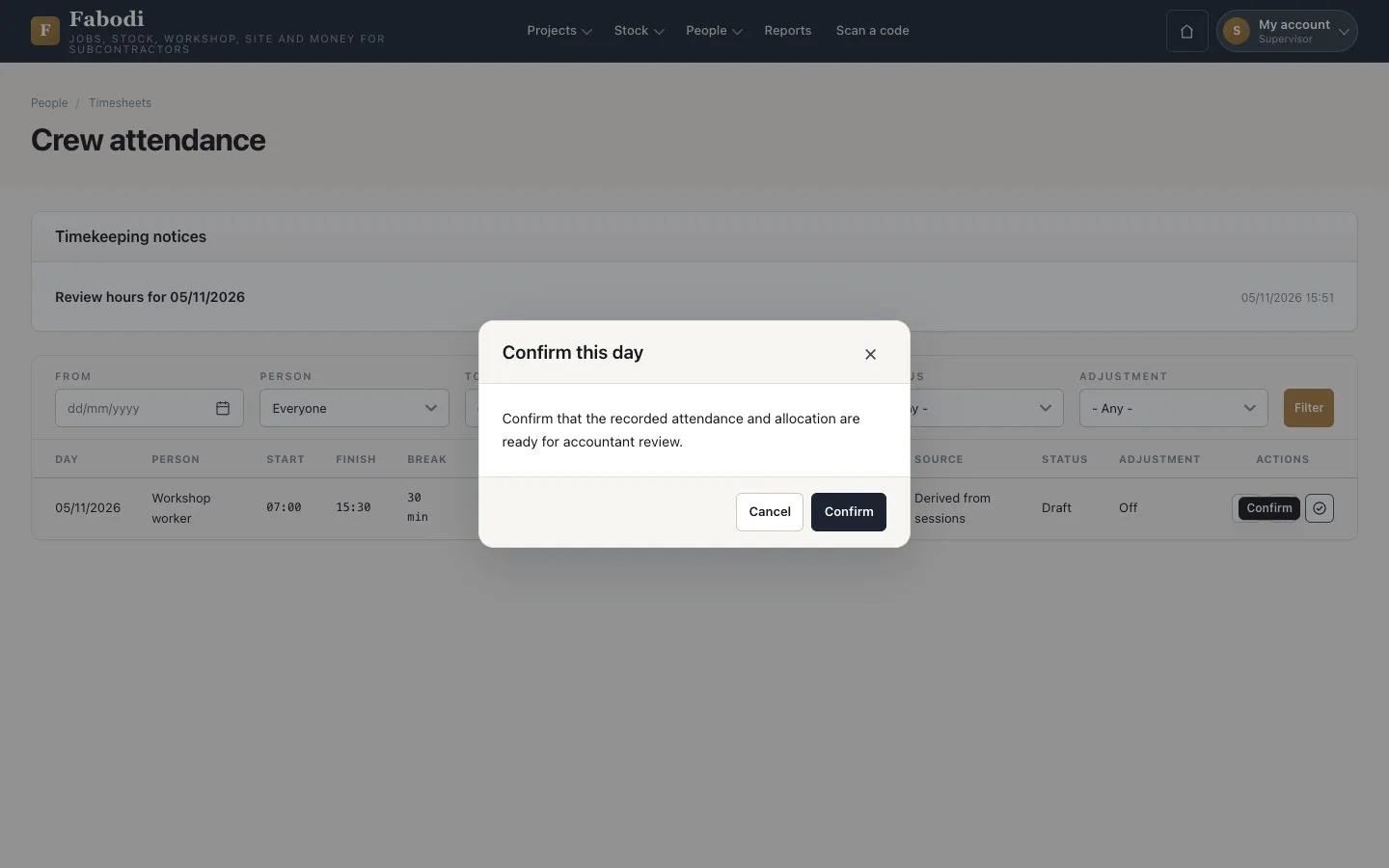


My timesheet
Worker

6Step 6 of 6
- Everyone can read their own hours.
Open illustrated screen ↗Full image ↗
Check
The day is locked and its labour cost is on the job
1 / 7

 Fabodi
User guide
Choose a product for step-by-step instructions for each role.
 User guide
EverLMS Enterprise
Step-by-step EverLMS Enterprise guides for every role, from visitors and employees to trainers, content editors, managers and…
 User guide
MenuNerds
Step-by-step MenuNerds guides for every role, from guests ordering and booking a table to waiters, managers and the restaurant…
 User guide
MenuNerds Café
Step-by-step MenuNerds Café guides for every role, from guests ordering and booking a table to waiters on the floor and the café manager.
 User guide
MineRooms
Step-by-step MineRooms guides by role, from guests booking a stay to reception, housekeeping, the kitchen and the managers who run the…
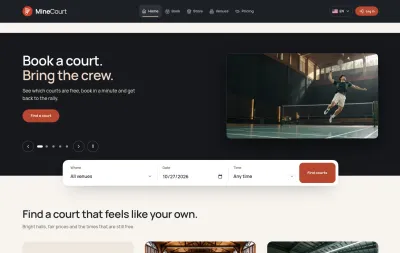 User guide
MineCourt
Step-by-step MineCourt guides for every role, from players booking a court to venue staff, managers, company owners and the platform team.
 User guide
GrowMarket.AI
Step-by-step GrowMarket.AI guides for every role, from the business owner to the back office, support and the site editor.
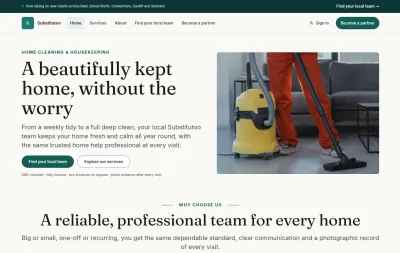 User guide
Substitutoo
Step-by-step Substitutoo guides for every role, from a visitor's enquiry to the office, operatives, franchise owners, the franchisor and…
 User guide
WReader.IO
Step-by-step WReader.IO guides by role, from creators turning PDFs into data they check and export to the site team behind them.
User guide
Fabodi
Step-by-step Fabodi guides for every role, from workers and the warehouse to supervisors, the office and directors.
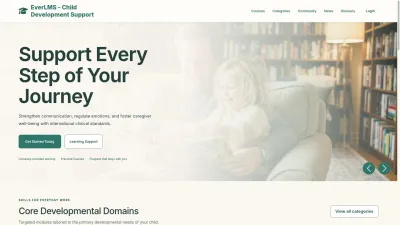 User guide
EverLMS Children
Step-by-step EverLMS Children guides for every role, from learners and instructors to the managers who run the programme.
Raw hours for payroll
Worker
6Step 6 of 6
Open illustrated screen ↗Full image ↗
The day is locked and its labour cost is on the job